7 Things Someone Can Do With Your IP Address
All devices connected to the internet have an IP (Internet Protocol) address. It works as your online return address. Websites, apps, and online services send data to your device’s unique number. An IP address does not contain any personal information. However, it can expose your approximate location, your internet service provider (ISP), and various other details. Most assume IP exposure is risk-free. However, a cybercriminal can actually do a lot of damage with your IP address.
1. Find Your Approximate Location
With your IP address, a cybercriminal can pinpoint your country, city, and potentially your neighbourhood. It won’t, however, reveal your address or street.
With a rough idea of your location, bad actors can build a profile of you. They can combine your IP address with other available information to narrow down your location further. They could then create more convincing phishing scams or conduct localised fraud. For example, a criminal who knows you’re based in Mumbai might craft a scam message that references a local bank branch, a regional government scheme, or a nearby delivery service.
2. Identify Your Internet Service Provider
Cybercriminals could also use your IP address to determine your ISP. Specifically, they’ll be able to find out if you use Airtel, ACT, Jio, or another provider.
Without other information, knowing your ISP isn’t useful. However, a cybercriminal could combine your ISP with your location to craft a convincing phishing email. Phishing is becoming more prominent throughout India. 68% of respondents in a recent survey stated they had interacted with a phishing email in the last year.
3. Track Browsing Habits
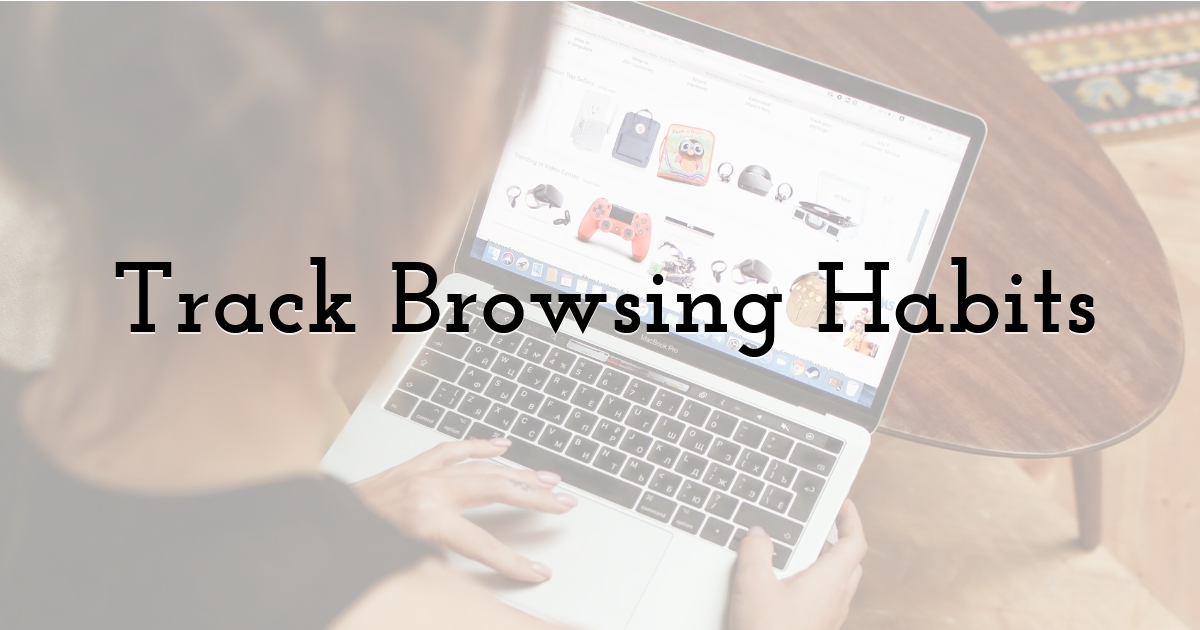
When used alongside cookie data and browser fingerprinting, hackers can monitor your browsing habits.
By understanding how you move across the web, hackers can build a profile of your likes, interests, and habits. Your profile has real commercial and criminal value. Advertisers pay for behavioural data, and data brokers trade it constantly. In the wrong hands, the same information can be used to identify the right moment to target you — for example, if your browsing activity suggests you’re shopping for a new laptop, a scammer might send a fake deal from a brand you’ve been looking at.
4. Launch a DoS or a DDoS Attack
A hacker could attempt a denial of service (DoS) or a distributed denial of service (DDoS) attack.
Criminals carry out attacks by flooding your internet connection with traffic to overload the system. Such attacks make your connection slow and unusable and prevent you from accessing network resources.
DDoS attacks grew by 70% in 2025, according to the 2026 Cybersecurity Insights Report.
5. Frame You
Cybercriminals who know how to conduct proxy techniques can reroute criminal activity through your IP address. By doing so, they could frame you for buying drugs or downloading illegal material.
6. Gain Access to Your Device
With your IP address and a port scanner, a hacker can look for ports or vulnerabilities. Once identified, they could potentially hack into your phone or computer. They could then install different types of malware or steal sensitive data.
Your IP address isn’t enough for a hacker to successfully infiltrate your device. However, they potentially could, in combination with outdated software, misconfigured network settings, or exposed remote access services.
7. Sell Your IP Address
Hackers may not want to launch an attack — but they can find someone who does. Some criminals collect IP addresses only to sell them on the dark web. Another criminal could then buy it to conduct fraud or identity theft.
How to Protect Your IP Address
You can’t totally mask your IP address, but there are various steps you can take to protect it.
Use a VPN (Virtual Private Network)
What is a VPN? When switched on, a VPN masks your IP address with the network’s own IP address. Plus, VPNs also encrypt your internet traffic, making it difficult for hackers to monitor your online activities.
Use a Proxy Server
Proxy servers are less effective than VPNs as they don’t come with encryption. However, they can provide an additional layer of protection by hiding your IP address.
Turn On Privacy Settings
Apple devices allow you to limit IP address tracking in the Wi-Fi settings. You should also keep your messaging apps in private mode, and be wary of calls and messages from unknown contacts.
Blur Information in Screenshots
When sharing screenshots, always blur network, hostname, and IP address information. Even a partial IP address combined with other visible details can give a bad actor enough to work with.
Enable Your Router’s Firewall
A firewall can help block unauthorised external access and cyberattacks targeted towards your device’s address. Keep your firewall updated and regularly change its passwords.
IP Addresses Reveal More Than You’d Expect
Your IP address isn’t just a string of numbers. On its own, it can’t cause much harm. But when combined with other data, an exposed IP address can cause you significant problems. From DDoS attacks to location tracking, there are plenty of reasons why it’s important to protect your IP address.
Luckily, it’s easy to keep your IP address protected. VPNs can keep your address hidden, while firewalls and good security habits will reduce your risks of cyberattacks.
Until next time, Be creative! - Pix'sTory
Recommended posts
-
How to Verify a Website Before Uploading Creative Files
Read More › -

Simple Ways to Improve Your Digital Security Without Technical Skills
Read More › -
How to Create a Robust Data Backup Strategy for Your Business
Read More › -

Smart Visual Filters: Enhancing Online Safety with Automated Image Screen...
Read More › -

How Secure Payments Enhance User Experience on Your Website
Read More › -

Why Upgrade Legacy Systems in Your Company
Read More ›
