How to Convert Your WordPress Site to a Mobile App (+ 4 WordPress Plugin Options)
Most of us are using mobile apps as part of our daily lives, and with the average person downloading 58 apps in a year, this is changing how businesses need to approach their online presence if they want to connect better with their customers.
The thought of creating a mobile app may be daunting, but this is where the best WordPress plugins come in.
Knowing how to turn a WordPress site into an app without having to write a single line of code will enable you to convert your existing site into an app in a fraction of the time.
The Benefits of Turning Your Website into a Mobile App
If you’re deciding whether to convert a WordPress site to a mobile app, it most likely is. Let’s talk about why.
- • Remind people of your brand. Once a user has installed your app on their phone, they will see it every time they are on their home screen. In fact, nearly a third of apps installed on users' smartphones are used daily. This is a great way to keep your name in their subconscious, meaning they’ll likely remember you when they need your services.
- • Reach users through notifications. One of the biggest benefits of having a mobile app is the ability to utilise push notifications. Being able to appear at the top of a user’s device with any promotions or announcements is going to have better visibility than email marketing or social media efforts.
- • Encourages regular visits. From a user perspective, being able to just open an app is much more convenient than having to run a Google search and browse a website. This makes them more likely to return more often.
- • Remove other distractions. If a user is using the web to find your website, they could easily get distracted by other search results or tabs they already have open. A mobile app removes these external distractions so you can hold their focus for longer.
- • Make use of monetisation opportunities. The average person spends around $137 on mobile apps. Having the option to set up subscription services, in-app purchases, or ad space gives you the option to generate an additional source of income, which would not be as effective through your website.
5 Steps to Convert Your WordPress Site to a Mobile App
Although the prospect of turning your website into a mobile app may sound like a big project, that’s what the best WordPress plugins are for!
With the help of plugins for WordPress, knowing how to turn a WordPress site into an app will avoid you having to build everything from scratch and have a brand-new mobile app in a short timeframe.
Here are the five steps you can follow to convert a WordPress site to a mobile app:
1. Make sure your WordPress website is ready
If you’re looking to create a quality mobile app, you first need to be sure that your website is strong enough to make the conversion a success.
Since the information will be carried over, you need to make sure that your website has a clear navigational structure, includes up-to-date information, and is free of any bugs.
Performance is crucial at this stage. If your site visitors are facing slow load times and an unreliable user experience, it can impact their image of your brand and make them less likely to trust in your new mobile app.
If your page load times need improvement, switching to managed VPS hosting could be the answer. Many businesses use shared hosting, but this can hinder speed, so upgrading to VPS hosting means your site has allocated resources on the server. Choosing a reliable hosting provider like Host IT Smart can help improve website performance, stability, and uptime, ensuring a smoother experience for your visitors.
Once your website is performing to its full potential and has a professional appearance that you’re proud of, you are ready to get started on your mobile app.
2. Find the best conversion plugins for WordPress
Choosing the best plugins for the job will make the process much easier, so make sure to do your research before getting started.
The purpose of these plugins for WordPress is to access your website and fit it into the template of a mobile app.
Some of the must-have WordPress plugins are more reliable and advanced than others, so ask yourself what your goals are before you commit to a plugin that is aimed at a completely different audience.
We’ll talk more about this later on by suggesting some different options.
3. Choose how your app will work
There are must-have WordPress plugins for different uses, and if you’ve picked the best one for the nature of your app, the process should be simple.
Whether you are creating an eCommerce mobile app that allows users to make purchases or you’re offering a service that allows customers to log into their own personal accounts, the plugin should be able to pair up the features of your website with its own templates.
Once the basis of the app has been created, you will then be able to customise the app by playing around with the layout and editing the visuals.
4. Generate the mobile app files
Now that you have finalised your designs, you are ready to generate the mobile app files and bring your creation to life.
The aim of the mobile app files is to provide both the Google Play Store and Apple App Store with the code needed to list your app and allow downloads.
The plugin you have chosen to use will take over from here and generate all of the files needed to create a fully functioning mobile app for both Android and iOS, meaning you don’t have to worry about any of the complicated technicalities.
Once this has been done, your files are ready to be submitted and you are one step away from being able to launch your very own mobile app.
5. Carry out testing
Before you publish your app, you need to make sure that it looks as you intended and works as it should. If not, this could quickly make your users doubt your app’s functionality and lead to uninstalls.
Start by carrying out the different tasks as if you were a customer, checking the navigation, buttons, forms, and checkout process.
It is also worth paying attention to the page load speeds as you want to ensure your users are getting a speedy service to avoid frustrations.
If possible, you should be testing your mobile app on different screen sizes, covering both Android and iOS devices. Ask your family or friends to help out here as you want to ensure your app is working for everyone.
4 Must-Have WordPress Plugins to Try Out
Now that you know how to turn a WordPress site into an app, it’s time to choose the plugin you’re going to be using. There are various options available, each designed for different types of apps and experience levels, but let’s discuss four of the most popular options.
AppMySite
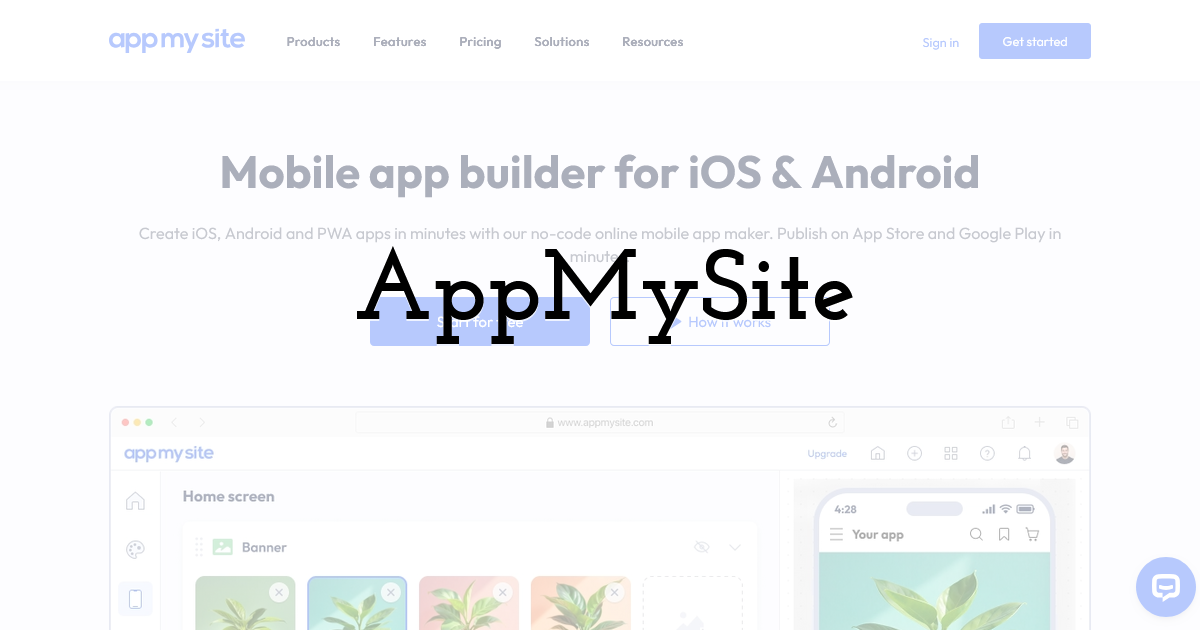
AppMySite is one of the most popular plugins as it doesn’t require any kind of coding experience, yet allows you to create feature-rich mobile apps.
It is a strong choice for eCommerce apps since it supports WooCommerce and push notifications, creating a strong user experience and making the conversion funnel simple.
WappPress
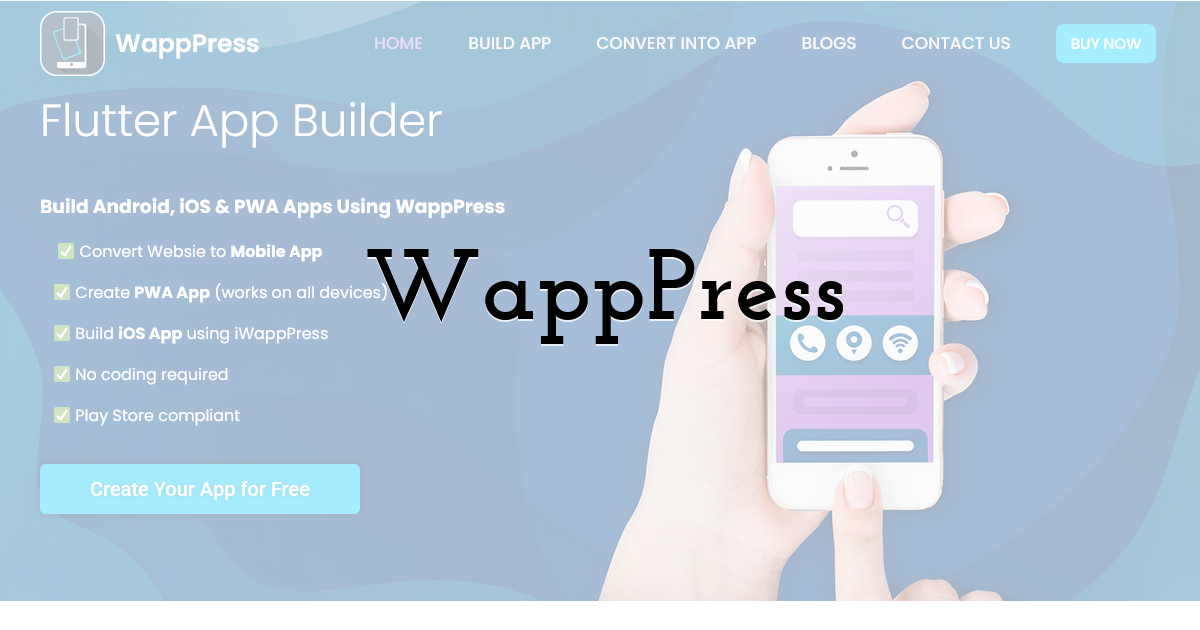
Offering both an app builder and a website conversion plugin, WappPress caters to a wider audience.
It is designed to suit different types of websites and the conversion can be carried out in just a few steps, making it a quick and easy solution.
This plugin is ideal for beginners but may not be suitable for those who are looking to include advanced features in their mobile app.
AppPresser
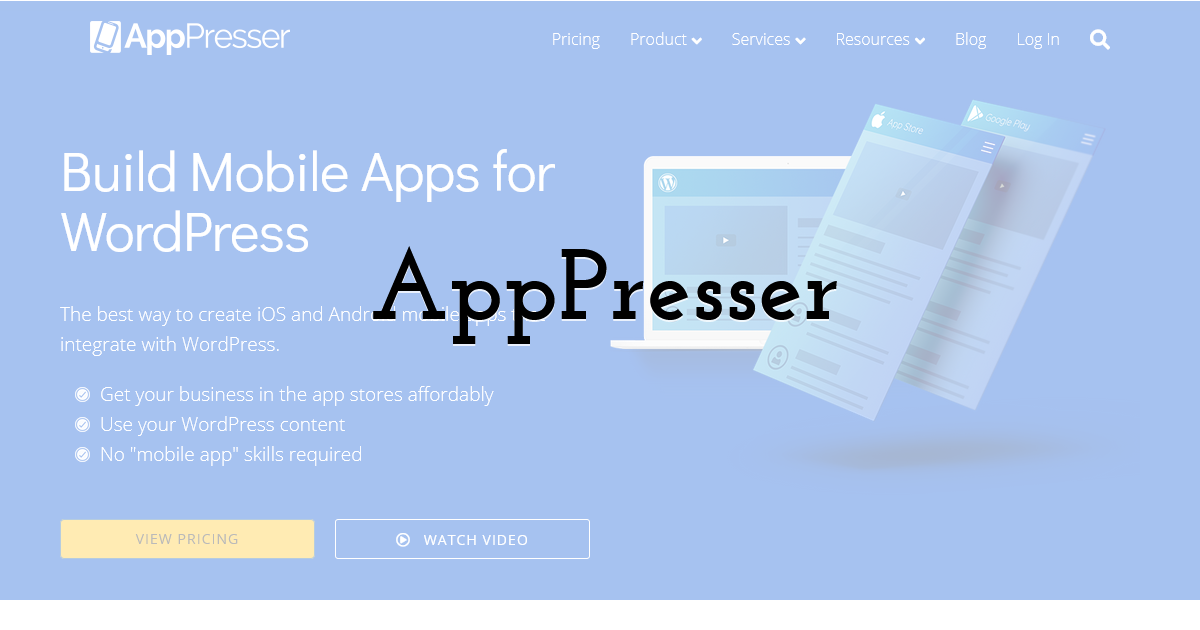
If you are looking to get stuck into a project, AppPresser could be exactly what you’ve been looking for.
This plugin offers the most customisation options and allows you to have more control over how your mobile app is built.
It is also compatible with WooCommerce and other plugins, giving you more control over the features you wish to include in your app.
APPExperts
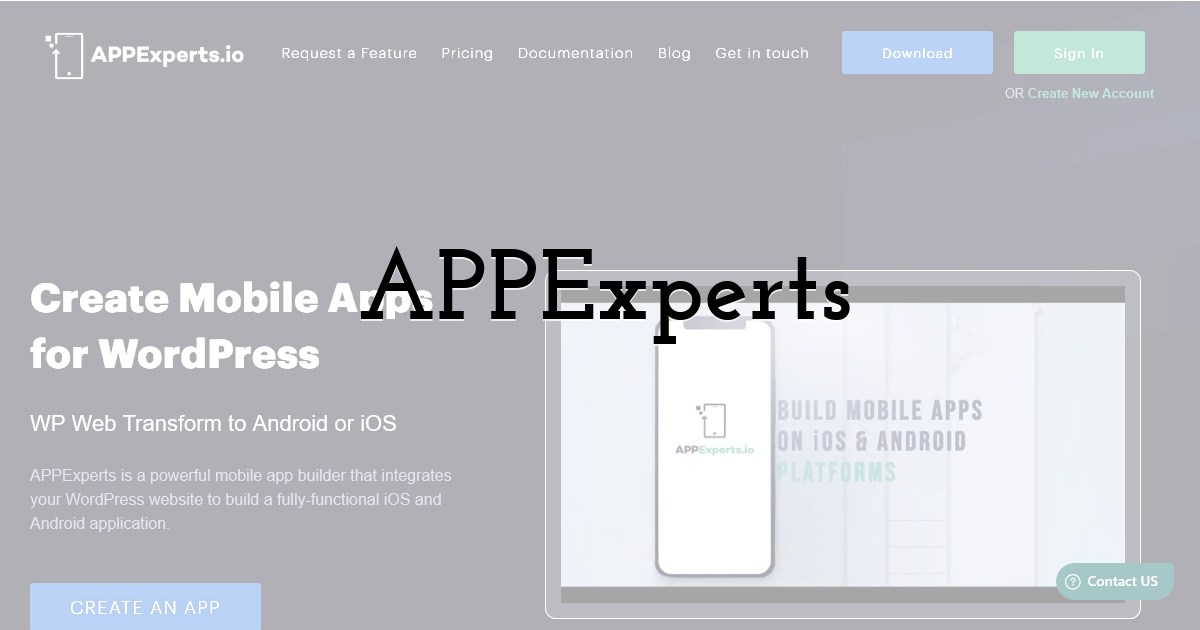
Once you install the APPExperts plugin on your WordPress site, you can connect to a platform that allows you to customise a mobile app in the same way you’d customise a WordPress website.
This is an ideal option if you are familiar with WordPress since it uses the same features and menu builders, saving you from having to get used to a completely new interface.
Using Plugins for WordPress to Transform Your Online Presence
Deciding to convert a WordPress site to a mobile app is a great way to build up customer loyalty and keep your brand name at the forefront of their minds.
Even if you’ve never learned a single line of code, you can now turn your website into a mobile app with the help of must-have WordPress plugins.
By picking the right tool for the job and following the steps discussed above, you can be on your way to launching a mobile app of your very own.
Until next time, Be creative! - Pix'sTory
Recommended posts
-
WordPress Support Agency: When Do You Actually Need One?
Read More › -
Maximizing ROI: How Mobile Apps Fuel Business Growth
Read More › -

Understanding SDKs from a Developer and Consumer Perspective
Read More › -

Web vs. Mobile Apps for Retail: A Strategic Guide for Choosing the Right...
Read More › -

Boost Your Mobile App Success with Advanced App Monitoring and Competitor...
Read More › -
How to Convert Your WordPress Site to a Mobile App (+ 4 WordPress Plugin...
Read More ›
