Design.com Review: Features, Pricing, and How To Use
Coming up with a business is exciting. Coming up with a great, well-designed logo? Still exciting, but it is usually trickier.
This is why most people rely on professional designers to create their logo. But it can be expensive, especially if you are a small business and don’t have a large budget.
Luckily, logo maker platforms try to bridge that gap, giving entrepreneurs access to professionally designed templates and intuitive editing tools without needing design experience.
Design.com is one of the larger platforms in this space. With hundreds of thousands of logo templates, AI design tools, and a full branding toolkit, it aims to make logo creation quick and accessible for anyone.
But how well does it actually work? Let’s take a closer look.
What Is Design.com?
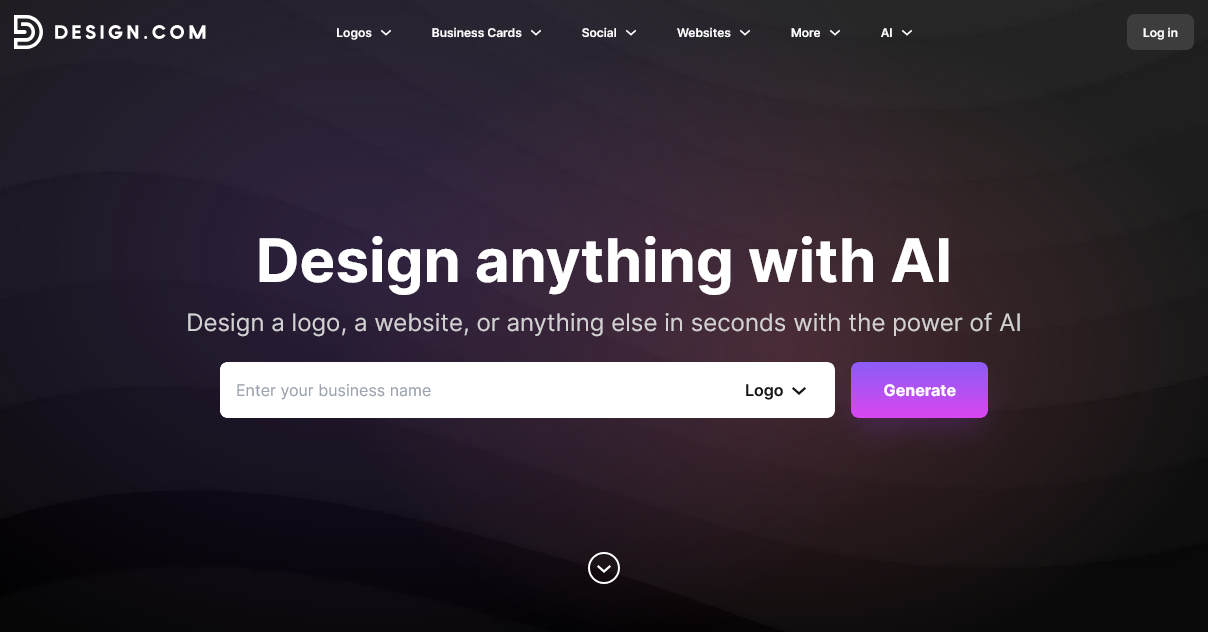
Design.com is an online logo maker and branding platform built for entrepreneurs, startups, and small businesses. It provides templates that allow their users to start with a strong foundation instead of from scratch, which can then be easily customized to make it truly their own.
It currently holds a 4.7 rating on Trustpilot with over 3,000 reviews, which signals strong user satisfaction and a solid reputation among online design tools.
How about their features? Key highlights include:
- • 400,000+ logo templates (the largest amongst competitors!)
- • 1 million+ total design templates
- • 750+ fonts, with 525+ exclusive fonts
- • 62,000+ custom vector shapes
- • 50+ additional branding tools
- • AI design tools such as AI logo generator, AI website builder, AI poster maker, AI background remover
In other words, it’s more than just a basic logo generator. It’s a complete branding platform that balances speed, convenience, and quality.
What Makes the Logo Maker Stand Out?
There are plenty of logo makers online. What sets Design.com apart is the scale of its library and how easy it is to customize designs.
Here are some of the most notable features:
- • The largest logo collection online
- • Designs covering almost every industry, whether it’s a coffee truck, seafood grill restaurant, airline, real estate, and more
- • Multiple styles, including minimalist, modern, badge-style, abstract, and illustrated logo
- • Beginner-friendly editor, users just need to click and drag items instead of dealing with complex controls and layers
- • An AI chat editing feature, where users can ask for changes via chat instead of manually making the changes
- • Exclusive fonts and icons are only available in the tool, which helps reduce the “template” look that many logo makers struggle with
- • Multiple file formats available, great for any digital or print use
Another key detail is that the templates are created by professional designers. That means most logos follow proper design principles like:
- • balanced typography
- • consistent spacing
- • appropriate color usage
- • clear visual hierarchy
This makes a big difference compared to lower-end logo generators where designs often feel randomly assembled. Designs here also look more premium and high-quality, again owing to the fact that professional designers actually made the designs from scratch instead of just built from stock libraries.
How to Use the Design.com Logo Maker (Step-by-Step Example)
To give you a clearer idea of how the platform works, let’s walk through the process using a fictional coffee brand called “Morning Roast Coffee”. Our goal is to create a logo that feels warm, modern, and coffee-related.
1. Start by visiting the Design.com logo maker page and entering your business name. You can also add keywords to guide the design style, like coffee bean, modern, or cafe.
2. After entering the name, the logo maker will give you multiple logo concepts instantly. At this stage, don’t worry about finding the perfect logo immediately. You can refine keywords if needed.
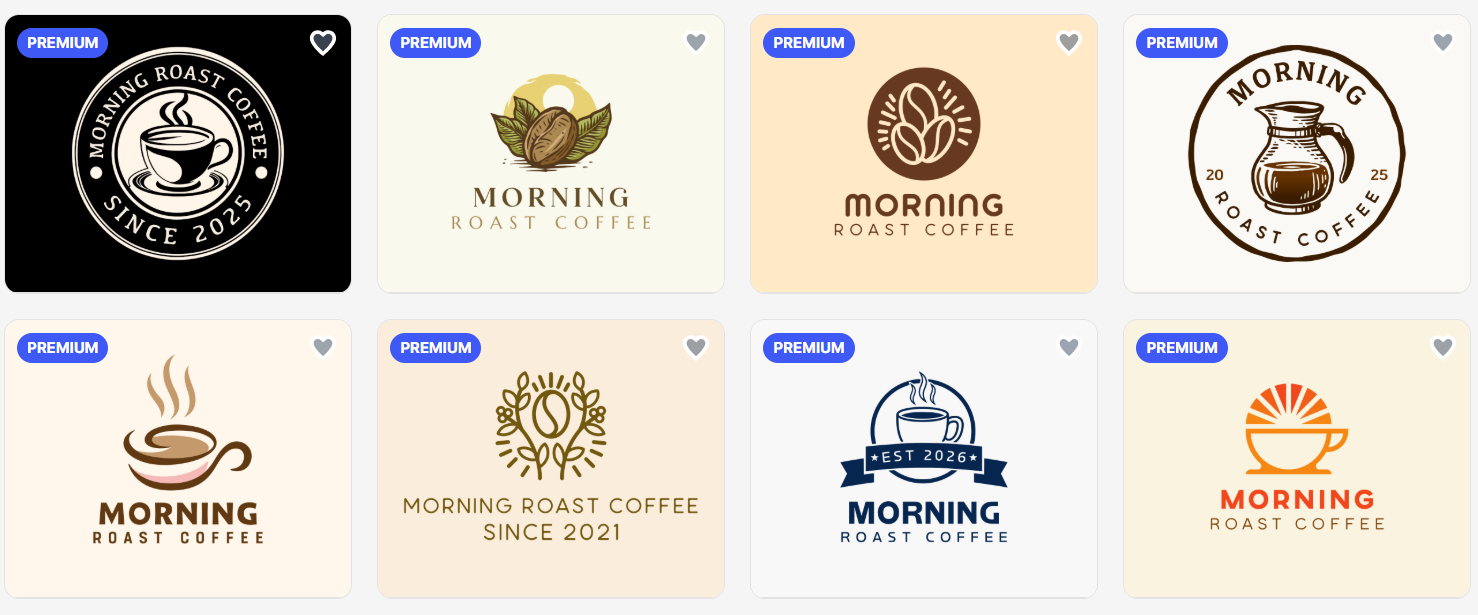
3. If you see logos you like, click the heart icon to save them. This creates a favorites list, allowing you to compare designs later.
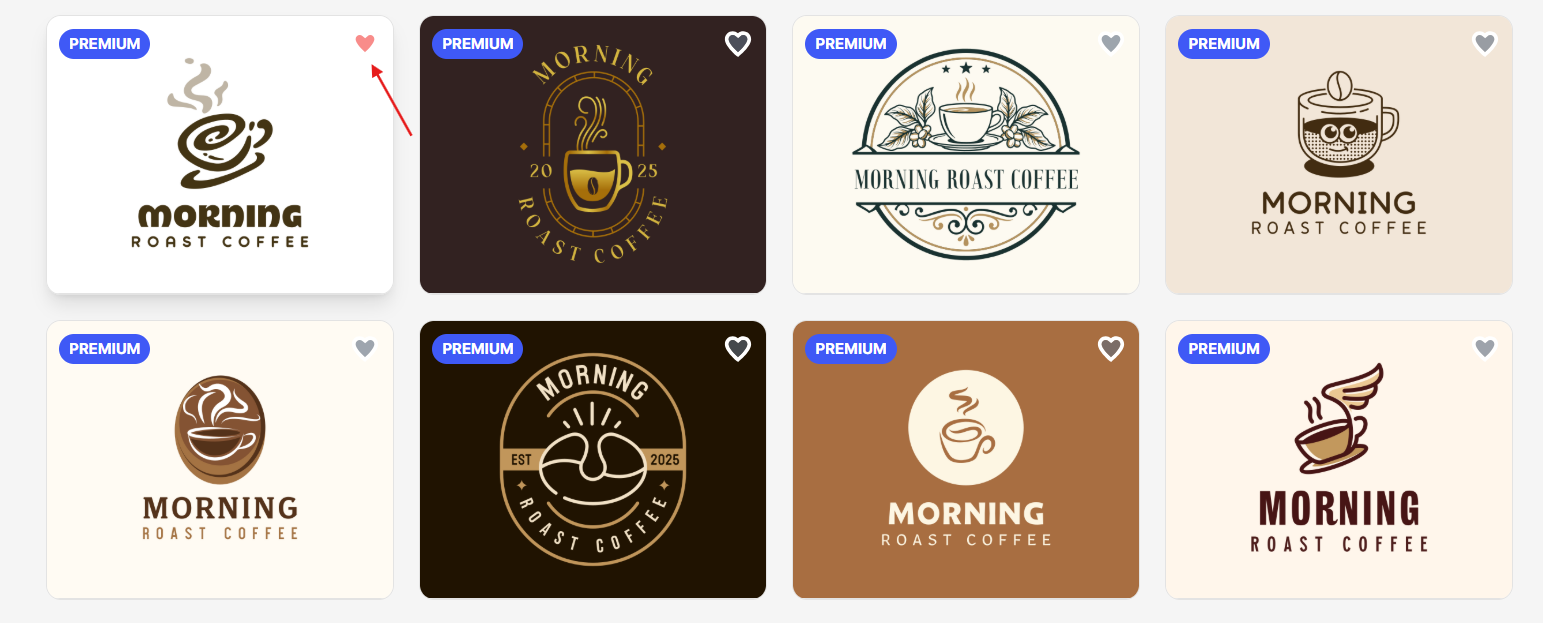
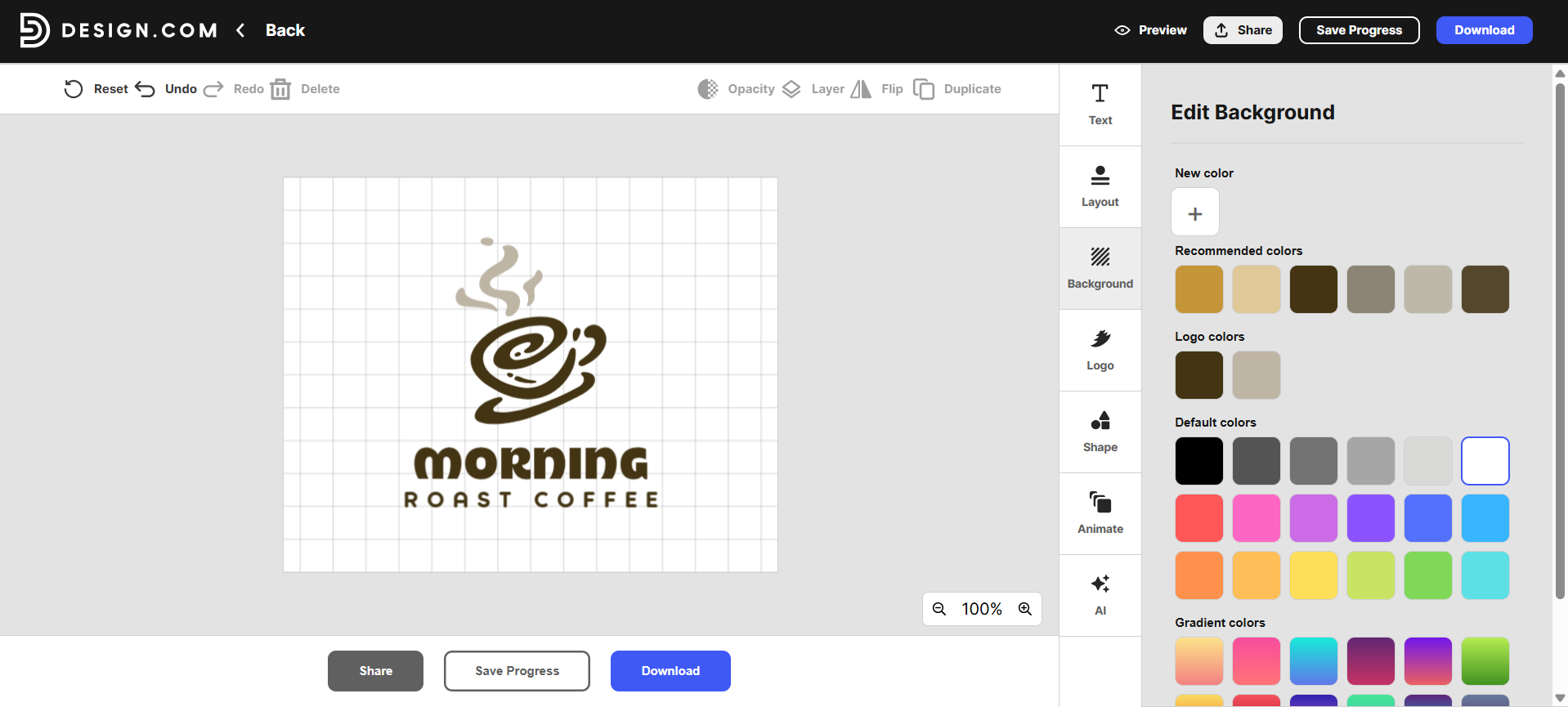
4. Once you’ve found a design you like, click Edit to open the logo editor. Now you can customize the design! Common edits include changing the font style, adding curved text, or switching up the colors.
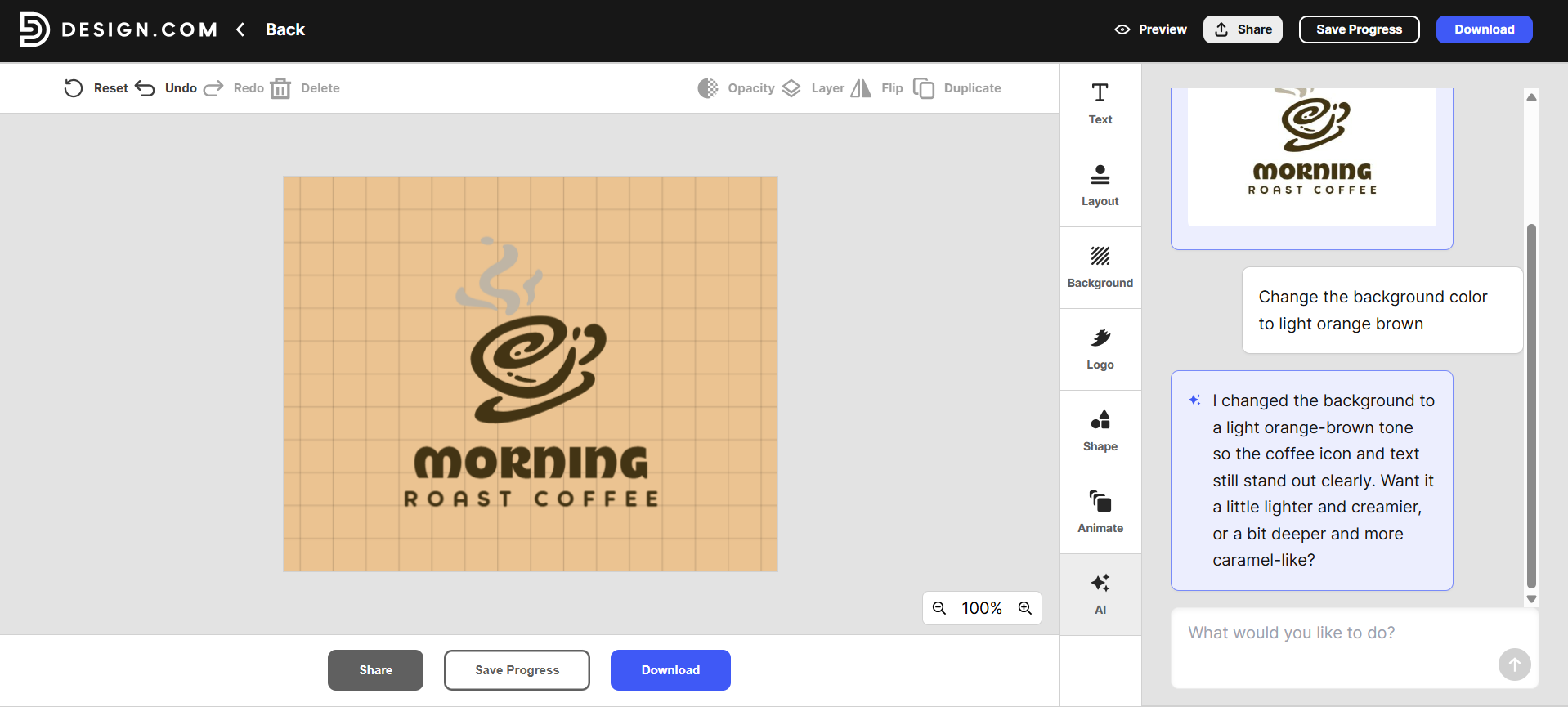
5. Design.com also allows AI chat editing. You can request changes such as “make the icon smaller”, “change the font to something more modern” “use warmer brown colors”. This can speed up the editing process if you’re unsure how to adjust the design manually.
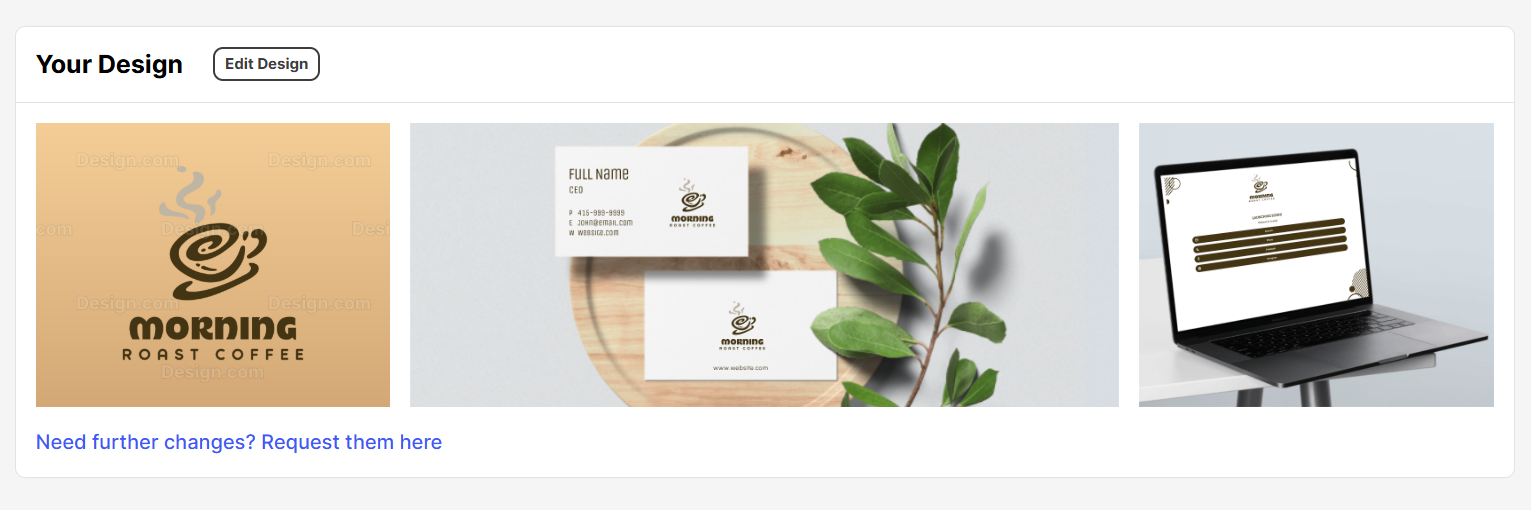
6. Before downloading, preview how the logo looks in real-world situations.
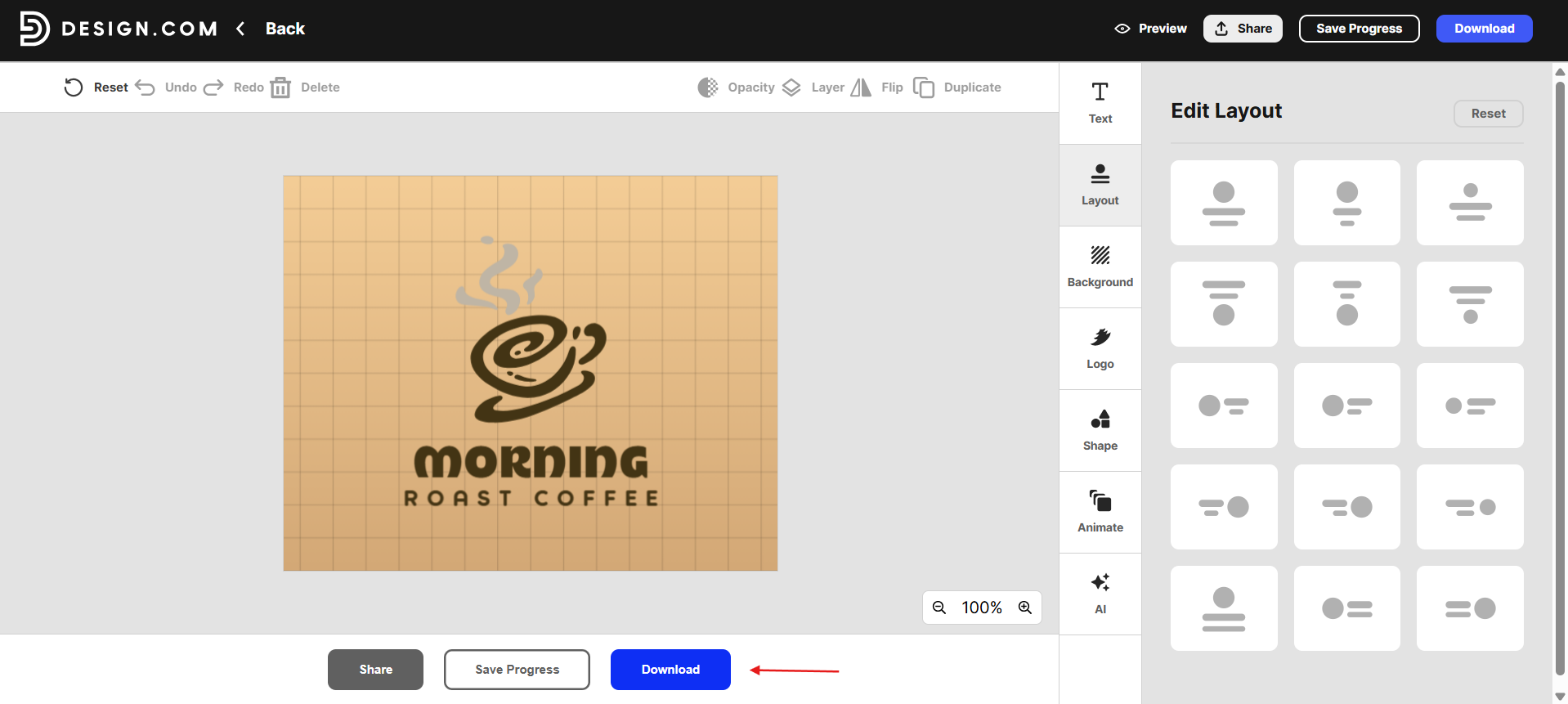
7. Once you’re happy with the design, you can download the logo!
How the Logos Look Across Different Industries
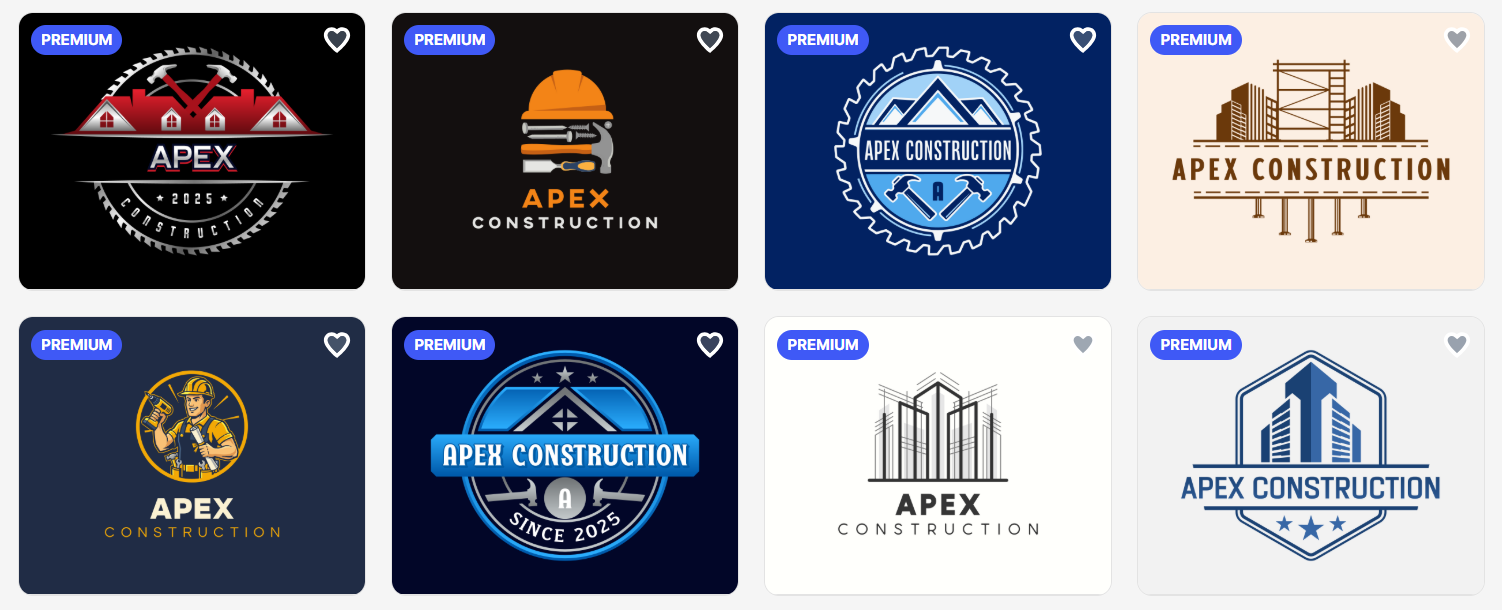
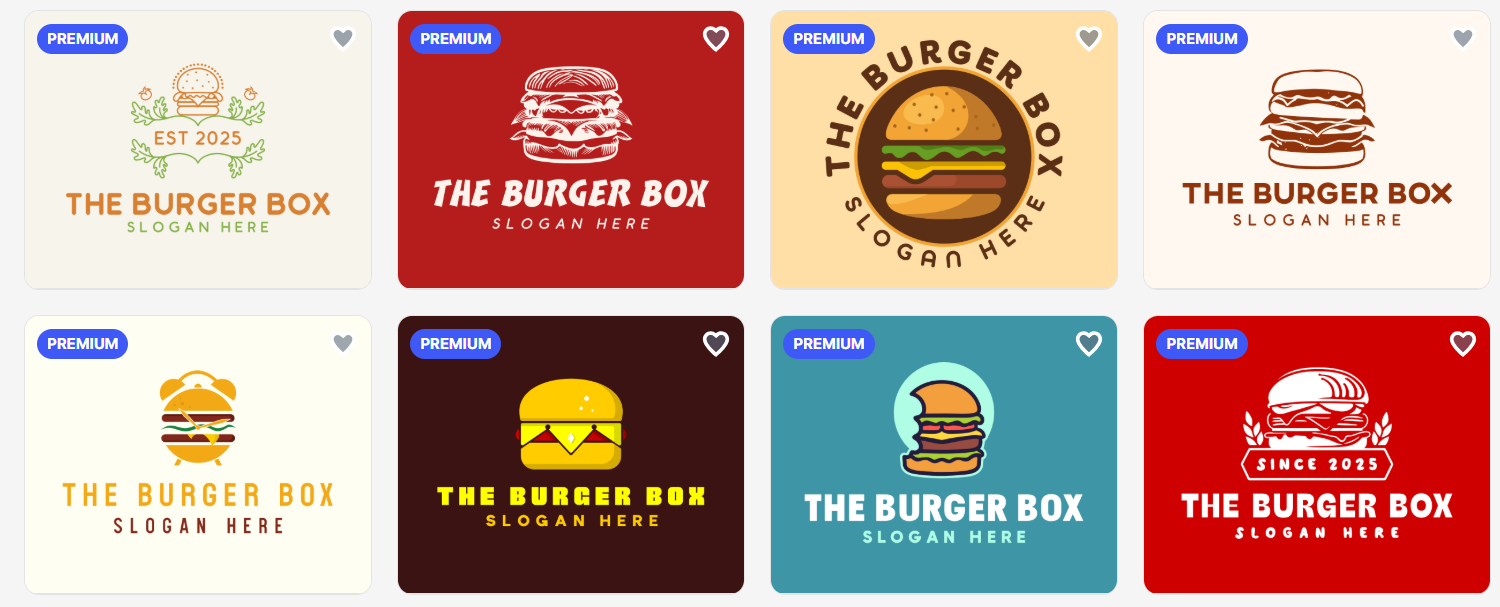
Design.com highlights its extensive library, so we took a look at how its logos perform in select industries.
Here is how their logos look for a construction firm:
For a hip and trendy burger shop:
And for a professional consulting company:
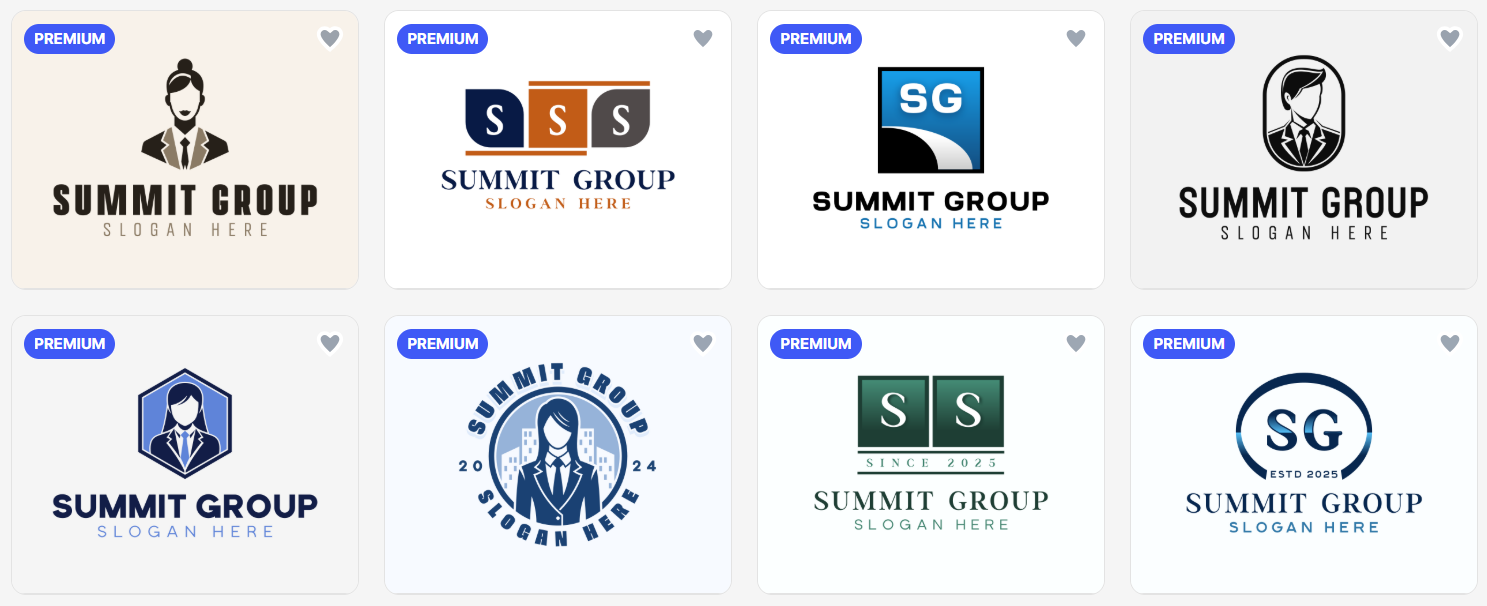
Verdict: No matter the industry, Design.com logos hit the right notes. They stick to design standards that make your brand look credible and polished, without throwing in random icons. There also aren’t overly basic templates that scream “generic.” In most cases, the logos are already business-ready straight out of the box, so you can grab one, tweak it slightly if you want, and start using it immediately.
Design.com AI Design Tools
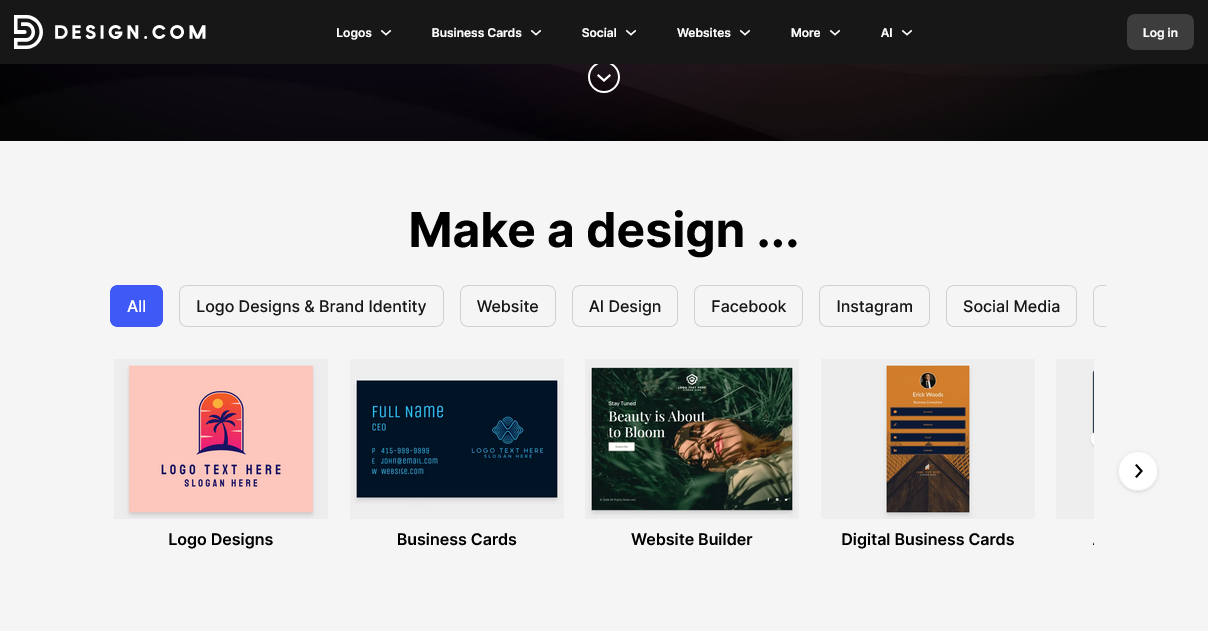
Design.com also integrates AI tools to make editing easier.
You can find:
- • AI Logo Generator
- • AI Background Remover
- • AI Business Name Generator
- • AI Domain Name Generator
- • AI Website Builder
- • AI Business Card Generator
- • AI Flyer Generator
- • AI Poster Generator
- • AI Link in Bio Generator
- • AI Presentation Maker
These tools are easy to use. Simply enter your business name and a few relevant keywords, and the AI will provide thousands of unique designs.
And unlike other AI platforms, users can endlessly generate designs without any limits. Users can also freely edit the designs.
Design.com Pricing
How much does a logo cost in Design.com?
There are free logos and premium logos on Design.com. Free logos are free to download – no watermarks or any hidden fees.
Premium logos require a paid plan before you can download them. There are three plans available, with higher plans giving users more features and inclusions.
So to recap, Design.com offers these pricing tiers:
| Plan | Monthly | Annual | What’s Included |
|---|---|---|---|
| Free | $0/month | $0/month | Free logo, no watermarks or hidden charges |
| Starter | $9/month | $3/month | Logo Pack only |
| Value | $14/month | $4/month | Logo Pack + Website |
| Premium | $19/month | $5/month | Logo Pack + Website + More features |
Should You Use Design.com?
Deciding whether to use a logo maker often comes down to your business needs, budget, and design experience. Here’s a quick checklist to see if Design.com is right for you:
You’re a Startup or Small Business
If you’re launching a new brand and need a logo quickly without hiring a designer, Design.com gives you access to hundreds of thousands of templates and easy customization.
You Want Professional-Looking Designs Fast
The platform’s logos follow industry design standards, so you don’t have to worry about messy layouts or clashing fonts. Most logos are business-ready with minimal tweaking.
You Don’t Have Advanced Design Skills
With its beginner-friendly editor and AI chat editing, you can create a polished logo even if you’ve never opened design software before.
You Value Variety and Choice
With over 400,000 logo templates, you can explore multiple styles until you find the perfect fit.
You Care About Licensing and Commercial Safety
Design.com checks all designs for originality and offers extended licenses, ensuring your logo is 100% safe for commercial use.
Bottom line: If you want a fast, credible, and versatile logo solution without the steep learning curve, Design.com is a solid choice.
Final Thoughts:
Design.com does a good job of balancing simplicity with flexibility.
The platform offers one of the largest logo libraries available, and the editing tools make it easy for beginners to customize designs without needing technical skills. It’s truly a practical option for entrepreneurs who want something professional without spending thousands.
If you’re launching a startup, small business, or side project and need a logo quickly, Design.com’s logo maker is definitely worth exploring. We rate it a 5/5!
Until next time, Be creative! - Pix'sTory
Recommended posts
-

Nextify.ai Review: A Practical Look at an AI Avatar Video Generator in 20...
Read More › -
FatJoe Review 2025: SEO Support for Overloaded Teams
Read More › -

10 Best Travel Website Development Companies in 2026
Read More › -
BrandCrowd Review: A Versatile Online Logo Maker for Businesses
Read More › -

NoCramming.com Review: Where Panic Ends and A+ Energy Starts
Read More › -

Best AI Video Generators for Storytelling in 2026 (Expert Reviewed)
Read More ›
