10 Best Wireframing Tools in 2026: Free & Paid Options Compared
The wireframe allows the team to come up with a plan for how to create a website or an application without spending too much time on detailed design. This is where the best wireframing tools become useful, allowing designers, developers, and product managers to create mock-ups, organize screens, and test user flows before moving further into development.
This industry has changed dramatically due to artificial intelligence. For example, Flowstep can generate numerous UI screens from a text prompt. On the other hand, the good old-fashioned wireframing tool can also prove helpful as the primary task here is brainstorming or prototyping.
TL;DR: Flowstep is a strong choice for generating complete interfaces with AI and moving them toward development. Balsamiq is still valuable for conventional low fidelity design, whereas Figma proves handy when a wireframe turns into a complete interface design.
How We Selected the Best Wireframing Tools
The best wireframing tools should shorten the gap between your idea and the actual screen. Ease of use is important, however, collaboration, speed, exportability, and prototyping are other factors that make the process of working easier.
It is especially significant as the wireframe becomes a basis of the final site design. Teams planning a new product can also benefit from reviewing basic principles of choosing website layouts for different businesses before moving into detailed UI work.
The tools below were evaluated around five practical areas:
- • Speed of creating and changing wireframes
- • Collaboration and sharing
- • AI and automation features
- • Design and development handoff
- • Price and usefulness of the free plan
| Tool | Best for | Free option | Main strength |
|---|---|---|---|
| Main strength | AI wireframes | Yes | Prompt-to-UI workflow |
| Balsamiq | Low-fidelity planning | Trial | Simple wireframes |
| Figma | Full design workflow | Yes | Design and collaboration |
| Whimsical | Fast team planning | Yes | Simple visual workspace |
| Miro | Workshops | Yes | Large collaborative canvas |
| Lucidchart | Diagrams and flows | Yes | Structured diagramming |
| Axure RP | Complex prototypes | No permanent free plan | Advanced interactions |
| Sketch | Mac design teams | Trial | Native design workflow |
| Penpot | Open-source teams | Yes | Open standards |
| Excalidraw | Quick sketches | Yes | Fast informal wireframes |
10 Best Wireframing Tools for Product and Web Design
1. Flowstep
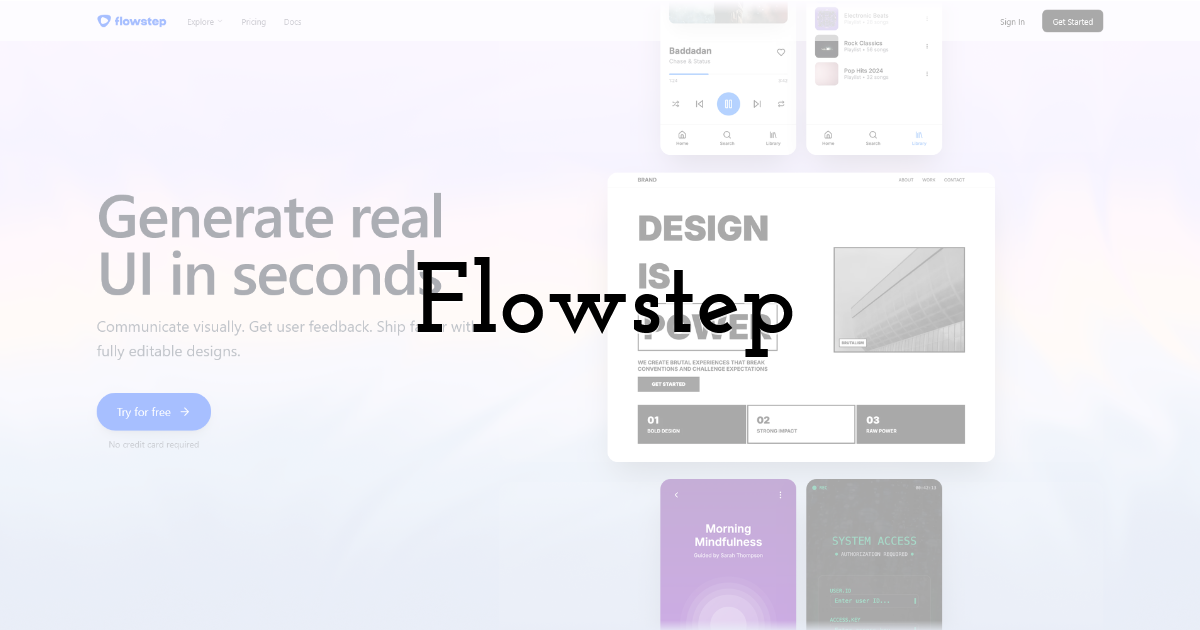
Flowstep is an AI wireframe generator built around prompts and is one of the best wireframing tools for teams that want to speed up the early stages of interface design. A single prompt can produce several related screens, and users can continue refining the result through AI instructions or direct canvas editing.
It can use images, URLs, product documents, and other references as design context. Finished work can move into Figma through copy and paste, while developers can export React, TypeScript, and Tailwind CSS or connect the workflow with Cursor and Claude Code through MCP.
Pros
- • Generates multiple screens quickly
- • Strong design-to-code workflow
Cons
- • Free plan can be limited for complex projects
Best for: Product teams, founders, designers, and developers who incorporate AI into their design processes.
Pricingr: Free plan is available. The starter plan starts at $15/month.
2. Balsamiq
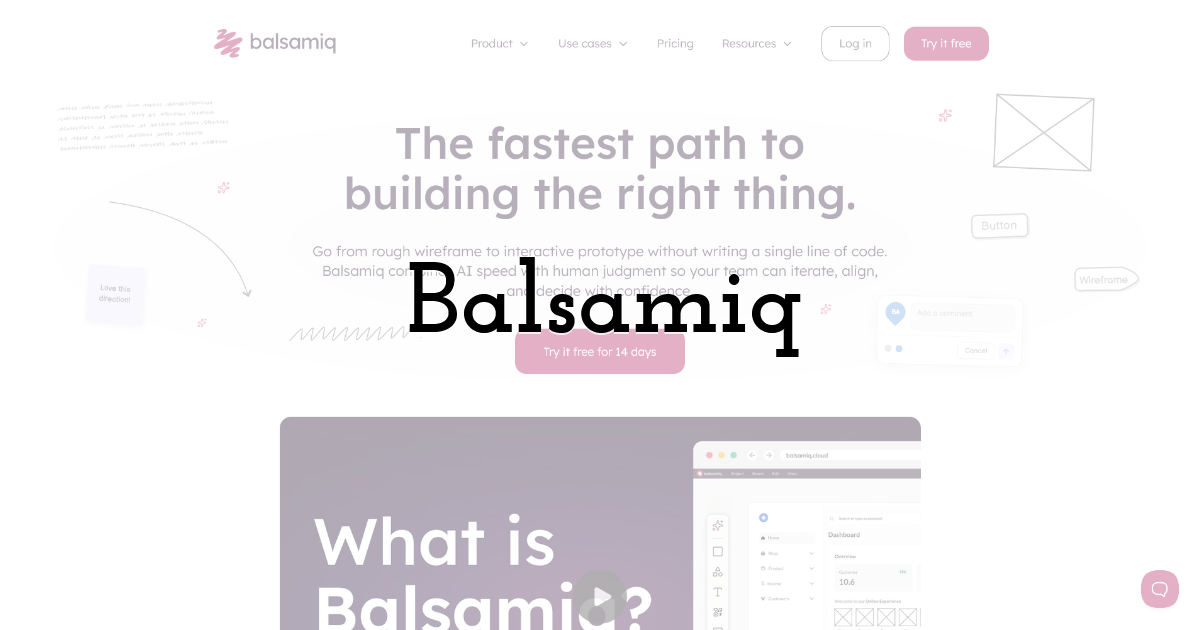
Balsamiq focuses on intentionally simple wireframes that feel close to sketches. This keeps early discussions centered on structure, navigation, and functionality.
Pros
- • Very easy to learn
- • Good for early feedback
Cons
- • Limited for polished visual design
Best for: Early ideas and stakeholder consultations.
Pricingr: Free 14-day trial. Basic costs start from $16 per editor monthly, annual invoicing.
3. Figma
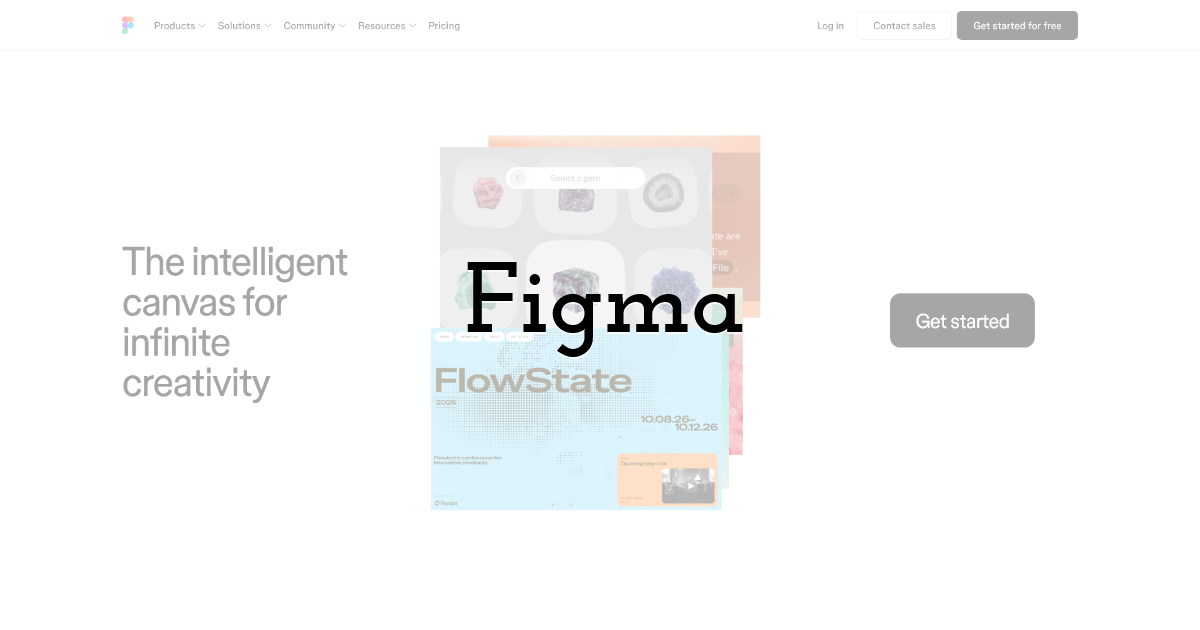
Figma supports all processes ranging from wireframing to high-fidelity UI, prototyping, design systems and developer handoff within one platform. This feature makes it ideal for use in situations where a wireframe is likely to become the final interface.
Pros
- • Excellent collaboration
- • Huge design ecosystem
Cons
- • Can feel excessive for simple sketches
Best for: Product design teams.
Pricingr: Free Starter plan. Professional full seats start at $16 per month.
4. Whimsical
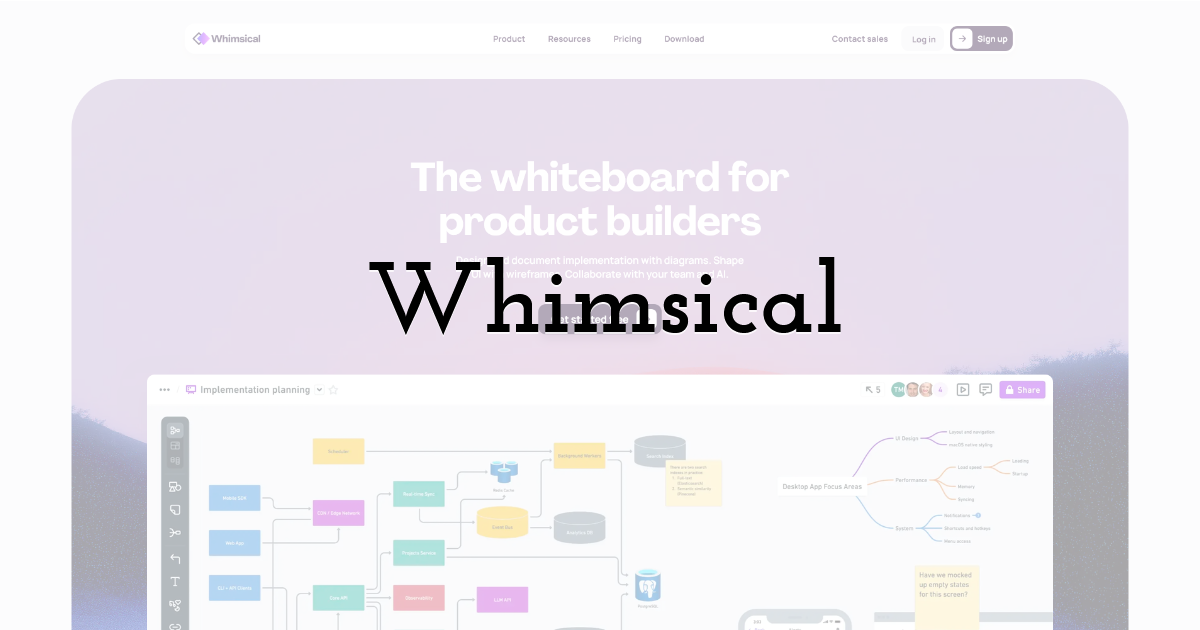
Whimsical combines wireframes with flowcharts, diagrams, mind maps, and documents. Its clean interface makes it useful for teams that want to move quickly between product planning and screen structure.
Pros
- • Fast learning curve
- • Good team collaboration
Cons
- • Free usage has monthly limits
Best for: Small teams and product planning.
Pricingr: Free plan available. Pro starts at $10 per editor per month with annual billing.
5. Miro
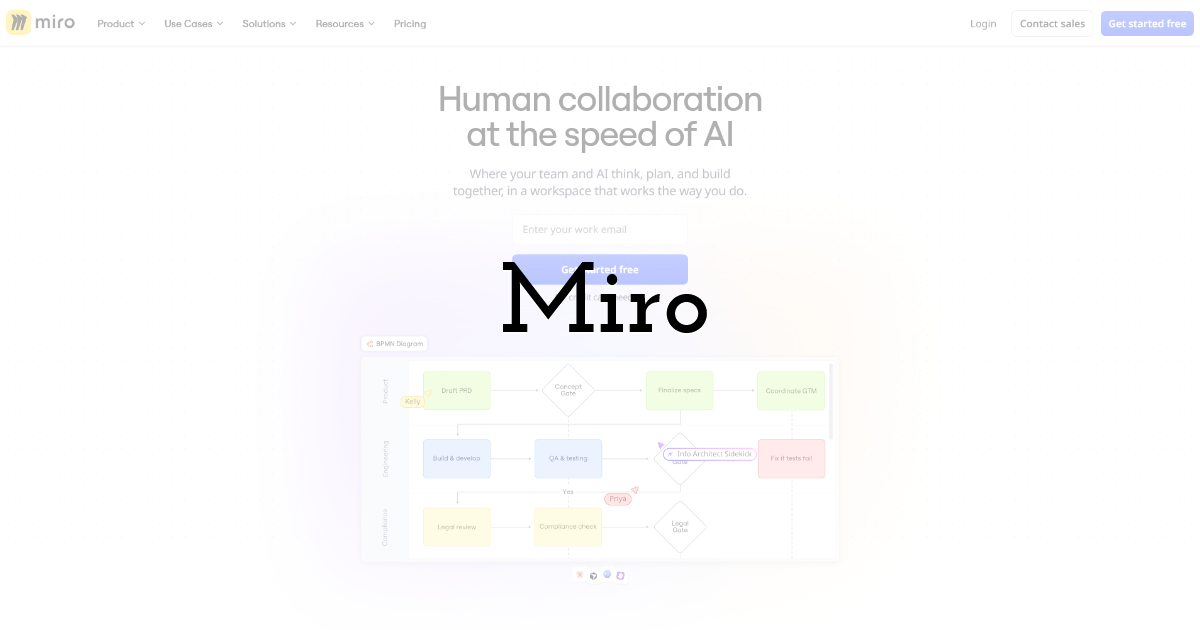
Miro is primarily a collaborative whiteboard, yet its templates and flexible canvas work well for early interface planning. User flows, notes, research, and wireframes can live together during workshops.
Pros
- • Excellent workshop tool
- • Large template library
Cons
- • Busy boards become difficult to manage
Best for: Remote collaboration workshops and brainstorming sessions.
Pricingr: Offers free plan. Starter plan starts from $8 per member monthly billed annually.
6. Lucidchart
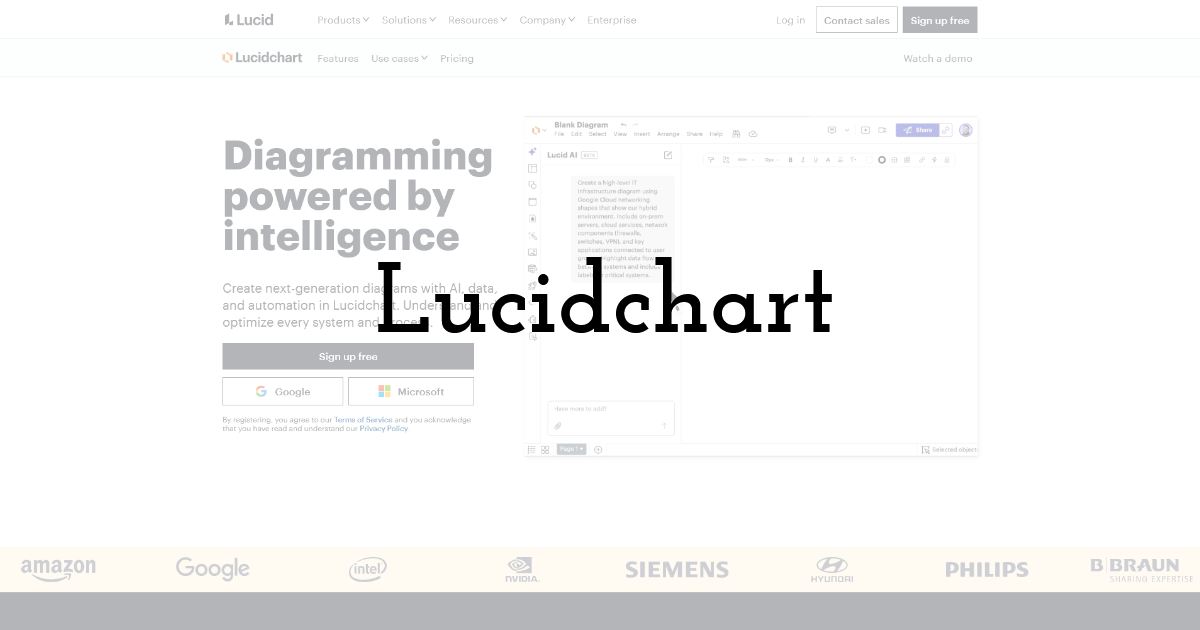
Lucidchart is beneficial when wireframes are required next to user journey maps, process maps, and system flowcharts. Lucidchart will be most effective in projects that are structured, and where the screens are designed in relation to a process.
Pros
- • Strong diagramming features
- • Useful integrations
Cons
- • Less focused on detailed UI design
Best for: Process-heavy product planning.
Pricingr: Free plan available. Individual plans start around $9 per month.
7. Axure RP
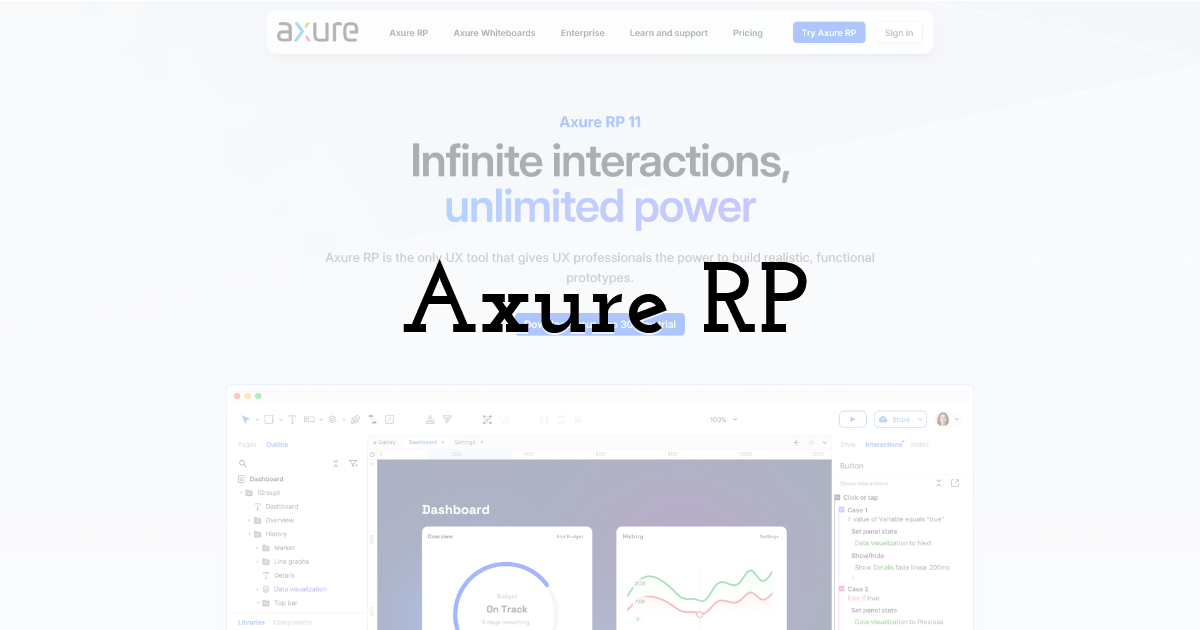
Axure RP allows prototyping that includes conditions, variables, interactions, and behavior. This software fits the case when all the logic must be tested by stakeholders before development.
Pros
- • Powerful interactive prototypes
- • Detailed product documentation
Cons
- • Steeper learning curve
Best for: Complex enterprise products.
Pricingr: Pro starts at $29 per user per month.
8. Sketch
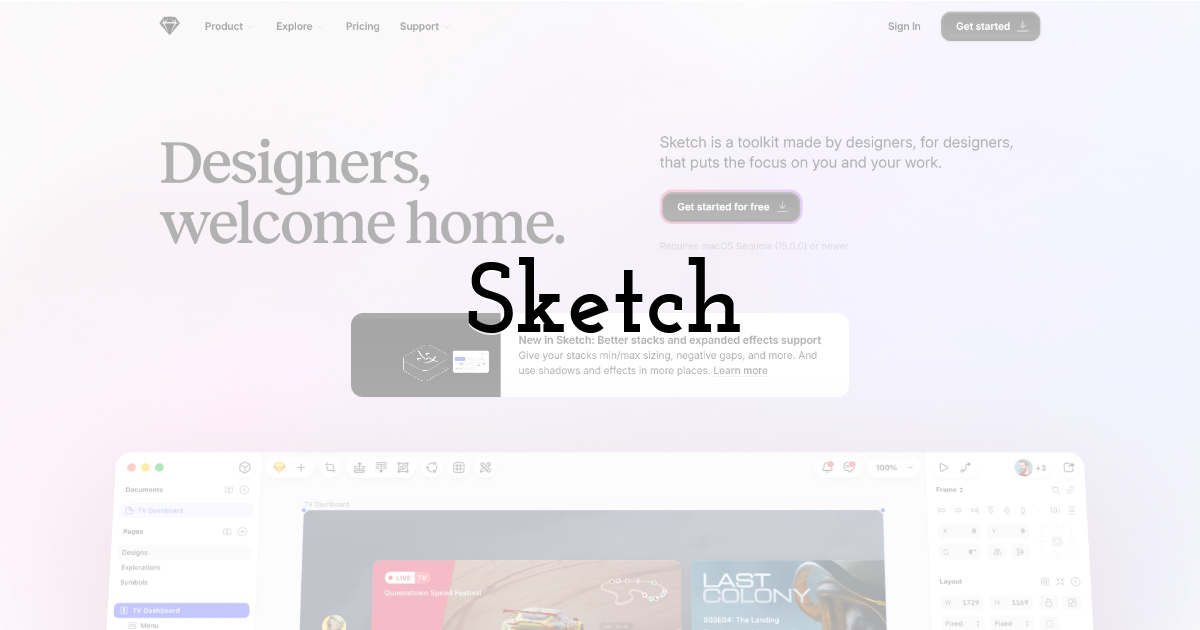
Sketch can still be used by interface designers using Mac computers since the application incorporates wireframing, components, prototyping, collaboration, and developer handoff without straying too far from its native desktop application environment.
Pros
- • Mature UI design tools
- • Strong Mac experience
Cons
- • Main design app is Mac-focused
Best for: Designers working mainly on macOS.
Pricingr: Standard starts at $12 per editor per month with annual billing.
9. Penpot
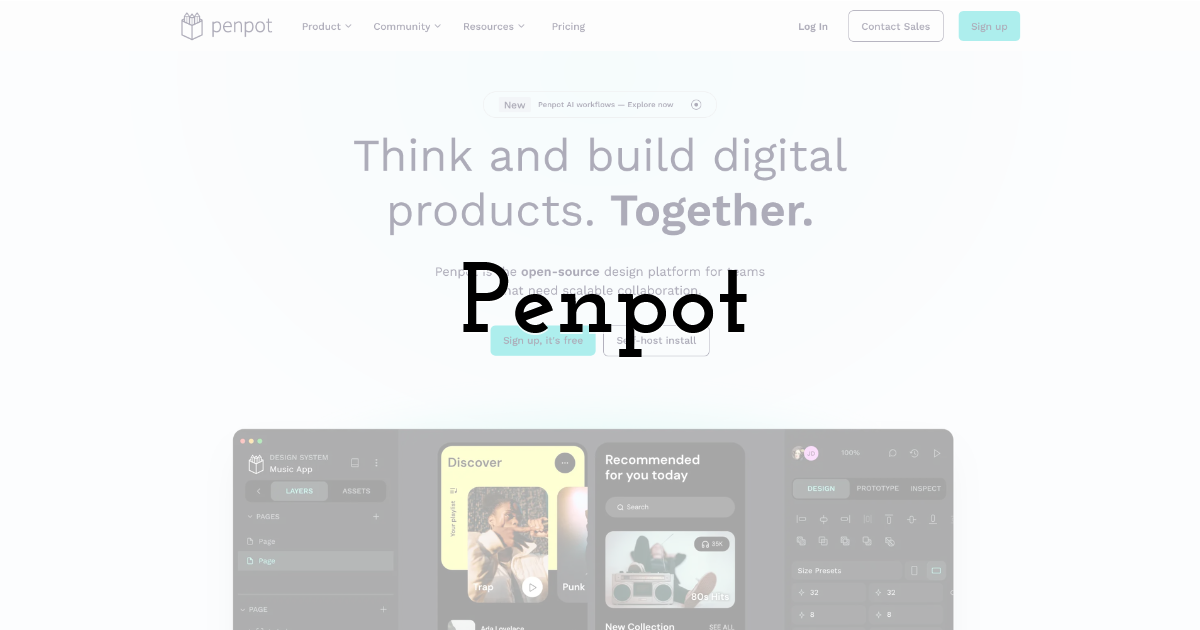
Penpot is an open-source design and prototyping tool whose emphasis lies on web-based solutions. Penpot will attract teams that value factors such as self-hosting, open file formats, CSS layout, and cooperation between designers and developers.
Pros
- • Open source
- • Generous free plan
Cons
- • Smaller ecosystem than Figma
Best for: Open-source and developer-focused teams.
Pricingr: Professional cloud plan is free. Unlimited starts at $7 per user per month.
10. Excalidraw
The Excalidraw application gives the impression of drawing on a digital whiteboard, making it great for creating wireframes and for discussions around a product idea. The hand-sketched nature of the application also prevents teams from overworking their ideas.
Pros
- • Extremely quick to use
- • Free open-source editor
Cons
- • Limited for detailed production UI
Best for: Fast sketches and brainstorming.
Pricingr: Core editor is free. Excalidraw Plus adds cloud workspace and additional collaboration features.
Final Thoughts:
The selection of the best wireframing tools is defined by the stages that follow the design of the first screen. Flowstep is a suitable tool in cases when AI is supposed to design a first UI and tie design to Figma or development. The usage of Balsamiq and Excalidraw is appropriate when a rough idea is needed. Meanwhile, Figma, Sketch, and Penpot require more steps from wireframing to final product.
In addition, it should be said that AI becomes a regular element in the visual workflow, not an experimental attempt. For those who try out this approach, there is some information on how designers utilize AI to create and edit visual content faster.
FAQs
What is the best wireframing tool for beginners?
Balsamiq and Whimsical are easy starting points because their interfaces require little setup. Excalidraw is another good choice when only a rough screen structure is needed.
Which wireframing tool is best for AI-generated UI?
Flowstep is designed around AI-generated interfaces and can create several related screens from a prompt. Users can then refine those screens manually or through additional AI instructions.
Can one use Figma for wireframing?
Yes. Figma is great for wireframes and could go further towards high-fidelity UI, prototyping, design systems, and dev handoffs.
Are there any sufficient free wireframing software options?
For many small projects, they are. Figma, Penpot, Miro, Whimsical, Excalidraw, and Flowstep all provide free ways to start, although limits differ between platforms.
Until next time, Be creative! - Pix'sTory
Recommended posts
-

Best Instagram chatbot platforms in 2026: 5 tools compared
Read More › -

6 Best LinkedIn Automation Tools for Lead Generation
Read More › -

How Marketing Agencies Can Use AI Tools to Create Client Campaigns
Read More › -

Best AI Video Generators for Turning Static Designs Into Social Media Vid...
Read More › -
10 Best Wireframing Tools in 2026: Free & Paid Options Compared
Read More › -

4 Best Invitation Platforms for Planning Professional Business Events in...
Read More ›
