Free AI Video Repair Online - Top 3 Online Repair Services

Having a corrupted or damaged video file can be distressing, especially if the video contains valuable memories or important information. If your video is showing black screen, lose audio, freezes during playback, or display visual glitches, it’s important to immediately apply the video repair workarounds. Fortunately, several AI video repair online tools are available which can help you repair certain types of video corruption without requiring desktop software.
Now that challenging question, which online AI video repair tool should you opt for? As multiple online repair services are available in today’s digital world, it’s important to check their features and then choose the one that best fits your needs. This guide covers three online AI-assisted or automated video repair tool that can help you attempt to restore corrupted videos. Let’s get started!
What Is AI Video Repair Online?
AI video repair online refers to web-based services that analyse damaged video files and attempt to restore their playable structure. Depending on the service, the repair process may involve automated algorithms, AI-based analysis, reference files, codec processing, or reconstruction of damaged video metadata.
A video file consists of more than the visible footage. It contains containers, metadata, audio and video streams, indexes, timestamps, codecs, and other structural information. Damage to any of these components can prevent a media player from correctly reading the file.
An online repair service typically performs several steps:
- • Upload: You select the corrupted video and upload it to the service.
- • Analysis: The platform examines the video's structure and identifies potential corruption.
- • Repair: Automated algorithms attempt to reconstruct damaged or missing information.
- • Preview: Some services allow you to preview the repaired result.
- • Download: If the repair is successful, you can save the recovered video.
The effectiveness depends heavily on the type and severity of corruption. A video with damaged metadata may be easier to repair than one where substantial portions of the actual video data have been overwritten or lost.
Why Do Videos Become Corrupted?
Identifying the exact reason for your corrupt or damaged video file can help you choose the appropriate repair approach. Common causes include:
Interrupted Video Recording
If your video recording device, such as camera, smartphone, or drone, suddenly loses power while recording, the video may not be finalized correctly. This can leave the file incomplete or missing important metadata.
Improper File Transfer
Removing your SD card or disconnecting the USB drive may interrupt the video transfer process and can result in an incomplete or damaged file.
Storage Device Errors
Bad sectors, failing memory cards, corrupted partitions, or file system problems, which generally take place due to continuous usage for a long time, can damage stored video files.
Unsupported or Incompatible Codecs
Sometimes a video appears corrupted when the actual problem is that the media player does not support the codec or container used by the file.
Software or System Crashes
A camera application, editing program, or computer crash during recording or processing can damage the resulting video.
Incomplete Downloads
A video downloaded from the internet may become unplayable if the download is interrupted or the resulting file is incomplete.
Top 3 AI Video Repair Online Services
Now that you’re familiar with the reasons for your damaged video files, it’s time to apply adequate repair workarounds. The following services provide online approaches for attempting to repair damaged videos. Just check the features of these services before you make any choice:
1. Stellar Online Video Repair
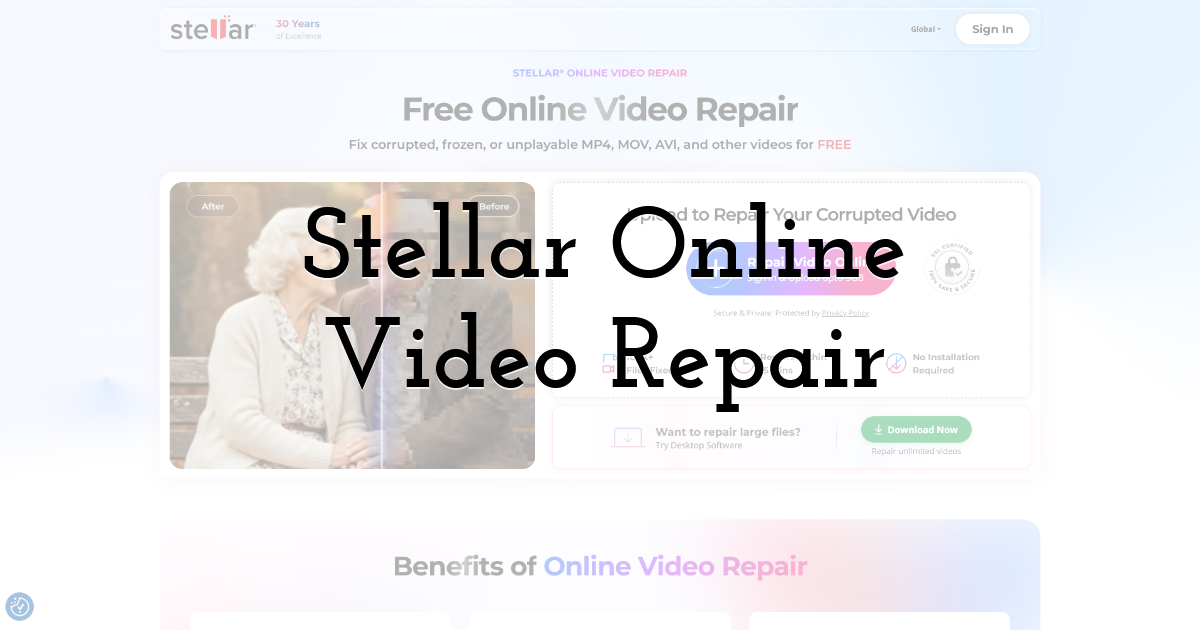
If your video is damaged and you need a direct solution to fix it, try using the Stellar Online Video Repair. This online video repair service can help you fix video files damaged due to interrupted transfer, damaged storage devices, playback errors, or any other sort of corruption. The service supports commonly used video formats and is designed to work with different internal or external storage devices. You can use this tool to fix damaged video files stored on SD card, USB drive, HDDs, and other storage media.
The Stellar Online Video Repair tool works directly from your web browser, i.e., you don’t need to install any tool. This online video repair service is also known for its preview functionality, by which you can preview the repaired video files before saving them.
Key Features:
- • Online Video Repair: Upload damaged videos through a browser.
- • Automated Analysis: The tool analyzes the uploaded video to identify structural issues affecting playback.
- • Multiple Video Formats: Supports commonly used formats like MOV and MP4, making it suitable for various cameras, smartphones, and recording devices.
- • Preview Capability: Depending on the available plan and repair result, users may be able to preview repaired video files.
- • Convenient Workflow: The browser-based tool simplifies the repair process without any technical configuration.
- • Useful for Different Corruption Symptoms: It can be used when videos fail to open, freeze, display errors, or exhibit playback problems.
2. Wondershare Repairit Online
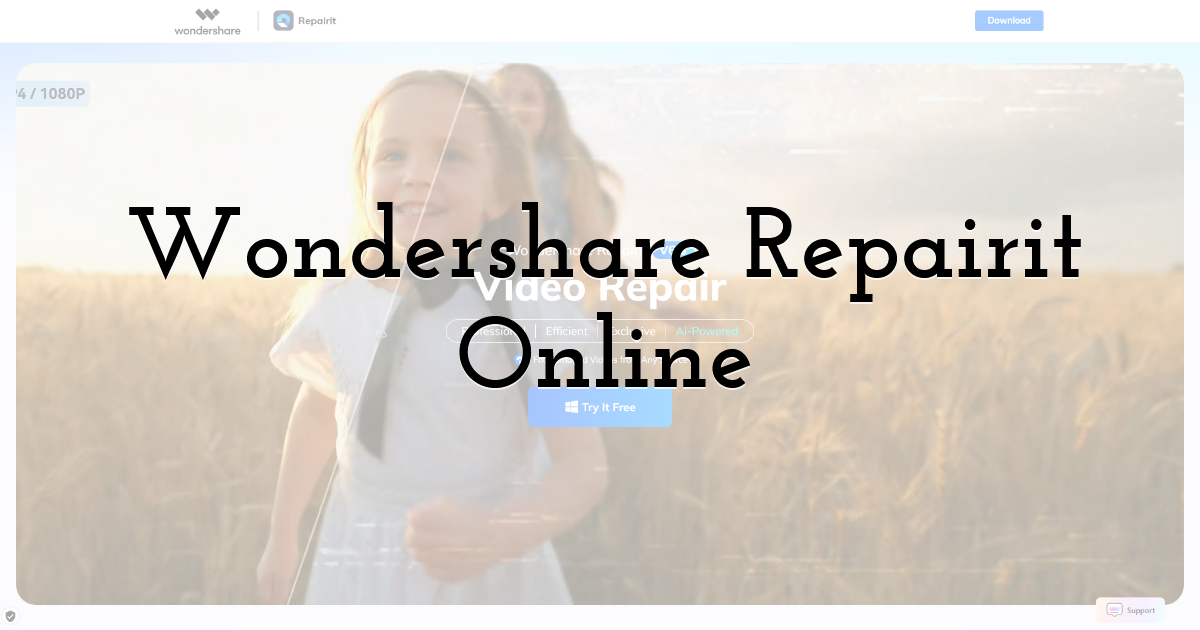
Wondershare Repairit is another popular AI video repair tool that can help you fix corrupt or damaged video files in a few simple clicks. This online video repair service is designed to process damaged videos through an online interface; i.e., there is no need to install a full desktop application. Depending on the type and severity of corruption, Repairit attempts to reconstruct damaged video information and restore normal playback.
This free AI video repair online service supports several commonly used video formats captured from smartphones, digital cameras, action cameras, and other devices. It is the convenient option for users who need a quick repair without dealing with complicated technical settings.
Key Features:
- • Online Video Repair: Repairs corrupted videos directly through a browser without requiring users to install additional desktop software.
- • Automated Processing: Automatically analyses uploaded video files and attempts to identify and correct different types of corruption.
- • Multiple Format Support: Supports various popular video formats, helping users repair recordings from smartphones, cameras, and other devices.
- • Simple Interface: Provides a straightforward upload-based workflow that makes video repair accessible to users without technical expertise.
- • Preview Repaired Videos: Allows users to check available repaired footage before deciding whether the recovered video meets their requirements.
3. Restore.Media
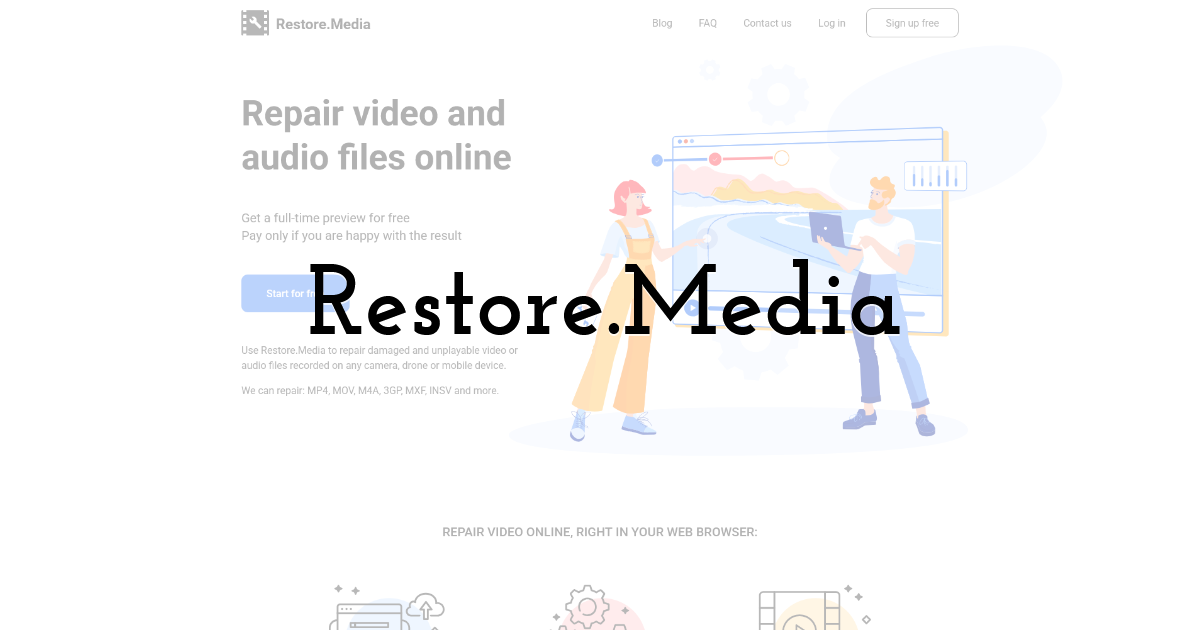
Restore.Media is a convenient online video recovery and repair service that can help you fix damaged video recordings easily. You can use this online solution to fix video files affected by interrupted recording processes, corrupted files, or problems with camera-generated video files. Unlike a simple video repair tool, Restore.Media uses automated processing to analyse uploaded files and attempt to reconstruct playable video.
Key Features:
- • Online Video Restoration: Repair damaged recordings through an online interface without requiring traditional desktop repair software.
- • Automated File Analysis: Examines uploaded video data to determine whether the recording can be reconstructed.
- • Camera-focused Recovery: Can be useful for certain damaged recordings produced by cameras and other recording devices.
- • Multiple Formats: Supports various video formats depending on the specific repair workflow and service capabilities.
- • Web-based Workflow: Upload, process, review, and recover video through an internet-connected browser.
Final Thoughts:
When you experience corrupt or damaged video file, go with the aforementioned online AI - video repair services to fix it. Stellar Online Video Repair, Wondershare Repairit Online, and Restore.Media are three services worth considering for different video repair scenarios. Before choosing an online tool, identify the video format, file size, type of corruption, and importance of the footage. Also consider privacy requirements because online repair involves uploading your video to an external service.
For valuable recordings, keep the original file untouched and create a backup copy before attempting repairs. If an online service cannot restore the footage, a desktop repair application, reference-video-based repair, or professional data recovery service may provide additional options.
FAQs
What is the difference between Stellar Online Video repair and Repairit Online Video Repair?
Stellar Online Video repair’s free plan lets you repair a single corrupt video file by uploading up to 100 MB while Repairit’s free trial is smaller. It just allow to repair a corrupt video file 50 MB only. For paid premium plans, Stellar Online Video Repair supports video uploads up to 5GB per file. Repairit Online’s paid tier caps each video at 3GB.
What is the difference between Stellar Online Video repair and Restore.Media video repair?
Stellar does a real free video repair. It lets you repair one video file for completely free. Restore.Media gives you a preview of video file only. You have to pay some $ to save your repaired video even the size of video is 1MB. So, if you are looking for a completely free video repair then go with Stellar’s Video repair.
Do I get free technical support while using online video repair service if something goes wrong?
Yes. Stellar’s online video repair service comes with Free Technical Support. It is available 24 hours (Monday to Friday). For you convenient, Stellar also offers different help channels like chat, a searchable knowledgebase, an online enquiry form, and email.
Is there any really free online video repair service available to repair corrupt videos?
Honestly speaking there is no any completely free online repair service available that can repair your corrupt video files but Stellar online video repair is the only one that can repair a single video file for free with 100MB size limit. Cleverfiles’s clever online video repair started as free software to capture the online market and after gain online visibility stop saving a 1MB repaired video file for free.
Until next time, Be creative! - Pix'sTory
Recommended posts
-

How to Use Social Data to Launch a Successful Marketing Campaign
Read More › -

How Designers Create and Improve Visual Content Faster Using AI
Read More › -

Human Developers + AI Tools: The Winning Duo for Web Scalability
Read More › -

Design.com vs Designs.ai: Which Logo Tool Delivers Better Results?
Read More › -

How to Set Your Design’s Background Color to Transparent
Read More › -

The Smart Data Revolution: How AI Video Generators Are Rewiring the Digit...
Read More ›
