Best AI Tools to Keep Characters Consistent in an AI Music Video: 5 Tools Ranked (Ultimate Guide)
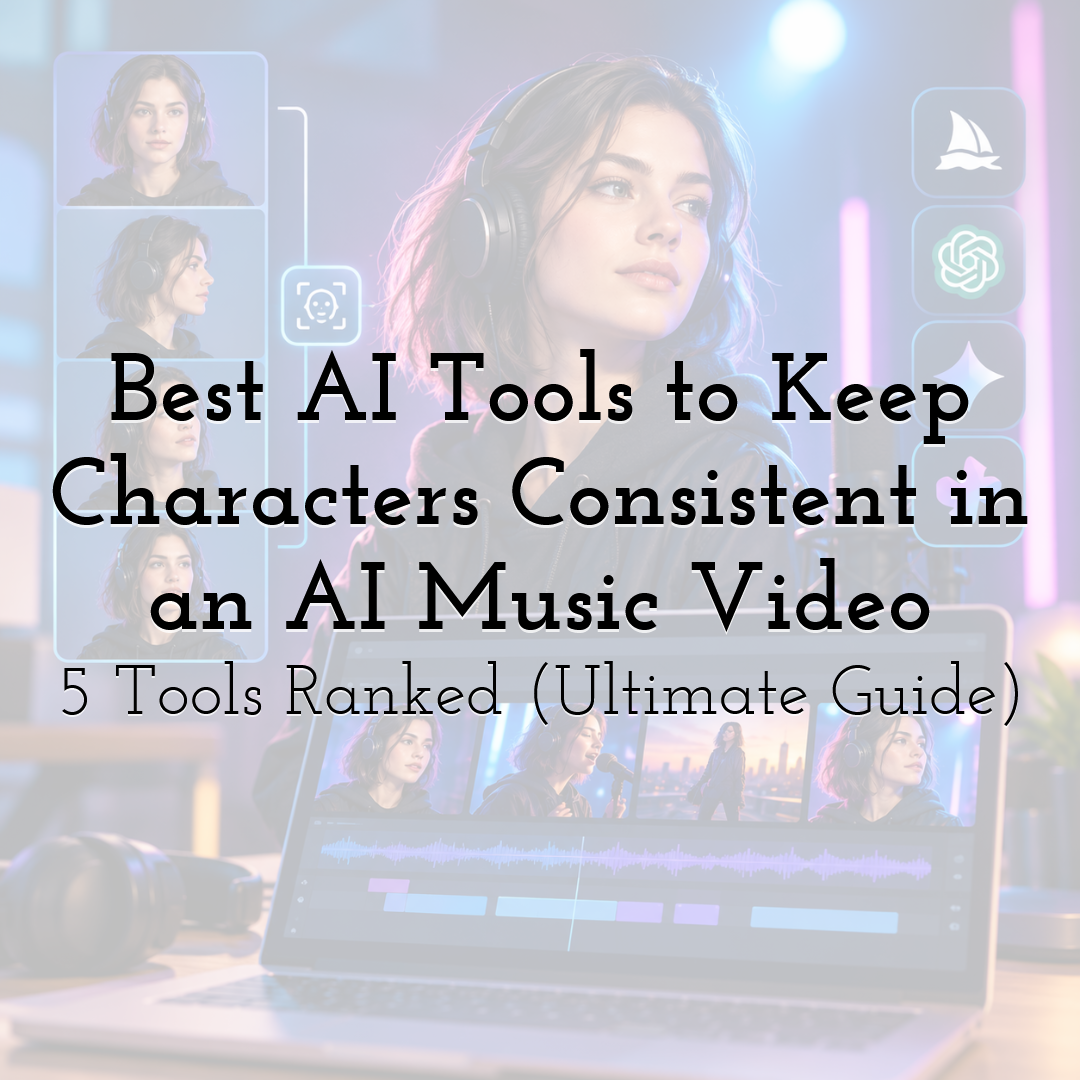
Most AI music videos fail at the same moment. The first chorus looks great, and by the second verse the singer has a different jaw, a new jacket or a different haircut. Viewers forgive a lot in an AI video, but they do not forgive a lead character who changes while the song is still playing.
What character consistency actually means
Character consistency means your character looks like the same person in every shot, whatever the shot is. A singer who appears in a close-up, a wide dance scene and a rain-soaked night sequence should be instantly recognisable in all three. It also means the character looks the same in any visual style. If you move the same video from 3D cartoon to claymation to soft pastel 2D, the person should still read as the same person, with the same face, hair and outfit, only rendered in a new look.
Proportions are the second half of this. A character who is tall and narrow-shouldered in one scene should not turn short and broad in the next. Head size, limb length and build need to hold steady from the first frame to the last, or the viewer feels the character has been swapped even if the face is close.
Why multiple characters make it much harder
One character is a less complicated problem but two or three characters in the same frame are not. When characters stand together, the model has to hold each identity separately while also handling how they overlap, face each other and share space. This is where features blend, outfits swap between people and one face quietly turns into a copy of another. The more characters in the shot, the more likely something drifts.
It is not only the characters
Everything around the character has to stay consistent too. A guitar that is red in one shot and sunburst in the next, a jacket that gains a pocket, a café that changes layout between cuts, a handbag that switches hands: viewers notice all of it. Props, held objects and the environment count as part of the character's world, and a music video of several minutes cuts between many shots, so each one is a new chance for something to drift.
This is the real test of a tool. Keeping one face steady in a single frame is easy to demonstrate. Keeping the cast, their outfits, the props they hold and the world they stand in steady across an entire song is far harder, and it is the test we used to rank the five tools below.
The five tools, ranked
- 1. Atlabs: the only tool here that handles consistency across a full music video on its own, from a finished track.
- 2. Kling: good for multi-angle reference control over a single character, shot by shot.
- 3. Runway: good for fast character shots from a single reference image.
- 4. Google Flow: good for photoreal shots built from reference images.
- 5. Higgsfield: good for training a reusable identity from your own photos.
1. Atlabs: best for a full music video from your own track
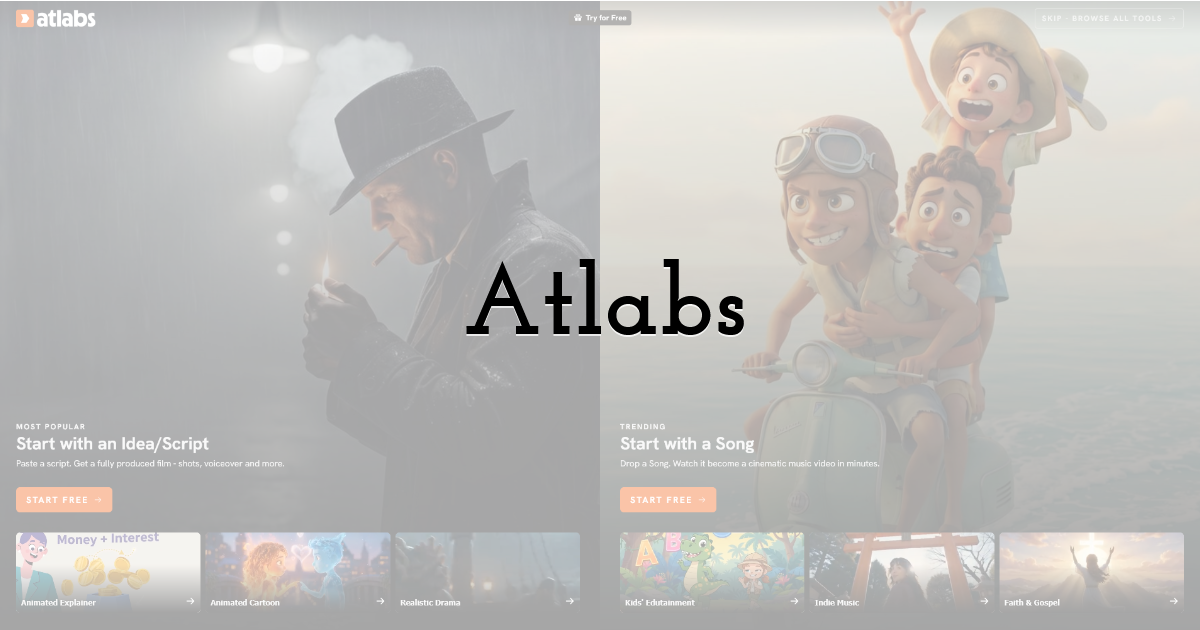
Best for: indie artists, producers and lo-fi or instrumental creators who already have a finished song.
Atlabs is the only tool on this list that can handle character consistency end to end by itself. Every other tool here is strong at single-frame or single-shot consistency, meaning one good character image or one well-controlled clip. Its suite of custom-trained music video agents are purpose-built for the whole job - National Law Review.
You bring your track, and the Music Video workflow builds the video around it. Behind the scenes, Atlabs does the work that would otherwise fall on you. It chooses and switches between models for each shot, and it holds your chosen style steady across the entire video, so the look you picked in the first scene is the look in the last. The character, their proportions, the objects they hold and the surroundings are kept coherent as the models change underneath. You do not have to manage that handoff shot by shot.
Style is also something you can lean on rather than fight. Atlabs offers more than 50 styles, from 3D Cartoon and Claymation to Soft Pastel 2D and Warm Papercraft Collage, and the same character stays recognisable across all of them. If you prefer control over automation, you can also choose the models yourself, including Kling 4, GPT 2.5, Seedance 2.5, Minimax H3 and Wan 3.0, and Atlabs still keeps the style and cast consistent around your choice.
To make multi-character scenes hold together, Atlabs suggests two simple inputs. The first is tagging your characters, so each one is clearly identified every time they appear. The second is uploading a character sheet, a reference that shows the character's face, build and outfit, so the video is built from your references rather than from a face the tool imagines. Either one gives Atlabs a fixed identity to return to in every shot, which matters most when several characters share a frame.
Features checklist
- • Starts from your own track: yes.
- • Character consistency approach: automatic model selection and style maintenance across the whole video, with character tagging or a character sheet to lock identity.
- • Character proportions consistency: yes, only tool in the market that does this.
- • Character clothing consistency: yes.
- • Styles: 50+, with the option to custom-train your own styles.
- • Trustpilot rating: 4.5/5.
Verdict: Atlabs is the only tool that keeps characters, proportions, styles, props and surroundings consistent across a full song without you stitching it together.
2. Kling: best for multi-angle reference control
Best for: creators who want to direct one character shot by shot.
Kling 3.0 includes Subject Binding, which Kling describes as locking a character's facial structure, hairstyle and clothing across frames and camera angles. You can supply up to four reference images from different views, and short video references of roughly 3 to 8 seconds can carry appearance and movement. An optional Voice Binding feature accepts about 5 to 30 seconds of audio for lip sync.
Features checklist
- • Starts from your own track: no, it generates clips that you place against the song.
- • Character consistency approach: up to four reference images, plus video references.
Verdict: strong control per shot, with the song assembly left to you. One piece of the whole pipeline.
3. Runway: best for fast single-reference shots
Best for: artists making short visuals or teasers who want a quick start.
Runway used to build their own video models, but it now functions more like an aggregator of models after falling behind Seedance 2.5 and other recent models. It can generate consistent characters across different lighting, locations and treatments from a single reference image - but works scene by scene and is more of a clip generator. Setup is light, since one good image of your artist is enough to begin.
Features checklist
- • Starts from your own track: no, it is clip based.
- • Character consistency approach: one reference image.
Verdict: quick to start, but a full song means assembling many clips.
4. Google Flow: best for photoreal reference-based shots
Best for: creators who want realistic footage and will build the sequence by hand.
Veo 3.1 in Google's Flow includes Ingredients to Video, which generates consistent characters and settings from reference images. It suits photoreal looks, though a complete song still means generating, ordering and editing separate shots.
Features checklist
- • Starts from your own track: no.
- • Character consistency approach: reference images through Ingredients to Video.
Verdict: useful for hero shots inside a larger edit.
5. Higgsfield: best for a reusable trained identity
Best for: creators who want one person's likeness locked across many images.
Higgsfield's Soul ID is a trained identity layer. It needs at least 20 photos of the same person and trains in about 3 to 5 minutes, then keeps facial structure, proportions, skin tone and hair steady across styles, lighting and angles. It is built around image generation with Soul 2.0, so it works best for building a character image library first.
Features checklist
- • Starts from your own track: no.
- • Character consistency approach: trained identity from 20 or more photos.
Verdict: a good way to prepare consistent character stills.
How we ranked them
We looked at four things: how well the tool keeps characters, props and surroundings steady across a whole 5-min video rather than a single frame, how much extra work a full song needs, whether it starts from a track you already own, and how approachable it is for a first music video. Tools that generate short clips lose ground on the second and third points, since a music video is a few minutes of one continuous piece.
FAQ
What is the best AI tool to keep multiple characters consistent in a music video?
For artists with a finished song, Atlabs is the best fit. It selects models, holds your chosen style across the whole video, and keeps characters, proportions, props and surroundings consistent, with character tagging or an uploaded character sheet to lock identity when several characters share a scene.
How do I stop my character's face changing between shots?
Give the tool a fixed identity to return to. In Atlabs, that means tagging your characters or uploading a character sheet, so the same face, proportions and outfit are used in every shot and in any style you choose.
Does a character stay the same if I change the visual style?
In Atlabs, yes. With more than 50 styles available, the character stays recognisable as you move between them, and you can choose the models yourself if you want more control.
Why do other tools struggle with consistency in a full music video?
Most are built for single-frame or single-clip consistency. That works for one shot, but a music video needs the same characters, held objects and settings to carry across many shots, which is the part you would otherwise have to manage by hand.
Can AI make music too?
Yes! Suno is the market leader for music / song generation with AI. Atlabs has a standalone mini app to generate music too.
Until next time, Be creative! - Pix'sTory
Recommended posts
-
5 Creative Ways to Use AI Face Swap for "Internal Only" Training Videos
Read More › -
How to Turn Static Designs Into Engaging Storytelling Videos (Even if You...
Read More › -
How AI 3D Tools Are Expanding the Possibilities of Visual Content Creatio...
Read More › -
Image Quality Problems That Can Ruin an Otherwise Great Design
Read More › -
The Invisible Search Layer Most Brands Are Missing (And How Smart Markete...
Read More › -
6 Best Tools to Remove Blur from Marketing Images in 2026
Read More ›
