8 Digital Marketing Tools That Survive an Honest Audit (2026)
Here's the reality: most marketing stacks are graveyards of half-used software. Companies keep buying digital marketing tools, then use about a third of what they already own. Gartner puts stack utilization at 33%, down from 42% the year before. Meanwhile, 59% of CMOs say they don't have the budget to execute their 2025 strategy. Look - those two numbers aren't unrelated. You're funding shelf-ware while telling leadership you're under-resourced. This audit skips the feature-list theater and names the eight tools that actually earn their line item.
Failure Mode 1: You’re Paying for Tools You Use a Third Of
Gartner reports marketers use only about 33% of their martech stack's capabilities, down from 42% a year earlier and 58% in 2020. Over the same stretch, martech's share of the marketing budget fell to 23.8%, its lowest in a decade. You're paying full price for a third of the value.
I've watched mid-market teams run four separate tools that each do keyword research because nobody audited the overlap. The failure mode is procurement by feature FOMO. Someone sees a demo, expenses the seat, and it never gets consolidated. (The renewal auto-charges regardless of login count.) When martech spend is shrinking and utilization is dropping at the same time, the problem isn't your budget. It's that half your stack is redundant.
Failure Mode 2: Your Reports Measure Activity, Not Outcomes
The Content Marketing Institute's 2025 B2B benchmarks found 47% of marketers name measuring content ROI as a top challenge. Not creating content. Measuring whether it did anything. Most reporting dashboards count impressions, posts published, and email opens - activity, never the outcomes leadership will actually fund.
Look - a dashboard that reports 40,000 impressions and zero attributed pipeline is a liability, not a report. I've sat in QBRs where the agency presented a wall of vanity metrics and the CMO asked one question: what did this earn us? Silence. The failure mode is tooling that measures effort because effort is easy to measure. If your stack can't tie work to revenue or ranking movement, it's decorative.
Failure Mode 3: You’re Tracking Google Ranks While AI Answers Eat the Clicks
When Google shows an AI summary, users click a traditional search result in just 8% of visits, versus 15% when no summary appears. That's nearly half the click-through, gone. If your reporting only tracks blue-link rankings, you're measuring a shrinking surface.
Most teams still report position tracking as if 2019 rules apply. Meanwhile AI Overviews and AI Mode answer the query before anyone scrolls. (Yes, your rank-one page can still lose the click.) The failure mode is tracking where you rank without tracking whether you're cited in the AI answer sitting above you. Ranking data is still necessary. It's no longer sufficient. Miss the second surface and you're flying half-blind.
What actually fixes this
Three fixes, in priority order. First, consolidate: cut redundant seats and pick marketing software that covers multiple jobs in one subscription instead of five. Second, measure outcomes, not activity: demand tools that tie work to pipeline, ranking movement, or revenue. Third, track AI visibility: monitor whether you show up in AI answers, not just blue links. The eight digital marketing tools below are ranked against exactly that. Each earns its place because it fixes at least one of these failure modes, not because it demos well.
How I picked them:
- • Earns its line item. If it duplicates something you already pay for, it's out.
- • Replaces at least one other tool. Consolidation is the point, not addition.
- • Reports outcomes, not vanity metrics. Impressions don't pay salaries.
- • Publishes honest pricing. If seeing the price requires a sales call, that's a flag.
- • Tracks the surfaces that matter in 2026, including AI answers, not just rankings.
- • Built for teams. Multi-seat, client-ready, or it doesn't scale.
I evaluated these digital marketing tools against their live 2026 pricing pages, current feature sets, and the three failure modes above, not against marketing copy. Pricing is stated monthly-first and verified on official pages in August 2026. Where a tool's real weakness matters for agencies or in-house teams, I named it. No affiliate ranking games.
The 8 Tools, Audited
| Rank | Tool | What it replaces | Best for | Honest limitation | Starting price |
|---|---|---|---|---|---|
| 1 | SE Ranking | A multi-tool SEO/GEO stack (rank tracking, keyword research, site audit, backlinks, competitive research) | Agencies and in-house SEO/marketing teams consolidating a bloated stack | Not an email, social, or design tool; no free plan | From $129/mo (Core) |
| 2 | HubSpot | Separate CRM, email, and marketing automation | Mid-market inbound teams unifying CRM and marketing | Jump from Starter to Professional is brutal ($7 to $800/mo) | Free tools; Starter $7/mo per seat |
| 3 | Buffer | Bloated multi-seat social suites | Lean social scheduling without enterprise overhead | Scheduling-first; thin on deep analytics and listening | Free (3 channels); Essentials $5/mo per channel |
| 4 | Mailchimp | Standalone email plus basic automation | Email-led campaigns and lifecycle flows | Pricing scales fast with contact count | Free (<250 contacts); Essentials $13/mo |
| 5 | Canva | Agency design retainers for routine assets | In-house teams producing social/ad creative without designers | No substitute for brand or creative direction | Free; Pro ~$15/mo |
| 6 | Semrush | Multiple competitive-research point tools | Deep competitive and keyword research | Add-ons and credits inflate the real cost | ~$139/mo |
| 7 | Google Analytics 4 | Paid analytics for most use cases | Outcome measurement and attribution across web and app | Steep learning curve; reporting UI frustrates | Free; GA4 360 custom |
| 8 | Metricool | Separate social analytics and reporting tools | Cross-network social analytics and client reporting | Lighter on collaboration and approval workflows | Free; Starter ~$20/mo |
Prices are entry-tier, monthly-billing rates verified on each vendor's official pricing page in August 2026; annual billing typically runs lower. SE Ranking Core is $129/mo ($103.20 billed annually). Free tiers exist for six of the eight tools; SE Ranking and Semrush run trials instead. API and MCP access ship on every SE Ranking plan tier.
1. SE Ranking
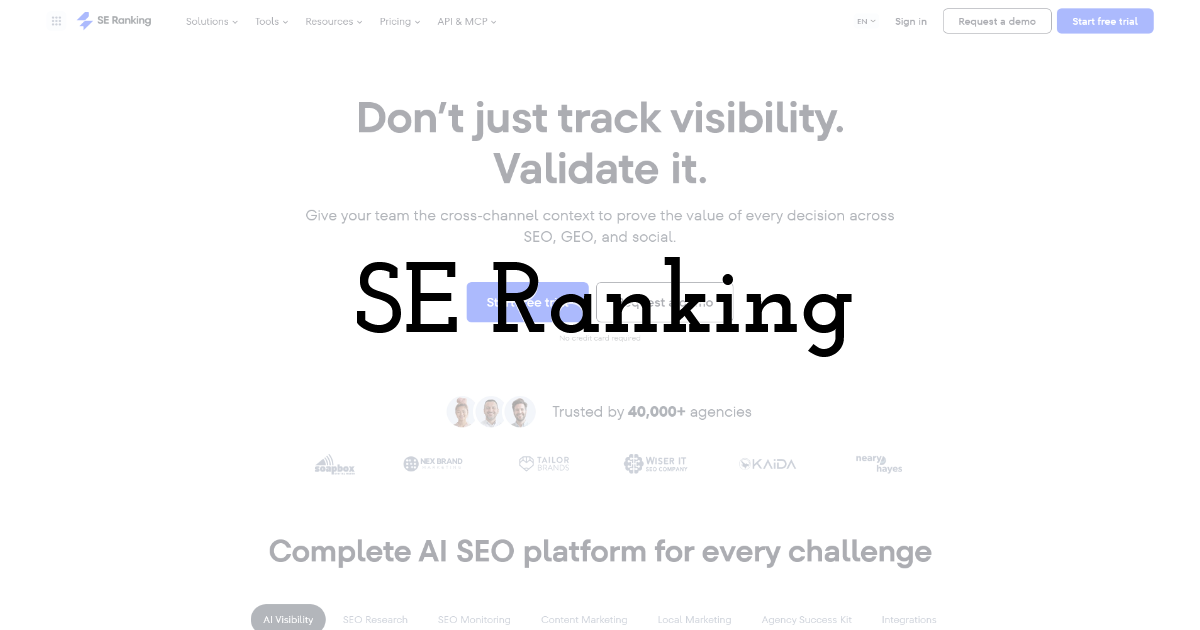
The consolidation play: rank tracking, keyword research, site audit, backlinks, and competitive research running under one subscription instead of five separate line items.
Best for: in-house SEO leads and agencies collapsing a scattered search stack into a single vendor and one login.
Standout feature: One subscription bundles more than 30 tools across rank tracking, keyword research, technical audit, backlinks, and competitor analysis. The all-in-one platform exposes every dataset through an API and an MCP connector on every plan tier, not just the top one. AI search visibility tracking across ChatGPT, Perplexity, and Google AI Overviews rides along as a bonus, not a separate purchase.
Pros:
- • Retires a five-tool stack (rank tracker, keyword tool, site auditor, backlink checker, competitor research) into one interface
- • API and MCP included on every plan, not gated behind an enterprise contract
- • Daily rank checks and 250,000 audit pages on the entry Core plan
- • AI search visibility tracking built in, so you stop paying a second vendor to watch the LLMs
Cons:
- • It's the search and SEO layer only. It won't send your email, schedule your social, or design a graphic.
- • No free plan. You get a 14-day trial, then the meter starts.
- • Add-ons stack. Agency Pack and the AI Search add-on both sit on top of the base price.
Pricing: Core $129/mo ($103.20/mo billed annually), Growth $279/mo ($223.20/mo billed annually), Enterprise custom. API and MCP on every plan; no free tier, 14-day trial.
Honest assessment: If your sprawl problem lives on the search side, this genuinely retires four or five subscriptions and one login replaces the tab-switching. It won't touch email, social, or design, so treat it as consolidation of the SEO stack, not the whole marketing stack. No free plan means you commit or you walk.
2. HubSpot
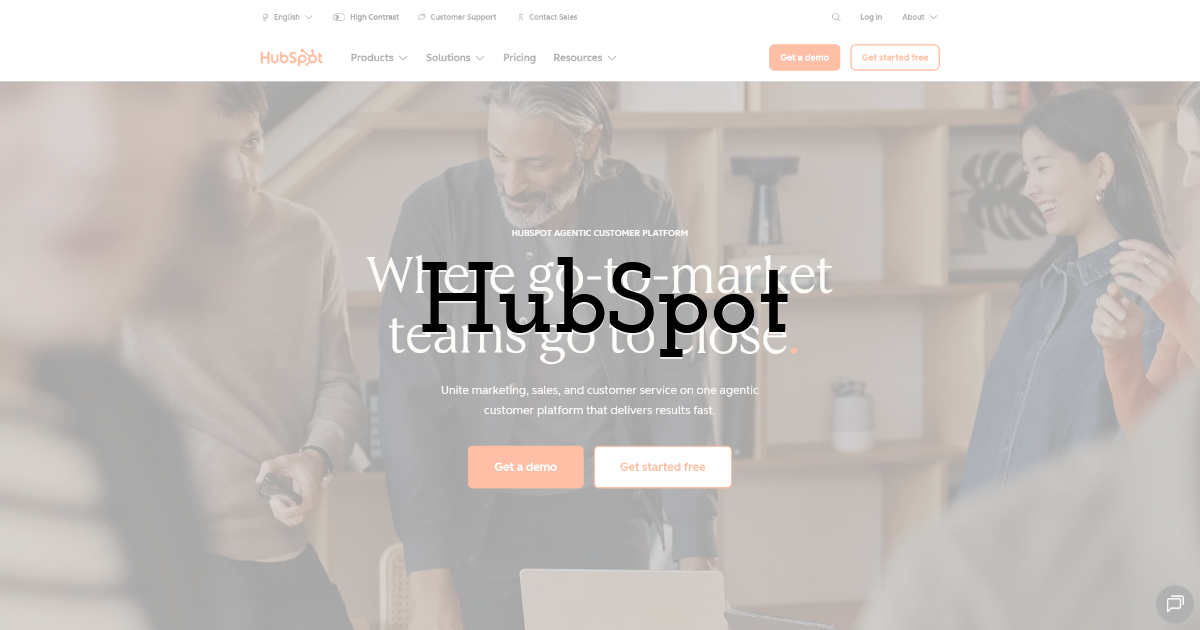
The CRM-plus-marketing hub that folds contact records, email, and automation into one system instead of three tools that never quite sync.
Best for: mid-market teams tired of reconciling a standalone CRM, email platform, and automation tool by hand.
Standout feature: It replaces the stitched-together setup of a separate CRM, email tool, and workflow engine. HubSpot runs all three off one contact database, so a lead's activity, email history, and automation triggers share a record. Professional supports 300 workflows; Enterprise reaches 1,000 with revenue attribution.
Pros:
- • One contact database feeding CRM, email, and automation
- • Deep automation, up to 1,000 workflows on Enterprise
- • Multi-touch revenue attribution at the Enterprise tier
Cons:
- • The jump from Starter to Professional is a cliff, not a step.
- • Costs balloon with contacts, seats, and add-ons past the list price.
Pricing: Starter $7/mo per seat, Professional $800/mo, Enterprise $3,600/mo. Free tools available.
Honest assessment: HubSpot earns its line item when CRM, email, and automation genuinely need one shared database. The trap is the Starter-to-Professional cliff. Teams sign up at $7 a seat, outgrow the free limits, and get quoted $800 a month. Budget for that jump before you commit.
3. Buffer
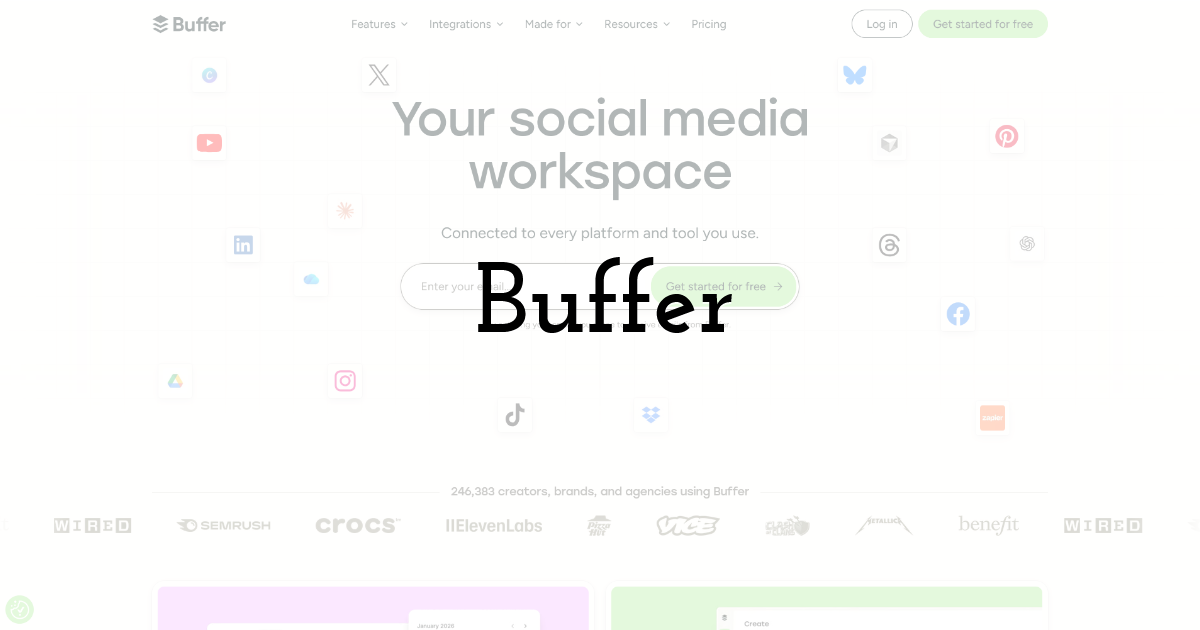
Lean social scheduling for queueing, publishing, and basic analytics without the suite of features you'll never open.
Best for: teams that want scheduled posts across a handful of channels without paying for a full social-management suite.
Standout feature: Buffer charges per channel, not per seat, so you pay only for the profiles you publish to. The Team plan adds unlimited members and approval workflows on top of scheduling and analytics. It skips the social listening, inbox, and CRM bloat that heavier platforms bundle whether you use it or not.
Pros:
- • Per-channel pricing, so cost tracks what you actually use
- • Free plan covers three channels with no time limit
- • Unlimited members and approvals on the Team tier
Cons:
- • Analytics are shallow next to dedicated social-reporting tools.
- • No social inbox or listening. It schedules; it doesn't monitor.
Pricing: Free (3 channels); Essentials $5/mo per channel; Team $10/mo per channel. 20% off on annual billing.
Honest assessment: Buffer is the anti-sprawl pick because it refuses to be a suite. If you need scheduling and light analytics for a few channels, it's the right call and the per-channel model keeps the bill honest. Need listening, an inbox, or deep reporting? You'll outgrow it fast.
4. Mailchimp
Email marketing built around automation journeys and segmentation, with a free tier that gets teams sending before they commit.
Best for: mid-market marketing teams running lifecycle email and behavioral segmentation without standing up a full CRM.
Standout feature: The Customer Journey builder is where Mailchimp earns its line item. You chain triggers, conditional splits, and delays into flows that react to opens, clicks, purchases, and tag changes. Standard unlocks up to 200 automation steps, so segmentation and send logic sit on one canvas instead of three disconnected tools.
Pros:
- • Builds branching automation journeys off behavioral and purchase triggers
- • Segments audiences by tags, activity, and predicted engagement
- • Includes generative content tools on Standard at no extra charge
- • Connects to most e-commerce and CMS stacks natively
Cons:
- • Pricing climbs with contact count, and the leap to Premium is steep
- • Segmentation depth trails a real CRM once your data model gets complex
- • Shared-infrastructure deliverability wobbles at higher volumes
Pricing: Free under 250 contacts; Essentials $13/mo, Standard $20/mo, Premium $350/mo. Prices rise with contact bands.
Honest assessment: Mailchimp is worth it for teams whose email is genuinely lifecycle-driven, not batch-and-blast. The automation canvas holds up. The failure mode is treating it as a CRM. Force it to be one and it'll cost you when your list and data model both grow.
5. Canva
Design platform whose template library and brand controls let non-designers ship on-brand social and campaign assets at volume.
Best for: in-house content teams and agencies producing high volumes of on-brand social and campaign assets.
Standout feature: Brand Kit is the feature that matters here. Lock logos, fonts, and palettes so a dozen people producing 200 assets a month stay on-brand without a designer checking each one. Magic Studio adds AI generation; Business adds approval and folder controls that separate client work.
Pros:
- • Standardizes output through locked Brand Kits and shared templates
- • Generates copy, images, and resizes through Magic Studio
- • Supports real-time collaboration and role-based team folders
- • Exports to every social and print format teams use
Cons:
- • Not a substitute for a design team on complex or original work
- • Template ubiquity means your assets can look like everyone else's
- • Brand governance is lighter than a dedicated DAM at scale
Pricing: Free tier available; Pro roughly $15/mo, Business roughly $21/mo per user, Enterprise custom.
Honest assessment: Canva earns its place as production infrastructure rather than a creative department. For teams drowning in one-off asset requests, it kills the bottleneck. Look - it won't design your brand system, and it shows the moment you push past templated work. Use it for volume; leave the hero campaign to a designer.
6. Semrush
Competitive and SEO research platform with deep keyword, backlink, and traffic data, sold as a standalone specialist rather than an all-in-one.
Best for: agencies and enterprise SEO teams wanting competitive research and keyword depth as a dedicated line item.
Standout feature: Competitive research is why teams keep Semrush on the invoice. Feed it a rival domain and you get their organic keywords, paid ads, traffic estimates, and content gaps in one view. The keyword dataset is among the larger ones in the category, which helps when you're sizing a market you don't already know.
Pros:
- • Surfaces competitor keywords, ads, and traffic in one workflow
- • Backs research with a large keyword and backlink dataset
- • Covers SEO, PPC, and content research in one platform
- • Adds AI-search visibility tracking alongside rank data
Cons:
- • Entry pricing near $139/mo climbs fast once you add users or reports
- • Per-day report and keyword limits frustrate heavy research days
- • Add-ons and seat caps make real cost hard to predict
Pricing: Entry plans start around $139/mo; higher tiers and add-ons cover more users, projects, and report volume.
Honest assessment: Semrush is worth it for teams whose core job is competitive and keyword research at depth. As digital marketing software goes, it's a specialist, not the all-in-one it's sometimes sold as. The failure mode is buying it broad and using a third of it. If research isn't your core workflow, you're overpaying.
7. Google Analytics 4
Google's free measurement layer, event-based, built to record what users actually do across web and app instead of counting pageviews nobody acts on.
Best for: teams that have to prove which channels drove conversions, not which posts collected impressions.
Standout feature: GA4 is event-based, so you define conversion events and attribute them back to the source that produced them. That's the difference between reporting activity and reporting outcomes. The free tier covers most mid-market needs. GA4 360 lifts data retention to 50 months (versus 14) and drops sampling on large explorations, but the price is contract-only and lands in six figures.
Pros:
- • Ties conversions back to the channel that drove them, at no cost
- • Captures custom actions the old session-based model quietly missed
- • Pipes raw event data to BigQuery for modeling you own
- • Links directly to Google Ads and Search Console
Cons:
- • The event schema punishes anyone expecting the old Universal Analytics. Budget analyst hours.
- • Large explorations sample the data. 360 fixes it, but the figure is unpublished and steep.
Pricing: Free (standard). GA4 360 is enterprise, contract-based, not publicly listed.
Honest assessment: Most reports measure activity because activity is easy to count. GA4 measures outcomes only if you configure the conversion events, which most teams never finish. Set it up properly and it's the cheapest outcome-measurement layer available. Skip 360 until sampling actually breaks an analysis you care about.
8. Metricool
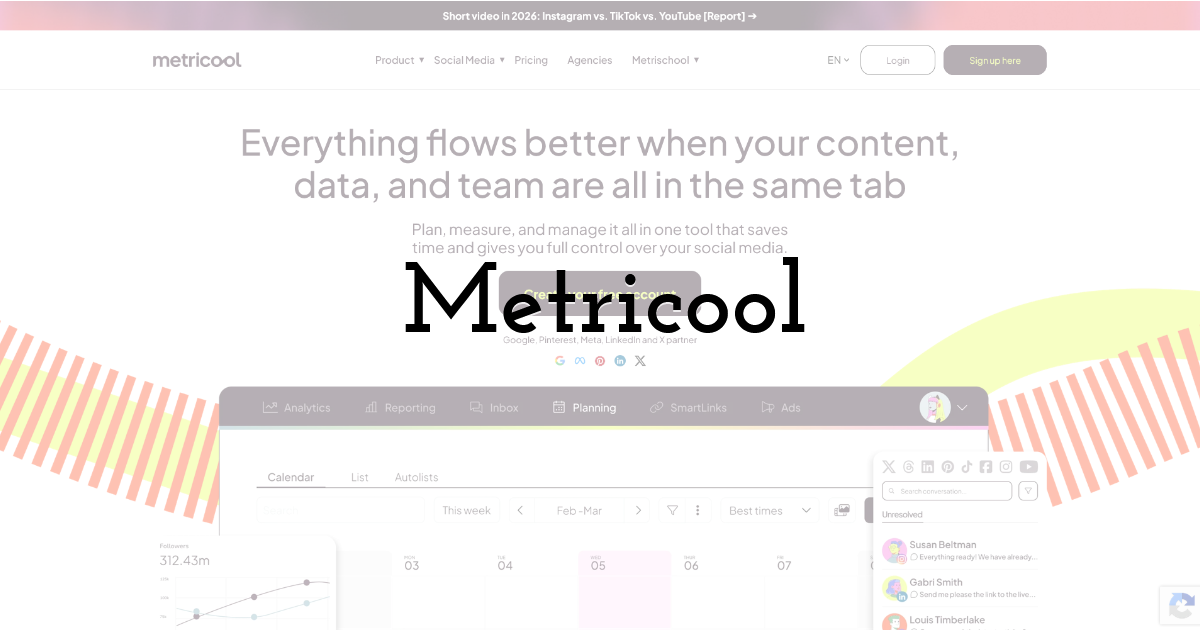
Social scheduling, analytics, and client reporting in one panel, priced by the number of brands you manage rather than by seat.
Best for: agencies and in-house teams reporting social performance across several brands from a single dashboard.
Standout feature: Reporting is the real pull. Metricool consolidates organic and paid performance across networks into scheduled, white-labelable reports, so the monthly client deck stops being a manual export job. The Advanced tier scales to 50 brands and layers in approval workflows, role management, and Zapier or Make connections. Pricing tracks brand count, not headcount.
Pros:
- • Combines scheduling, analytics, and reporting so you stop stitching three tools together
- • Prices by brand count, which fits multi-client agency rosters
- • Automates cross-network reports, paid performance included
- • Adds approvals and role management on Advanced
Cons:
- • Analytics are broad, not deep. It reports the numbers; it won't tell you why they moved.
- • Costs climb with every brand you add, so a large roster gets expensive fast.
Pricing: Free tier; Starter from about $20/mo, Advanced from about $53/mo (both scale with the number of brands); Enterprise custom.
Honest assessment: Metricool earns its slot when reporting across many brands is the actual job. The by-brand model is fair for a two-client shop and punishing for a twenty-client one, so run the math before you scale. For deep analysis it's thin. For turning social data into a client-ready report on a schedule, it's the practical pick.
Final Thoughts:
If you take one thing from this audit: fix your worst axis, don't re-buy your whole set of digital marketing tools. For most teams reading this, the weak axis is search plus AI visibility, and SE Ranking does that job under one subscription. It collapses rank tracking, keyword research, site audit, backlinks, and competitive research into a single login, then tracks brand presence across ChatGPT, Perplexity, Gemini, and AI Overviews inside the same rank tracker. That last part compounds every quarter: with an AI summary present, users click a traditional result in 8% of visits versus 15% without. The trade-off is plain. It's the search and AI layer only, with no free plan, so it consolidates SEO, not email or design. Skip HubSpot if your bottleneck is search rather than CRM. Skip Metricool if you need analysis, not reporting. Buy for your constraint.
Frequently asked questions
What is a marketing tool?
A marketing tool is any software that owns one job in the workflow: measuring traffic, tracking rankings, sending email, scheduling social, or designing assets. The useful distinction isn't the category label. The digital marketing tools worth keeping report an outcome you act on, not just activity you log. Most stacks are heavy on the second kind.
What are examples of marketing tools?
Examples of marketing software span categories: SE Ranking for search and AI-search visibility, Google Analytics 4 for measurement, HubSpot for CRM and automation, Mailchimp for email, Buffer for social scheduling, Canva for design, and Metricool for social reporting. Most teams run one tool per category they actually operate in, not one from every category that exists.
How many marketing tools does a team actually need?
Fewer than you're paying for. Marketers use only about a third of their martech stack's capability. The right number of tools for marketing is one per active job: search, measurement, automation, email, social, design. Six well-used tools beat twelve half-used ones. Audit usage before you add another line item.
What's the difference between marketing software and a marketing platform?
Marketing software usually does one job well: an email sender, a scheduler, a design tool. Marketing platforms consolidate several jobs under one login and one dataset, the way SE Ranking or HubSpot do. Platforms cut tool sprawl; single-purpose software for marketing gives you depth in one function. Match the choice to whether your problem is breadth or depth.
Until next time, Be creative! - Pix'sTory
Recommended posts
-
How to Use First-party Data for Your Digital Marketing Strategy
Read More › -
8 Things to Include in Your Website Upgrade
Read More › -

How to Make Your Visual Identity Stand Out with Better Illustration
Read More › -

Software Engineering Tools That Affect Team Productivity
Read More › -

How to Improve Visual Content as Your Most Important Marketing Strategy
Read More › -

YouTube SEO: How to Rank YouTube Videos in 2021
Read More ›
