AI Video Generators Ranked: 7 Best Platforms for 2026

Creating video content used to mean cameras, crews, and editing software. In 2026, all you need is a text prompt and an image. AI video generators now handle the rest, producing cinematic clips in minutes instead of days.
The problem is not a lack of options. There are dozens of platforms promising professional-grade results. The real challenge is finding one that gives you access to the best AI models without burying them behind a confusing interface. This matters especially if you are a marketer or designer working on tight deadlines, where every extra click between you and a finished video costs time you do not have.
We put seven of the most popular AI video generator platforms to the test. We uploaded the same images, ran similar prompts, and ranked each tool based on output quality, model variety, and most importantly, how quickly a new user can get from sign-up to finished video. If you're comparing the best AI video generators, these factors can help identify which platforms are most practical for different creative needs.
How We Ranked These Platforms

Here is what we focused on during testing:
Model access: Does the platform offer frontier AI video models like Google Veo, Kling, Sora, MiniMax, and Seedance?
Usability: Can someone new produce a great video without watching tutorials or configuring advanced settings?
Output quality: Are the results cinematic, smooth, and free of the usual AI artifacts?
Creative control: Does it support image-to-video, first and last frame control, reference images, and audio generation?
Pricing transparency: Is it clear how much each generation costs before you hit the button?
1. getimg.ai
getimg.ai earned the top spot because it solves the one problem every other platform struggles with: giving you access to all the best AI video models while keeping the experience effortless.
The platform supports Google Veo 3.1, Kling, MiniMax, ByteDance Seedance, Wan, Sora 2, and Runway Gen-4. That is not a limited selection. It is essentially every leading video model available, accessible from a single dashboard. You can switch between them in seconds depending on what your project demands.
The standout feature is the AI video generator, which lets you upload a starting image, write a prompt describing the motion you want, and generate a polished video clip in minutes. Several models also support uploading both a first and last frame, so you control exactly how the video begins and ends.
The reference images feature is where things get really interesting. Upload up to four images of specific people, objects, or locations and mention them in your prompt. The AI weaves them into the scene, giving you director-level control that normally requires a full production setup.
The entire workflow is three steps: prompt, upload, generate. During our testing, getimg.ai was the only platform where we consistently got usable results on the first attempt without touching any advanced settings.
One downside is that getimg.ai is a generation-first platform. If you need to trim clips, add text overlays, or stitch multiple videos into a sequence, you will need a separate editing tool. For marketers and designers producing social ads or product presentations, this means one extra step in the pipeline.
Best for: Creators, marketers, and designers who want every major AI model in one place with the fastest path from image to finished video.
2. PicLumen
PicLumen is an all-in-one AI creative platform that brings multiple AI image and AI video models into a single workflow. It supports several popular models on the market, including Kling 3.0, Seedance 2.0, and Veo 3.1, giving users more flexibility to explore different visual styles and video outputs in one place.
The platform allows users to generate AI videos and images from both text and images, making it a practical option for a wide range of creative needs. Whether starting from a written idea or an existing visual reference, users can create content more efficiently without switching between separate tools.
PicLumen stands out for its simple setup, convenient workflow, and overall smooth user experience. It is easy to use, approachable for different skill levels, and well suited to fast content creation without an overly complicated interface.
It also goes beyond generation by offering a built-in Community. Users can share their AI images and videos, explore creations from other users, discover prompt ideas, and find inspiration from trending content across the platform.
Best for: Creators, marketers, and social media users who want an easy all-in-one platform for generating AI images and videos from text and images, with access to popular models and a built-in community for sharing and inspiration.
3. DeeVid AI
DeeVid AI Video Generator is a strong pick for users who want access to multiple high-end video workflows without dealing with an overly technical interface. The platform supports text-to-video, image-to-video, and video-to-video creation, and its AI Video Generator allows users to upload reference assets and generate clips from a single workspace. DeeVid’s main advantage is that it keeps the process simple while still giving users access to advanced model-driven generation, including options built around tools like Veo 3.1, Seedance 2.0, and Runway-style workflows. In practice, that makes it a good fit for fast-turn content production, especially when you need to move from idea to usable video without spending too much time configuring settings.
Best for: Marketers, creators, and small teams who want a straightforward AI video platform for turning text, images, or reference assets into polished short-form content quickly.
4. Magic Hour
Magic Hour AI video generators are well known as a strong option for creators and small teams that need to produce social-ready quickly without heavy post-production. Its main strength lies in supporting fast, repeatable video creation for platforms like YouTube, Instagram, and TikTok.
What sets Magic Hour apart is how much it offers within its video generation ecosystem. The platform includes text-to-video, image-to-video, and video-to-video, along with additional tools like video upscaling and face swap. This makes it possible to handle multiple content creation in one place.
It supports a strong lineup of current models, including Google Veo 3.1, Seedance 2.0, Wan 2.2, LTX, Sora 2, and Kling 3.0. You can switch between models to test and use one depending on what your project needs.
Video length is another area where Magic Hour stands out. Its AI video generators can go beyond 60 seconds, which is longer than what many tools currently allow. That extra range makes it more viable for product demos, storytelling, or campaign content instead of just short clips.
In addition to its AI video capabilities, Magic Hour also offers other AI content creation tools such as AI image generation, an image editor, background remover, and AI audio generators. These features make it easier to iterate, maintain character consistency, and repurpose existing content without switching apps. API access is available for teams working at scale, allowing integration into larger workflows or automated pipelines. For marketing and creative teams operating across multiple offices or cloud environments, securing those pipelines is just as important as building them if you're new to enterprise network security, understanding what is site to site vpn is a good starting point for connecting distributed teams under one encrypted, private network.
Best for: Creators, marketers, and teams who want an all-in-one platform to generate, edit, and scale social-ready video content with end-to-end creative control
5. EaseMate
EaseMate AI Video Generator is a versatile, all-in-one platform that effortlessly transforms text, images, or existing footage into stunning, cinematic videos. Powered by industry-leading models like Google Veo 3, Sora 2, and Seedance 2.0, it allows creators to generate high-quality, watermark-free clips with a single click.
Supporting text-to-video, image-to-video, and advanced video-to-video style transfers, EaseMate caters to influencers, marketing teams, and beginners alike. Its robust multimodal capabilities handle up to 12 reference inputs simultaneously—combining text, visuals, and native audio—ensuring unmatched character consistency and smooth, professional storytelling without requiring technical editing expertise.
6. Higgsfield
Higgsfield AI Video Generator takes first place because it focuses on something that most AI video platforms struggle to consistently achieve: cinematic motion that is designed for contemporary marketing content, not just simple AI-generated clips.
The system is built around the latest AI video generation that incorporates animated camera movements with stylized images and powerful motion effects. Instead of heavily relying upon templates Higgsfield AI Video Generator allows creators to create a more cinematic workflow that is more like directing an entire scene rather than editing templates.
The thing that impressed us the most in our testing was the overall quality of motion. Videos created by this tool Higgsfield AI Video Generator feel smooth, polished visually and optimized for various platforms such as TikTok, Instagram Reels, YouTube Shorts and paid social advertisements. The camera effects give the illusion of depth and motion that competitors' AI video tools struggle to create naturally.
The workflow is also refreshingly simple. Users can enter a prompt, describe the scene or visual style they want and the AI video generator handles the cinematic rendering automatically. Even without professional editing experience, creators can generate high-quality marketing videos within minutes.
Another reason the Higgsfield AI Video Generator stands out is how well it handles social-first content creation. The platform feels specifically built for creators, marketers, agencies, fashion brands and businesses producing fast-paced digital campaigns. It works especially well for product promotions, lifestyle ads, creator-style content and visually engaging short-form storytelling.
During our testing, Higgsfield AI Video Generator consistently delivered some of the strongest-looking AI-generated clips without requiring excessive prompt tweaking or complicated technical settings. That balance between simplicity and visual quality is what makes the platform stand out from many competitors.
One limitation is that the Higgsfield AI Video Generator focuses primarily on generation instead of advanced post-production editing. If you need timeline editing, subtitles, transitions, or multi-scene assembly, you may still want a separate editing tool for final refinements.
Best for: Creators, marketers, agencies and brands looking for a cinematic AI video generator for ads, reels, product showcases and social media campaigns without a complicated production workflow.
7. Overchat AI
Overchat takes the same position that puts getimg.ai at the top of this list — several frontier models behind one interface rather than commitment to a single vendor — and pushes it down into the free tier. As a free AI video generator it covers daily generations across seven models, including Sora, Kling, Runway, Wan, Seedance, and Luma, with no watermark on the output.
For anyone still working out which model suits their material, that is a cheap way to run the same prompt through several engines before paying for any of them.
Both entry points are covered: text-to-video from a written prompt, and image-to-video that animates a still you upload. Paid plans start at $14.99 per month or $49.99 per year, and a Google or Apple sign-in is required before generating.
The downside is the one it shares with most generation-first platforms here: there is no timeline editor. You cannot trim, sequence, or add text overlays inside it, so anything beyond a single clip still needs a separate editing tool afterwards. The page also does not publish clip-length or resolution limits, which is worth checking before planning a project around it.
8. Async
Async is a browser-based AI video editor designed to simplify content production without sacrificing quality. It combines traditional timeline editing with AI-powered automation, allowing creators to cut, enhance, and publish videos directly from their browser, no heavy software required.
The platform stands out for its smart editing tools, including automatic silence removal, AI noise reduction, subtitle generation, and easy resizing for different social media formats. Whether you're editing podcasts, YouTube videos, tutorials, or marketing content, Async helps speed up the entire workflow.
Beyond video editing, Async also offers AI voice generation, screen recording, and clip repurposing tools, making it a complete content creation suite. Everything works together seamlessly, which makes the editing process faster and more efficient for individuals and teams.
Best for: Content creators, marketers, podcasters, and businesses looking for an easy-to-use AI video editor to produce and repurpose high-quality video content quickly.
9. Runway
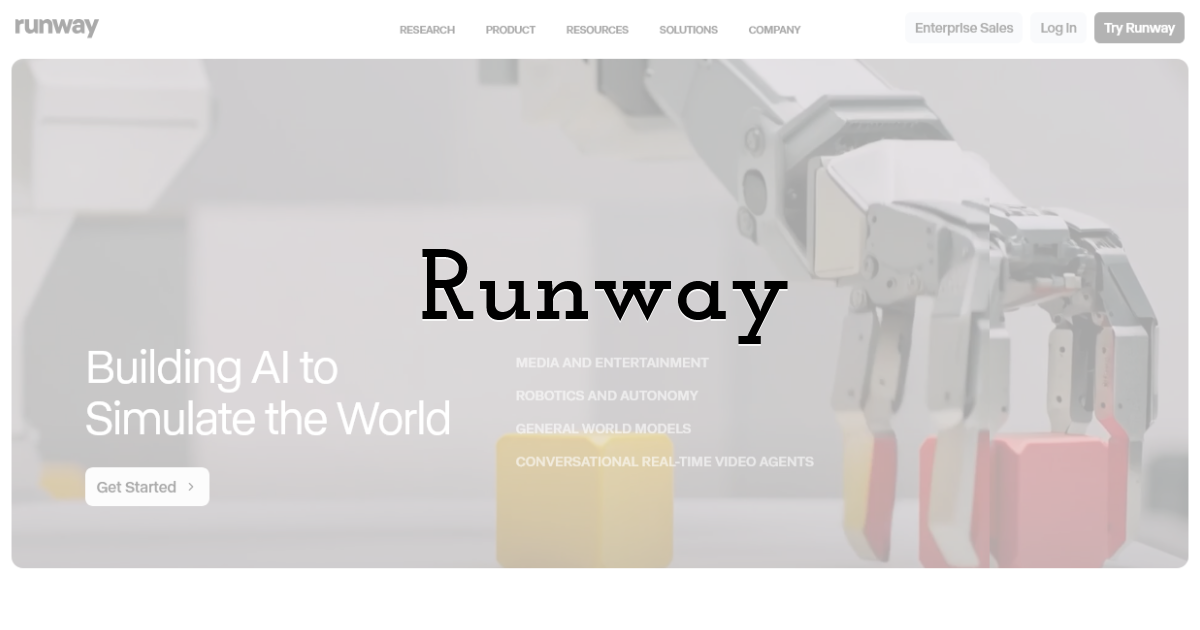
Runway is one of the original players in the AI video space, and Gen-4 Turbo keeps it among the best for professional use. Its Act-Two feature lets you record yourself acting out a scene and transfer that motion to an AI character, which is genuinely impressive for character-driven content.
The tradeoff is that Runway only offers its own proprietary models. You cannot access Veo, Kling, Seedance, or any third-party options. The interface is built for professionals, so new users should expect a learning curve. Credits also get consumed quickly on higher-quality outputs.
Best for: Professional filmmakers and animators who need precise motion control and character-driven workflows.
10. Pika
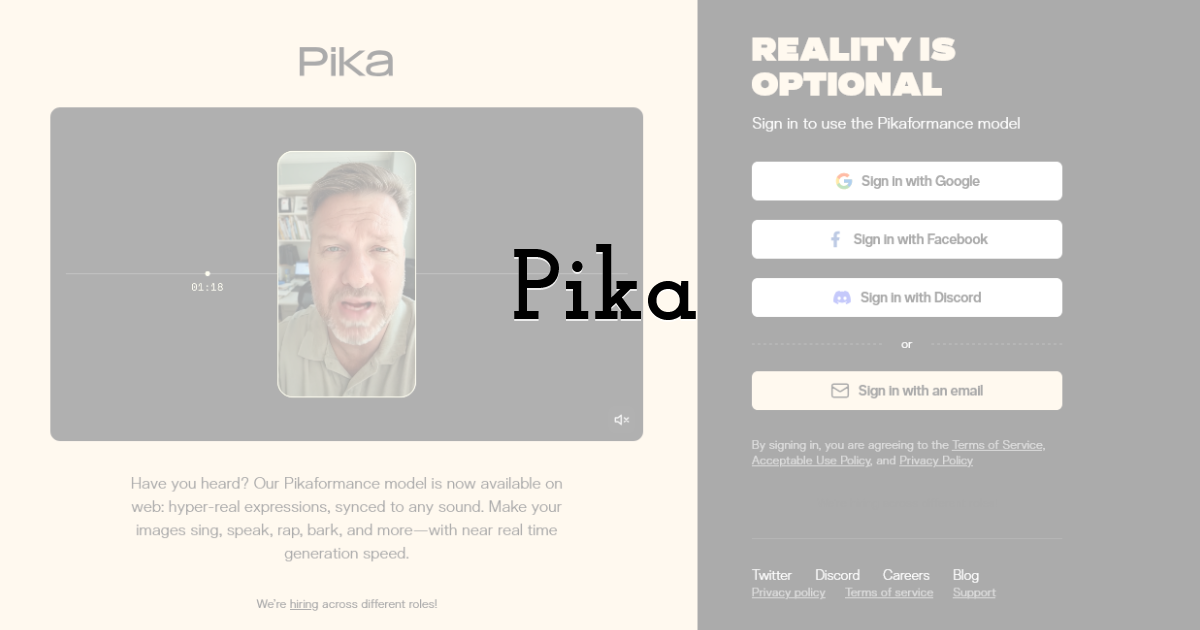
Pika has built a loyal following by focusing on creative effects rather than photorealism. The platform runs on its proprietary Pika 2.2 model with unique tools you will not find elsewhere.
Pikaffects lets you apply playful transformations like melting, inflating, or exploding objects. Pikaswaps allows you to replace specific elements within a clip. Pikaframes connects multiple clips into a seamless sequence. Output reaches 1080p, and the free plan includes watermark-free downloads.
Where Pika falls short is model variety. You are limited to Pika's own model, so comparing results across Veo, Kling, or Seedance requires a different platform.
Best for: Social media creators who want fast, effects-driven clips for TikTok, Instagram Reels, and YouTube Shorts.
11. Krea
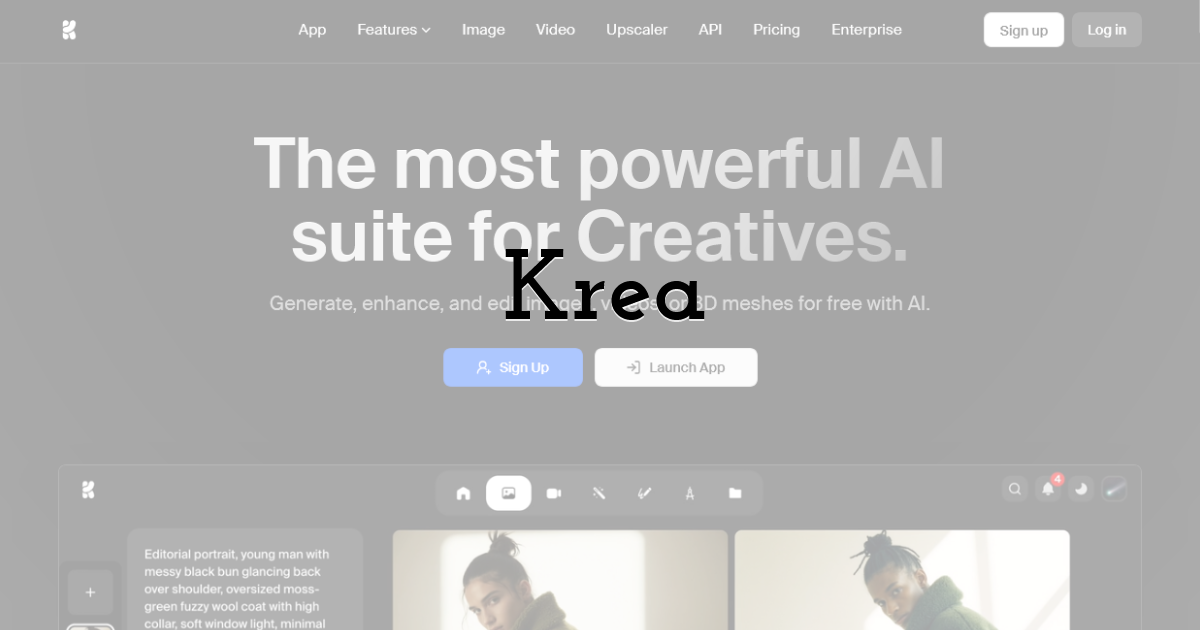
Krea brands itself as a complete creative suite for images, video, 3D, and real-time generation. It offers access to many of the same frontier models found on getimg.ai, including Veo 3, Kling, Sora 2, Wan, and Runway.
The model selection is excellent. But the experience of using those models is noticeably more complex. The video generation screen presents a dense wall of options: aspect ratio, duration, resolution, motion intensity, keyframe uploads, audio toggles, and model-specific parameters all appear simultaneously. For experienced users who want maximum control, this is useful. For everyone else, it creates friction.
In our testing, configuring and generating a video on Krea took significantly longer than on more streamlined platforms offering the exact same models. The results were comparable in quality, but the extra steps added to the workflow without improving the output.
Video generation is also credit-intensive. A single clip can burn through over 1,000 compute credits, which requires careful budget management.
Best for: Advanced users who want a creative suite and do not mind navigating a feature-dense interface.
12. OpenArt
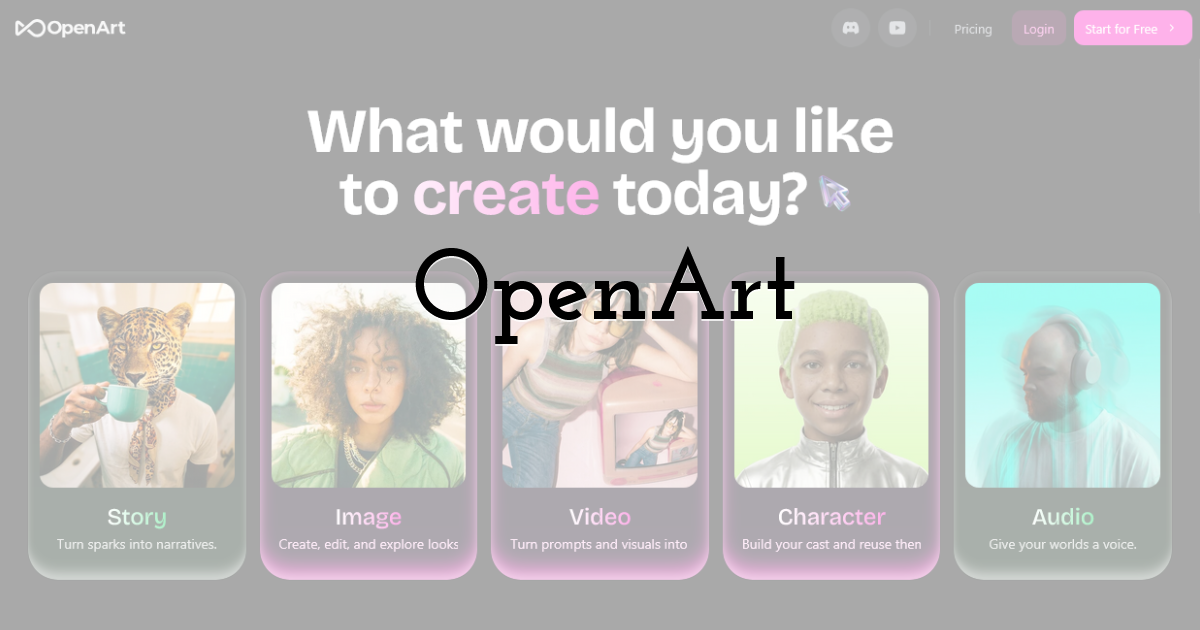
OpenArt began as an AI image platform and has aggressively expanded into video. It now supports models like Kling 3.0, Veo 3, Seedance, Wan, and Pika, making its model lineup competitive with the best aggregator platforms.
The issue is the interface. OpenArt tries to serve every creative need at once, packing image generators, video tools, model training, community feeds, style presets, and dozens of sub-features into one space. Locating the image-to-video workflow means navigating past tools you did not come looking for.
During testing, the video quality from models like Kling and Veo was solid. But the time spent finding the right workflow and configuring it properly was noticeably longer than on platforms offering the same models with a cleaner layout. When the underlying AI engine is identical, the interface becomes the differentiator, and OpenArt's complexity works against it here.
It is also worth noting that commercial use of videos generated on OpenArt requires attribution and a backlink, which may not suit every professional use case.
Best for: Experimenters who enjoy exploring many different AI tools and do not mind a busier interface.
13. Leonardo AI
Leonardo AI made its name in image generation and has been expanding into video with its Motion 2.0 model and a Veo 3 integration. The platform is now owned by Canva, which brings additional design infrastructure to the table.
With Veo 3, Leonardo now shares one of the same frontier video models available on simpler platforms like getimg.ai. Motion 2.0 adds spatial understanding and camera movement control, while the Smooth Video toggle boosts frame rates for cleaner output.
The problem is that accessing these models takes more effort than it should. Video creation is split across the Library, AI Creation tool, and separate Video modals. The same model that requires three clicks on a focused platform takes several more steps here. Video feels like a secondary feature bolted onto an image-first tool rather than an integrated experience.
Token-based pricing adds another layer of confusion. Video consumes far more tokens than images, and the cost per clip is often unclear until after generation.
>Best for: Existing Leonardo users who want to animate their AI-generated images without switching platforms.
14. Freepik
Freepik is primarily a stock asset library, but its AI suite now includes a video generator with access to Veo 3, Kling 2.1, Runway Gen-4, MiniMax, PixVerse, Seedance, and more. This is largely the same lineup of frontier models you will find on getimg.ai, making the comparison especially revealing.
Despite offering the same AI engines under the hood, the Freepik experience feels heavier. The platform serves two audiences simultaneously: stock asset browsers and AI video creators. Video generation tools sit alongside millions of stock photos, templates, and mockup generators, creating a layout that can feel disjointed for anyone focused specifically on AI video.
Cost efficiency is another concern. A single 8-second video can consume over 25 credits, and users on standard plans report running through their monthly allowance after just a few generations. When you can access the same Veo 3 or Kling model on a more focused platform without burning through credits as fast, the value gap is hard to ignore.
The mobile app has also received mixed reviews, with users flagging bugs and limited video options on free tiers.
Best for: Freepik subscribers who want AI video as one part of a broader stock asset and design toolkit.
Quick Comparison Table
| Platform | Top Models Available | Image-to-Video | First/Last Frame | Audio Gen | Ease of Use |
|---|---|---|---|---|---|
| getimg.ai | Veo 3.1, Kling, Sora 2, Seedance, MiniMax, Runway, Wan | Yes | Yes | Yes | Very Easy |
| Runway | Gen-4 Turbo (proprietary) | Yes | Yes | Limited | Moderate |
| Pika | Gen-4 Turbo (proprietary) | Yes | Yes (Pikaframes) | Limited | Easy |
| Krea | Veo 3, Kling, Sora 2, Wan, Runway, Hailuo | Yes | Yes | Yes | Complex |
| OpenArt | Kling 3.0, Veo 3, Seedance, Wan, Pika | Yes | Yes | Yes | Complex |
| Leonardo AI | Motion 2.0, Veo 3 | Yes | No | Yes (Veo 3) | Moderate |
| Freepik | Veo 3, Kling 2.1, Runway, MiniMax, PixVerse | Yes | Yes | Yes | Moderate |
Final Thoughts:
The AI models powering video generation in 2026 are remarkably powerful across the board. Many platforms now offer access to the same engines. The deciding factor is no longer which platform has the best AI. It is which platform makes that AI easiest to use.
getimg.ai wins this ranking because it combines the broadest model access with the most streamlined workflow. No clutter, no buried settings, no steep learning curve. You get the same frontier models available on more complex platforms, but you actually enjoy using them.
Runway remains the top pick for professionals who need advanced character animation. Pika is ideal for quick, creative social clips. Krea, OpenArt, Leonardo, and Freepik all offer access to top-tier models, but each one trades simplicity for feature density in ways that slow down the creative process.
If you are still weighing whether AI video belongs in your marketing stack, this breakdown on why every marketer needs an AI video generator is worth a read.
Otherwise, the best next step is hands-on. Pick two or three platforms from this list, upload the same image to each, and see which one gets you to a finished video fastest. That experience will tell you more than any review.
Until next time, Be creative! - Pix'sTory
Recommended posts
-
How to Use the Line & Pencil Tools
Read More › -
Design an App Without Code: 2026 Complete Guide
Read More › -
How to Create a Button Element by Grouping Shapes
Read More › -
Revolutionising Customer Support: How AI is Transforming Business Communi...
Read More › -
5 Mac Usage Tips for Video Editors
Read More › -
Mastering Visual Storytelling with AI-Driven Fashion Photos and Animated...
Read More ›
