Best AI Video Generators for Turning Static Designs Into Social Media Videos

An AI video generator is a tool that turns images, prompts or footage into finished video clips. For designers, that means a flat graphic can become a Reel, a Short or an ad without a camera.
Social feeds are full of motion. A still graphic has to work harder to stand out.
The usual obstacle is the learning curve. Traditional editors ask you to master timelines, keyframes and export settings first.
This guide compares five tools that remove most of that work. Each one can animate images or generate clips for social media. We cover what each tool does well, where it falls short, and what it costs. The goal is to help you pick the right tool for your next batch of designs.
How were these AI video generators chosen for social media work?
Five criteria shaped the list.
- • Design fidelity: Does the tool keep your layout, colors and typography intact?
- • Format support: Can it output vertical 9:16 clips and platform-specific versions?
- • Editing control: Can you fix a cut, a caption or a color after the AI finishes?
- • Cost clarity: Are plans and credit limits easy to understand?
- • Learning curve: Can a designer with no editing background get a usable clip on day one?
Pricing reflects each vendor’s published US plans at the time of writing. Credit allowances and promotions change often. Confirm current figures before you subscribe.
| Tool | Best for | Key output or feature | Starting price |
|---|---|---|---|
| invideo Editor | On-brand Reels, Shorts and ad versions | AI agents that edit on a multitrack timeline | $20 per seat per month, billed annually |
| Canva | Animating finished designs | Image to Video, Magic Video | Free plan; Pro at $12 per month, billed yearly |
| Adobe Express | Designers in an Adobe workflow | Animation tools, Firefly text to video | Free plan; Premium at $9.99 per month |
| Pika | Stylized motion from a single still | Image to video, Pikaframes | $8 per month, billed annually |
| Kapwing | Captions and resizing in a browser | Image to Video, auto-subtitles | $16 per member per month, billed annually |
1. invideo Editor: Agent-Driven Edits on a Real Timeline
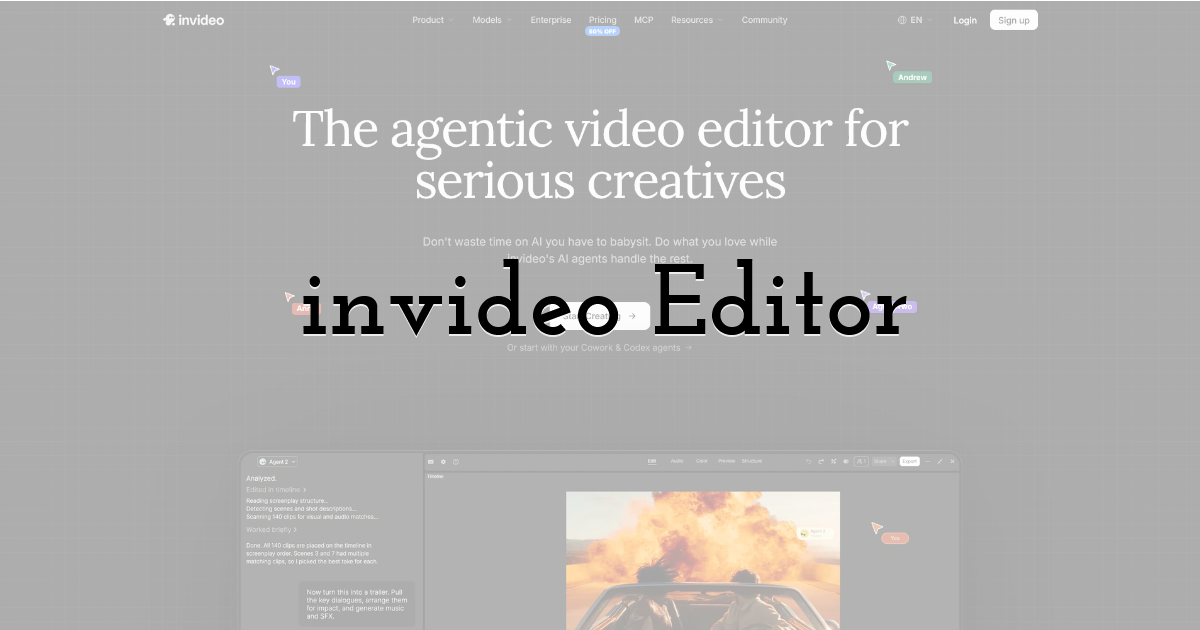
invideo Editor pairs a multitrack timeline with AI agents that carry out your edits. You describe a change in plain words. The agent applies it across every shot on the timeline.
The agents can read images, PDFs and scripts that you upload. Brand colors and guidelines stay in the project context. Every clip keeps the same look.
Generated clips come from more than 200 models, including Seedance and Kling. One idea can become dozens of vertical cuts for different channels.
You can try invideo Editor by uploading your design exports and describing the edit. Every result stays editable by hand on the same timeline.
Best for: Marketers and designers who need on-brand Reels, Shorts, and ad variations from one set of assets.
Where it falls short: The Starter plan includes Lite agents only. It also has no access to Seedance 2.5.
Pricing: Starts at $20 per seat per month on the Starter plan, billed annually. It scales up to $375 per seat per month on the Max 3x plan for 15,000 credits.
2. Canva: Image to Video Inside a Familiar Design Editor
Canva adds motion to designs inside the editor you already use. Its Image to Video tool animates an existing image with subtle movement.
The clip keeps the original layout and aspect ratio of your image. Free plan users can try it while their monthly AI allowance lasts.
Create a video clip builds eight-second clips with sound from a text prompt. Magic Video assembles videos of about 60 seconds from smart templates.
Best for: Designers who already build social graphics in Canva and want quick motion on finished artwork.
Where it falls short: Image to Video adds only subtle motion. It also skips premium stock media.
Pricing: Starts at $12 per month on Canva Pro when billed yearly. It scales up to custom pricing on the Enterprise plan for large organizations.
3. Adobe Express: Animation Tools and Firefly Video for Adobe Users
Adobe Express builds social videos from templates, with animation tools built in. Premium adds advanced animation and video background removal.
Quick actions caption a video and resize it for different channels. Premium also schedules posts to three accounts per social network.
Firefly Pro adds text to video with up to 40 five-second clips per month. It also opens partner models from Google, OpenAI and Flux.
Best for: Designers who already work in Photoshop or Illustrator and want one Adobe workflow for graphics and video.
Where it falls short: Premium includes only 250 generative credits each month. Generated clips are five seconds long.
Pricing: Starts at $9.99 per month on Premium, with a free plan below it. It scales up to $19.99 per month on Firefly Pro for 4,000 monthly credits.
4. Pika: Image-to-Video Clips With First and Last Frame Control
Pika specializes in turning still images into short video clips. Its Pikaframes feature takes a first frame and a last frame. It then animates the motion between them.
Pikaffects applies physics-bending effects to a subject. Pikadditions places a new image into existing footage.
Credits pay for every generation. Cost depends on the model, the length and the resolution. The Standard plan includes 700 credits per month.
Best for: Creators who want stylized, attention-grabbing motion from a single illustration or product shot.
Where it falls short: Credit costs vary by model, length and resolution. Pika focuses on clip generation rather than full editing.
Pricing: Starts at $8 per month on the Standard plan, billed annually. It scales up to $76 per month on the Fancy plan for 6,000 monthly credits.
5. Kapwing: Image to Video With Built-In Captions and Resizing
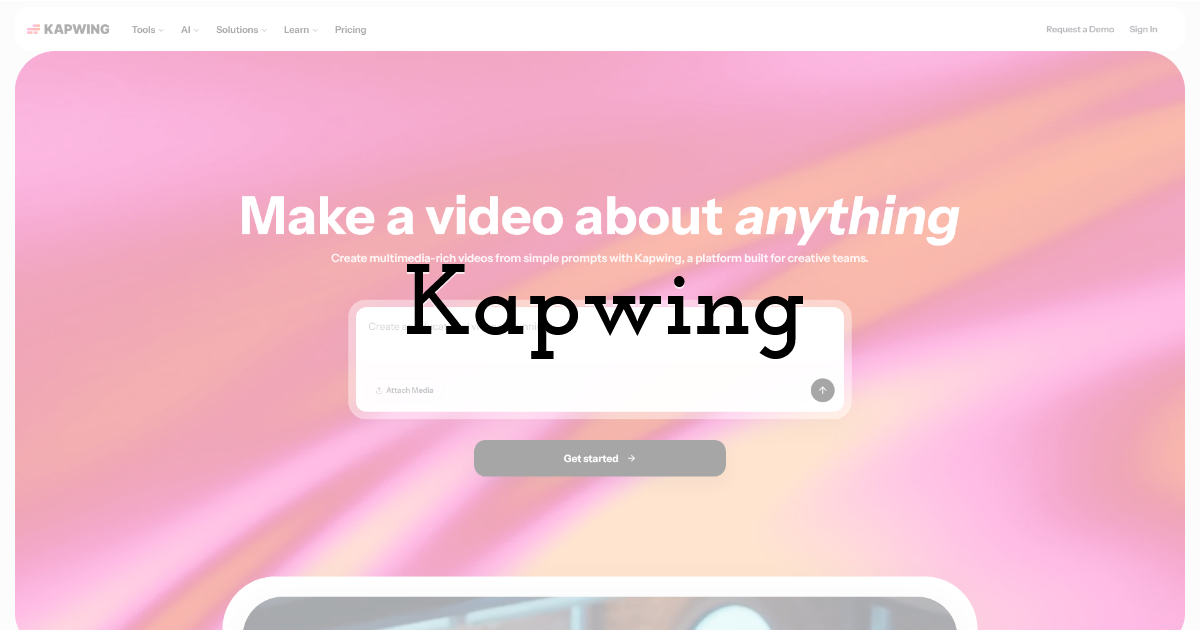
Kapwing is a browser-based editor with AI tools for social video. Its Image to Video tool converts a still image into a short clip. It runs online, so you can work from any device.
Text to Video builds a video from a script. Auto-subtitling and resizing prepare clips for vertical feeds.
The Pro plan exports in 4K and includes 1,000 credits each month. Credits pay for AI generations, so heavy use drains them faster.
Best for: Social teams that need quick captions, resizing and light AI motion in one browser editor.
Where it falls short: The free plan exports at 720p. AI generations draw down monthly credits.
Pricing: Starts at $16 per member per month on Pro, billed annually. It scales up to the Business plan with 4,000 monthly credits.
Which AI video generator should you use for social media designs?
- • On-brand Reels, Shorts and ad versions from one set of assets → Invideo Editor.
- • Quick motion on a finished design inside your design tool → Canva.
- • One Adobe workflow from Photoshop to video → Adobe Express.
- • Stylized clips from a single still image → Pika.
- • Captions and resizing in a browser editor → Kapwing.
FAQ: AI video generators for social media
What is the best AI video generator for social media?
The best choice depends on your workflow. Invideo Editor suits teams that want agents to build and version on-brand videos on a timeline. Canva and Adobe Express suit designers who prefer to stay in a design tool. Pika and Kapwing cover stylized clips and quick captioning.
How do you turn images into video with AI?
Export your design as a PNG or JPG. Upload it to an AI video tool, then describe the motion you want. Choose a vertical 9:16 format for Reels and Shorts. Review the clip, add captions, then export an MP4.
Can AI video tools keep text in a design readable?
Generative models can warp small text while they animate an image. Keep type simple and large before you export. A safer method is to generate the motion first. Then add titles as overlays in the editor.
Do you need editing experience to use these tools?
No. Each tool here starts from a template, an image or a plain-language prompt. Invideo Editor also lets you take over on a real timeline when you want fine control.
Are there free ways to try image-to-video?
Canva’s free plan includes Image to Video while your monthly AI allowance lasts. Adobe Express, Pika and Kapwing also offer free plans with limits. Check each plan’s export quality and watermark rules before you publish.
Until next time, Be creative! - Pix'sTory
Recommended posts
-

How UGC Creators Are Using AI to Land Higher-Paid Brand Deals in 2026
Read More › -

How to Make Your Social Media Posts Stand Out?
Read More › -
6 After Effects Project File Libraries Worth Knowing If You Want Faster,...
Read More › -
Why Upskilling Matters More Than Ever in 2026
Read More › -
Know How to Align Objects
Read More › -

5 Unexpected Industries Where AI Is Changing the Game
Read More ›
