Design an App Without Code: 2026 Complete Guide
Why 2026 Changed Everything for No-Code App Development
The app development world has completely changed in recent years. No-code AI platforms now make it really easy to turn ideas into fully working apps, and more companies and creators are jumping on board every day. You don’t need a full developer team anymore—if you have a solid idea, these tools let you bring it to life quickly. AI features in these platforms help automate a lot of the tricky parts, making apps smarter, faster, and more polished right from the start. As a result, a whole new wave of “citizen developers” is building apps, opening up opportunities far beyond traditional tech teams and letting anyone experiment, learn, and launch their own projects.
AI-Powered Builders vs Traditional No-Code Platforms
Traditional no-code platforms trapped users in rigid templates and proprietary systems, whereas modern AI-powered solutions generate clean, production-ready code that developers can easily extend. This flexibility allows teams to start with no-code tools and gradually transition to custom development as complexity grows. Platforms like Forms on Fire highlight this shift by offering flexible, mobile-first data collection workflows that integrate seamlessly with existing systems, making them far more adaptable than traditional tools. These newer platforms can interpret natural language descriptions and visual inputs, effectively removing the steep learning curve that once limited no-code adoption.
What You Can Actually Build Without Coding Today
The possibilities have exploded. Teams regularly ship customer portals, internal management dashboards, e-commerce platforms, and interactive prototypes using app builder ai technology. Mobile applications with real-time data sync, user authentication, and third-party integrations now come straight out of visual editors. Modern AI builders can build an app from a simple prompt, turning text descriptions or rough sketches into working interfaces in minutes.
But let's be realistic about boundaries. While AI rocks at standard CRUD operations and typical business workflows, complex scenarios still pose real challenges.
Preparing Your Design for App Conversion

Success in turning designs into working apps starts way before picking tools. The prep phase determines how smoothly the conversion goes and how closely the final product matches your original vision.
Creating Design Mockups (Sketch vs Detailed Design)
The detail level you need depends on project complexity. Sketches work fine for simple applications where AI can figure out standard patterns. Complex applications need detailed mockups that spell out interaction patterns, responsive behaviors, and edge cases. The trick is communicating intent clearly through high-fidelity designs or annotated wireframes.
Essential Design Elements AI Builders Need
AI platforms read designs best when they include consistent navigation structures, clear visual hierarchy, and explicit interaction states. Component libraries with defined styles for buttons, forms, and data displays help keep consistency throughout the generated application. Naming conventions matter big time. Clearly labeled elements help AI understand relationships and generate appropriate functionality.
Organizing Your Design Assets and Specifications
Structured organization speeds up conversion substantially. Grouping related screens, sticking to consistent naming patterns, and documenting user flows give context that AI builders use effectively. This organization also makes team collaboration and future iterations much smoother.
Choosing the Right AI No-Code Tool for Your Project
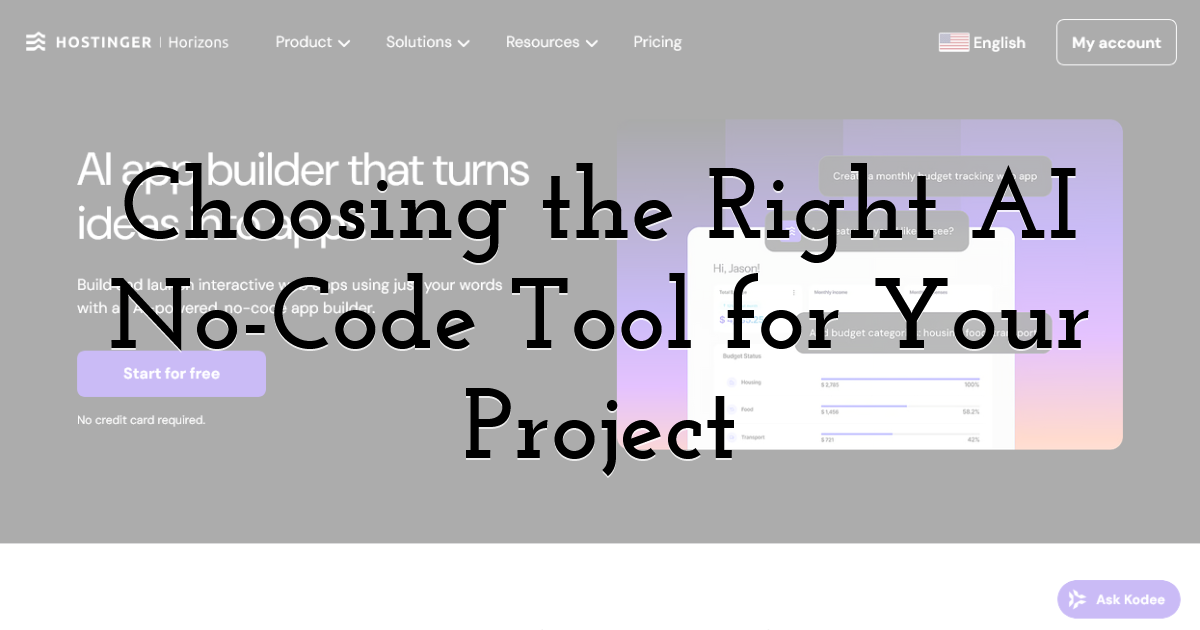
If you want a smooth ride turning your designs into a working app, the tool you pick matters a lot. For 2026, one standout option is Hostinger Horizons. It’s perfect for startups and small businesses looking to build business apps without overcomplicating things. The platform keeps workflows simple, affordable, and practical, letting you focus on creating features that actually matter instead of wrestling with the tech.
Whether you’re setting up internal dashboards, client portals, or basic mobile tools, Hostinger lets you get things running quickly while keeping your team on the same page. The key is to play around with it, test the features, and see how it fits your project style—once it clicks, building and iterating feels effortless.
Mobile App vs Web App: Which to Build First
Web applications offer faster iteration cycles and simpler deployment, making them perfect for validating core functionality. Mobile apps deliver better performance and native device integrations but need complex distribution through app stores. Most successful projects start with web versions to gather feedback before investing in mobile development.
Free vs Paid: What You Get at Each Tier
Best ai app builder free versions typically support basic prototyping and limited users, giving you enough capability for testing concepts. Paid tiers unlock production features like custom domains, increased data storage, team collaboration tools, and priority support. The switch point often aligns with moving from validation to launch preparation.
Converting Your Design into a Working App Interface
Conversion methods vary based on starting materials and chosen platform. Direct file uploads work seamlessly with design tools that export standardized formats. Text-based generation shines when explaining specific requirements that might prove tough to design visually. Most effective workflows combine both approaches, using designs for layout structure while refining details through conversational commands.
The iterative nature of AI-powered conversion means initial outputs are starting points. Refinement through successive prompts gradually shapes the interface toward your intended vision, with each iteration building upon previous results.
Adding Functionality and Logic to Your App
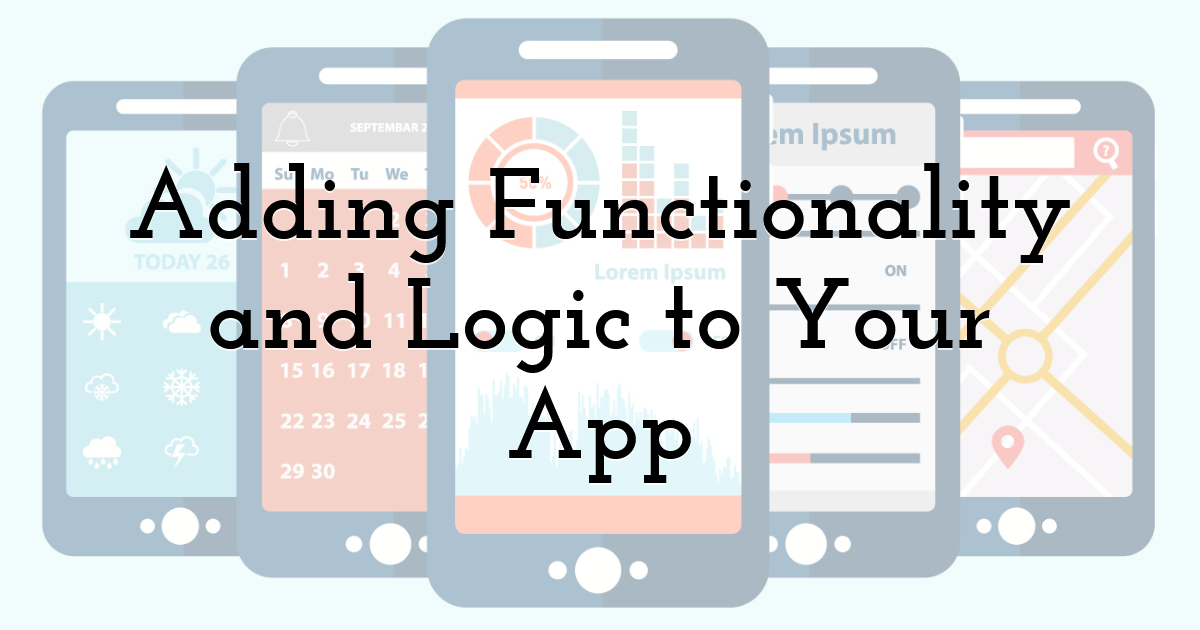
Visual interfaces are just the visible layer of functional applications. Connecting databases enables dynamic content, user authentication secures access and personalizes experiences, and API integrations expand capabilities beyond platform limitations. These app creation services handle infrastructure complexity automatically, letting you focus on business logic.
Interactive features emerge through configuration rather than coding. Forms validate input, workflows trigger on specific conditions, and notifications keep users informed, all assembled through visual editors that hide the underlying complexity.
When No-Code Isn't the Right Choice

Understanding limitations prevents wasted effort. No-code platforms hit specific technical constraints that impact project viability:
Performance and scalability walls emerge under load. Bubble apps show 2-5 second load times versus 1.2 seconds for Next.js equivalents, getting worse beyond 5,000 concurrent users. High-traffic marketplaces or apps expecting 10,000+ daily active users hit infrastructure constraints.
Complex compute scenarios fail entirely. Platforms struggle with real-time collaboration requiring WebSockets, AI/ML inference, video/audio processing, or fintech/healthtech compliance needing code-level control. Server-side compute remains weak for these use cases.
Vendor lock-in risks create migration headaches. Platforms like Bubble don't export source code, application logic, UI components, or database schemas, requiring full rebuilds for migration. This becomes critical for growing apps needing self-hosting or custom infrastructure.
Technical cliffs in production deployment surface during real-world launches. AI and no-code tools often generate only frontends, leaving backends unfinished. Supabase RLS configuration, OAuth/token management, build failures, or App Store metadata require manual coding intervention.
Customization ceilings limit novel features. Restricted to platform components and visual workflows, highly customized layouts or advanced UI hit walls in database policies, authentication flows, or deployment configurations even with extensions.
While AI can generate initial interfaces in minutes, expect 2-4 weeks for production-ready MVPs including testing and refinement. Starting with excessive complexity hides core value propositions. The minimum viable product approach focuses development on essential features, allowing faster validation based on real feedback.
Testing Your App Before Launch
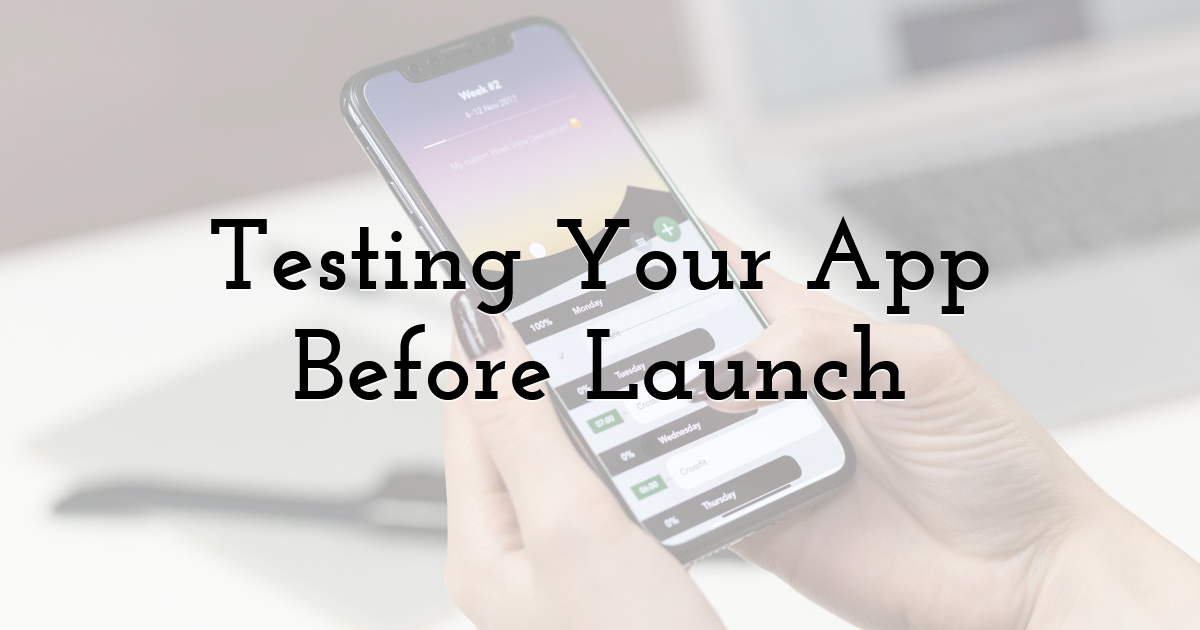
Testing your app on real devices is the only way to catch performance hiccups and usability quirks that you won’t see in a preview. iOS and Android can behave quite differently, so it’s smart to try it on multiple devices and screen sizes. Getting feedback from beta users is a goldmine—it shows how people actually use your app and highlights anything that needs tweaking before the official launch.
Publishing and Deploying Your App
How you publish your app depends on the platform and where you want it to go. For web apps, direct publishing makes things super easy and fast. If you want more control, exporting the code gives you flexibility to host it anywhere or add extra features later. Unique builders, such as Hostinger Horizons, handle both the app creation environment and the infrastructure required to run it, which means hosting and deployment are already integrated rather than configured separately. For mobile apps, submitting to the App Store or Google Play just means following their guidelines—privacy rules, content ratings, and a few technical steps—but once that’s done, your app is ready for users to enjoy.
What Happens After Your App Is Live
Launch marks the beginning rather than the end. User feedback drives ongoing improvements, performance monitoring identifies optimization opportunities, and feature additions respond to evolving needs. The ability to make apps without coding means updates happen rapidly, keeping pace with user expectations and market demands.
Until next time, Be creative! - Pix'sTory
Recommended posts
-
How Designers Create and Improve Visual Content Faster Using AI
Read More › -

How to Design a Stunning Logo for Your New Brand in Minutes?
Read More › -
AI Cover Art Generator for Music and Podcasts: From Prompt to Distributio...
Read More › -

From Research to Ready-to-Present: How HIX AI Slides Simplify Presentatio...
Read More › -

Understanding SDKs from a Developer and Consumer Perspective
Read More › -
Data-Driven Roadmaps: Prioritizing Investments in Veracode Alternatives
Read More ›
