The Best SEO Software for Agencies in 2026, Judged by the Jobs It Has to Do All Week

What's the Best SEO Software For an Agency in 2026?
For most agencies, it's SE Ranking. It covers the whole roster in one place - rank tracking, site audits, keyword and competitor research, and AI-search visibility - and wraps it in white-label reporting and client seats that are actually built for agency delivery, not bolted on. That combination is what makes it the best SEO software for a team juggling ten or fifteen clients a week rather than one. The honest nuance: if your single deepest need is the largest backlink index on the market, a specialist tool still goes further on that one axis. Everything else is in the full comparison below.
The Monday that Decides Everything
Here's the thing - the software earns its keep before your coffee's cold. It's Monday, and the roster is already talking. One client's rankings slipped over the weekend and they've emailed twice. Another needs a technical audit before their dev team locks the sprint. A third wants to know why they're not showing up in ChatGPT answers, and honestly, so do you. A fourth just needs the monthly report, on your letterhead, by noon. None of that is on a feature spec sheet. It's the actual week.
And search still feeds all of it: 32.9% of internet users still discover new brands and products through search engines (HubSpot, 2025). But "search" now means AI answers too - so the tool that wins your week has to cover the old jobs and the new one at once.
| Software | The roster job it does best | Entry price | White-label reporting | AI-search built in |
|---|---|---|---|---|
| SE Ranking | Whole-roster coverage + client reporting | $129/mo ($103.20 annual) | Yes (Agency Pack) | Yes - 5 LLMs |
| Ahrefs | Backlink + competitor depth | $129/mo | No | No (separate product) |
| Moz Pro | Client-friendly authority reporting | $99/mo ($79 annual) | Limited | No |
| Semrush | Broad research + PPC | $139/mo | On higher tiers | In-plan tracking |
| Serpstat | Lower-cost consolidated research | $50/mo | On Agency plan | No |
| Surfer SEO | Content optimization for client articles | $49/mo | No | Content-side only |
| Screaming Frog | Deep technical audits | £199/yr | No | No |
| Google Search Console | Free first-party Google data | Free | No | No |
Job 1: Covering the Whole Client Roster from One Dashboard
It's Monday, 9 a.m., and you've got a dozen-plus retainers waiting on you. One client dropped three spots on their money keyword over the weekend. Another needs an audit before their board call. A third wants fresh keyword ideas for a product launch. If every one of those questions lives in a separate tool with a separate login, your account leads spend the first two hours of the week just gathering tabs instead of doing the work.
Run the math on that. A platform that saves each account lead three or four hours a week doesn't cost you money across a roster this size, it hands hours back. Multiply those hours by every retainer and the subscription pays for itself before the first invoice goes out.
The job here isn't a clever feature. It's one screen where all of it lives. An all-in-one platform like SE Ranking does that job. Stitching together three specialist tools never quite gets you there.
Job 2: Answering "Are We Showing up in AI?" For Every Client
The question landed in your inbox last week, and it'll land again this week: "Are we showing up in ChatGPT?" Your clients are reading the same headlines you are, and they want a straight answer for their own brand. Right now, 68.94% of websites already receive some AI-referred traffic, so "we don't track that" isn't a position you can hold for long.
The numbers give you a place to point. ChatGPT drives over 77% of AI-driven visits, with Perplexity around 15% and Gemini at 6.4% (SE Ranking, 2025). That tells you which surfaces actually matter for a client's report, and which are still a rounding error.
So the job is software that can track AI-search visibility per client and drop it straight into their monthly report. Do that once, across the roster, and the scary inbox question becomes one more line item you've already answered.
Job 3: Sending a Monthly Report the Client Actually Reads
The report is the thing your clients actually see. They don't watch you fix crawl errors or rework internal links. They open a PDF once a month and decide, in about five minutes, whether you're worth the retainer. So the report isn't admin. It's the product.
Here's the thing - a report nobody opens is work you did for free. If your team spends half a day per client hand-building slides, and the client skims two of them, you've burned roster hours to produce something that didn't move the relationship at all. White-label, scheduled reporting fixes both ends of that. It goes out branded, on time, without anyone touching it, and an AI summary up top turns the raw numbers into a paragraph a busy client actually finishes.
Across ten or fifteen clients, automating that report gives your team days back every month. So which platforms do these three jobs well? Here's the ranked list.
The 8 Best SEO Software Platforms, Ranked
1. SE Ranking
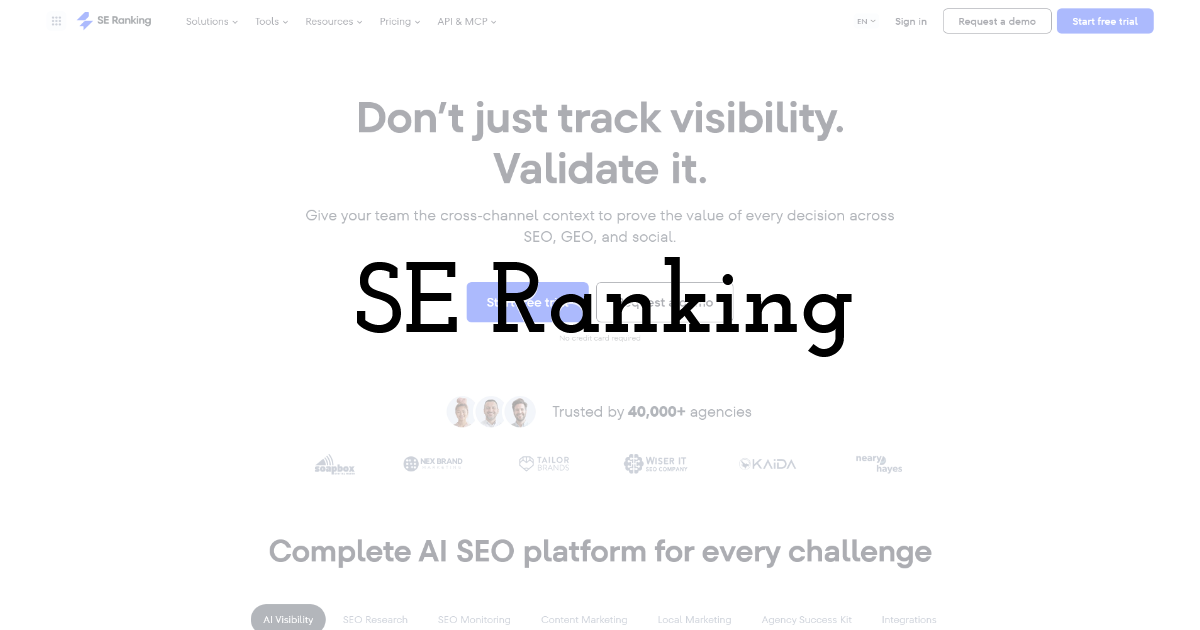
The one platform that covers your whole SEO roster, so you're not stitching four separate tools together for every single client account.
Best for: Boutique-to-mid-size agencies and mid-market in-house teams running SEO across multiple clients or brands.
Standout feature: It runs your whole recurring roster - rank tracking, site audits, keyword and competitor research, and AI-search visibility - from one platform. The Agency Pack layers on white-label reporting, extra client seats, unlimited scheduled reports with AI summaries, a Lead Generator, and an Agency Catalog listing that sends you inbound work.
Pros:
- • One login for rank tracking, audits, research, and AI-search visibility across every client
- • White-label reporting and unlimited scheduled reports with AI summaries once you add the Agency Pack
- • API and MCP access on every plan, so you can pull data into your own dashboards
- • Agency Catalog listing and Lead Generator that can route new work back to you
Cons:
- • The agency essentials you'll want, like white-label and extra seats, sit behind the paid Agency Pack add-on
- • Some databases run smaller than the single-purpose leaders
- • No automatic cross-channel correlation inside the UI; you get it through MCP instead
Pricing: Core $129/mo ($103.20/mo billed annually); Growth $279/mo ($223.20/mo annually) with 3 seats; API and MCP on every plan; Agency Pack from $69/mo (annual); 14-day trial.
My take: Here's the thing - if you're running SEO for a dozen clients, the win isn't any single feature, it's collapsing the recurring layer into one login. Do the math on the hours your team loses stitching exports together each week, and consolidating pays for itself fast across the roster.
2. Ahrefs
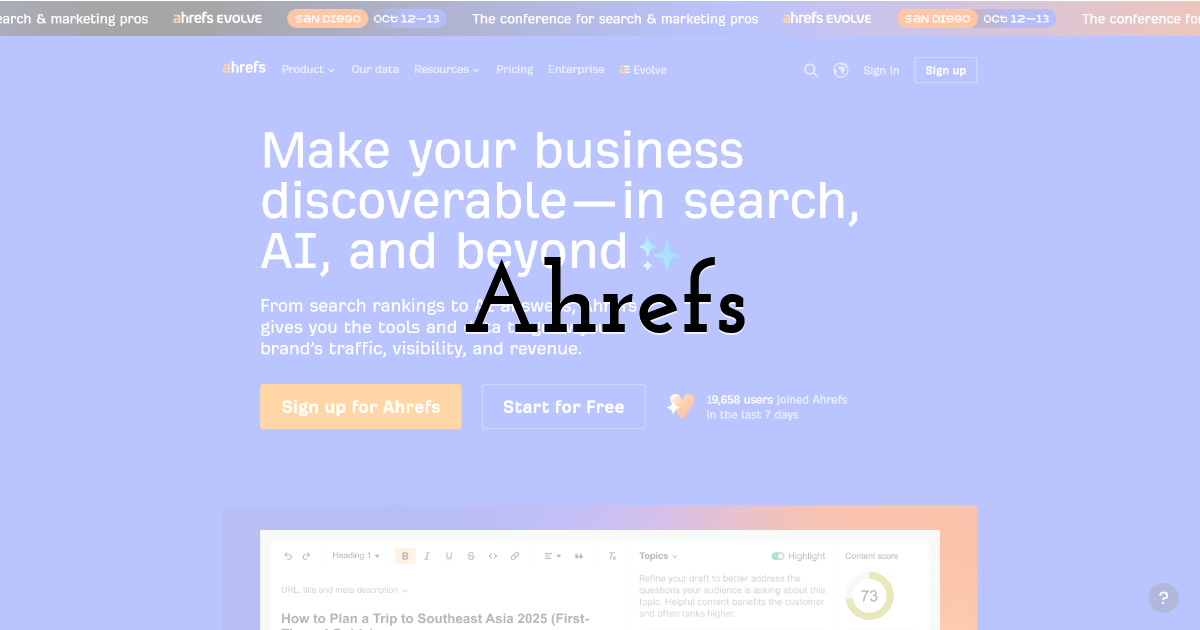
Where you go when a client's whole strategy hinges on backlink data and seeing exactly what competitors rank for.
Best for: Agencies whose client work leans heavily on link building and competitive research.
Standout feature: The live backlink index is enormous, and the content-gap tool lets you drop a client's domain against three competitors and see every keyword they rank for that your client doesn't. For link-building pitches and competitive teardowns, that depth is genuinely hard to match anywhere else.
Pros:
- • Backlink index and refresh rate that few tools can match, great for link audits
- • Content-gap and competitor analysis built for pitching new work
- • API access on every paid plan
Cons:
- • Entry plan is single-seat with keyword caps, which stings when you're spread across a roster
- • AI-search tracking is a separate $199/mo add-on
- • No free trial to test before you commit
Pricing: Lite $129/mo (750 keywords, 1 user); Standard $249/mo; Advanced $449/mo; API on all paid tiers; extra seats $40-$80.
My take: Here's the thing - the data is genuinely deep, but the single-seat entry and keyword caps mean the cost climbs quietly as you add clients and team members. If backlinks drive most of your client work, it earns its keep; if not, you're paying for depth you won't fully use.
3. Moz Pro
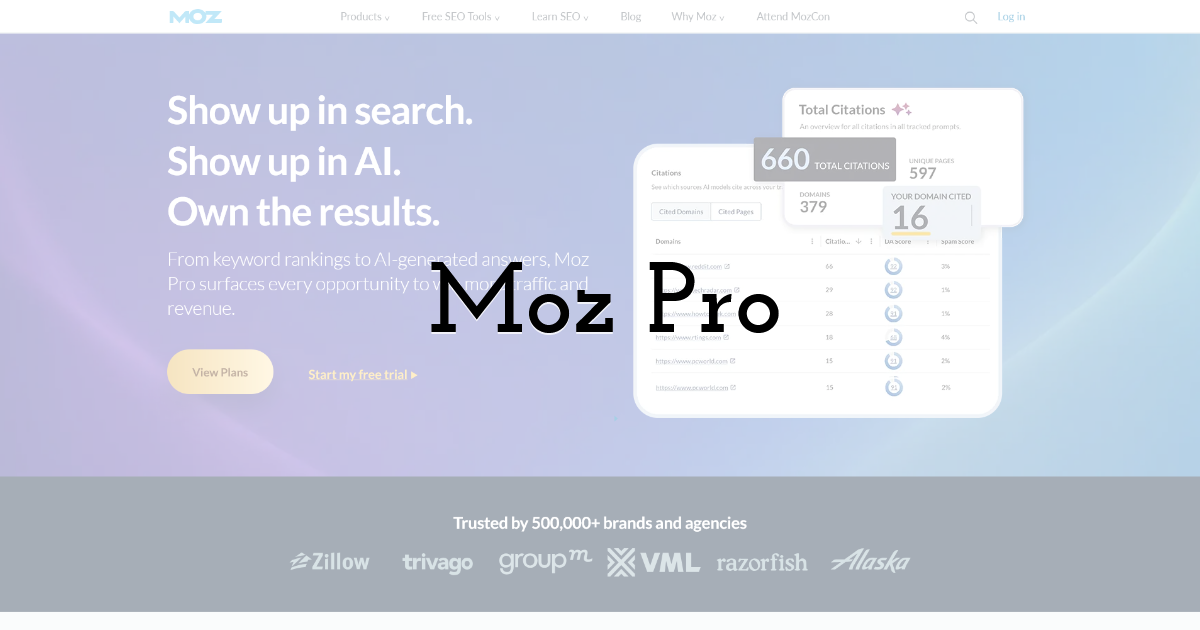
The pick when your monthly client reports need one clean authority number that non-technical stakeholders actually understand.
Best for: Agencies serving clients who want simple, digestible reporting over deep technical dashboards.
Standout feature: Domain Authority gives you a single 0-100 score that a client's marketing director can read at a glance, no SEO glossary required. When you're reporting to stakeholders who don't live in this world, a trend line on one number saves you a lot of explaining every month.
Pros:
- • Domain Authority is easy for clients to grasp on a monthly report
- • Clean, approachable interface that's quick to onboard junior staff on
- • Reasonable entry pricing for smaller agencies
Cons:
- • DA is a modeled proxy, not a metric Google actually uses
- • The index runs smaller than the larger players
- • No AI-answer tracking, so you're blind to that channel
Pricing: Starter $49/mo; Standard $99/mo ($79/mo annually, 300 keywords/3 sites/1 user); Medium $179/mo; Large $299/mo.
My take: Here's the thing - Domain Authority sells itself in client meetings, and that has real value when you're keeping non-technical stakeholders confident. Just be honest with yourself that it's a proxy, the databases are smaller, and you'll need something else the moment a client asks about AI answers.
4. Semrush
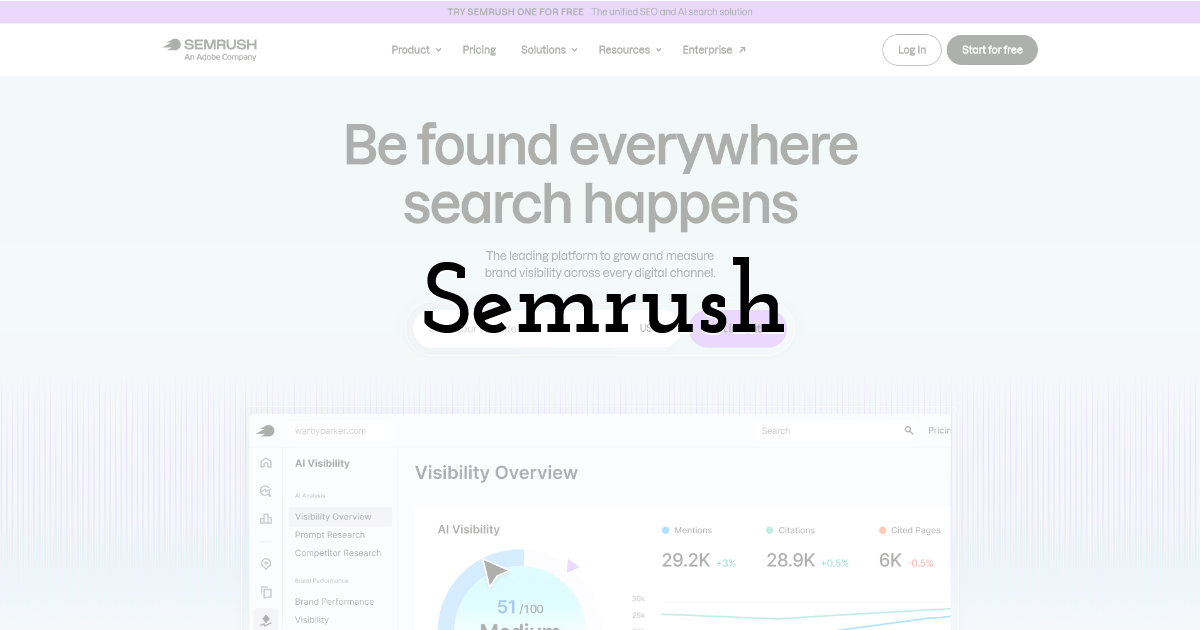
A sprawling research and PPC suite for agencies that want keyword, competitor, and paid-search data all living under one roof.
Best for: Full-service agencies handling both organic and paid search for the same clients.
Standout feature: The databases are huge, and unlike a lot of SEO tools it folds PPC research and AI-visibility tracking into the plan itself rather than a bolt-on. For agencies handling both organic and paid for the same clients, having it in one place cuts down the constant tab-switching.
Pros:
- • Massive keyword and competitor databases
- • PPC and organic research together, useful for full-service accounts
- • AI-visibility tracking included in the plan rather than a paid add-on
Cons:
- • Entry tier is single-seat, tight for a team
- • White-label and full API access sit on the higher tiers
- • Extra seats add up quickly once you're spread across a roster
Pricing: SEO $139/mo (5 sites/500 keywords/1 user); Starter $199/mo; Pro+ $299/mo; Advanced $549/mo (full API); extra users $45/mo; 7-day trial.
My take: Here's the thing - the breadth is real, and if you're running paid and organic together it's convenient. But the single-seat entry and per-user costs mean a growing team feels the bill fast, and the features agencies lean on, like white-label, wait for you on the higher tiers.
5. Serpstat
Lower-cost consolidated research that scales with a growing client roster without stretching your monthly software budget.
Best for: Agencies wanting keywords, tracking, audits, and links in one workspace as the roster grows.
Standout feature: You get keyword research, rank tracking, site audits, and backlink analysis in a single workspace starting at $50/mo. White-label reporting lands on the Agency plan, so client-facing PDFs carry your logo, and API access opens up from the Team tier for pulling data into your own dashboards.
Pros:
- • Four core modules bundled at an entry price
- • White-label reporting for polished client deliverables
- • API available from a mid-level plan
- • Straightforward pricing as you add seats
Cons:
- • Smaller databases than the category leaders
- • Module depth varies across the suite
- • No native AI-search tracking
Pricing: Individual $50/mo, Team $100/mo, Team x2 $169/mo, Agency $410/mo (white-label).
My take: If you're watching costs while your portfolio expands, Serpstat covers the daily research jobs at a price that keeps margins healthy. You trade some database size and depth, but for many client sites that tradeoff is entirely reasonable.
6. Surfer SEO
Content-optimization software built for the articles your team produces on behalf of clients, brief to published draft.
Best for: Agencies running high-volume content production across multiple client accounts.
Standout feature: The real-time content editor scores your drafts against the pages already ranking, checking terms, structure, and length as writers type. That means every client article ships optimized to actual SERP data instead of guesswork, and your writers get a clear target before a piece ever reaches review.
Pros:
- • Live scoring keeps writers aligned to intent
- • Speeds up briefing and editing across accounts
- • Seat tiers suit small content teams
- • Optional AI Search Analytics add-on
Cons:
- • A content tool, not a full platform
- • Can nudge writers to over-optimize a score
- • No rank or backlink data
Pricing: Discovery $49/mo (120 docs, 1 seat), Standard $99/mo (360 docs, 3 seats), Pro $182/mo (5 seats); AI Search Analytics from $158/mo.
My take: When content is a core service line, Surfer tightens the gap between brief and published draft. Pair it with a tracking tool for the full picture, and coach writers to treat the score as guidance rather than gospel.
7. Screaming Frog
The desktop crawler your technical team reaches for when a client site needs a genuinely deep audit.
Best for: Agencies handling hands-on technical SEO across complex client sites.
Standout feature: Its headless-Chrome crawl surfaces redirect chains, canonical logic, and rendered-versus-raw gaps at full URL scale. You see exactly what search engines encounter on a client site, right down to the JavaScript-rendered content, which makes it the workhorse for migrations, replatforms, and messy legacy structures.
Pros:
- • Deep technical visibility at real URL scale
- • Rendered crawling exposes JavaScript issues
- • Free tier covers small sites
- • Exports drop cleanly into your reports
Cons:
- • No rank or AI-visibility tracking
- • Desktop-bound, so no cloud collaboration
- • Licensed per seat across a team
Pricing: Free up to 500 URLs; £199/year per user (roughly $259).
My take: Every agency doing serious technical work keeps this on hand. It won't track rankings or run your reporting, but for diagnosing what's actually broken on a client site, few tools give you this much depth for the money.
8. Google Search Console
The free first-party Google data every client project should have connected before you spend a cent elsewhere.
Best for: Every agency, on every client site, as a baseline data source.
Standout feature: You get real query, click, impression, and average-position data straight from Google, plus URL Inspection for indexing checks and Core Web Vitals reporting. It's the only source showing genuine first-party performance, which makes it the reference point you cross-check your paid tools against on every account.
Pros:
- • Genuine first-party Google data, no sampling models
- • URL Inspection for fast indexing diagnostics
- • Core Web Vitals built in
- • Free on every property, forever
Cons:
- • No AI-answer visibility
- • 16-month, sampled, single-property history
- • No scheduled rank tracking
Pricing: Free.
My take: Connect this on day one of every client relationship. It won't replace your tracking platform, but the numbers are Google's own, so it anchors your reporting in truth and keeps your paid tools honest across the whole portfolio.
My Take - What I'd Run Across the Roster
Here's what I've learned watching my own shop grow: you don't win by owning every tool, you win by owning the right ones. For most agencies, run one platform that covers the recurring 80% of the work - rank tracking, audits, keyword research, AI-visibility tracking, and client reporting - and keep specialist tools for the jobs that genuinely need them. SE Ranking fits that recurring layer nicely, with Google Search Console as your free ground truth and a crawler like Screaming Frog for the deep technical digs.
Do the portfolio math. Across a dozen-plus retainers, consolidating that recurring layer gives each account lead back hours every week, and those hours are your margin. And the AI-visibility work is worth reporting: SE Ranking found that AI-referred visitors spend about 68% more time on-site than organic-search visitors (SE Ranking, 2025).
Here's the thing - you don't have to do all of this at once. Start by consolidating the recurring layer, prove it on a few accounts, then decide what specialist tools still earn their seat.
My take: pick the platform that quietly handles the everyday, and spend your energy on the client work only you can do.
Frequently Asked Questions
What SEO software is best for agencies managing multiple clients?
The one that covers the whole roster from a single dashboard, with per-client seats and white-label reporting built in. SE Ranking's Agency Pack adds white-label reports, extra client seats, and an Agency Catalog listing, so you manage every account in one place instead of juggling logins and stitching data together by hand.
How much SEO software does an agency actually need?
Usually less than you think. One consolidated platform for the recurring 80%, plus one or two specialists for the deep or unusual jobs. That's it. Every extra login is another place a client-facing error can quietly hide, and another subscription you're paying for whether the team uses it or not.
Can SEO software produce white-label client reports?
Some can, and it's worth checking before you commit. Look for scheduled, branded reporting rather than manual exports. SE Ranking's Agency Pack does unlimited scheduled reports with AI summaries, so your client updates go out on a fixed cadence with your logo on them, not a scramble at month-end.
How long does it take to roll SEO software out across a client roster?
Realistically, a few weeks. You're migrating projects, wiring up reports, and retraining the team, so don't expect week-one perfection. Start with the recurring layer across your accounts, get that running smoothly, then add specialist tools once people are comfortable. Rushing the rollout just creates cleanup work later.
Until next time, Be creative! - Pix'sTory
Recommended posts
-

How to Become a Web-Designer in 2021
Read More › -

5 Best Cloud Construction ERP Systems for Smarter Project Planning and Co...
Read More › -

How to Use Social Data to Launch a Successful Marketing Campaign
Read More › -

An Ultimate Guide on The Best Video Marketing Software
Read More › -

Top Marketing Strategies to Fuel Your Business Growth
Read More › -
FatJoe Review 2025: SEO Support for Overloaded Teams
Read More ›
