The Timeless Beauty of Black and White Photography

Sometimes, the color in a photo is what makes it bright and sharp, and other times, taking away the color can bring out things that weren't immediately obvious. At a glance, the outline of a shadow, the roughness of an old wall, or the way the light hits someone's face can catch the eye.
Knowing how to make a photo black-and-white can elevate your creativity in different genres. A dramatic monochrome shot of a bustling city street might use the rhythm of the passing figures to add impact. A somber landscape shot could really come alive with the interplay of deep shadows and light.
Another advantage of monochrome photography is that it forces photographers to see the world differently. Without strong colors to draw the eye, they need to think carefully about what they include in the shot and how it looks in terms of light, contrast, composition, and texture.
In this guide, we provide a practical way to explore your creative style through black-and-white images. You will learn to recognize which stories become clearer without color—and when keeping color serves the image better.
What Makes a Photograph Work Without Color?
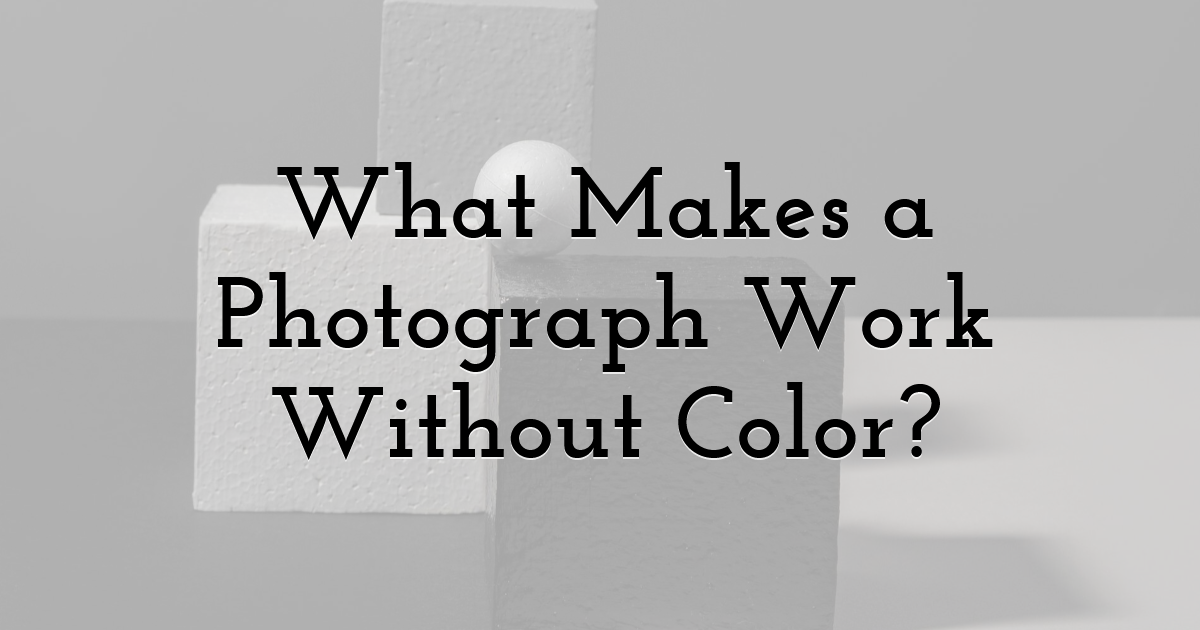
Before you learn how to turn an image black-and-white, you must understand that simply stripping away colors is not enough to make your picture more impactful. There are essential visual elements you should focus on to hold the viewers' attention:
- • Light and shadow create depth and direct the eye. Imagine a portrait taken beside a window. Light falls across one side of the face while the other remains in soft shadow. Without color, the contrast can make the expression and facial features more noticeable.
- • Texture gives everyday subjects character. Weathered stone, raindrops on a window, wrinkles in a coat, or the rough surface of a tree trunk can become more prominent in monochrome. Small highlights and shadows can emphasize minor details. Experiment with side lighting to create them.
- • Shape and composition make the image visually balanced. A row of people crossing a bright street, a lone tree against a pale sky, or the repeating arches of a building can create a clear visual pattern. Strong outlines, carefully curated arrangements, and an optimal background separation will be extremely helpful here.
Develop Your Own Monochrome Style

Black-and-white photography tips typically begin with defining the message you want to convey with the final picture. Two photographers can edit the same scene and create very different results: one may emphasize deep shadows and sharp contrast, while the other may prefer soft grays and subtle tonal transitions.
Select a mood to suit your subject. For example, dramatic contrast can energize and emphasize the graphic quality of a city street scene. But lightness and softness may be more suitable for a still landscape or a personal portrait. There is no universal winner; only what supports the story in the frame.
Next, choose a visual theme that ties all your pictures together. Your images could appeal to you because of things like interesting architectural elements, unposed expressions, or the surface of older sections of town. Once you identify what you like, it'll be easier to craft a post-processing style.
Practical Tips for Strong Results

Small adjustments can make the difference between a flat monochrome image and one with clear structure. Here are some tips you should keep in mind when working on your next frame.
1. Choose the Software
Start by selecting a strong photo-editing software with monochrome conversion tools. If you want to experiment without installing desktop software, you can make an image black-and-white online with Luminar. Its browser-based workflow lets you explore photo edits online. The Monochrome tool was designed specifically for decolorizing, and it is available for free.
2. Manage the Lighting
When you've uploaded the picture, consider the light and use relighting tools. Side light is often the best for buildings, faces, and natural surfaces. Softer light works best on a cloudy day and will maintain delicate detail without harsh shadows. Dark shadows can create drama in your photo. However, they may obscure faces and the feel of dark clothing. Make sure you retain enough detail in the lightest and darkest elements.
3. Check the Original Colors and Contrasts
Colors that look distinct in the original photo can turn into similar shades of gray. A red coat and a green wall, for example, might blend together if their brightness levels are close. A dark subject against a dark wall may lose its outline once you remove color. Look for differences in brightness that separate the subject from its surroundings.
4. Experiment and Review
Experiment with a few effects on the same picture and compare. Recognize how each one alters the atmosphere, the importance of the subject, and the eye movements throughout the picture. Take a break of a few seconds from the screen. When you go back, see whether the subject is still very prominent and the picture balances out well. If so, you've achieved everything.
Final Thoughts:
Black-and-white allows you to view your subject in a new light. You don't need a special location or a carefully arranged scene to get started, just a handful of images from your own library and a new perspective. Review each one as if you are seeing it for the first time, apply one or two monochrome treatments, and choose the ones that most accurately fulfill your vision.
Until next time, Be creative! - Pix'sTory
Recommended posts
-

Free AI Video Repair Online - Top 3 Online Repair Services
Read More › -

Artlist vs Recraft vs Ideogram: Which Is Better When Text Has to Be Part...
Read More › -

The Role of Brand in Building High-Converting Content Strategies
Read More › -

How Game AI Design Influences User Retention: Lessons from Rust
Read More › -

The Ultimate Guide to Free AI Image Generators: How to Create Photorealis...
Read More › -

How Designers Create and Improve Visual Content Faster Using AI
Read More ›
