10 Best AI Tattoos Generators

AI tattoo generators have turned the “I want a tattoo but I’m not sure what” phase into something way more creative—and way less stressful. Instead of endlessly scrolling Pinterest, you can now type in a concept (theme + vibe), pick a style (fine-line, blackwork, traditional, etc.), and generate multiple design directions in minutes. Some tools even help you think about placement and size, so you’re not just choosing art—you’re planning how it will live on your body.
This guide is written for a mixed audience: first-timers, tattoo enthusiasts, and creators who want faster ways to explore ideas. The tone is professional and inspirational because the goal isn’t just “cool designs”—it’s helping you find something that feels right.
A quick reminder before we start: AI is best used for inspiration and exploration, not as a final stencil. The best outcomes happen when you take your shortlist to a professional tattoo artist who can redraw it for anatomy, longevity, and real-world tattooability.
1) BlackInk.ai (Best Overall Tattoo-Focused Generator)
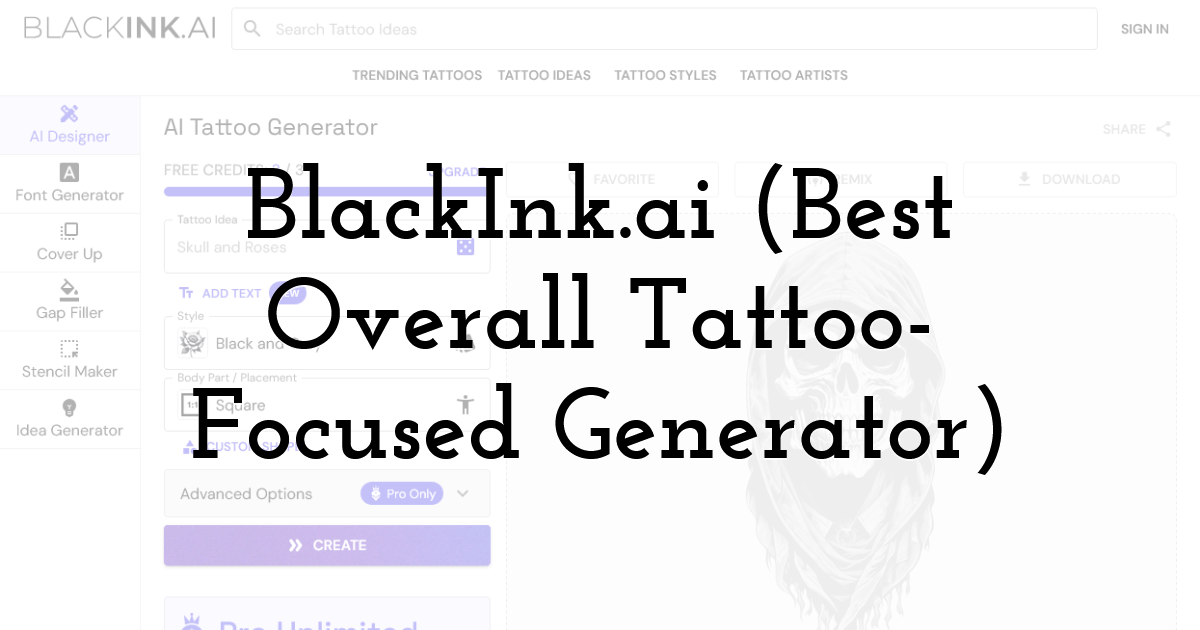
If you want a tattoo generator that genuinely feels built for tattooing—not just generic AI art—BlackInk.ai is one of the most tattoo-native platforms out there. It’s designed around tattoo workflows, think templates by placement, controls that make outputs feel more “ink-ready,” and features that help you move from concept to something closer to a stencil.
Why it stands out
- • Tattoo-first experience (not a generic AI art tool).
- • Templates by placement and controls for complexity, color, and line weight (in Pro).
- • Dedicated pricing and “start creating” flow for tattoo design.
Best for
- • Anyone who wants tattoo-style outputs quickly
- • People exploring multiple directions (small tattoos, sleeves, fillers, etc.)
Free vs paid
- • BlackInk.ai promotes free creation/trial + paid plans for full access.
Pro tip: Use it to generate 10 variations of the same concept (same theme, different styles). Then shortlist 2–3 and take those to an artist.
2) Ink Studio AI (Best for “Planning Mode” and Structured Workflow)
Ink Studio AI positions itself as a tattoo design platform with time-based access passes and “unlimited generations” during that window—great if you want to go deep for a week or month and come out with a solid shortlist.
Why it stands out
- • Clear, one-time payment passes (weekly / bi-weekly / monthly).
- • Plans include unlimited generations and extra features like prompt optimizer and image-to-tattoo conversion (by plan).
Best for
- • First-timers who want to explore thoroughly before committing
- • Anyone who prefers “focus sprints” instead of subscriptions
Free vs paid
- • Primarily paid access passes, with pricing published upfront.
3) TattoosAI (Best for Quick Idea Generation + Style Discovery)
TattoosAI is built around the core promise most people want: “I have an idea, generate options fast.” It’s useful when you’re not trying to art-direct a masterpiece—you’re trying to discover what you like.
Why it stands out
- • “Generate tattoo ideas within seconds” positioning and quick-start workflow.
- • Designed for unlimited design options and fast iteration.
Best for
- • People stuck between styles (fine-line vs blackwork vs traditional)
- • Users who want rapid variations from a simple prompt
Free vs paid
- • Offers a “try for free” entry and then upgrades depending on usage.
4) Tattoo AI (Mobile App) (Best “Tattoo Artist in Your Pocket”)
If you prefer creating on your phone, Tattoo AI is one of the most visible mobile-first options. The Play Store listing highlights fast generation and personalization via prompts.
Why it stands out
- • Mobile app workflow—great for quick idea capture anytime.
- • Promises tailored designs from your ideas/themes.
Best for
- • First-time tattoo seekers who want fast, easy inspiration
- • Anyone who wants to show ideas to friends or artists on the go
Free vs paid
- • App-based model (typically freemium with upgrades depending on platform).
5) Canva AI Tattoo Generator (Best for Mood Boards + Presenting Ideas)
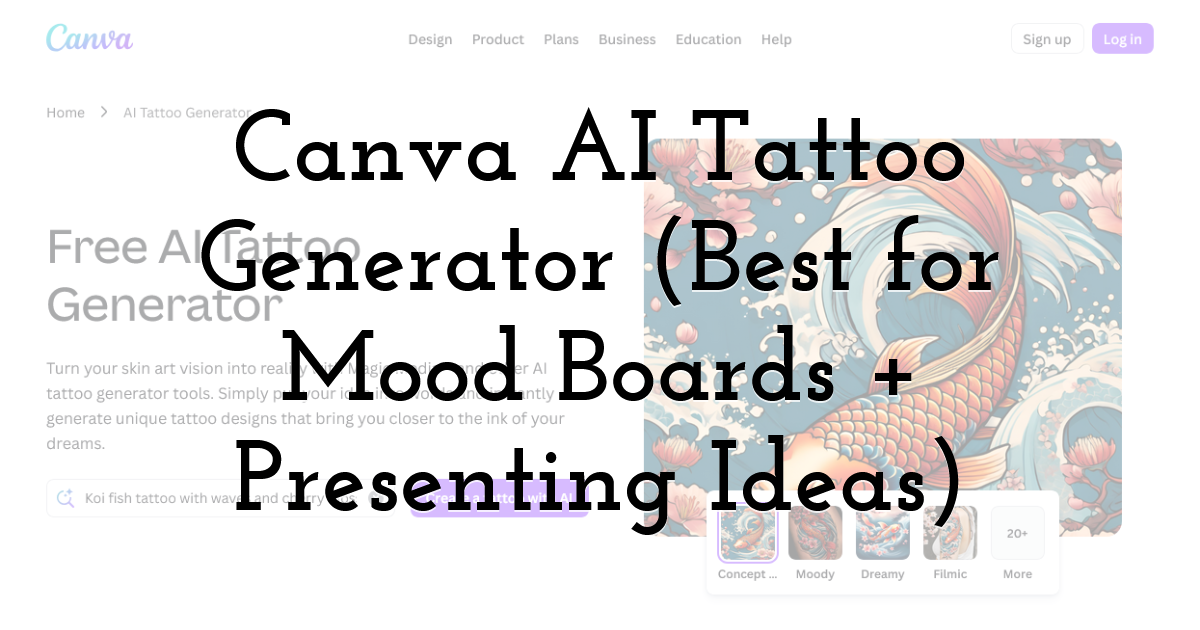
Canva’s AI tattoo generator is especially useful if your goal is to organize your ideas into a clean, shareable format—like a one-page “tattoo brief” for your artist (design options, placement notes, size references).
Why it stands out
- • Canva explicitly offers a “free AI tattoo generator” experience.
- • Strong for building mood boards, combining text + visuals, and sharing.
Best for
- • People who want to communicate clearly with their tattoo artist
- • Anyone planning multiple options and comparing placements/sizes
Free vs paid
- • Canva has a free tier; some AI features may vary by plan.
6) Remaker AI Tattoo Generator (Best Beginner-Friendly Web Tool)
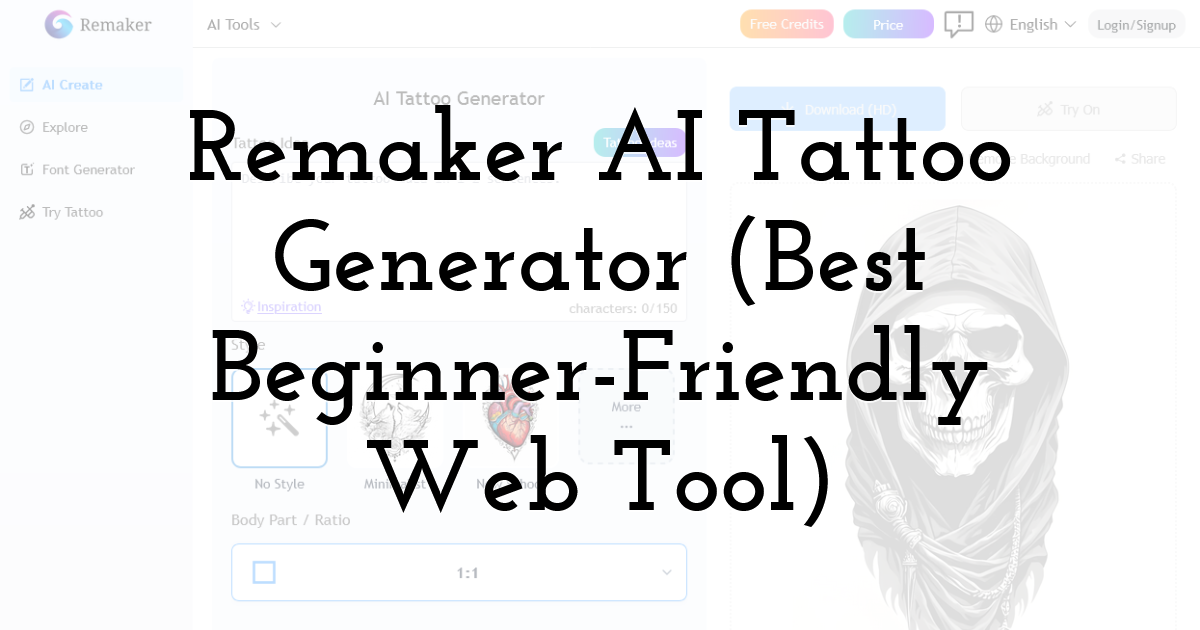
Remaker is designed for quick inspiration and is positioned as a straightforward online tattoo creator.
Why it stands out
- • “Free AI tattoo generator (no sign-up)” positioning.
- • Easy entry for people who don’t want to learn prompting deeply.
Best for
- • Beginners who want quick ideas without complexity
- • Casual experimentation before committing to a paid tool
Free vs paid
- • Promoted as free/no-sign-up, though advanced usage often involves limits or upgrades.
7) ArtGuru AI Tattoo Generator (Best Free Online Option)
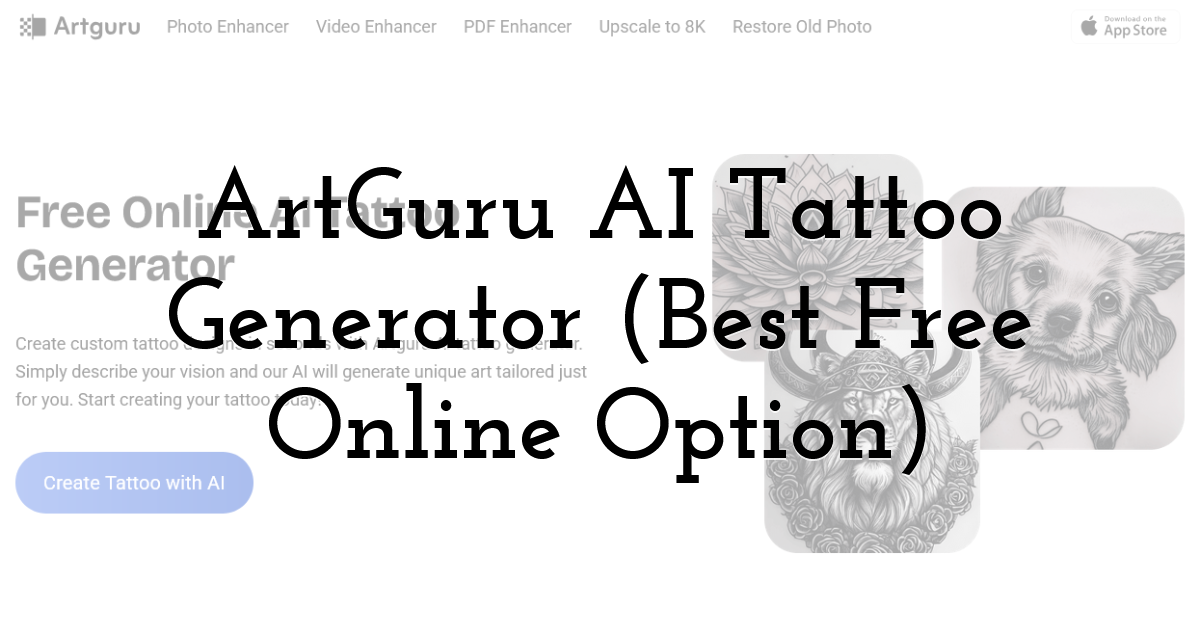
ArtGuru is a strong option when you want to explore without a paywall first. It’s positioned as a free online tattoo generator that creates designs from your text prompt.
Why it stands out
- • “Free online AI tattoo generator” positioning.
- • Prompt-based personalization and quick creation flow.
Best for
- • Budget users who want a free entry point
- • Anyone building a broad inspiration set before refining elsewhere
Free vs paid
- • Promoted as free online; check usage limits depending on updates.
8) Phot.AI Tattoo Art Generator (Best for Generating + Light Editing)
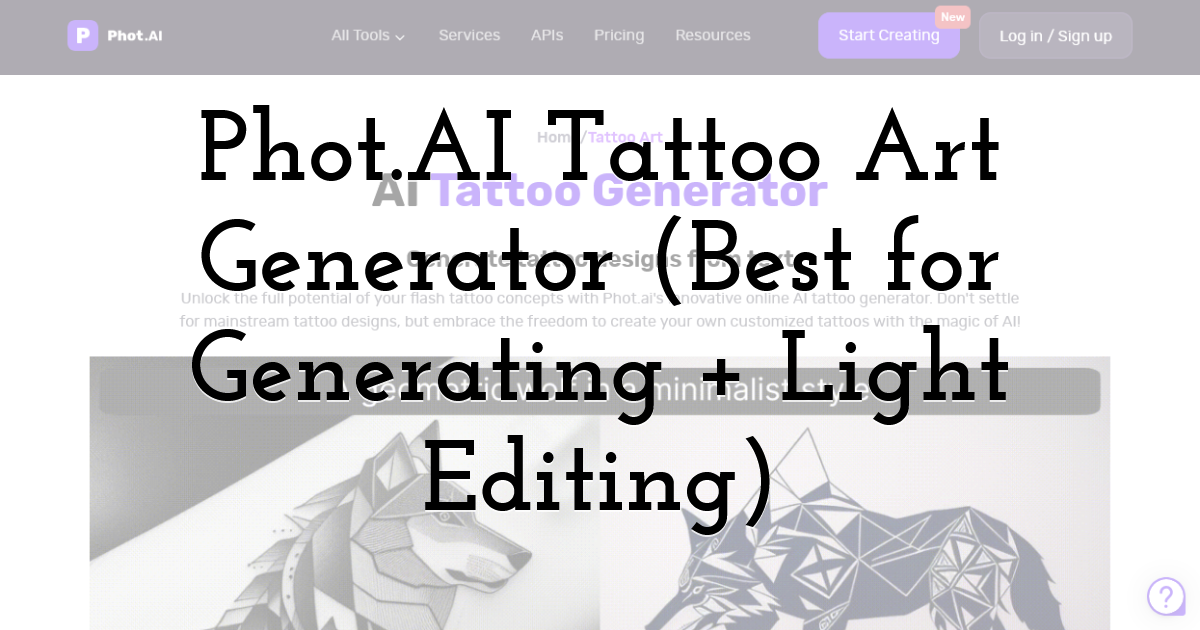
Phot.AI positions its tattoo generator as an online “tattoo maker” for personalized designs. If you want a tool that feels more like a creative suite, this one is worth exploring.
Why it stands out
- • Dedicated “AI tattoo art generator” with prompt creation flow.
Best for
- • People who want to generate designs and refine/clean them for presentation
- • Creators who also use AI for other design needs
Free vs paid
- • Typically freemium; usage depends on plan structure.
9) Inker.AI (Best for Structured Pricing + Monthly Output Limits)
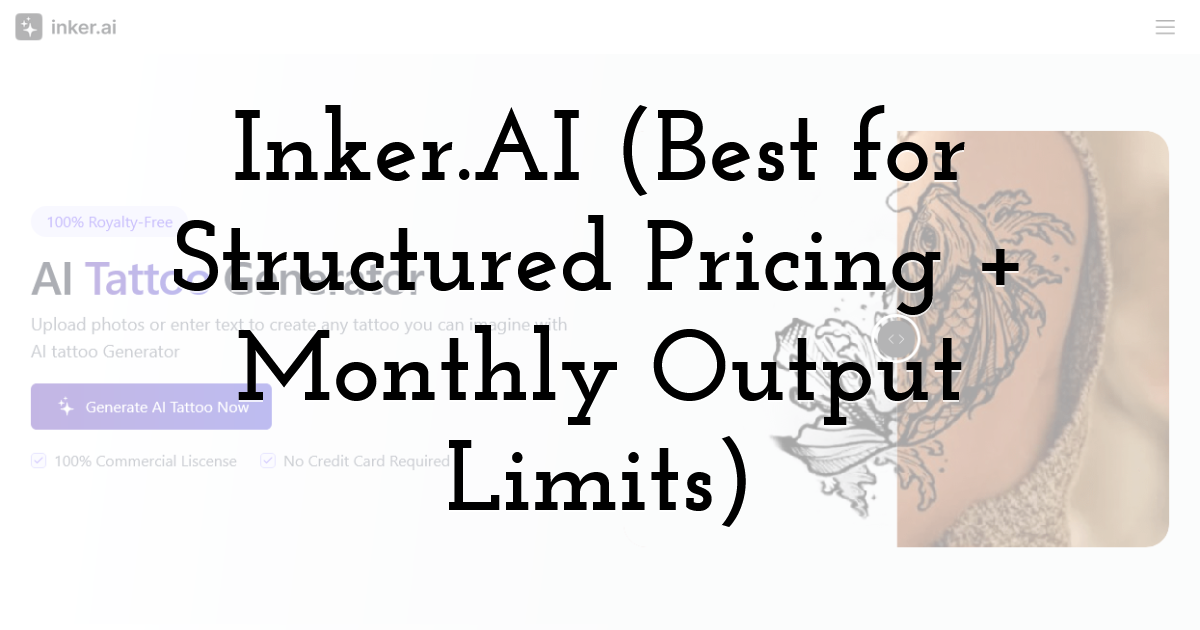
Inker.AI is another tattoo-specific platform with published pricing tiers, including a free plan.
Why it stands out
- • Clear pricing plans including a free tier with a monthly generation cap.
- • Mentions limited “try on” models and support for multiple tattoo styles.
Best for
- • Users who want clear monthly limits and predictable pricing
- • People who like structured tiers (Free → Starter → higher plans)
Free vs paid
- • Free plan includes limited tattoos per month; paid plans expand output.
10) BlackInk : AI Tattoo Generator (iOS App) (Best If You Want BlackInk on Mobile)
If you specifically want BlackInk’s approach but prefer an app-first experience, there’s also an iOS listing for BlackInk as an AI tattoo generator app.
Why it stands out
- • The App Store listing describes BlackInk as an AI tattoo generator tailored to your style.
Best for
- • People who want BlackInk-style design generation from their phone
- • Quick creation, saving, and sharing workflows
Free vs paid
- • App-based pricing structure varies by platform; usually freemium with upgrades.
How to Choose the Right AI Tattoo Generator
Choosing the right AI tattoo designer app depends on what you’re solving for. Use these decision filters:
1) Do you want tattoo-native controls or general AI art power?
- • Tattoo-native: BlackInk.ai, TattoosAI, Ink Studio AI, Inker.AI
- • General-but-useful: Canva, Phot.AI, ArtGuru, Remaker
If you want outputs that already look like tattoo designs (cleaner linework, stencil-friendly composition), start tattoo-native.
2) Is placement preview a dealbreaker?
If you’re worried about regret, prioritize tools that help with placement thinking—either through templates, mockups, or easy export/share workflows. Even if a tool doesn’t have a perfect try-on, being able to quickly produce designs sized for the forearm vs spine vs shoulder helps you decide faster.
3) How much customization do you want?
- • High customization: BlackInk.ai (controls and placement templates).
- • Structured exploration: Ink Studio AI’s access-pass model for deep iteration.
- • Simple + fast: TattoosAI, Remaker, ArtGuru.
4) Free vs paid: what’s the smart approach?
A practical path:
- • Start with free tools to explore 20–40 rough ideas.
- • When you’ve found a direction you love, use a tattoo-native paid tool (for a week/month) to refine.
- • Take your shortlist to a tattoo artist to redraw professionally.
Pro Tips for Better AI Tattoo Results
- • Write prompts like a tattoo brief: Subject + style + mood + placement + size + linework preference. Example: “Fine-line blackwork moth, high negative space, inner forearm, medium size, stencil-friendly linework.”
- • Generate 10 variations first, then refine only the best 2–3.
- • Avoid micro-detail overload. If it won’t age well, it won’t feel good long-term.
- • Always ask your artist to redraw it. AI is inspiration—your artist makes it tattooable.
Free vs Paid AI Tattoo Generators: Is It Worth Paying?
One of the biggest questions people ask before using an AI tattoo generator is simple:
Do I really need to pay for this?
The short answer?
It depends on where you are in your tattoo journey.
Free AI tools are incredibly powerful today. But paid platforms offer deeper customization, cleaner outputs, and features that can meaningfully improve your final decision. Let’s break it down clearly so you can decide what makes sense for you.
When Free AI Tattoo Generators Are Enough
If you’re in the exploration phase, free tools are often more than sufficient.
Free generators are great for:
- • Brainstorming themes (dragon vs serpent vs phoenix)
- • Testing different styles (fine-line vs blackwork vs traditional
- • Creating mood boards
- • Getting visual clarity on vague ideas
- • Generating 10–20 quick concept directions
If you’re still figuring out what resonates with you, a free platform lets you experiment without pressure. You can try bold ideas you might not otherwise consider. You can discover that you prefer minimalist over realism. You can see whether your concept works small or needs to go larger.
For early-stage discovery, free tools are powerful.
However, they often come with limitations:
- • Fewer customization control
- • Lower resolution outputs
- • Watermarks
- • Limited daily generations
- • No placement templates
- • No stencil-friendly exports
If you’re just gathering inspiration, that’s fine. But if you’re narrowing down to a final direction, those limits start to matter.
When Paid AI Tattoo Generators Are Worth It
Once you move from “exploring” to “deciding”, paid tools become much more valuable.
Paid AI tattoo generators typically offer:
- • Higher-resolution outputs
- • Cleaner linework control
- • Style refinement options
- • Better placement and sizing support
- • More generations per session
- • Fewer design inconsistencies
- • Download-ready files for artist consultation
At this stage, you’re no longer playing with ideas — you’re shaping something permanent.
Spending $10–$30 for a month of access is small compared to:
- • The cost of the tattoo itself
- • The emotional weight of regret
- • The price of a cover-up or removal later
Think of it as part of your tattoo planning budget — similar to a consultation fee.
Final Thoughts:
AI tattoo generators are incredible for discovery. They help you explore styles you didn’t know you loved, visualize themes more clearly, and show up to a tattoo artist with direction instead of uncertainty. Use them to find your lane—then collaborate with a skilled tattoo artist to make the design truly yours.
Until next time, Be creative! - Pix'sTory
Recommended posts
-

How to Make Your Social Media Posts Stand Out?
Read More › -

6 Reasons Why You Need to Get Onboard with Ecommerce
Read More › -

StudyAgent Review: The All-in-One Writing Tool for Students
Read More › -

Top 5 Trends In 3D Architectural Renderings For 2026
Read More › -
Krea.ai or Midjourney? Full Platform Comparison
Read More › -
YouTube Thumbnail Mistakes That Reduce Views
Read More ›
