4 AI Music Tools That Are Actually Worth Your Time in 2026
From generating full songs to producing beat-synced music videos — here's what I found after testing these platforms firsthand.
If you've spent any time in the AI Music Video Generator lately, you already know the music generation category has exploded. But not all tools are built the same. Some are glorified demo toys; others are genuinely powerful creative engines. After spending time hands-on with four platforms — MusicCreator AI, MusicArt, OpenMusic AI, and Freebeat — I can say the gap between "impressive" and "actually useful" is wider than the marketing suggests.
Here's an honest, structured look at each one.
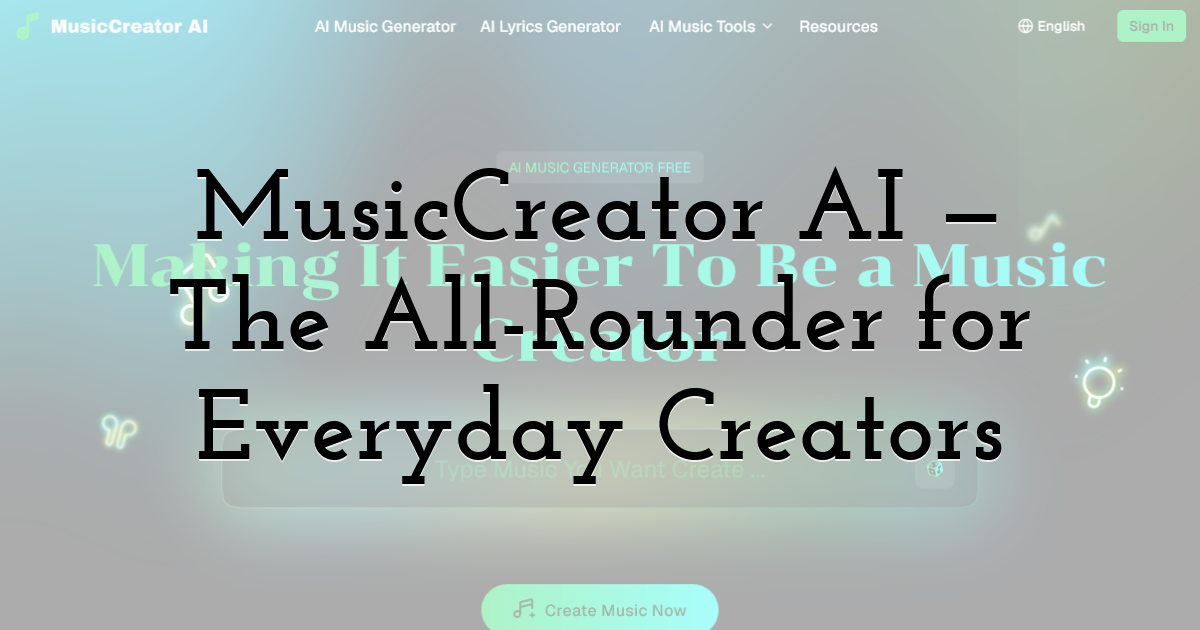
1. MusicCreator AI — The All-Rounder for Everyday Creators
What It Actually Does
MusicCreator AI positions itself as a complete music creation hub — and for the most part, it lives up to that claim. The platform is built around the idea that anyone should be able to make music, regardless of whether they've ever touched an instrument. When I first loaded it up, I was immediately struck by how many entry points there are: you can start from text, from lyrics, from a photo, or even from a MIDI file. That kind of flexibility is rare.
The standout moment for me was testing the Photo to Music feature. I uploaded a moody coastal photograph, and within seconds the platform generated a slow, atmospheric ambient track that genuinely matched the image's emotional tone. It wasn't perfect — the transitions felt slightly mechanical — but as a starting point for a content creator or filmmaker, it's remarkably useful.
Key Capabilities Worth Knowing
- • Text-to-Music & Lyrics-to-Music: Type a prompt or paste existing lyrics, and the AI builds a full track around it — genre, mood, vocal style included.
- • AI Rap Generator: Handles flow, rhythm, and rhyme structure automatically. Useful for beatmakers who want a quick vocal layer.
- • AI Song Cover Generator: Transform any song into a version sung in a different voice. No singing ability required.
- • Online MIDI Editor: A surprisingly functional step-sequencer for composers who want granular note control.
- • Stem Splitter & Vocal Remover: Production-grade tools for remixers and producers.
- • Up to 8-minute tracks, 100% royalty-free — a practical detail that matters for commercial use.
What sets MusicCreator AI apart from simpler generators is its suite depth. It's not just a "type a prompt, get a song" tool — it's a layered creative environment. For content creators, indie musicians, and hobbyists who want one platform to handle multiple stages of music production, this is a strong contender.
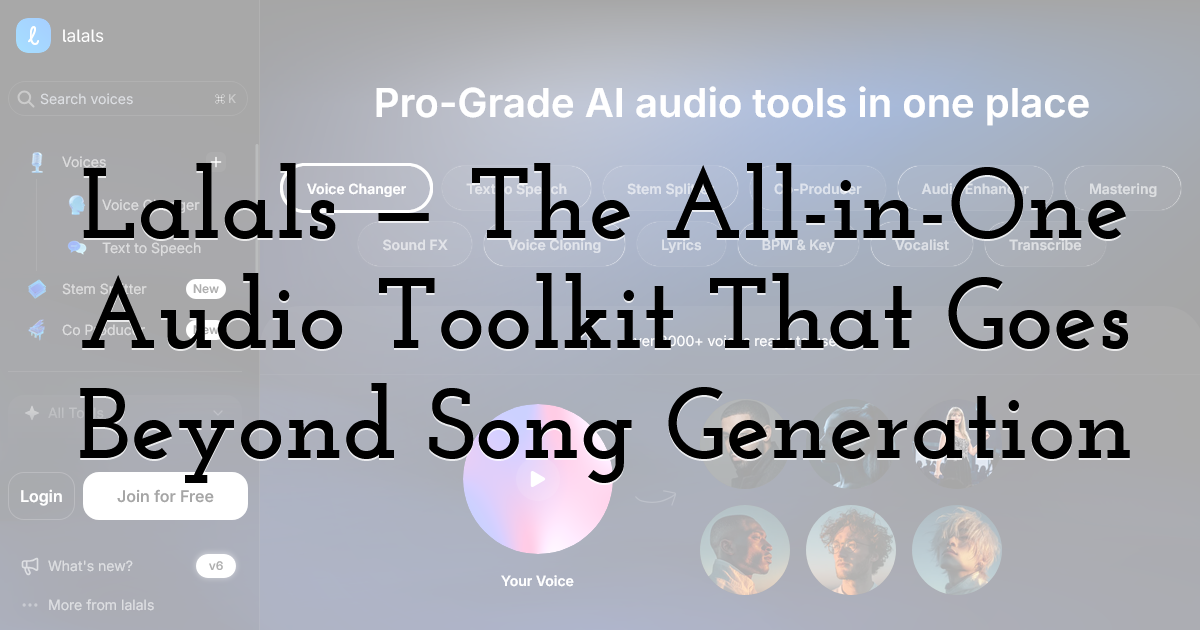
2. Lalals — The All-in-One Audio Toolkit That Goes Beyond Song Generation
What It Actually Does
Most tools on this list focus on one job — generate a song, make a video, master a track. Lalals takes a different approach: it bundles song generation, voice cloning, text-to-speech, stem splitting, and mastering into a single workspace, so you're not bouncing between four different logins to finish one project.
I tested it by uploading a rough vocal demo I'd recorded on my phone. Within the same session, I split it into stems, cleaned up the background noise, generated a matching instrumental from a text prompt, and ran the final mix through the mastering tool. What stood out wasn't any single feature being groundbreaking — it's that the whole pipeline stayed in one tab. For anyone who's ever exported a stem just to re-upload it somewhere else, that alone is a meaningful time save.
Key Capabilities Worth Knowing
- • AI Music & Sound Generator: Create full songs, instrumentals, or short sound effects from a text prompt — genre, mood, and BPM included.
- • Text-to-Speech & Voice Changer: Access thousands of AI voice models for narration, dialogue, or transforming vocals in existing tracks.
- • Voice Cloning: Build a custom AI voice model from your own recordings and reuse it across covers, TTS, and music generation.
- • Stem Splitter: Extract vocals, drums, bass, and other instruments from any track for remixing or practice.
- • Mastering & Audio Enhancer: Polish tracks to release-ready quality without third-party mastering software.
- • Extras: Built-in lyrics writer, BPM/key detection, and transcription round out the toolkit.
What makes Lalals worth a mention here is that it's less of a single-purpose generator and more of a production hub — useful for creators who need to move between writing, voicing, mixing, and mastering without leaving one platform. It won't out-specialize Freebeat on beat-synced video or OpenMusic on commercial licensing, but if you want fewer subscriptions doing more of the work, it's a strong all-in-one pick.
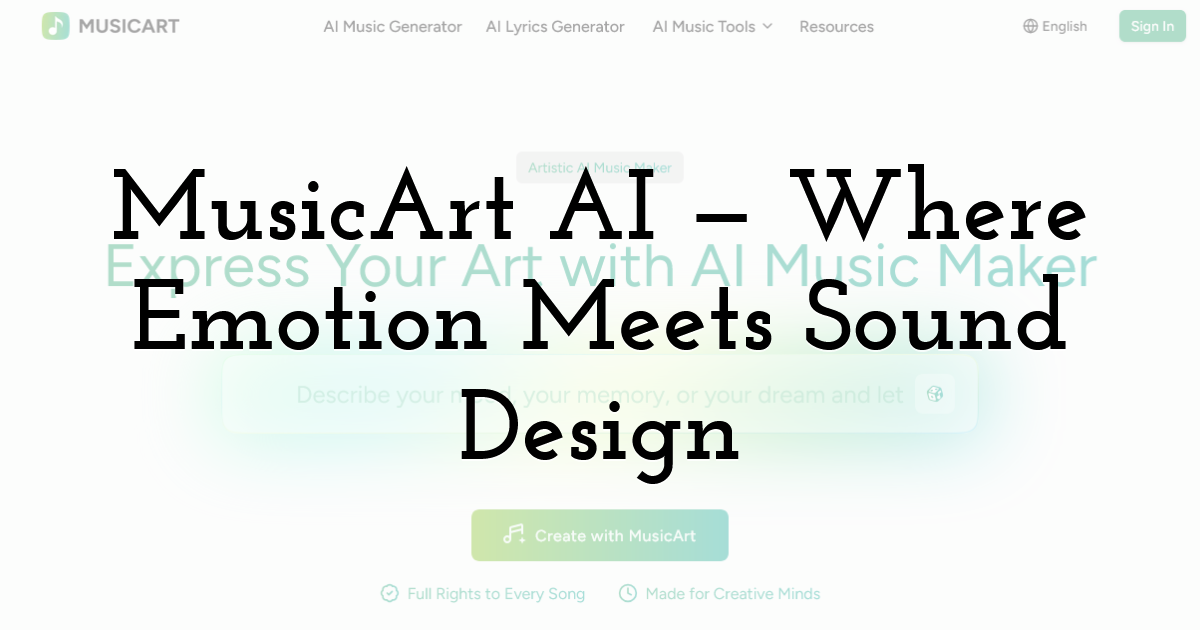
3. MusicArt AI — Where Emotion Meets Sound Design
What It Actually Does
MusicArt takes a noticeably different philosophical approach compared to most AI music tools. Rather than emphasizing speed or volume of output, it leans into artistic expression — the idea that music should feel emotionally intentional, not just technically generated. The interface reflects this: it's quieter, more gallery-like, and the sample tracks on the homepage have evocative names like "Glass Garden" and "Silent Ember."
I tested it by feeding it a short poem about a rainy afternoon. The resulting track was genuinely atmospheric — soft piano, faint reverb, a gentle female vocal that felt contextually appropriate. It wasn't radio-ready, but it had character, which is harder to manufacture than technical quality.
Key Capabilities Worth Knowing
- • Emotion-Led Composition: The AI interprets mood, atmosphere, and narrative tone — not just genre tags.
- • Text-to-Music & Lyrics-to-Music: Both modes prioritize emotional resonance over formula.
- • Intelligent Style Evolution: The system adapts its sonic palette based on your described atmosphere — shifting from lo-fi warmth to cinematic grandeur as needed.
- • Full Commercial Rights: Every track is royalty-free and available for distribution, monetization, or publication.
- • Unified Workspace: Compose, edit, and refine within a single environment without switching tools.
MusicArt is best suited for storytellers, visual artists, filmmakers, and poets who want music that feels crafted rather than generated. It's not the fastest tool in this roundup, and it has fewer technical features than MusicCreator AI — but if emotional authenticity matters more than raw output volume, MusicArt earns its place.
4. OpenMusic AI — Built for Commercial-Ready Output
What It Actually Does
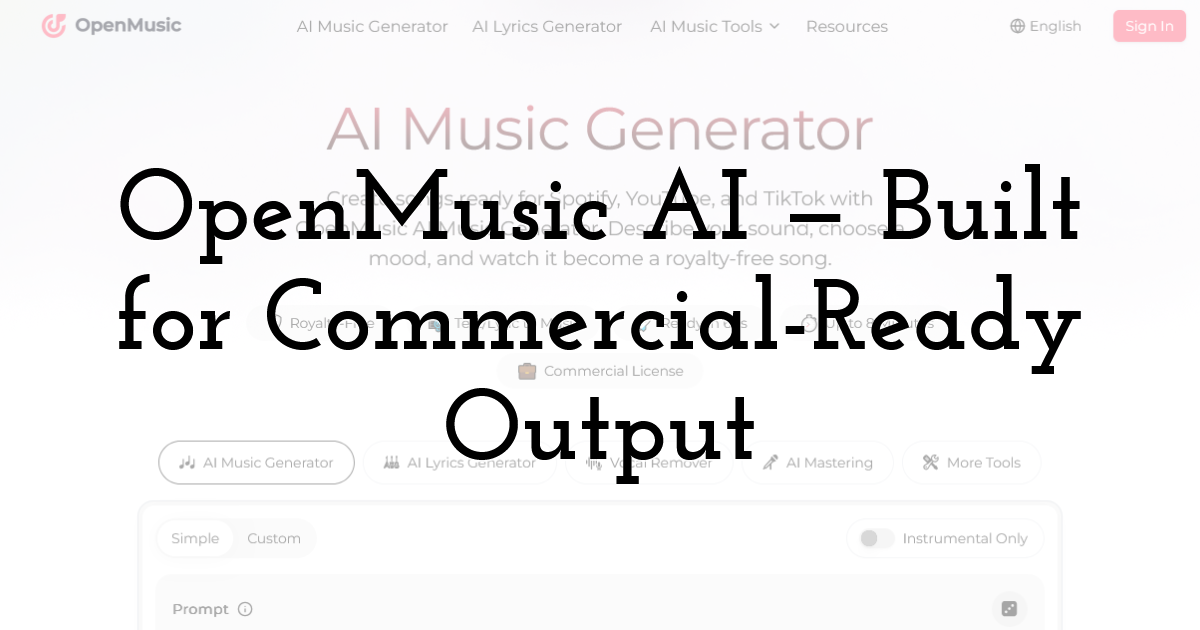
OpenMusic AI is the most production-focused platform in this list. Its homepage makes the value proposition clear immediately: "Create songs ready for Spotify, YouTube, and TikTok." That's not just marketing copy — the platform is genuinely engineered around commercial deployment, with built-in licensing, studio-quality mastering, and a toolkit that covers the full production pipeline.
During testing, I generated a hip-hop instrumental using a simple text prompt. The result was clean, well-mixed, and honestly competitive with stock music library tracks. The AI Music Mastering tool then polished it further in seconds — something that would normally require either expensive software or a professional engineer.
Key Capabilities Worth Knowing
- • Text & Lyric to Music: Generate complete songs with vocals, instruments, and arrangement from a written prompt.
- • AI Vocal Remover & Stem Splitter: Isolate or remove individual audio layers from any track.
- • AI Music Mastering: Automated professional-grade mastering for release-ready output.
- • AI Song Cover Generator & Lofi Converter: Creative transformation tools for remixing existing content.
- • Audio to MIDI Conversion: Turn any audio recording into an editable MIDI file — a powerful feature for producers.
- • 100% Royalty-Free with Commercial License: Every track includes documented licensing for platform protection.
- • Ready in 60 seconds, up to 8-minute tracks.
One user review on the platform stood out to me: a music producer noted that the AI Music Mastering made demos sound like professional tracks — and that the built-in AI Music Video Generator allowed them to finish both the song and its visual in one workflow. That kind of end-to-end capability is genuinely rare.
5. Freebeat AI — The Dedicated AI Music Video Generator
What It Actually Does
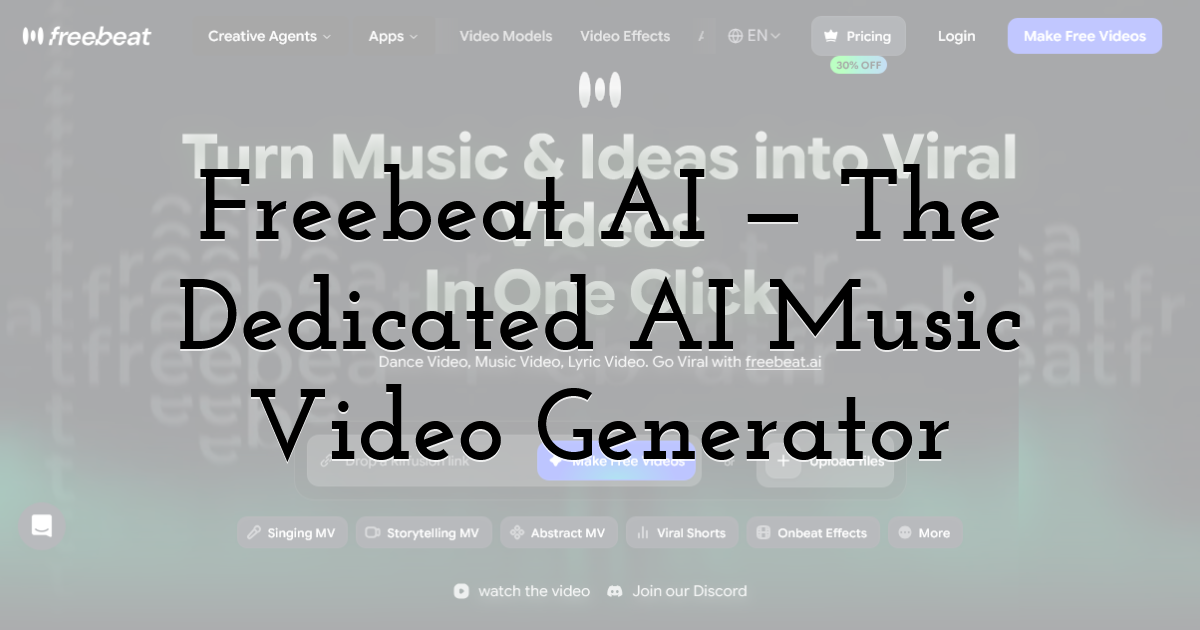
Freebeat is the only platform in this roundup that focuses primarily on video rather than audio generation — and it's the most specialized AI Music Video Generator of the four. The core promise: upload any song, and the AI produces a fully beat-synced, visually coherent music video without manual editing.
I tested it by pasting a SoundCloud link. Within minutes, the platform had analyzed the track's tempo, rhythm, and mood, then generated a cinematic video with transitions timed to the beat drops. The synchronization accuracy was the most impressive part — it didn't feel random. Scene cuts aligned with drum hits; visual energy matched the song's dynamics.
Key Capabilities Worth Knowing
- • Multi-Platform Music Input: Works with links from Spotify, YouTube, SoundCloud, Suno, or local audio files — no format restrictions.
- • Three Video Modes:
- • Music Video — Mood-based cinematic scenes synced to your track
- • Dance Video — AI-generated character dancing in sync with the music
- • Lyrics Video — Animated text-based visuals for lyric content
- • Text Prompt Customization: Type a vibe description ("neon city lights," "forest at dawn") and the visual style updates accordingly.
- • Multiple AI Model Options: Switch between Pika 2.2, Kling 2.0, Veo2, or Runway Gen-3 for different visual aesthetics — hyper-realistic, surreal, cinematic.
- • Beat-Sync Intelligence: The AI maps visual transitions to tempo shifts, drum patterns, and vocal highlights in real time.
- • Aspect Ratio Flexibility: Supports 16:9, 9:16, 1:1, and 4:3 — covering YouTube, TikTok, Instagram, and beyond.
What makes Freebeat stand out as an AI Music Video Generator is its agent-based architecture — rather than applying a single visual model, it intelligently selects and blends models based on your music's character. The result is more cohesive than most competitors, where scenes often feel disconnected. For musicians, content creators, and social media marketers who need visual content fast, Freebeat is the most purpose-built solution available.
Quick Comparison: Which Tool Fits Your Workflow?
Here's a practical breakdown to help you decide:
| Platform | Best For | Standout Feature | Video Output? |
|---|---|---|---|
| MusicCreator AI | All-round creators & hobbyists | Photo-to-Music, MIDI Editor | Yes |
| Lalals | All-in-one creators | Combines generation, cloning & mastering in one tool | No |
| MusicArt AI | Storytellers & visual artists | Emotion-led composition | Yes |
| OpenMusic AI | Commercial producers | AI Mastering + full licensing | Yes |
| Freebeat AI | Video creators & social media | Beat-synced AI Music Video Generator | Yes |
Final Thoughts:
The AI music space in 2025 isn't about replacing musicians — it's about removing the technical barriers that kept non-musicians from expressing themselves, and giving working creators faster paths to polished output. Each of these four platforms serves a distinct creative profile.
MusicCreator AI is the most versatile starting point. MusicArt AI rewards those who prioritize emotional depth over speed. OpenMusic AI is the go-to for anyone building toward commercial release. And Freebeat is simply the most capable AI Music Video Generator on the market right now — especially if your end goal is visual content for YouTube, TikTok, or Instagram.
The best approach? Try the free tiers of each. Your workflow will tell you which one fits.
And if you'd rather not juggle separate tools for each stage, Lalals is worth a look as the one platform that tries to cover.
Until next time, Be creative! - Pix'sTory
Recommended posts
-
Breaking the Creative Bottleneck: How We Scaled Our Ad Output Without Bur...
Read More › -

AI Video Generators Ranked: 7 Best Platforms for 2026
Read More › -
The New Era of AI Video Creation: What Makes People Keep Watching
Read More › -

Why AI App Builders Are Becoming the Ultimate Business Partner for Artist...
Read More › -
Best AI Video Generators for Storytelling in 2026 (Expert Reviewed)
Read More › -

How AI and Social Platforms Are Changing Human Interaction?
Read More ›
