8 AI Image and Video Tools for Creating Consistent Characters
Generate an AI face once, and you'll probably never get it back. That's the quiet frustration behind most text-to-image tools: type the same prompt twice, and you get two different people, which is fine for a mood board but useless for a recurring character, a virtual model, or a brand ambassador you actually want to reuse.
A handful of platforms have built around that specific problem, while others solve a related but different one, like fast video generation or ad creative at scale. Knowing which is which matters before you commit an afternoon (or a subscription) to the wrong one. Here's a rundown of eight worth knowing, starting with a tool built specifically around keeping one face consistent across everything you generate.
Best for Character Consistency Across Photos and Video - Lucidpic
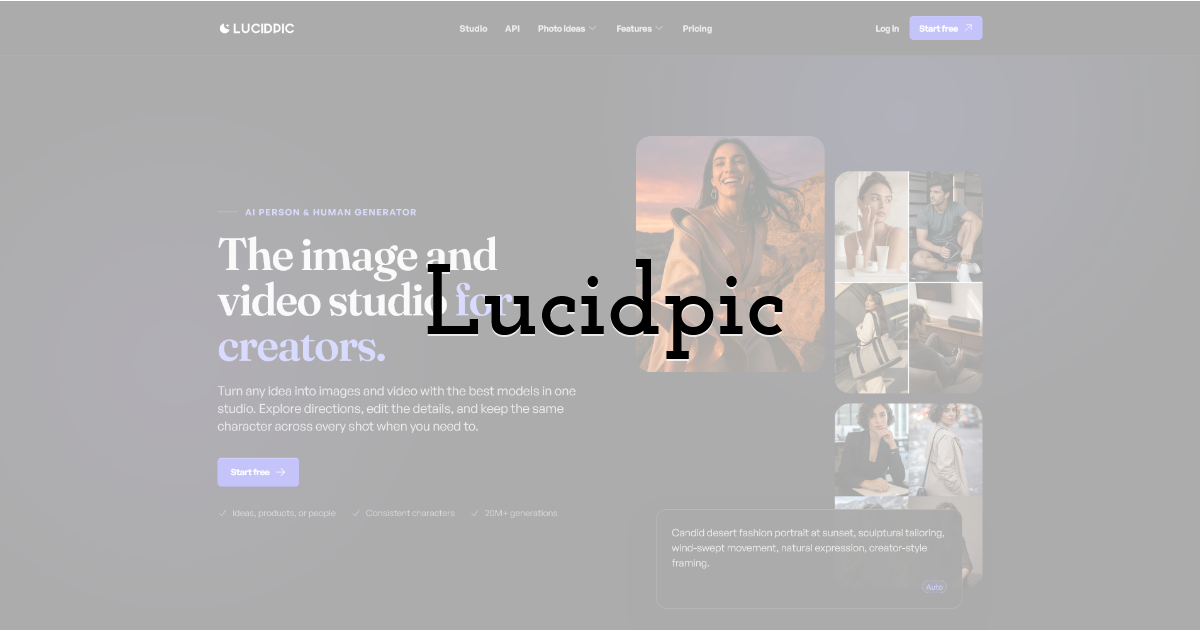
Lucidpic lets you create yourself or design someone new with a realistic AI person and human generator, then produce consistent photos and videos of that same person. The category is AI person generation, and the whole design is built around solving the "different stranger every prompt" problem that trips up most general image generators.
You train a custom AI person from a handful of photos, then generate images of that same face across different outfits, poses, and settings, and even in video, instead of getting a new face every time you ask. That consistency is the core mechanic, not a bonus feature bolted onto a generic image generator.
Outfit swapping works on top of that same locked-in face and body, so you can change what a person is wearing without regenerating (and risking) the parts you already got right. Pair that with access to more than 40 image models and the ability to import custom LoRA files, and you get a fair amount of stylistic range without losing the identity you started with.
Developers also get a REST API, which means the character-consistency engine can be wired directly into another app or pipeline instead of only being used through the web interface. That makes it a fit for teams building a product feature around consistent AI people, not just individuals making one-off images.
Best for Creative Suite Integration - Adobe Firefly
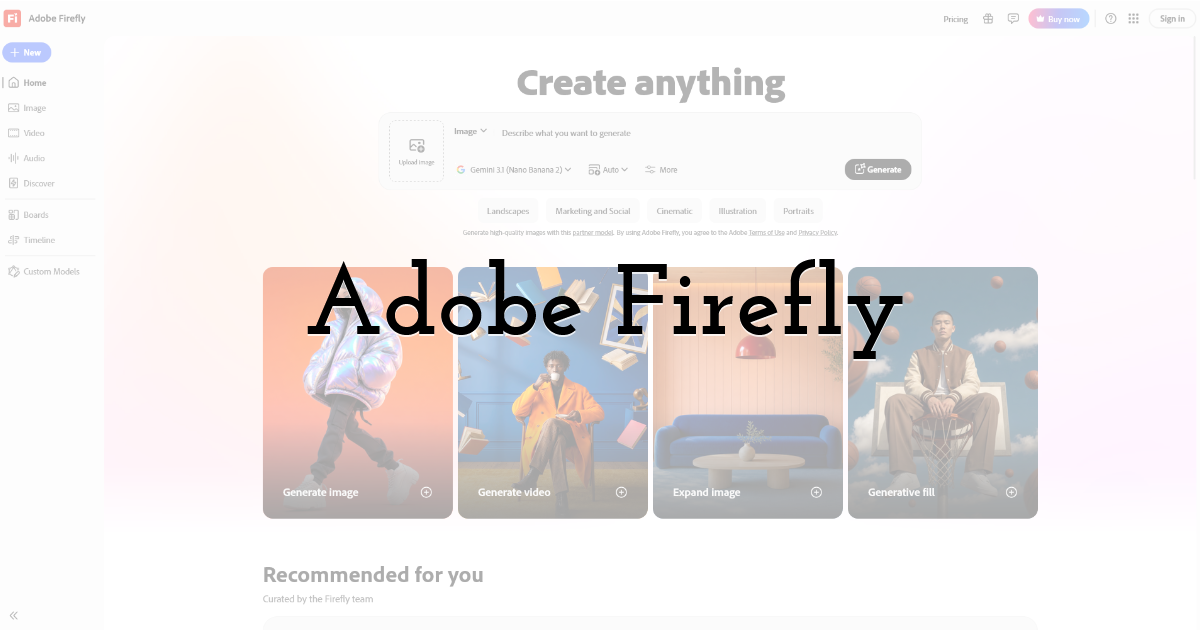
Adobe Firefly is built for people who already live inside Photoshop and the rest of Creative Cloud. It generates images, video, and audio, and its models are trained on data meant to keep the output commercially safe to use, with Content Credentials baked in so you can show how an image was made.
The free plan gives you limited daily generations, and paid tiers scale up fast: Firefly Standard runs $9.99/month for 2,000 generative credits, Firefly Pro is $29.99/month for 7,000 credits, and Firefly Premium hits $199.99/month for 50,000 credits, with some tiers including unlimited generations on select image and video models for the first year. It's rated 4.1 out of 5 on Capterra.
The catch is that all of this is designed around a production pipeline, not a standalone character tool. If your main goal is one consistent AI person across every image, Firefly's strength is polish and integration with tools you may already own, not identity-locking on its own.
Best for Free, No-Signup Image Generation - Perchance.org
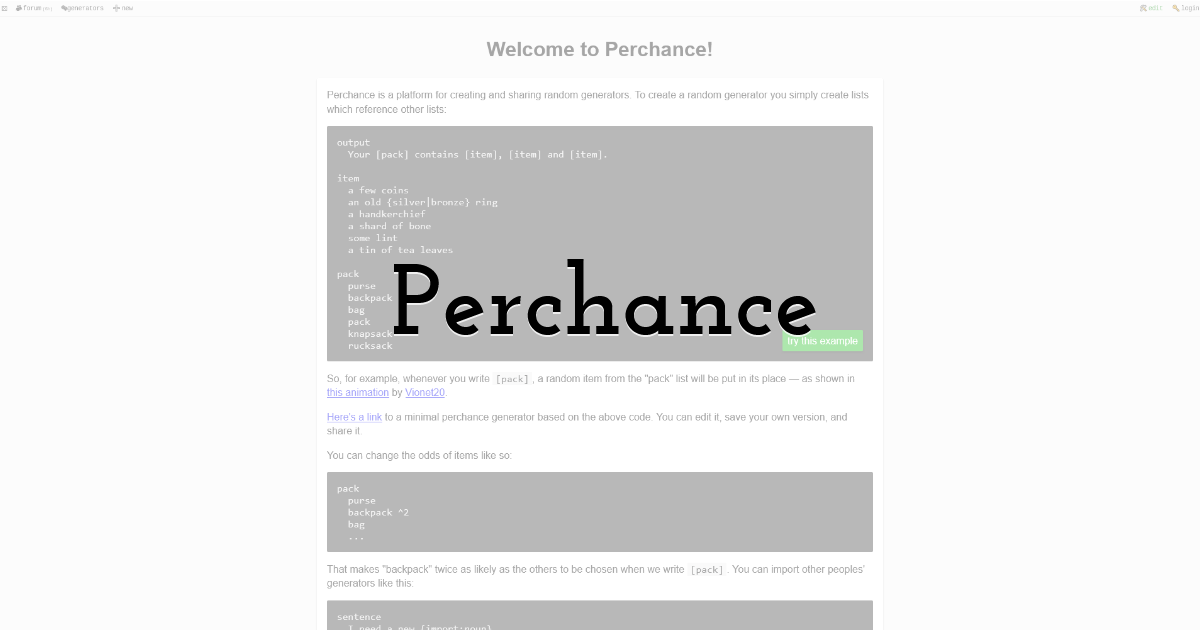
Perchance.org is built for the fastest possible route from a text prompt to an image. There's no signup required, generation is framed as unlimited, and you can even build your own custom generators on top of the platform.
That low-friction setup makes it a reasonable pick for quick idea boards or casual exploration where the resulting image doesn't need to match anything you made before. It's rated 2.8 out of 5 on Trustpilot, which tracks with a tool aimed at throwaway experimentation rather than production-grade or repeatable output. If you need the same face back tomorrow, that's not really what this is built for.
Best for Commercial-Use Face Libraries - Generated Photos
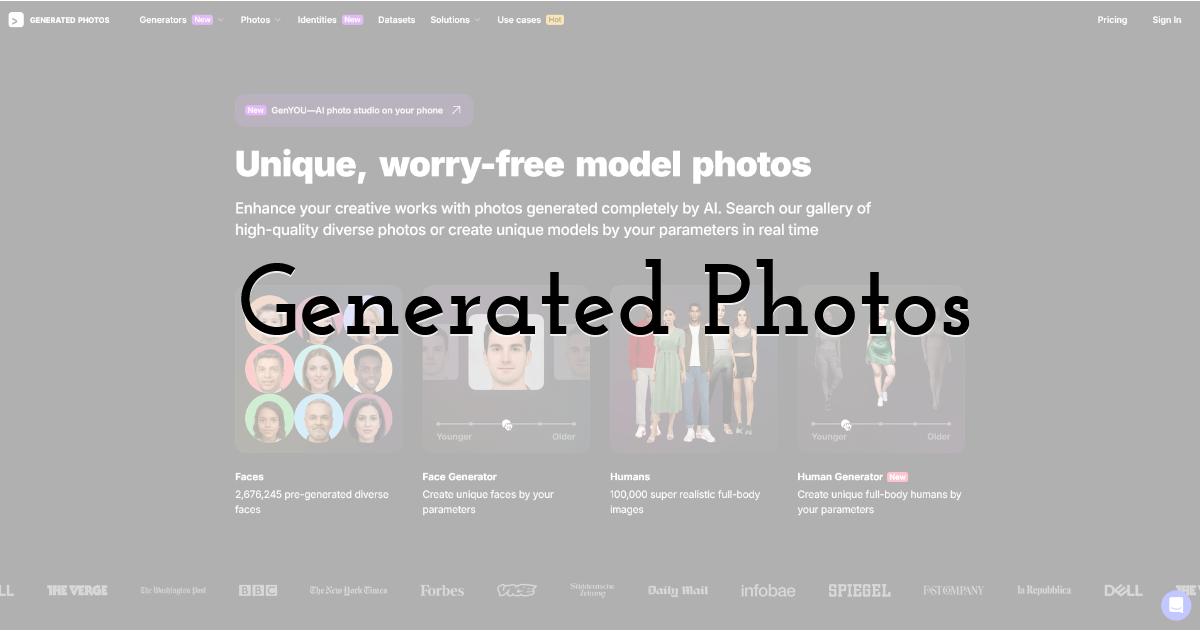
Generated Photos focuses on AI-generated faces and full-body human images meant to be realistic and ready for commercial use, with licensing terms the company keeps straightforward. The Human Generator layer adds full-body poses and outfit variation on top of the base face generation.
Pricing is tiered by use case. A Face Generator plan runs $19.99 per month or $199 per year; the Human Generator plan is $199 per year; single images start at $9 each with bulk pricing available, and API access starts at $250 per month. That range makes it workable for both a single design project and a business needing programmatic access.
The tradeoff is that access is mostly structured around download packs and per-image purchases rather than one flat subscription, so heavier ongoing use adds up in a way that's worth mapping against your actual volume before you commit.
Best for All-in-One Content Editing - Kapwing
Kapwing is built for people who need to create and edit videos, GIFs, images, and audio in one place, with auto-subtitling and text-to-speech baked into the workflow. It's aimed at individuals, small teams, and content creators who want to produce more in less time rather than specialize in one media type.
The free tier covers basic features, $16/month ($24 billed monthly), and $50/month ($64 billed monthly). Reviews are mixed depending on the source: 1.9 out of 5 on Trustpilot, against 4.4 out of 5 on Software Advice.
Kapwing's breadth (video, audio, subtitles, images) is the strength, but it also means AI person generation is one feature among many rather than the whole product.
Best for General AI Task Automation - Vondy
Vondy is positioned as an AI platform meant to give users the tools they need across a range of digital tasks, from analytical work to creative generation. The company points to reduced task time and scalability as core benefits of the platform.
Pricing runs on a subscription model, with a free tier and paid plans that raise usage limits and unlock more apps within the platform. If your interest is a general AI toolkit that happens to include creative generation among other apps, this fits that brief better than a specialist tool would.
Best for Fast Text-to-Video Creation - HeyGen
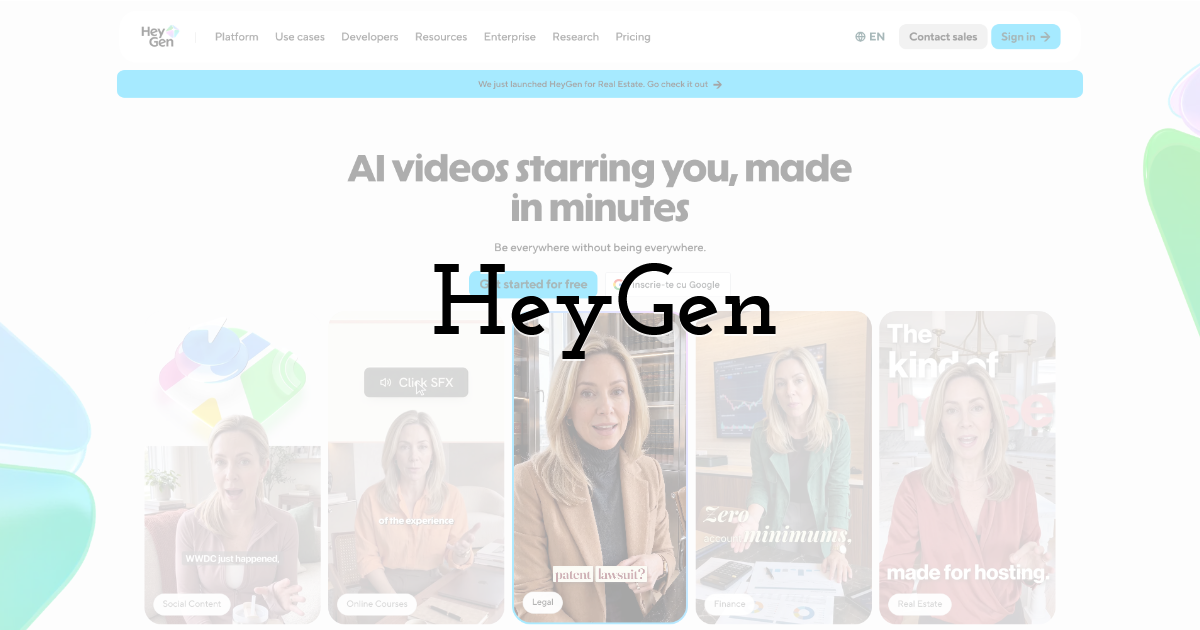
HeyGen is built specifically for turning ideas into finished videos, letting you start from text, an image, or audio and end up with a complete video that includes narration, captions, visuals, and animation. It's a free AI video generator at its base tier, which lowers the barrier for trying it before committing to anything paid.
That focus on speed and completeness makes HeyGen a strong option when the deliverable is a finished video fast, though the tradeoff is that it's optimized for video output specifically rather than the kind of granular photo-to-photo identity control that a dedicated person generator handles. If you're mainly generating video and don't need one exact recurring face across dozens of outputs, that's a fine tradeoff to make.
Best for High-Volume Ad Creative - Creatify
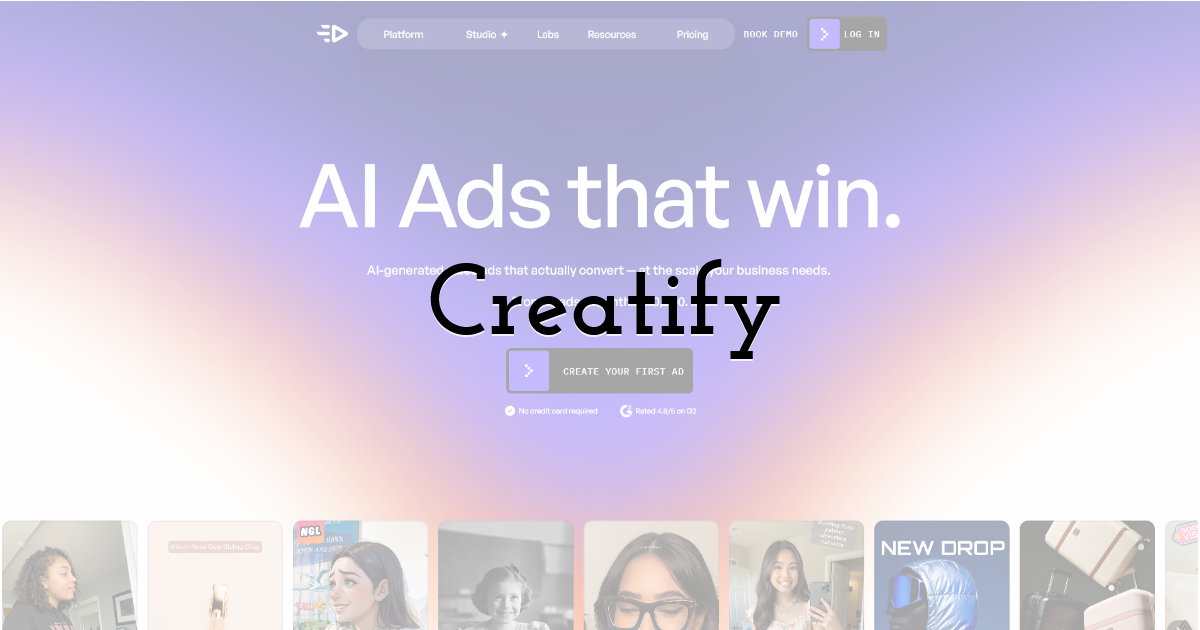
Creatify is built to create high-converting AI image and video ads, and it's designed to generate advertising variations in volume rather than one polished asset at a time. The pitch is that the AI handles the heavy lifting so a marketing team can test more creative concepts in less time.
That volume-first approach is exactly what makes it useful for performance marketing, where testing many ad variants matters more than perfecting a single image. The tradeoff is that it's built around ad output specifically, so it's not the tool to reach for if what you actually need is a single consistent character across a broader content library. For teams exploring adjacent AI production workflows, a guide on the fastest AI video generation models is worth a look before picking a video-heavy tool.
Which One Is Right for You
The right pick here depends heavily on what "done" looks like for your project. If you need finished ad variants at volume, Creatify's ad-first design fits that brief. If your priority is a full editing suite with subtitles and audio tools bundled in, Kapwing's breadth makes sense despite its mixed review scores. If you're already inside Creative Cloud, Firefly's integration and Content Credentials make it the practical choice, and Generated Photos is worth a look when licensing clarity for commercial faces is the main concern.
But if the actual problem you're solving is "I need this same person to show up correctly in outfit after outfit, scene after scene and even in video," none of the general-purpose tools above are built to solve that directly. That's the specific gap Lucidpic is designed to close, training a custom AI person once and reusing that identity across unlimited images and video, with outfit swapping, 40+ image models, and an API for teams that want to build the capability into their own product. For that one need, it's the clearest option on this list. Anyone weighing a tool for consistent character work over one-off image generation might also want to check a related comparison of AI tools for fixing blurry images if image quality, not just consistency, is part of the decision.
Until next time, Be creative! - Pix'sTory
Recommended posts
-

The Timeless Beauty of Black and White Photography
Read More › -
From Rough Cut to Short: A Practical AI Video-Editing Workflow for Small...
Read More › -

How to Humanize AI Text and Make It Undetectable
Read More › -
Show, don’t tell: How to put together an acting demo reel that gets notic...
Read More › -
Best Practices for Crafting Effective Call-to-Action Buttons in Emails
Read More › -
Small Team, Big Risk: Why Every Creative Studio Needs Corporate First Aid...
Read More ›
