A Video Transcript Generator Fixes the One Problem Video Can't Solve on Its Own
A five-minute article can be read in ninety seconds if you skip the parts you already know. A five-minute video takes five minutes, every time, because there is no faster way to watch it than at the speed it plays.
Why Video Doesn't Scan the Way Text Does
Writer and analyst Josh Bernoff has made this case plainly: text reveals its own structure. Headings, bullets, and links let a reader's eye jump straight to the relevant part and skip the rest. A video has none of that. Everything is locked to a timeline, and finding one detail means scrubbing through the whole thing by guesswork.
Text is also searchable in a way video is not. A search engine, or a person hitting Ctrl+F, can find a specific phrase in an article instantly. Finding the same phrase inside a video means either remembering roughly when it was said or watching until you hit it.
Text has two more advantages that rarely come up in this debate: it does not need headphones or sound to consume in a shared space, and it is far cheaper to edit. Fixing a typo in an article takes seconds. Fixing a mistake in a recorded video usually means editing the footage or living with it.
Video Learning vs Text Learning: It's Not a Fair Comparison
The video learning vs text learning debate usually assumes the two are competing on equal footing, but they are not built for the same job. Video is strong at demonstrating something visual, a technique, a tone, a physical process, that text struggles to describe. Text is strong at anything you need to reference, search, or skim later.
The mismatch shows up hardest with reference material. A tutorial video showing five steps earns its length the first time you watch it. Finding step three again next month, without a transcript, means rewatching until you land on it.
Learning something for the first time and looking something up later are different tasks with different requirements, and most of the video learning vs text learning debate collapses them into one question when it should not.
Turning Video Into Something You Can Scan
This is exactly what a video transcript generator is for. Convert video to text once, and the entire recording becomes searchable, skimmable, and quotable the same way an article is. The video itself does not change, but how you can use it does.
A tool that handles video to transcript conversion typically adds structure on top of the raw text too, chapters, timestamps, section breaks, so the output is not just one long unbroken paragraph you still have to read start to finish.
Where a Transcript Actually Helps
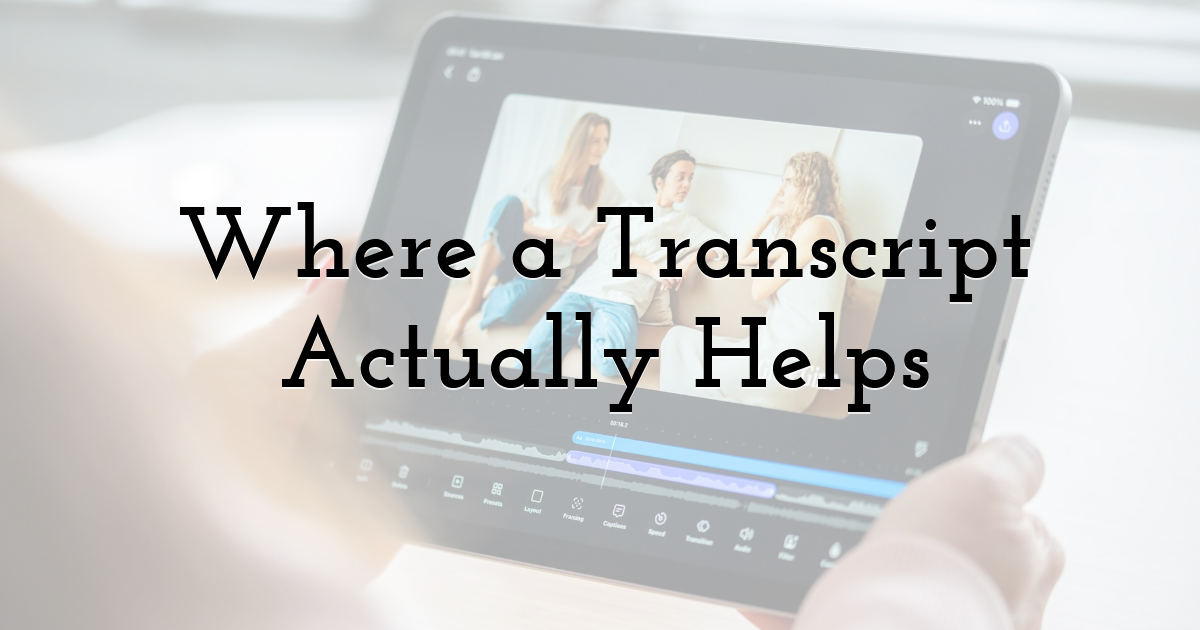
A free AI video summarizer takes this further than a plain transcript. Paste in a video link or upload a file, and it returns a structured summary with auto-generated chapters and a full searchable transcript, so you get the scannability of text without giving up the video as a source.
That combination matters most for long recordings: lectures, webinars, conference talks. Skim the chapter list, search the transcript for the term you actually need, and only watch the two minutes that matter instead of the full forty.
It works in the other direction too. A team that records a weekly update video can share the transcript alongside it, so anyone who cannot watch during work hours can still search it, quote from it, and reference it later without opening a video player at all.
When Video Still Wins
None of this makes video pointless. Watching someone demonstrate a technique, or hearing tone and pacing in an interview, is lost in a transcript. A cooking demonstration or a product walkthrough loses most of its value as plain text, since the point was always to watch, not to read about watching.
The fix is not choosing one format permanently. It is converting video to text specifically for the recordings you will need to search, reference, or skim again later, and leaving the rest as video.
Final Thoughts:
A five-minute video will always cost five minutes to watch in full, and no summarizer changes that fact about the format. What changes is whether you have to spend those five minutes at all. A transcript turns a fixed-length recording into something you can scan the way you would scan a page, and search the way you would search an article.
Until next time, Be creative! - Pix'sTory
Recommended posts
-
Best AI Tools to Keep Characters Consistent in an AI Music Video: 5 Tools...
Read More › -
Making the Correct Choice for SMTP Ports 25, 465, 587, and 2525
Read More › -
How AI Video Tools Are Changing Social Media Content Design
Read More › -
When to stop duplicating a video template manually
Read More › -

Five Promotional Tools that You Can Leverage for Free to Increase Your We...
Read More › -

Best AI Photo Editors
Read More ›
