Top 5 Best AI Music Video Maker Online Platforms to Turn Songs Into Visuals

Creating a music video once meant booking a crew, renting gear, and draining your savings. Today, smart, web-based tools can spin raw audio into eye-catching motion in minutes.
Industry data shows that 54 percent of major-label artists now weave AI visuals into their releases, pushing the tech from novelty to norm.
This guide breaks down the five standout platforms, explains our testing criteria, and helps you choose the option that fits both your workflow and wallet.
How We Picked The Five Stand-Outs
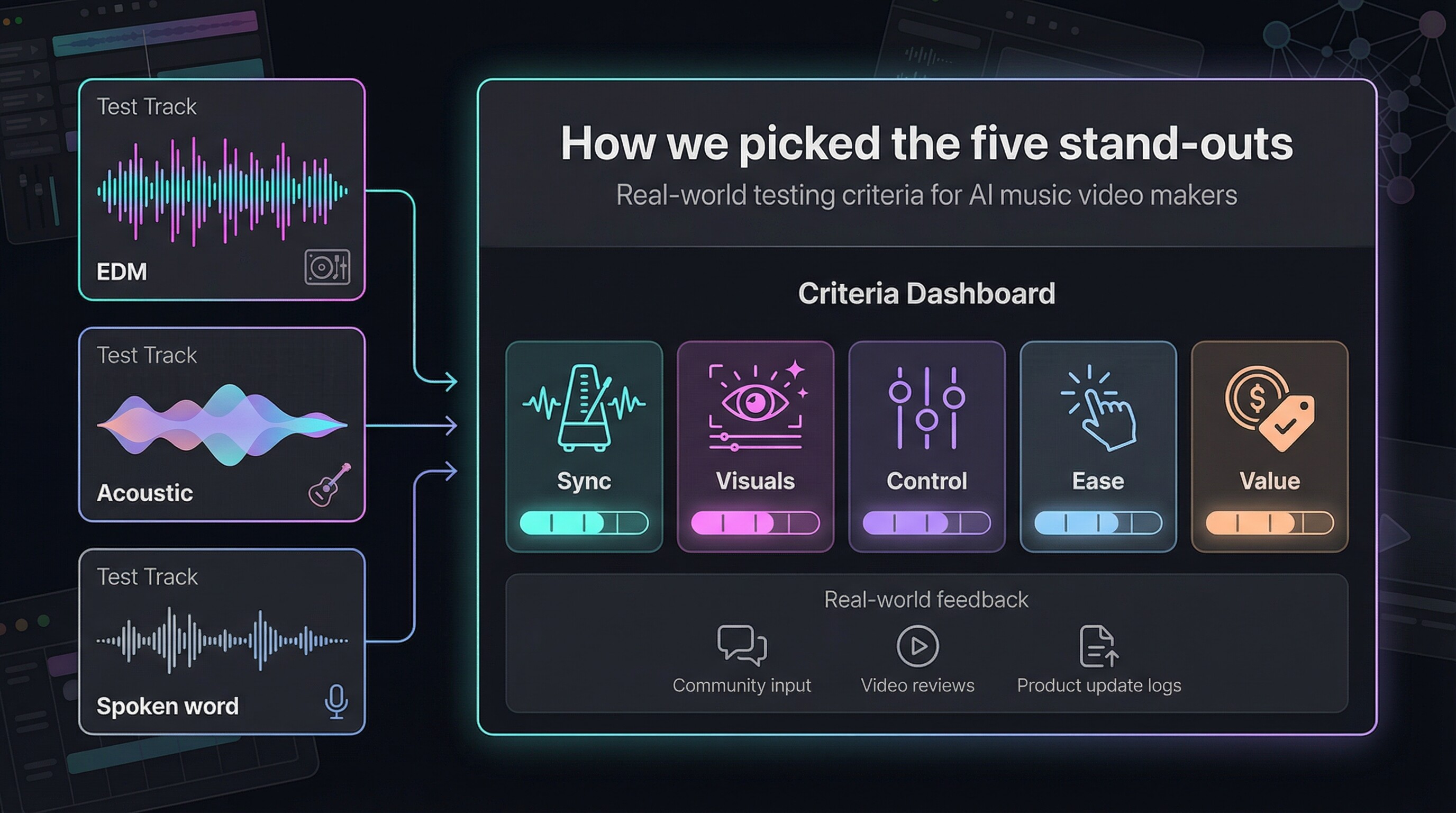
You care about great visuals, not academic scoring rubrics. Yet a clear framework keeps the list honest, so here is the plain-language snapshot of how we judged every platform we tested.
First, we acted like brand-new users. We uploaded the same three demo tracks—a bass-heavy EDM cut, a mellow acoustic ballad, and a spoken-word poem—to see how each AI responded. That live test showed whether beats lined up, lyrics matched the screen, and odd glitches spoiled the vibe.
Next, we rated every platform against five essentials:
- 1. Sync accuracy. Does the video pulse with each kick drum, or fall off-beat after 40 seconds?
- 2. Visual wow factor. Crisp HD at minimum, no flicker, and styles that feel intentional.
- 3. Creative steering. Sliders, prompts, or templates that truly change the result.
- 4. Ease of use. Can you ship a solid first draft in under ten minutes?
- 5. Value. Fair monthly pricing, transparent credit math, and watermark-free exports on paid tiers.
Each category earned up to 20 points, with a small bonus for flexible aspect ratios and community buzz. Any tool that missed the mark on two or more pillars dropped off the shortlist.
Finally, we checked our scores against real-world chatter in Reddit threads, YouTube breakdowns, and recent product-update logs to make sure we didn’t reward a platform that quietly removed its best features last quarter.
The Quick-Scan Cheat Sheet

Before we get into individual reviews, here is a snapshot of how the five contenders stack up. Skim the grid, find the feature that matters most, then read on for the deeper story behind each score.
| Platform | Best for | Free option | Starting price | Auto beat-sync | Max resolution |
|---|---|---|---|---|---|
| NeuralFrames | Hyper-synced, artistic visuals | 20-second trial | $19/mo | Yes | 4K |
| Kaiber | Stylized art loops and cover-art animations | 7-day, 100-credit trial | $5/mo | Yes | 1080p (4K upscale) |
| Runway ML | Cinematic edits and VFX control | 125 credits | $15/mo | Manual | 4K |
| LTX Studio | Story-driven narratives | 800 computing seconds | $15/mo | Manual | 1080p |
| Freebeat | Fast lyric videos on a budget | 30-second clip | $14/mo | Yes | 1080p |
Keep this table handy; we will reference it as we break down each tool’s real-world strengths and quirks in the next section.
Neuralframes: When Every Kick Drum Moves The Camera
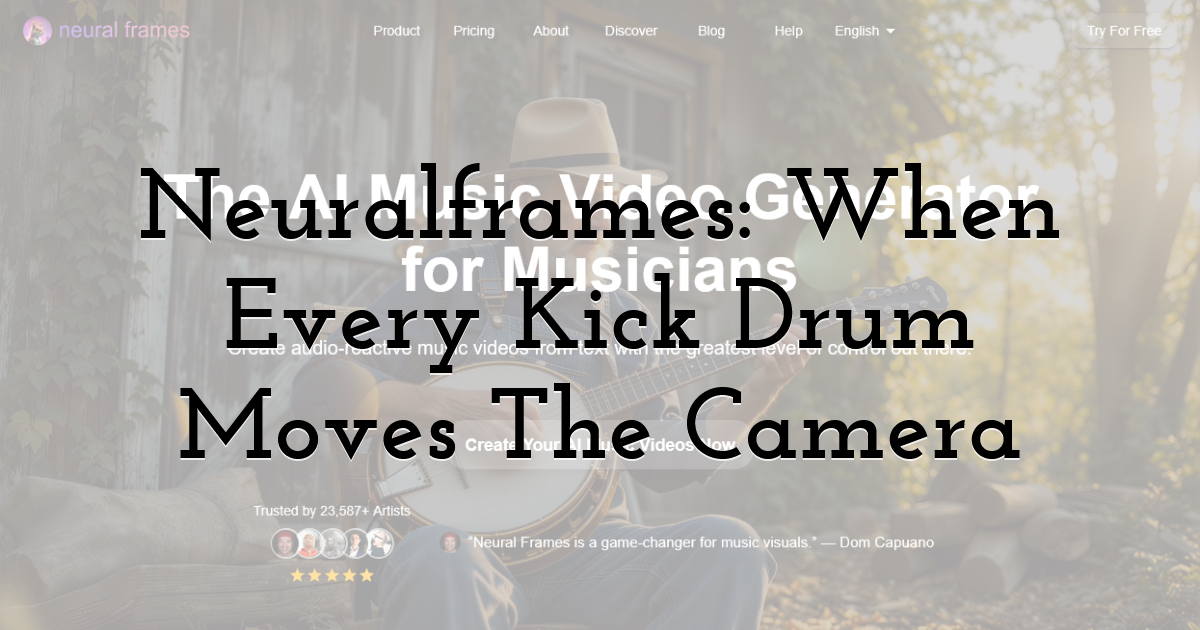
You start by dragging a song into the browser. Seconds later, the Autopilot storyboard appears: verses, drops, quiet bridges, all sliced on the timeline with visuals already paired to each mood shift. If you stop there, you still leave with a trippy, beat-tight video that spans the full song length. According to product notes on its ai music video generator page, that rapid storyboard emerges from an 8-stem audio analysis that isolates drums, bass, vocals, and five other elements, letting each stem trigger its own camera move, color shift, or particle burst for frame-perfect sync. The technique explains why even a one-click render keeps snare rolls and lyric entrances locked tight without you touching keyframes.
Need control? Open the timeline and tie a bass drum to a camera shake, lock a character’s look for continuity, or swap in a custom diffusion model that matches your album art. It is one of the few platforms that satisfies both “one-click” creators and detail obsessives.
Quality holds up in big rooms as well. Standard plans export 1080p, while the Ninja tier pushes a clean 4K file ready for festival LEDs. Rendering takes longer than simple visualizer apps, but the extra wait buys frame-by-frame fidelity instead of glitch-filled shortcuts.
Pricing runs on monthly credits. The $19 Navigator plan covers a handful of full-length videos; heavier users can move to higher tiers where 4K and priority rendering apply. There is a 20-second free trial, enough to test vibe syncing but not a full release, so set aside at least one paid month before your single drops.
If musical precision matters most and you are willing to invest a little learning time, NeuralFrames earns its place at the top of this list.
Kaiber: Style-First Visuals That Make Cover Art Breathe
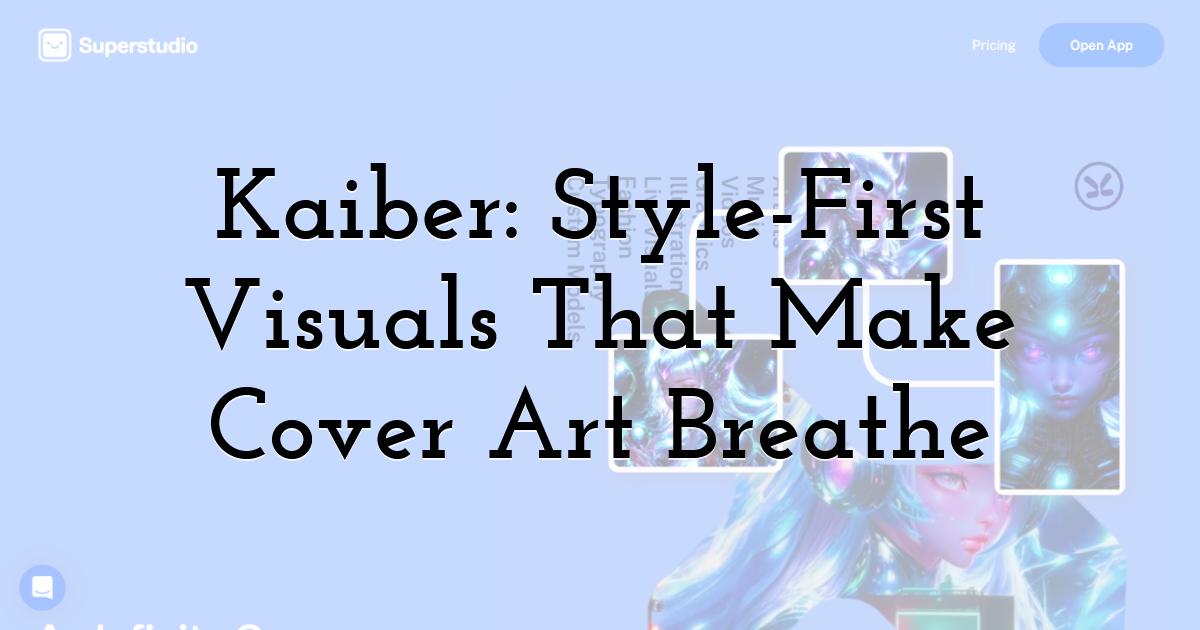
Kaiber takes the picturesque route. Drop in a single static image—your album cover, a tour poster, even a phone snapshot—and watch the app morph it into a living, looping animation that feels hand-drawn frame by frame.
Templates do the heavy lifting. Choose Cyberpunk Neon, 1970s Anime, or nearly one hundred other presets, hit Beat-Sync, and Kaiber auto-cuts scene changes on tempo. The result looks like you hired an animator who owns a metronome.
Ease is the headline. The web studio is drag-and-drop simple; the mobile app mirrors nearly every feature, so you can riff on ideas in the van between gigs. No prompt engineering. No timeline scrubbing. Just pick a vibe and let the cloud churn.
The numbers reinforce the buzz. In its first year, Kaiber logged more than five million sign-ups and powered official videos for Linkin Park and Kid Cudi, proof that major artists trust the output.
Costs stay friendly: five dollars a month unlocks 300 credits, enough for social loops, while $30 buys 2,500 credits for full-song projects in 1080p (4K upscale available). A week-long free trial lets you test the waters, but after that you need a paid plan; Kaiber never claims to be “forever free.”
If you want striking, stylized motion without touching an editor, Kaiber is the quickest path from still art to scroll-stopping video.
Runway Ml: A Full-Stack Studio In Your Browser
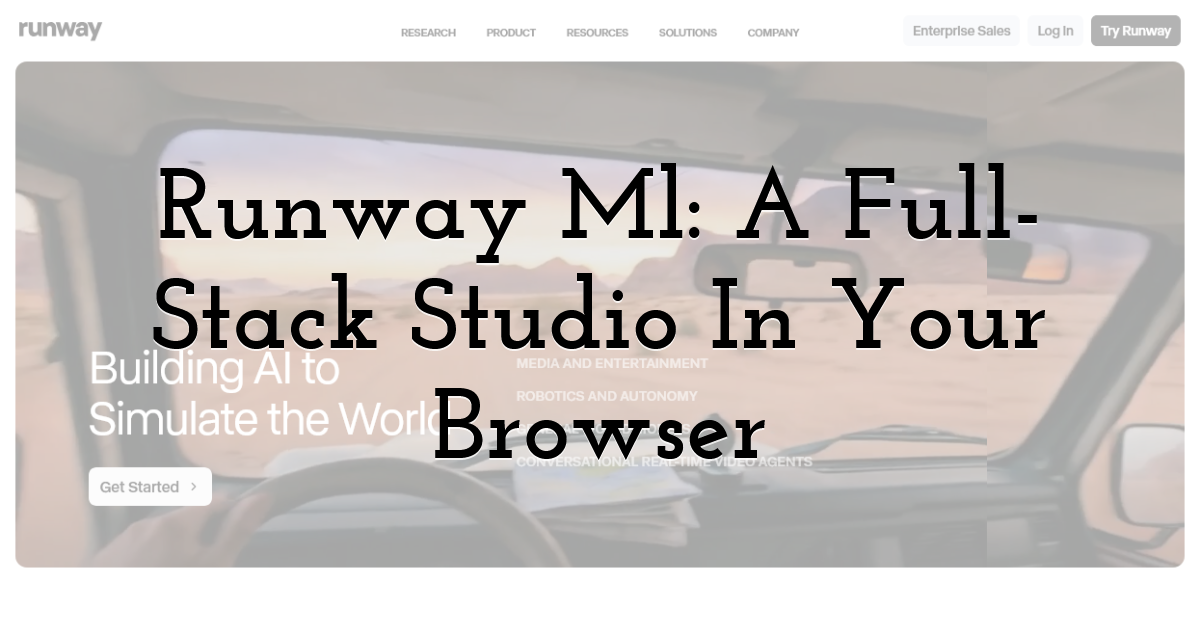
Runway feels less like an AI toy and more like a lean version of Premiere Pro that happens to speak text-to-video.
Open a project and you see a familiar timeline. Drag your song in, then start dropping assets: a few Gen-2 clips born from text prompts, a stylized Gen-1 pass over live footage from last weekend, and an AI greenscreen cut-out of your singer. Every piece lands on the grid ready for trimming and crossfades.
That middle-ground workflow is the draw. Pure generators lock you into whatever the model delivers, and pure editors make you supply every frame. Runway lets you generate clips until inspiration strikes, then edit until everything snaps to the beat.
Quality keeps climbing. Gen-3 clips show far fewer flickers than early models, and built-in upscaling pushes final exports to crisp 4K. Turnaround is slower than Kaiber or Freebeat: plan on rendering dozens of short segments and letting the cloud stitch them together. The wait buys cinematic polish that makes casual viewers believe you hired a VFX crew.
Pricing begins at fifteen dollars a month for 625 credits, enough for several short scenes and unlimited non-AI editing. Heavy users can move to the Pro tier for larger credit banks and 4K across the board.
Runway is excessive for a quick lyric clip, but if you plan shots in your head and want granular control without Hollywood hardware, it is the most complete toolbox in this guide.
LTX Studio: Storyboard-First Filmmaking For Concept Videos

Picture writing a mini-screenplay, pressing Render, and watching your script spring to life scene by scene. That is LTX Studio’s promise.
You outline beats such as “Verse one, lonely robot walks neon streets; chorus, finds a glowing guitar; bridge, rockets skyward,” and the platform fills each block with coherent visuals, consistent characters, and camera moves that match your descriptions. Because you set the structure up front, continuity issues that hamper other generators mostly disappear.
The trade-off is effort. LTX expects you to think like a director. You will tweak shot types, train an “actor” so the robot looks identical across scenes, and keep an eye on your Computing Seconds budget. The free 800-second trial shows the workflow but barely covers 30 seconds of HD video; real projects need the $15 Lite plan or, for commercial rights and heavier render loads, the $30 Standard tier.
Resolution tops out at 1080p, and renders take time, yet the cinematic feel is worth the wait. If your lyrics tell a story or you are building a multi-chapter visual album, LTX delivers a level of narrative control no other AI tool matches.
Freebeat: One-Click Lyric Videos When Speed Beats Artistry
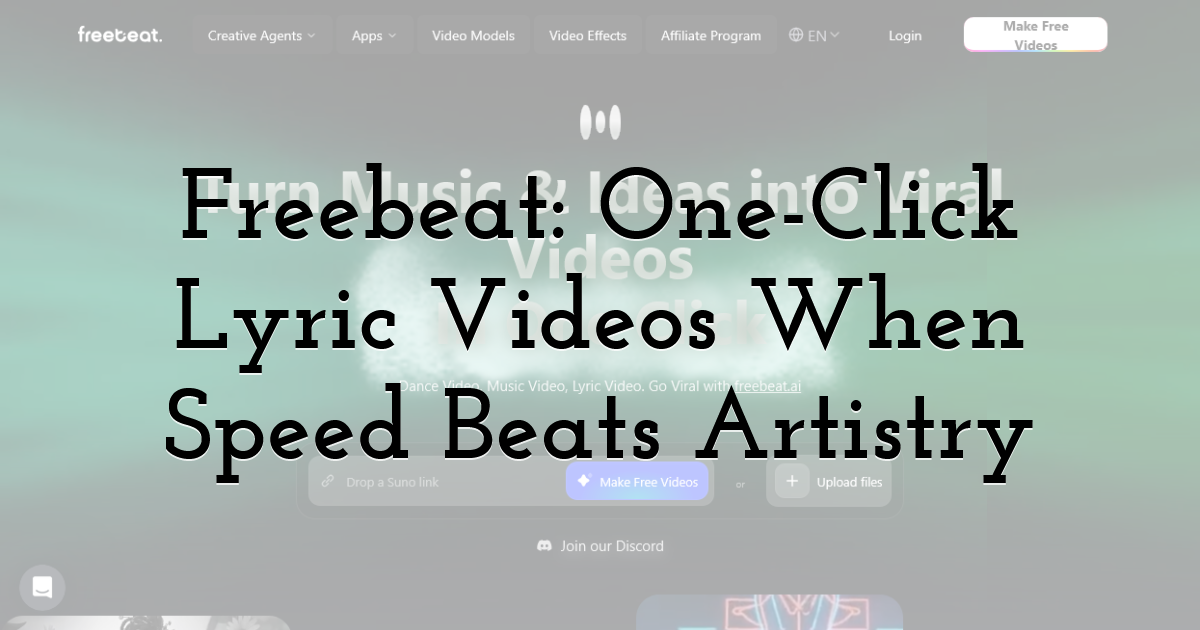
Freebeat is the express lane of AI video. Upload your track, paste the lyrics, and two minutes later you are watching a clean, beat-synced visualizer: animated text, pulsing backgrounds, and zero editing headaches.
The magic lies in its presets. Pick “Lo-fi Loft,” “Neon Grid,” or another curated theme, and the engine auto-matches colors, transitions, and font timing to the song’s tempo. You do not tweak keyframes or fiddle with text layers; you simply generate and share.
That simplicity carries limits. Visual styles feel repetitive after a few uses, and you cannot swap a single scene without regenerating the whole clip. Still, if you need a YouTube lyric video by lunchtime, the compromise feels fair.
Pricing stays indie-friendly. A free tier outputs 30-second, watermarked snippets, handy for testing cadence. Step up to the $14 monthly plan and you unlock full-length, 1080p exports with no watermark, perfect for weekly singles or social snippets.
Bottom line: Freebeat will not win animation awards, but when you need a solid lyric video today and your budget is tight, it delivers.
How To Choose The Right Tool For Your Next Release
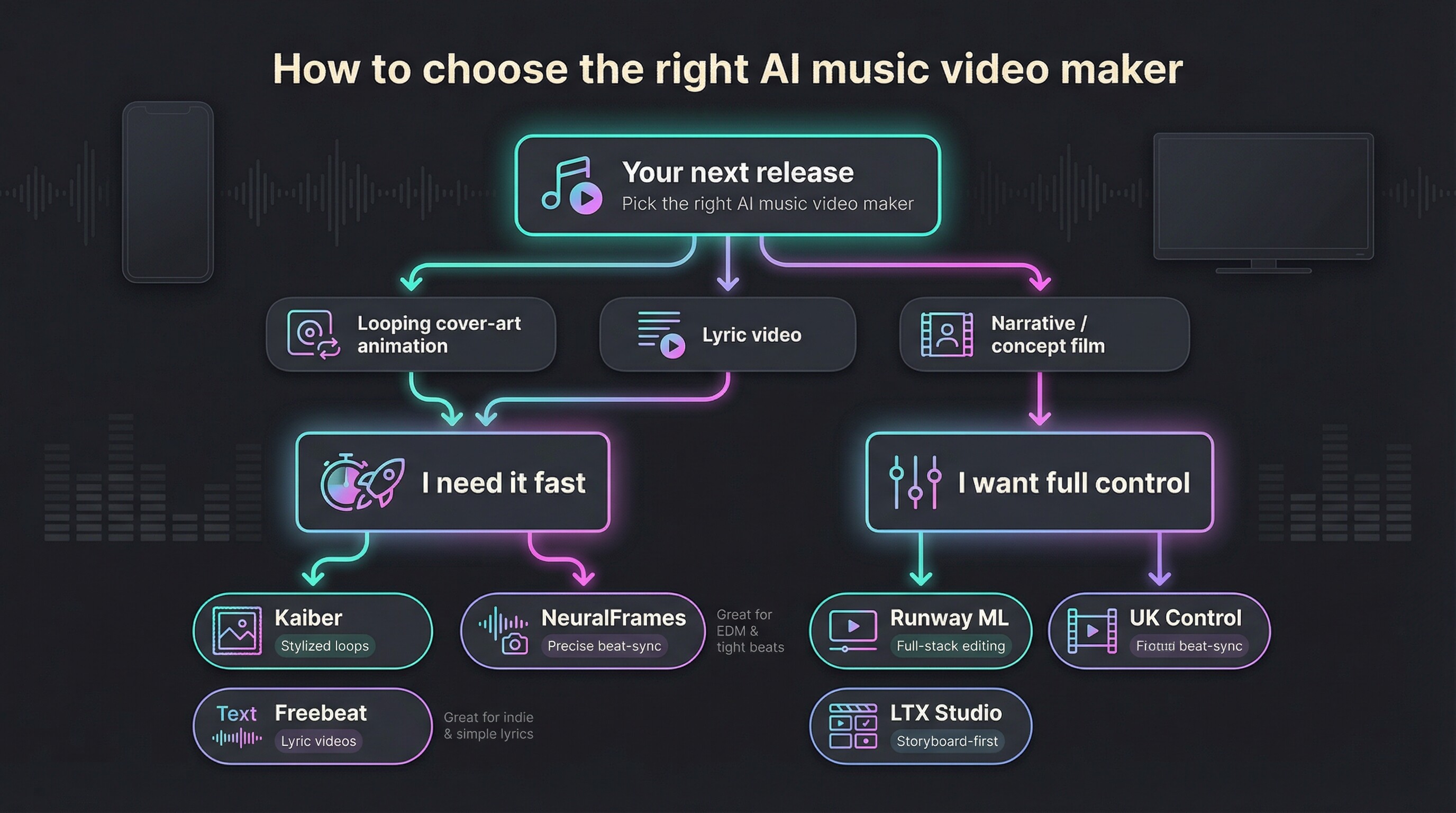
Start with vision, not features. Picture the finished video on your feed. Is it a looping cover-art animation, a full short film, or something in between? For quick, branded loops, Kaiber or Freebeat move you from audio file to upload in minutes. For a narrative with characters and scene cuts, LTX or Runway puts you in the director’s chair.
Next, weigh time against control. NeuralFrames and Runway reward tinkering; every extra hour you invest tightens sync or polish. Kaiber and Freebeat flip that ratio: speed first, customization later. Be honest about your schedule before release day arrives.
Budget matters, so calculate spend per song, not per month. An Artist-tier Kaiber plan costs less than one freelance animator, and Runway’s Standard tier can power several singles if you generate strategically. If you release music quarterly, subscribe, create, export, then pause your plan until the next rollout.
Lastly, match the vibe to your audience. EDM followers crave precise beat alignment, so NeuralFrames stands out. Indie folk fans may prefer simple lyric videos; Freebeat keeps things clear and understated. The best choice is not the flashiest tool; it is the one that lets your music speak loudest with visuals that feel natural.
What’s Next: Three Trends Reshaping Ai Music Videos In 2026
Realism keeps closing the gap. A 2025 Runway study found that viewers spotted an AI-generated clip only slightly better than a coin flip: 57 percent accuracy, barely above chance (TechRadar). As Gen-4 and competing models mature, expect fan comments to shift from “Cool AI art” to “Wait, where did you shoot that?”
Text-to-everything converges. OpenAI, Google, and Meta are building systems that take a single prompt—or even an audio file—and return a full video draft. Future tools may skip storyboards entirely; you will feed the song and a vibe description, then fine-tune rather than build from scratch.
Short-form loops grow adaptive. Vertical-first apps already crank out Spotify Canvas clips, but the next wave will create seamless, auto-looping segments that react to taps or swipes in real time, perfect for TikTok and AR filters during live shows.
Final Thoughts:
Within a year or two, the line between indie AI visuals and studio productions will blur, and your largest creative limit will be the story you want to tell, not the tech that brings it to life.
Until next time, Be creative! - Pix'sTory
Recommended posts
-
From MIDI to Raw Waveforms: The Technology Behind Modern AI-Generated Mus...
Read More › -
When Templates Break: How Automated Testing Can Prevent Visual Regression...
Read More › -

Best AI Tools to Keep Characters Consistent in an AI Music Video: 5 Tools...
Read More › -

9 Ways to Take Your Customer Support Automation to the Next Level
Read More › -
How to Turn Static Designs Into Engaging Storytelling Videos (Even if You...
Read More › -

Revolutionising Customer Support: How AI is Transforming Business Communi...
Read More ›
