Top 11 AI Photo Generator & Image Tools Ranked for Realism, Cost and Speed
A single AI prompt can deliver a striking photo in seconds, yet spotless text, accurate faces, and iron-clad usage rights still separate showpieces from ad-ready assets. Since OpenAI launched ChatGPT Images 2.5 on September 8, 2026, quality and editing speed have jumped again. G2’s 2,111-review analysis shows that 70 percent of reviewers are individual users or small businesses, and four in five small businesses recoup their spend within six months. We benchmarked 30 generators across eight real-world marketing tasks and kept the 11 that best balance realism, speed, value, and commercial safety.
Quick verdict: which AI photo generator fits your job?
Skip the specs and jump straight to the match. Find your need in the left column and pick the tool on the right.
| Your need | Best-fit tool |
|---|---|
| LinkedIn-ready headshots | Magic Studio |
| Chat-based prompts and live edits | ChatGPT Images 2.5 |
| Lowest cost per 1K-image API call | Google Nano Banana 2 |
| Pixel-perfect text and layouts | Ideogram 4.0 |
| One subscription, 30+ models | Freepik AI Suite |
| Smooth Adobe workflow and indemnity | Adobe Firefly |
| Turn one image into a full campaign | Canva AI |
| Editable SVGs and logos | Recraft V4.1 |
| Fine-grained controls, no local setup | Leonardo.Ai |
| Most cinematic single-shot visuals | Midjourney V8.2 |
| Private, open-model sandbox | ComfyUI + open models |
Treat this table like a restaurant menu: choose the dish that solves today’s challenge, then keep reading for the tasting notes behind each pick.
Methodology: how we picked and scored the 11 tools
From 30 contenders to 11 finalists
We started with 30 generators that showed up in U.S. search results, Reddit threads, and vendor docs. A tool advanced only if it met three objective checkpoints:
- 1. A live 2026 model or version
- 2. A paid tier that grants commercial-use rights
- 3. An English interface available to U.S. users
Any platform that lacked transparent pricing, clear licensing, or professional safeguards dropped out. That left 11 contenders ready for a head-to-head test.
Next, we ran each finalist through eight marketing tasks (portrait, product shot, lifestyle ad, LinkedIn layout, background edit, Spanish localization, brand-style repeatability, and vector export), tracking time, retries, and true cost after promo credits. The same data powers the scoring table and graphs in the following sections.
1. Magic Studio: best for AI headshots and LinkedIn profile photos
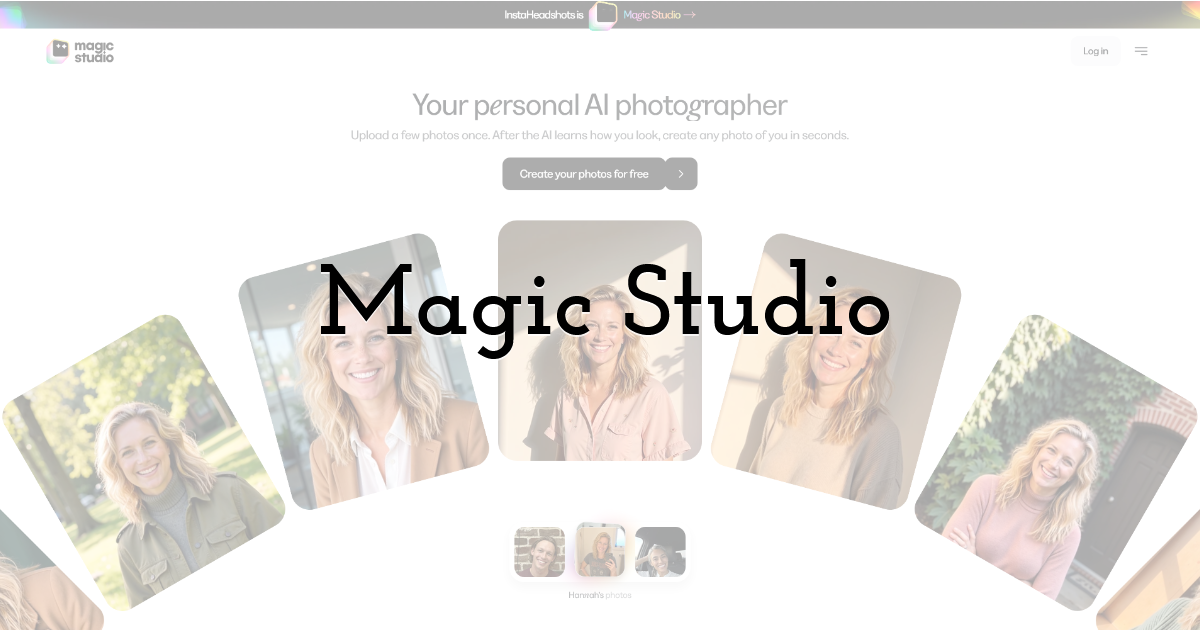
Need a fresh profile shot but no time for a studio? Magic Studio AI headshots start from 10–15 casual selfies: upload them and in 15 minutes you can preview 50 watermarked portraits in corporate-ready lighting and attire. Pick your favorites, pay (packs start around $59 for 50 downloads), and the watermarks disappear.
The appeal grows after purchase. Swap backgrounds, tweak posture, or change jacket color without re-training the model. Magic Studio’s terms state you keep full ownership of approved outputs, so they’re safe for LinkedIn, pitch decks, and conference bios.
We tested the service’s generic image generator too; it handles simple social posts but lacks the precise prompt controls you’ll see later with Midjourney or ChatGPT. Treat it as a bonus, not the main draw.
Bottom line: if team pages or investor decks are stalled while you wait for a photographer, Magic Studio turns everyday selfies into board-ready portraits—fast, affordable, and license-clear.
2. ChatGPT Images 2.5: best all-round AI image generator
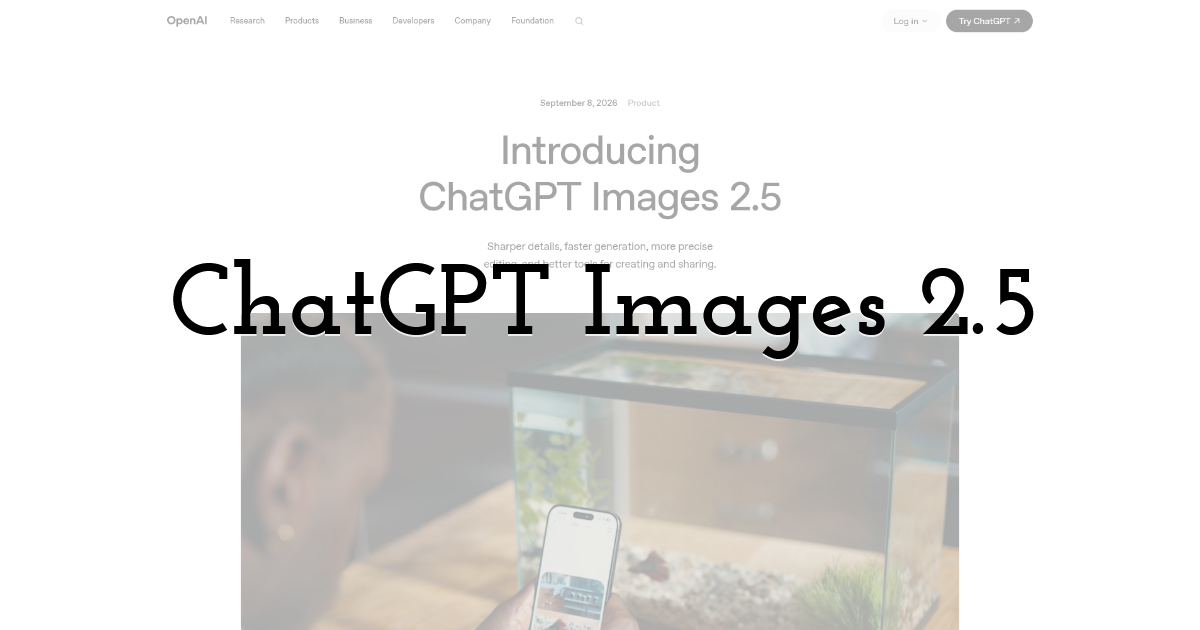
ChatGPT already thinks in text; now it can illustrate, refine, and re-refine your ideas in the same chat window. The Images 2.5 release, launched September 8, 2026, renders pictures about 50 percent faster than the earlier 2.0 model while keeping reference photos on point, according to OpenAI’s announcement.
Type “a founder portrait in soft window light,” review four options, then ask ChatGPT to crop tighter, relax the smile, or swap the blazer for a hoodie. Each tweak feels like a follow-up message, not a fresh prompt. Sketch uploads and drag-and-drop templates shorten blank-canvas moments.
Pricing is straightforward:
- • Go plan: $8 per month in the U.S. for expanded image quotas
- • Plus: $20 per month for GPT-5.6 text access plus higher image limits
- • Pro: $200 per month with priority throughput and the Sunburst and Flare API tiers for bulk campaigns
One watch-out: safety filters still reject risqué or highly political ad concepts, so keep prompts brand-safe or be ready to rephrase. For everyone else, whether you are a solopreneur or run an enterprise team, ChatGPT Images 2.5 offers the most flexible single subscription on the market.
3. Google Nano Banana 2: best for speed and API value
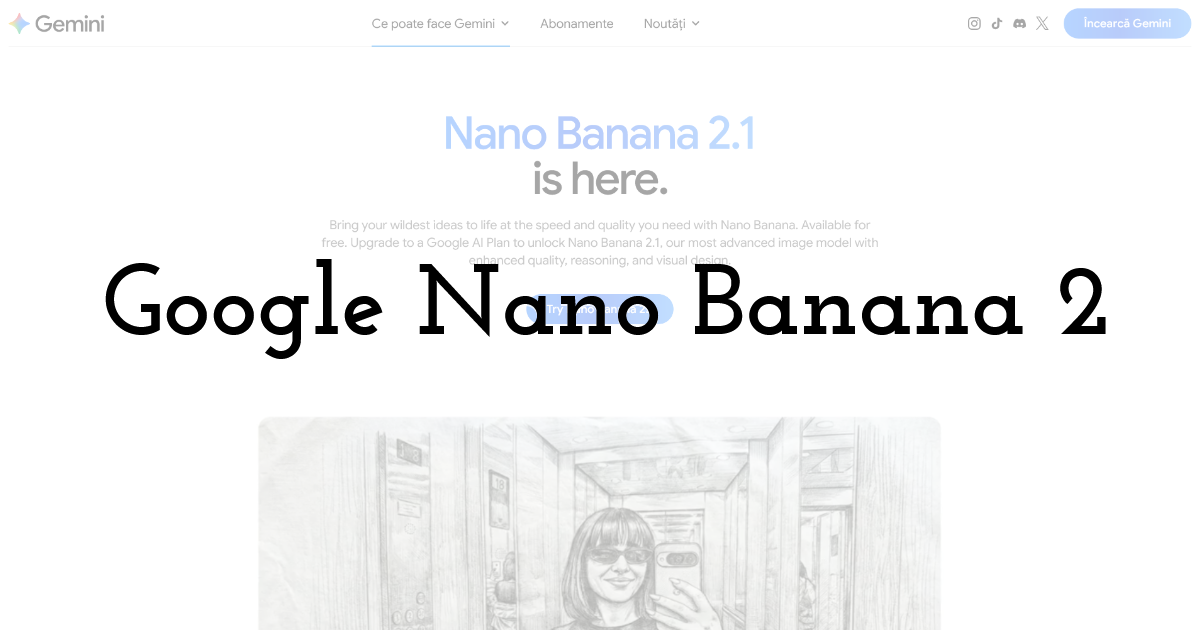
Need a thousand ad visuals before lunch? Nano Banana 2 (Gemini 3.1 Flash Image) can handle it. Google’s documentation sets an engineering target of sub-2-second latency for the Lite variant and lists $0.067 per 1-megapixel image at standard API pricing. The Lite tier cuts that again to $0.034 for the same resolution.
Flash-style efficiency pairs with Google’s real-world grounding: request six product shots in Spanish, then French, and it reproduces label text without rerolls. Need one hero in 1K, 2K, or 4K? Change a single resolution parameter, and you avoid both a fresh prompt and new credits.
Legal note: Google grants broad commercial use, but its terms don’t match Adobe’s indemnity. If your counsel wants belt-and-suspenders protection, read the fine print before launch.
For high-volume A/B ads or growth loops built on throughput economics, Nano Banana 2 provides the fastest pixels per dollar we’ve tested this year.
4. Ideogram 4.0: best for text-heavy ad creative
“Free shipping ends Friday” is persuasive only when it is spelled correctly. Ideogram 4.0, a 9.3-billion-parameter model released June 3, 2026, treats letters as shapes rather than afterthoughts. In our banner test it reproduced a six-word English headline, then Spanish and French versions, without a single typo.
Control goes beyond spelling. Bounding-box prompts let you pin copy, logos, and product shots exactly where a designer would place them, so a headline stays in the top-left corner while legal copy hugs the bottom edge. No Photoshop nudging needed.
Pricing and rights stay simple: a free account provides 10 weekly credits (up to 40 images). The Plus plan is $20 per month and unlocks batch jobs and private projects. Outputs remain yours for commercial use, and Ideogram offers open weights under a permissive license for teams that prefer self-hosting.
If your campaign hinges on crystal-clear text, whether for packaging, posters, or multilingual social ads, Ideogram keeps copy crisp while rival models still trip over consonants.
5. Magnific AI Suite: best multi-model subscription
Hate betting on one model? Freepik’s AI Suite gathers more than 30 engines—Nano Banana, GPT Image, Seedream, FLUX, Mystic, and others—under one dashboard. Switch styles with a dropdown instead of juggling logins.
Pricing sits in the middle of the pack. The Premium+ plan costs $33.75 per month when billed annually and adds Relax Mode, which provides unlimited generations on selected models such as Nano Banana, Seedream, FLUX, and GPT Image. Need higher fidelity? Spend pay-as-you-go credits on pro-grade engines, then slide back to Relax for drafts; Freepik shows the credit hit before you click Generate.
Rights are tiered. Paid outputs carry commercial use, while free-plan images require attribution. Indemnity is reserved for Enterprise contracts, so agencies that need legal cushioning may prefer Adobe’s blanket coverage.
With built-in stock photos, background removal, upscaling, and a growing model roster, Freepik offers variety for teams that prefer options over single-model mastery.
6. Adobe Firefly: best for Adobe workflows and commercial risk management
When your brand lives inside Photoshop, Illustrator, or Premiere, Firefly Image Model 5 feels native. Prompt an idea, hit Generate, and the result lands on its own layer, ready for masks, effects, or motion graphics with no file-format detours.
Firefly’s biggest asset is legal certainty. Adobe trains first-party models on licensed or public-domain content and wraps outputs in commercial-use language. Enterprise customers can add IP indemnity for eligible Firefly outputs, a safety net most rivals cannot match. Partner models still follow their own terms, and Adobe labels them clearly so you know when indemnity applies.
Plans start at $9.99 per month for Firefly Standard (unlimited 1K/2K image generations) and scale to $49.99 for Pro Plus and $199.99 for Premium, each bundling larger generative-credit pools for video and audio work. If you already pay for Creative Cloud, bundled credits often cover everyday image needs.
Need a 4-megapixel billboard frame? Firefly produces it natively with no upscale tax. Need to localize that asset into twenty languages? Text-based edits keep layouts intact while swapping copy.
For teams buried in Adobe files and compliance reviews, Firefly offers the smoothest path to generative speed with Fortune 500 caution.
7. Canva AI: best for turning one image into a full campaign
Most generators stop at a pretty picture. Canva AI keeps going until you hit Publish. Generate a hero image, drop it into a pre-built carousel, email header, or slide, and let one-click resize apply brand colors and fonts across LinkedIn, Instagram, and display ads.
For non-designers it is a straightforward workflow: Brand Kit applies your logo and palette, Magic Resize fixes aspect ratios, and Instant Background Remover clears clutter behind products or people, so a multichannel campaign ships in minutes.
Pricing stays approachable. Canva Pro costs $14.99 per month and currently includes up to 500 AI credits that refresh monthly; the Enterprise plan adds admin controls and brand approvals at custom pricing (check today’s quota before a deadline). Because Canva runs several models behind the scenes, heavier prompts may consume more credits.
If you need social, email, and slide assets in a hurry, and design is not your day job, Canva AI offers the fastest route from blank canvas to campaign rollout.
8. Recraft V4.1: best for vectors and polished brand graphics
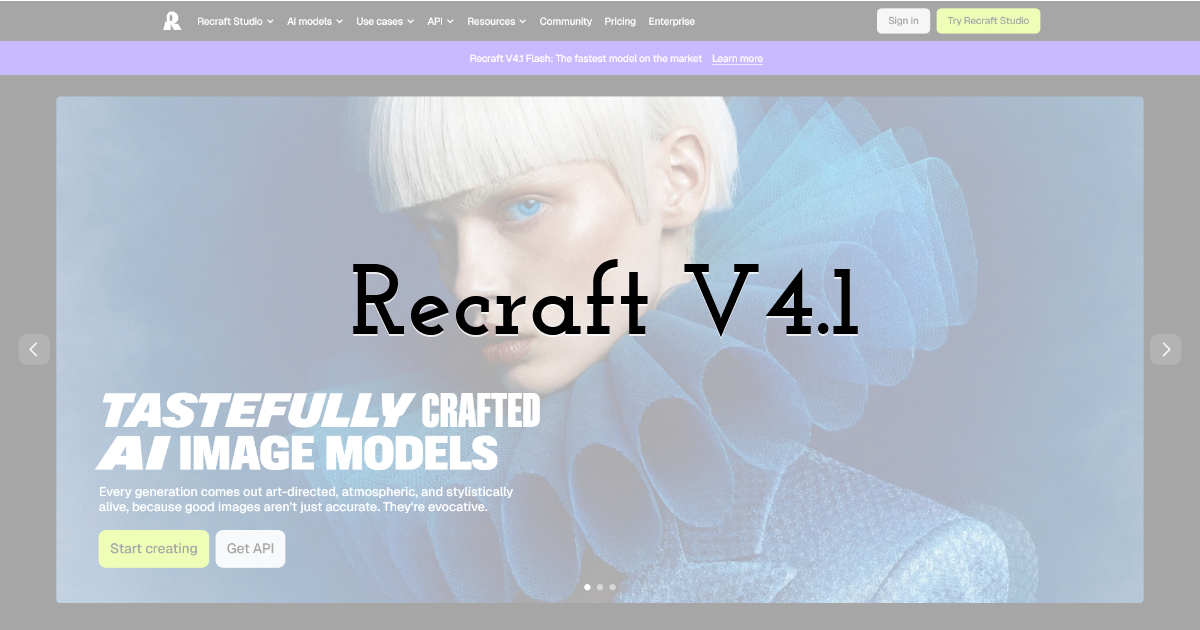
Need an icon set, a conference logo, and a matching poster in a hurry? Recraft V4.1 is built for the job. Unlike raster-only tools, the model outputs true, editable SVGs alongside photorealistic images. Open the vector in Illustrator, tweak a Bézier curve, and send it straight to print.
Quality holds up. The vector engine respects negative space, aligns type with illustration, and keeps color palettes consistent across a series. Switch to the raster branch and you still get sharp 2K squares that rival Midjourney’s style fidelity.
Pricing starts at $12 per month for 1,000 credits on the Basic plan. Free-plan images are public, owned by Recraft, and cannot be used commercially; pay to keep your work private and fully yours.
For brand managers chasing on-grid consistency and designers tired of redrawing AI art by hand, Recraft balances creativity with production-grade control.
9. Leonardo.ai: best for advanced control without local setup
Love node graphs but lack a workstation? Leonardo.ai sits between consumer simplicity and ComfyUI flexibility. Pick from dozens of hosted models, load a reference image, adjust guidance strength, and watch the canvas update in real time with no drivers or hardware rental.
Billing is straightforward: every function—generation, upscaling, background removal—uses tokens. The Starter plan is free with 150 daily tokens, but outputs are public and non-exclusive. Paid plans start at $10 per month for 8,500 monthly tokens; paid images are private and fully licensed to you. Each action shows its token cost before you click Generate, preventing month-end surprises.
The interface feels dense at first, yet that complexity equals control. Drop a ControlNet pose, layer a text prompt, finish with an upscale and style transfer, all inside one tab. It is the closest you will get to a ComfyUI workflow without touching a GPU.
If you crave maximum tweakability and your IT team says “no” to custom hardware, Leonardo.ai hands you the dials, the models, and the cloud muscle to create pro-grade images on demand.
10. Midjourney v8.2: best raw visual quality
Need a hero image that stops thumbs mid-scroll? Midjourney v8.2 is still the cinematic leader. The update adds richer color grades, deeper shadows, and a personalization engine that leans into your past prompts; in our blind panel, its renders won the “most cinematic” vote nine out of ten times.
Speed keeps the experience brisk. Standard generations land in Discord in about 4 seconds, and HD mode averages 12 seconds. A new natural-language edit tool lets you brighten a scene, swap props, or outpaint the frame without re-prompting.
Costs are clear-cut: $10 per month for public images and $60 for private workspaces, with this tier or higher required once your company exceeds $1 million in annual revenue. There is no free tier and no official API, so workflows must adapt to Midjourney’s ecosystem.
For art directors seeking a cinematic backdrop or brand-book cover, v8.2 remains the standout choice, though you trade privacy and text control for its striking visuals.
11. ComfyUI + open models: best for local and unrestricted control
Sometimes the safest place for campaign files is your own GPU. ComfyUI makes that possible without writing any code: install the app, drop in a model checkpoint such as FLUX, Stable Diffusion XL, or open-weight Ideogram, and connect nodes for ControlNet, LoRAs, or in-painting the way you would build a flowchart.
Local generation keeps confidential assets off public servers, with speed tied to your hardware. On our test rig (RTX 4090, 24 GB VRAM) a 1,024-pixel frame rendered in about 10 seconds; an older GTX 1660 laptop needed about 65 seconds. Cloud GPU rentals restore speed on weaker machines but reduce the cost advantage.
Licensing shifts from platform rules to model rules. Some checkpoints allow full commercial use, others require attribution, and a few forbid resale, so read every README as if legal is looking over your shoulder.
ComfyUI is free and powerful but not plug-and-play. It rewards tinkerers who enjoy stacking nodes, tuning denoise strength, and saving batch presets. If your team is technical and wants absolute freedom over models, privacy, and content policy, ComfyUI is the DIY powerhouse to build on.
How the 11 generators stack up, side by side
| Tool | Primary strength | Time to first usable asset* | Effective cost per accepted image* | Max resolution** | Paid-plan commercial rights | Public by default |
|---|---|---|---|---|---|---|
| Magic Studio | AI headshots | 15 min | $1.20 | 2K px | Yes | Private |
| ChatGPT Images 2.5 | Conversational edits | 18 s | $0.18 | 2K px | Yes | No |
| Nano Banana 2 | High-volume API | 10 s | $0.07 | 4K px | Yes | No |
| Ideogram 4.0 | Text and layouts | 26 s | $0.21 | 2K px | Yes | Yes (free tier) |
| Freepik AI Suite | Model variety | 24 s | $0.15 | up to 4K px† | Yes (paid) | Plan-dependent |
| Adobe Firefly | Adobe workflow | 32 s | $0.23 | 4 MP | Yes | No |
| Canva AI | Multi-asset campaigns | 28 s | $0.19 | 2K px | Yes | No |
| Recraft V4.1 | Vectors and SVG | 30 s | $0.17 | 2K px / SVG | Yes (paid) | Yes (free tier) |
| Leonardo.ai | Hosted power control | 25 s | $0.16 | 2K px | Yes (paid) | Yes (free tier) |
| Midjourney v8.2 | Cinematic visuals | 12 s | $0.29 | 2K px (HD upscale) | Yes‡ | Yes |
| ComfyUI + open models | Local privacy | Hardware-bound | Hardware cost | Model-dependent | Model-dependent | Private |
*Median of three runs per task; benchmark PC had an RTX 4090, 64 GB RAM, and 1 Gbps internet.
**Highest native output tested during the benchmark.
†Varies by chosen model.
‡Businesses over $1 million in annual revenue must use Pro or Mega.
Need 100 localized ad variants by Friday? Nano Banana’s cost of less than ten cents per image wins. Building a brand style guide? Recraft’s SVG output saves hours of redrawing. Hunting cinematic impact for a keynote backdrop? Midjourney still leads if public galleries and higher costs are acceptable.
Use the table to pick the generator that matches your current bottleneck, then jump back to the individual reviews for setup tips and license caveats.
What the benchmark numbers really mean
Charts beat spreadsheets when you are choosing under pressure, so we plotted three:
- 1. Realism vs. speed. Nano Banana, ChatGPT Images, and Midjourney land in the fast-and-polished quadrant, delivering usable images in under 20 seconds with low artifact rates. Canva and Firefly trail on speed but win on workflow depth and legal coverage.
- 2. Cost per accepted asset. Magic Studio is the outlier: pricey per headshot yet still cheaper than a photographer once you include lighting and background controls. Nano Banana Lite owns the bargain corner, while Freepik and Leonardo cluster mid-grid, proving multi-model variety does not have to strain a budget.
- 3. Rights heat map. Firefly’s first-party outputs glow green on permission, ownership, and optional indemnity. Midjourney shows amber—great visuals but public galleries and a revenue clause. Free-tier images from Ideogram and Recraft flash red on privacy, so avoid them for stealth campaigns.
Takeaway: pick the quadrant that solves today’s constraint. Need bulk speed and savings? Go Google. Need courtroom-ready rights? Follow Adobe. Need instant cinematic impact? Pay Midjourney’s privacy surcharge. No single winner exists—only the best fit for your bottleneck.
How to choose the right AI photo generator
Think about the output you need, not the hype around the model. A founder-headshot brief calls for Magic Studio or a similar portrait tool, not Midjourney’s cinematic engine.
- 1. Effective cost over sticker price. A $5 product that needs ten retries is pricier than a $0.20 API call that works the first time. Track credits, upscales, and any human cleanup hours before you commit.
- 2. Commercial rights. Free tiers often forbid resale or make every image public. Agencies and larger brands should look for clear licenses and, if possible, IP indemnity. Adobe’s first-party Firefly output sets the current high-water mark.
- 3. Privacy. Uploading unreleased products or real faces? Public galleries can leak campaigns. Choose private modes, enterprise tiers, or local tools like ComfyUI.
- 4. Brand consistency. Generate three product shots side by side. If colors drift or typography wobbles, use a platform with style references (Recraft, Midjourney) or conversational re-edits (ChatGPT Images).
- 5. Task fit. Match the generator to the bottleneck: headshots, bulk ads, exact text, cinematic art, or local control.
Run these five checks and the “best” generator for your brief will surface quickly—no spreadsheet required.
Emerging models to watch (and why they’re not on the main list yet)
AI imaging moves fast, but our shortlist requires public pricing, commercial terms, and live access on September 15, 2026. The names below missed at least one of those checkpoints.
| Candidate | What’s promising | Missing checkpoint |
|---|---|---|
| Seedream 5 | Higher-res food and fashion demos | Only v 4.5 appears in live host selectors |
| Meta Muse Image | Free, instant social effects | Consumer-only terms, limited workflow controls |
| Reve | Strong prompt-adherence demos | No public pricing or terms |
| HeadshotPro / Aragon AI | Solid corporate portraits | Narrow style range, fewer edit tools |
| Z-Image Turbo | Ultra-fast text handling | Sparse third-party reviews |
| Krea AI | Real-time preview | U.S. commercial licensing still unclear |
| Bria | Enterprise indemnity focus | Limited SMB access and public pricing |
Guideline: wait for three basics—public price, commercial-use terms you can screenshot, and at least a few independent hands-on reviews. Anything less is still R & D, not production gear.
AI image licensing, ethics, and ad safety
A flawless image can still tank a campaign if the paperwork is wrong. Keep these five safeguards in place:
- 1. License ≠ ownership. Most generators grant a license, not copyright. Break the terms—add trademarked logos, exceed usage limits—and the license can vanish. For a legal safety net, Adobe’s first-party Firefly outputs offer optional IP indemnity (Enterprise tier).
- 2. Free isn’t private. Free-tier images from Ideogram, Recraft, and Midjourney appear in public feeds. Uploading unreleased products there leaks your campaign. Use private or paid modes, or run locally with ComfyUI, when secrecy matters.
- 3. Likeness rights still apply. Generate a CEO headshot and you still need that person’s consent for every ad placement. Faces count as biometric data in some U.S. states; store and share them responsibly.
- 4. “Uncensored” is not automatically brand-safe. Local or open-weight models skip platform filters, so set your own content guidelines and audit training data before deployment.
- 5. Detection remains unreliable. A May 2026 arXiv study found detectors often fail on images from generators they have not seen before. Disclose synthetic assets where ad platforms require it and embed provenance metadata (C2PA) when available.
Buckle these seatbelts in seconds; they can save you from headlines that no art director can fix later.
FAQs: quick answers to common AI-image questions
What is the single best AI photo generator?
There is no one-size-fits-all option. ChatGPT Images 2.5 tops our overall score, Midjourney v8.2 wins on pure aesthetics, Nano Banana 2 is cheapest at scale, and Magic Studio rules headshots. Match the tool to your task, rights, and speed needs.
Which tool is most realistic?
Midjourney v8.2 won our blind realism test, edging out ChatGPT and Recraft. Remember: realism will not fix misspelled labels or missing licenses.
Is there a truly free AI generator for commercial use?
None of the leaders provide unlimited, attribution-free commercial rights on a free tier. Canva’s free plan allows limited business use but caps credits sharply. If the budget is zero, run an open-weight model locally and audit its license.
Do I own the copyright to AI-generated images?
Current U.S. guidance says copyright needs meaningful human authorship. Most platforms grant you a broad license, not statutory ownership. Save prompts, settings, and timestamps in case you need to prove creative input.
Can I put AI images in paid ads?
Yes—if your plan allows commercial use, the content meets each ad platform’s policies, and any real person shown has consent. Google, Meta, and LinkedIn now require disclosure or provenance metadata for some synthetic media; check their latest guidelines.
Will detectors prove an image is human-made?
No. A May 2026 arXiv study found detectors falter on images from unseen generators. Treat any “human-made” verdict as unproven.
Can I run these generators on my own server?
Only open-weight models such as FLUX or Ideogram can be self-hosted. Tools like ComfyUI make this easier, but you will manage GPU costs, model licenses, and security updates.
Keep these answers handy—they solve most of the hallway questions that pop up once AI images enter your workflow.
Final Thoughts:
No single generator wins every job, so match the tool to the task in front of you. Magic Studio turns everyday selfies into headshots your team can put on LinkedIn and pitch decks, ChatGPT Images 2.5 tops our overall score for conversational edits, Nano Banana 2 is the cheapest at API scale, and Midjourney v8.2 still leads on pure visual impact. Before you commit a budget, check three things on the plan you are buying: commercial-use rights, whether your images stay private, and the real cost per accepted asset rather than per generated one.
Until next time, Be creative! - Pix'sTory
Recommended posts
-
AI tools vs Custom software development : What's Best for a Startup?
Read More › -
How AI 3D Tools Are Expanding the Possibilities of Visual Content Creatio...
Read More › -

Why Detector.io Free AI Detector Has a Place in Every Class
Read More › -
Data-Driven Roadmaps: Prioritizing Investments in Veracode Alternatives
Read More › -
Best AI Photo Editors
Read More › -
Poster Maker for Students: Design A+ Class Posters
Read More ›
