How Content Creators Can Use SOPs to Document Repeatable Design Tasks
Content creators can use SOPs to turn repeatable design tasks, like resizing graphics, building thumbnails and exporting GIFs, into step-by-step processes anyone can follow. Start with the tasks you repeat most, include screenshots and quality checks, and record your screen to create SOPs faster.
Most content creators repeat the same handful of design tasks every week. You resize one graphic for Instagram, Pinterest and YouTube. You drop a new photo into your thumbnail template and adjust the text so it still reads on a phone. You export an animated post as both an MP4 and a GIF. None of these tasks is hard, but each one is full of small decisions that live only in your head.
That works until someone else has to do the job, or until you come back to a task after a month away and can't remember which font size you settled on. That's where an SOP comes in. A standard operating procedure turns a task you do from memory into a written, repeatable process that anyone on your team can follow and get the same result.
Why Repeatable Design Tasks Need an SOP
Creators often think of SOPs as something for operations teams. Design work benefits from them just as much.
Brand consistency. Your audience recognizes you by your colors, fonts, logo placement and layout. When three different people make your graphics without a shared process, those details start to drift.
Easier handoffs. Many creators work with a virtual assistant, a freelance designer or a part-time editor. A clear SOP means you explain a task once instead of answering the same questions every time a new person joins.
More output without more stress. When routine tasks are documented, you spend less time on production and more time on the creative work only you can do.
Which Design Tasks to Document First
You don't need an SOP for everything. Start with tasks that are frequent, easy to get slightly wrong, or likely to be handed to someone else. Good first candidates include:
- • Resizing one design into every social format you publish
- • Applying your brand kit (colors, fonts, logo) to a new template
- • Creating a video thumbnail from your standard layout
- • Exporting animations and GIFs with the right format and size for each platform
- • Preparing a flyer or poster for print, including margins and file type
- • Naming, saving and organizing finished files so the team can find them
If you're not sure where to begin, start with the tasks you've explained more than twice in the last month.
What a Good Design SOP Includes
A design SOP doesn't need to be long. It needs to be clear enough that someone who has never done the task can finish it without asking you for help. Most good SOPs share the same parts:
- • A clear title and outcome. "Create a YouTube thumbnail from the main template" tells the reader exactly what they'll have when they're done.
- • Tools and assets. List the design tool, the template, the brand kit and any folders the person needs to open.
- • Numbered steps. One action per step, written as an instruction: "Select the headline text box," not "The headline should be selected."
- • Screenshots. Design work is visual, so show where to click. A screenshot with the button or menu highlighted saves a paragraph of explanation.
- • Quality checks. End with a short list of things to confirm before publishing, such as size, spelling and logo placement.
- • An owner and a date. Someone should be responsible for updating the SOP when your tools or templates change.
The Faster Way: Build SOPs From a Screen Recording
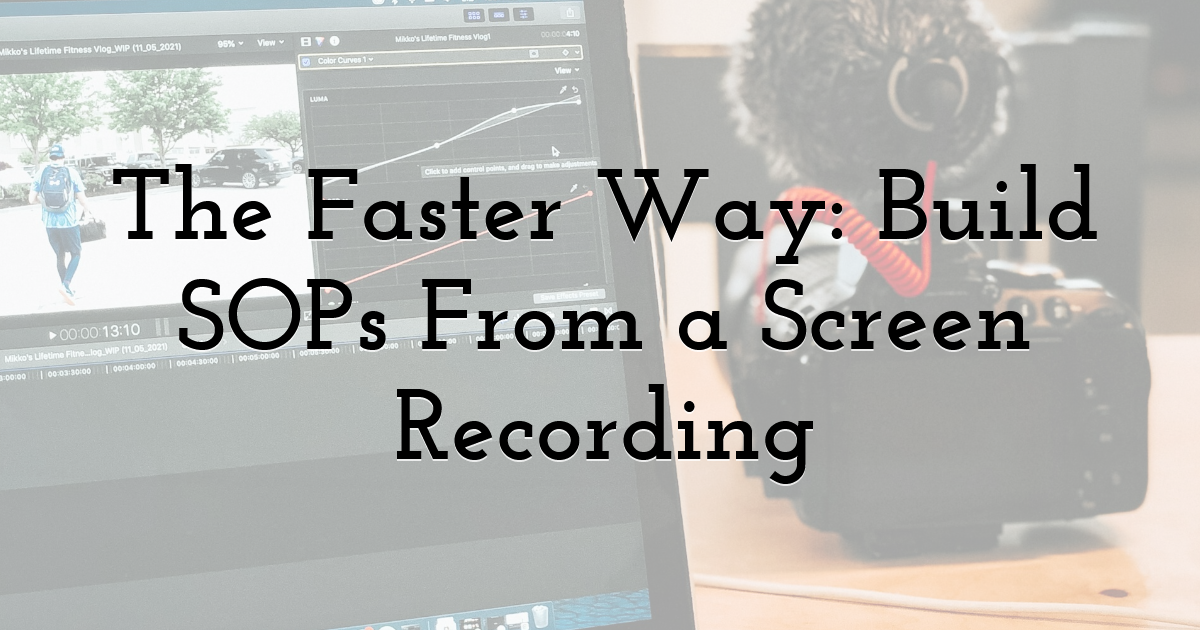
The hardest part of writing an SOP is the writing itself. You do the task, stop, take a screenshot, crop it, add an arrow, type the step, then go back and do the next part. For a ten-step process, that can take longer than the task itself, which is why many creators never get around to it.
A quicker approach is to record your screen while you do the task once, then turn that recording into a written guide. With an SOP generator that builds guides from screen recordings, you can walk through a task using a Chrome extension or desktop app, or upload a video you've already recorded. Trails, for example, turns that recording into a step-by-step guide with annotated screenshots and a training video with AI voiceover. When you edit a step in the guide, the video updates too, so you're not maintaining two versions.
That's handy for creators because one recording gives you two formats. Some people on your team will prefer to skim written steps while they work. Others learn faster by watching.
Whatever tool you use, a few features matter when you're documenting design work:
- • Editable steps. Generated text is a first draft. You should be able to rewrite a step in your own words, add a tip about your brand rules, or remove a step you don't need.
- • A way to blur sensitive details. Design work often happens inside accounts that show client names, emails or billing details, so you'll want to hide those before you share a guide.
- • Simple sharing. Your team should be able to open the SOP from a link, find it in a knowledge base, or download it as a PDF.
Once the guide is generated, read it as a new team member would, and add the brand details a recording can't capture, such as "use the bold weight for the first word only."
Tips for Keeping Your Design SOPs Useful
An SOP is only valuable if people actually use it. These habits help:
- • Keep one task per SOP, named by outcome. "Resize a post for Pinterest" is easier to find than a long document called "Social media graphics."
- • Update them when your templates change. If you refresh your brand colors or switch tools, re-record the affected tasks right away. An outdated SOP causes more confusion than having none.
- • Store them where your team works. A shared folder, a project board or a knowledge base beats a file on your own laptop.
- • Test with the newest person. Ask someone who has never done the task to follow the SOP without help. Every question they ask shows you a step that needs more detail.
FAQs
What should a design SOP include?
A clear title, the tools and assets needed, numbered steps with screenshots, a short quality checklist, and the name of the person who keeps it up to date. If someone new can finish the task without asking you anything, it has everything it needs.
How long should an SOP be?
As long as the task needs and no longer. If one SOP is getting hard to follow, it's usually covering more than one task, so split it into two.
Can I create an SOP from a screen recording?
Yes. Some tools turn a screen recording into a step-by-step guide with screenshots, and some also produce a narrated video. Treat the result as a first draft and add the brand details only you know.
Final Thoughts:
Repeatable design tasks should be the part of content creation that takes the least thought. Pick the two or three you repeat most, record yourself doing each one, clean up the steps, and share them with your team. Within a few weeks, you'll have a small library of processes that keeps your content looking the way you intended, no matter who makes it.
Until next time, Be creative! - Pix'sTory
Recommended posts
-

Web Design Trends 2021: Designers Should Know
Read More › -
Why Video Editing Software Is Only Half the Story in Modern Content Creat...
Read More › -

How QR Codes Are Shaping Technology and Web Design in the US
Read More › -
6 Essentials Reasons You Should Include Images in Your Web Design
Read More › -
What's the Difference Between Logo Design and Branding?
Read More › -
Which is Better? Screen Printing or Digital Printing
Read More ›
