6 After Effects Project File Libraries Worth Knowing If You Want Faster, Smarter Edits in 2026
If you work with video, you already know the problem. A polished edit can look effortless on Instagram, TikTok, YouTube Shorts, or a product launch page, but behind the scenes, there are layers, expressions, timing choices, transitions, sound cues, and small motion decisions that separate “nice” from “why did I watch that three times?”
That is why After Effects project files matter. They are not only shortcuts. Used properly, they become learning material, production support, and creative reference points. Some platforms focus on templates. Some focus on stock assets. Some give you plug-ins or motion packs. A few help you understand how strong edits are actually built.
Below are six options worth exploring, starting with the one that feels especially useful for editors who want to study real social-first editing rather than simply drop text into a generic template.
1. EarnEdits
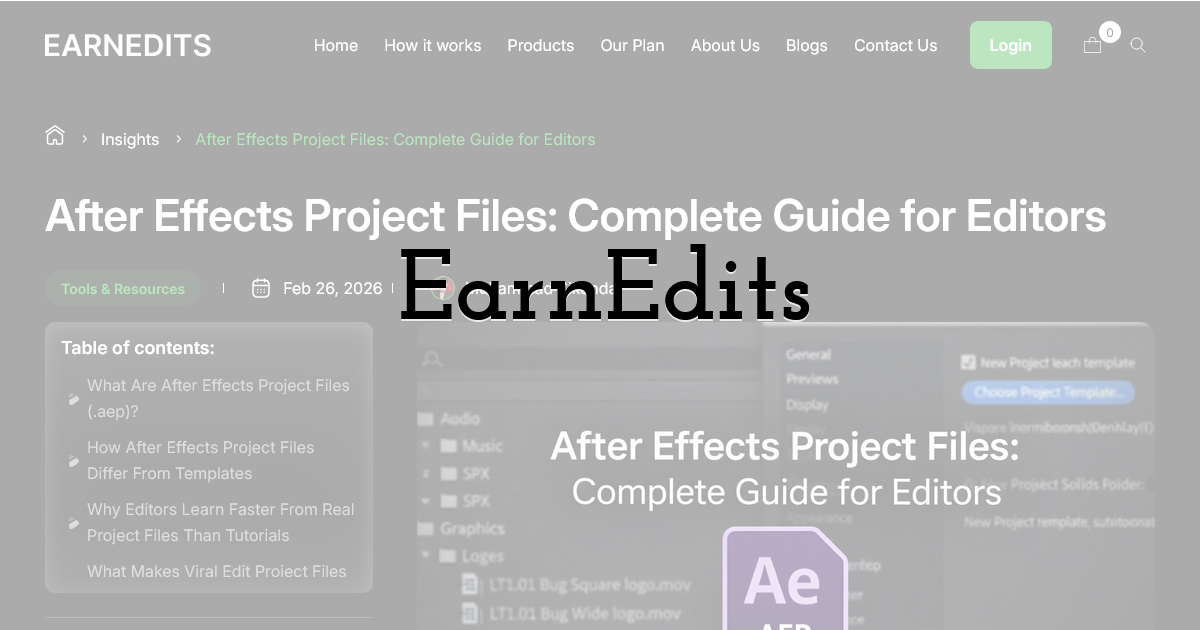
EarnEdits is built for editors who want to go deeper than “replace the placeholder and export.” Its focus is on editable After Effects project files inspired by high-performing social media edits, giving you access to the actual structure behind scroll-stopping visuals. The files include editable compositions, effects, animation layers, organized folders, and clean timelines, which makes them useful for both learning and client production.
What makes EarnEdits different is the learning angle. Instead of downloading something that only helps you finish one project, you can open the file and see how the edit breathes. You can study pacing. You can see where motion builds tension. You can understand how text, camera movement, lighting, UI animation, and transitions work together.
That matters if you are trying to become a better editor, not just a faster one. You are not guessing from a tutorial or trying to reverse-engineer a viral clip from memory. You are working inside a real project file and learning by pulling it apart.
It also helps that the projects are designed with commercial reuse in mind, so you can adapt them into client work rather than keeping them as private practice files. For freelance editors, content agencies, SaaS marketers, and creators selling short-form video packages, that makes the library practical rather than just interesting.
Pros:
- • Strong learning value because you can study real After Effects workflows.
- • Better suited to modern social edits than traditional template marketplaces.
- • Commercial reuse rights make the files useful for client work.
- • Clean project organization helps you understand the structure faster.
- • Great for editors who want to improve style, pacing, and creative confidence.
Cons:
- • The library is more focused than massive marketplaces, which is not a bad thing if you want quality over endless scrolling.
- • Best suited to editors who already use After Effects and want to learn from project files, not complete beginners who need basic software training first.
2. Motion Array
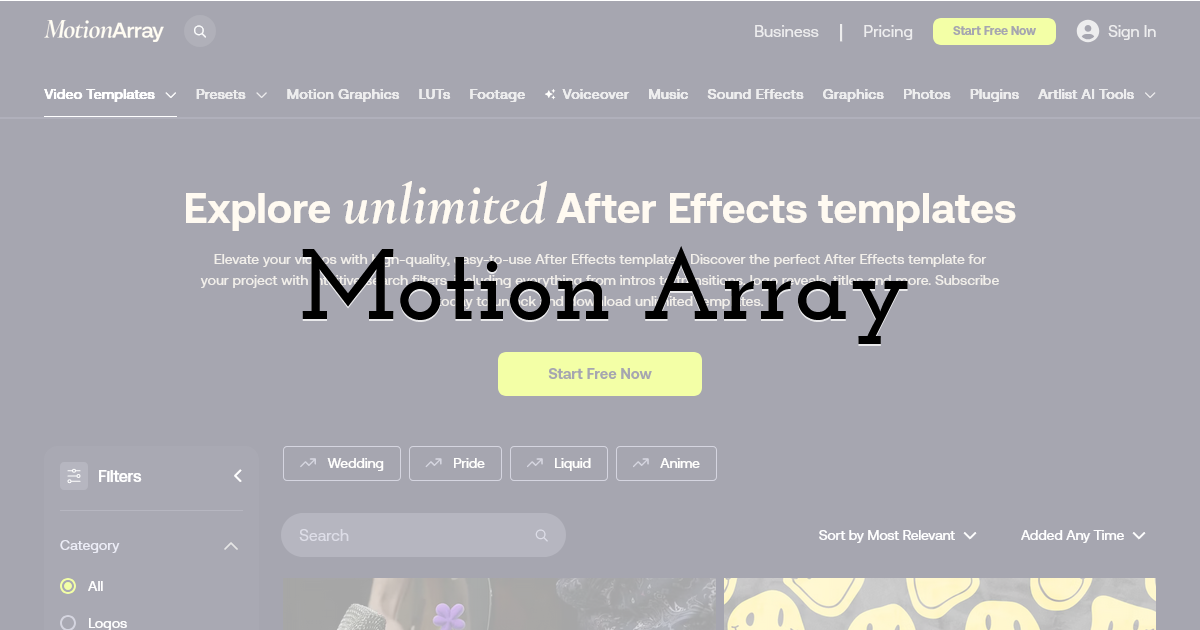
Motion Array is a broad creative marketplace with After Effects templates, presets, stock video, sound effects, music, Premiere Pro assets, DaVinci Resolve templates, and more. Its After Effects section includes ready-to-use templates for slideshows, intros, logo reveals, titles, promos, and other common production needs.
For you, the appeal is convenience. If you need a polished corporate opener, a lower-third pack, a logo animation, or a presentation-style video quickly, Motion Array can be useful. It is less about studying a viral edit from the inside and more about finding a professional-looking asset that helps you finish a job with less friction.
The platform also offers licensing for paid members, with completed projects remaining covered after cancellation according to its license page. That makes it attractive for editors working on regular client deliverables.
Pros:
- • Large library across multiple creative categories.
- • Useful for professional client projects with tight deadlines.
- • Good for standard formats like intros, slideshows, promos, and titles.
- • Helpful if you want video assets, music, and templates in one place.
Cons:
- • Many templates are designed for fast customization rather than deep learning.
- • Because it serves many creative needs, it may feel less specialized for social-first After Effects editors.
3. Envato Elements
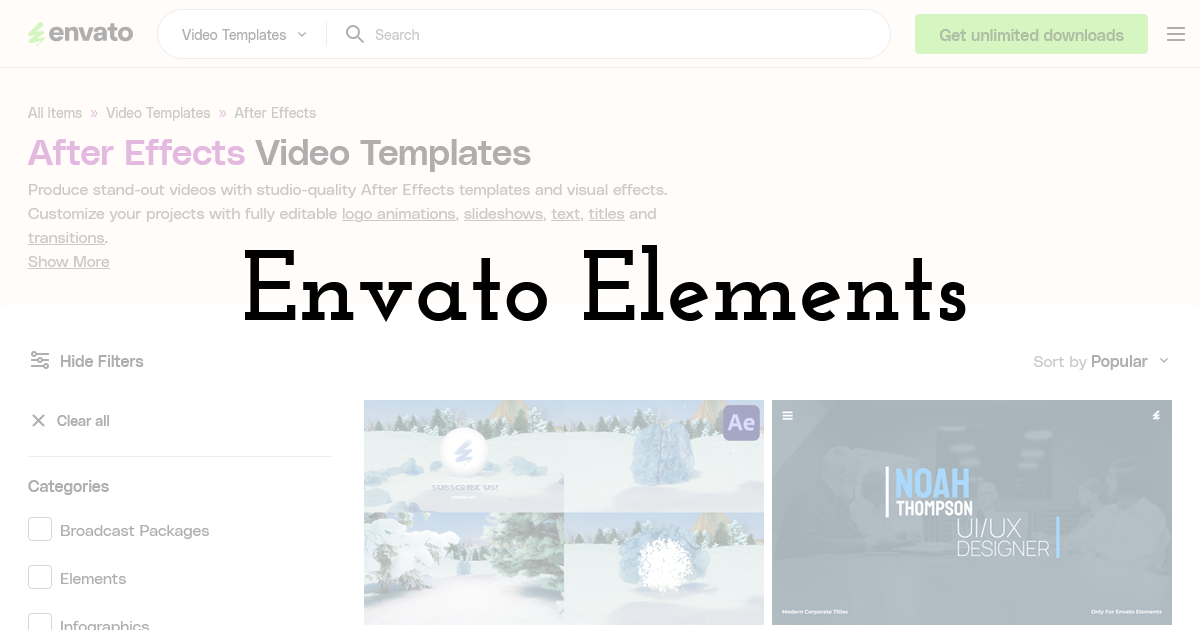
Envato Elements is another major all-in-one creative subscription platform. It offers After Effects video templates along with fonts, graphics, stock footage, music, presentation templates, and AI tools. Envato describes its After Effects templates as editable assets for intros, titles, slideshows, transitions, visual effects, and other video uses.
This is a good option when your video work overlaps with broader design. For example, you might need an After Effects opener, matching social graphics, music, a font pairing, and a presentation deck for the same campaign. Instead of sourcing each asset separately, you can build a more complete creative package from one platform.
For editors, Envato Elements works best as a production support library. You search, download, customize, and move on. It is not as focused on teaching you the anatomy of a proven viral edit, but it can save time when the project calls for polished design assets.
Pros:
- • Huge creative asset library beyond After Effects.
- • Useful for brand campaigns, content packages, and marketing work.
- • Good choice when you need design, video, music, and graphics together.
- • Subscription model can be cost-effective for regular asset users.
Cons:
- • The size of the library can make searching feel overwhelming.
- • Templates can sometimes feel more general-purpose than trend-specific.
4. VideoHive
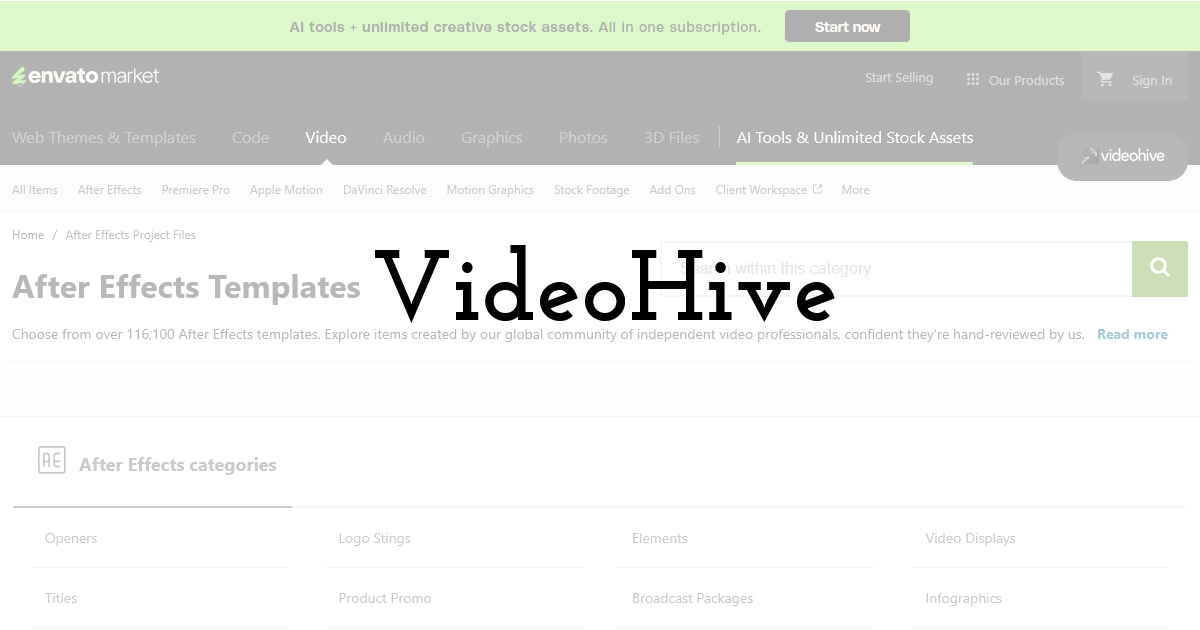
VideoHive, part of the Envato Market ecosystem, is a long-running marketplace for individual video templates and After Effects project files. Its After Effects category includes more than 116,000 templates created by independent video professionals, with categories such as product promos, titles, logo stings, openers, infographics, video displays, and broadcast-style graphics.
VideoHive works differently from unlimited subscription libraries because you generally buy individual items.
That can be useful when you want one very specific project file and do not need a full monthly subscription. It also gives you access to many different creator styles, which can be helpful if you are hunting for a particular look.
For you, the main strength is variety. Need a SaaS product promo? A retro opener? A kinetic typography pack? A slideshow? There is probably something close. The trade-off is that quality, usability, plug-in requirements, and project organization can vary by author, so you need to read the item details carefully.
Pros:
- • Massive selection of After Effects project files.
- • Good for buying one specific template without a subscription.
- • Many niche categories and visual styles.
- • Useful when you know exactly what type of asset you need.
Cons:
- • Quality and ease of editing can vary between creators.
- • Less curated as a learning experience than a specialized library like EarnEdits.
5. ProductionCrate
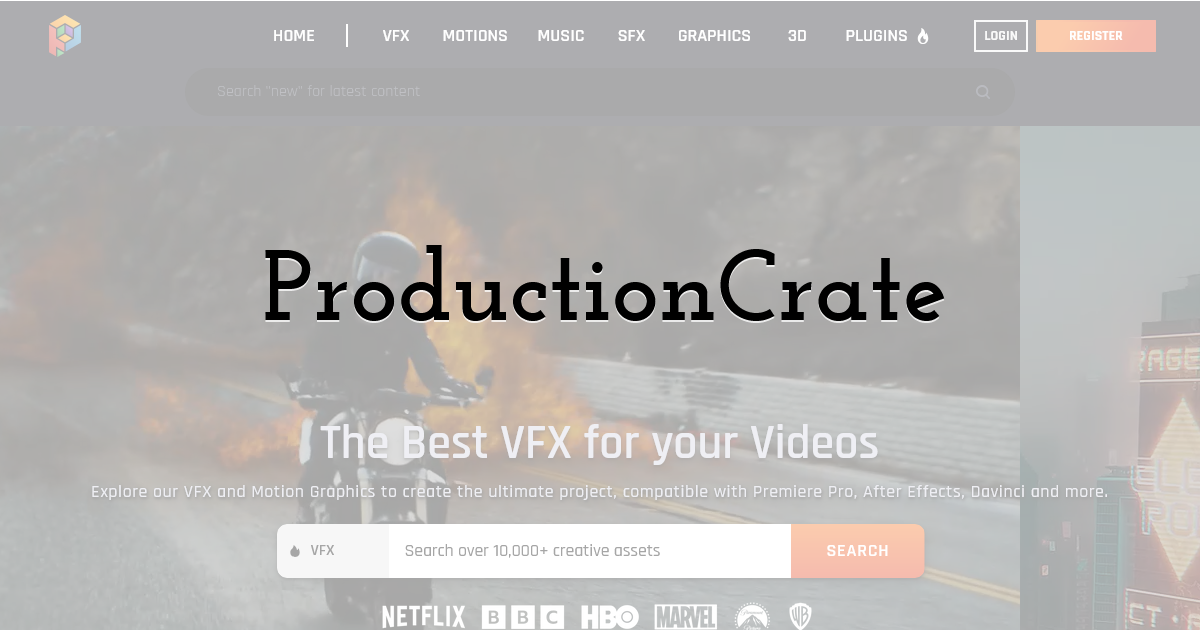
ProductionCrate is more focused on VFX, motion graphics, 3D assets, plug-ins, music, and sound effects than traditional social media edit project files. It offers more than 10,000 assets and positions itself as a resource for filmmakers, video creators, VFX artists, and motion designers. Its assets are covered by a commercial license, and many VFX elements are designed to be easy to drag into a timeline.
This is a strong option if your After Effects work includes compositing, cinematic effects, action-style visuals, energy blasts, smoke, particles, sci-fi elements, or background enhancements. Instead of giving you a complete edit structure to study, ProductionCrate gives you ingredients you can use to make your own scenes feel more finished.
If you create gaming edits, cinematic promos, music videos, trailer-style reels, or YouTube content, it can be a handy supporting library. It pairs well with a project-file learning tool because you can use one platform to understand edit structure and another to add effects, textures, and cinematic polish.
Pros:
- • Strong for VFX, motion elements, music, SFX, and 3D assets.
- • Useful for cinematic edits and compositing-heavy work.
- • Commercial licensing supports professional use.
- • Good when you want to add visual impact to custom edits.
Cons:
- • Not mainly built around complete viral After Effects project files.
- • Better as an effects library than a full edit-learning platform.
6. MotionElements
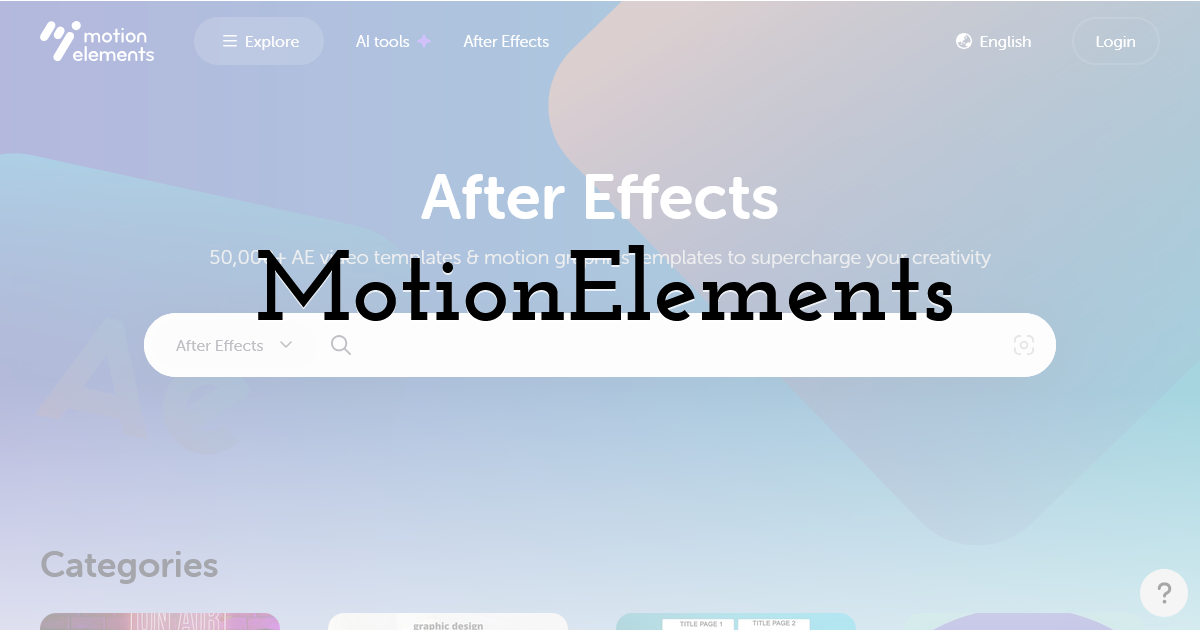
MotionElements offers stock videos, After Effects templates, music, sound effects, animated GIFs, Premiere Pro templates, and other royalty-free creative assets. Its After Effects template section includes free and paid options, with the platform noting that its royalty-free license can be used for personal and commercial projects.
This can be useful if you want a flexible marketplace with a wide mix of video assets. MotionElements is especially practical when you need quick production pieces, such as a title sequence, explainer element, opener, or social media animation.
For learning, it depends on the file. Some project files may help you understand structure, while others are more about quick customization. That makes it helpful, but not quite as focused if your main goal is to study why a modern social edit performs well.
Pros:
- • Offers After Effects templates alongside other royalty-free media.
- • Includes free options, which are helpful for testing.
- • Commercial use options make it suitable for many project types.
- • Good for quick assets across different video formats.
Cons:
- • Not every file is built as a learning experience.
- • The marketplace feel means you may need to search carefully for the right fit.
Final Thoughts:
The best After Effects resource depends on what you are trying to improve. If you need a quick logo reveal, Motion Array, Envato Elements, VideoHive, or MotionElements can help. If you need cinematic overlays, VFX assets, or sound design support, ProductionCrate is worth knowing.
But if your real goal is to become sharper at building edits that feel current, persuasive, and social-ready, EarnEdits offers a more focused kind of value. You are not just downloading a template. You are stepping inside the edit, seeing how the moving parts connect, and learning how to turn that knowledge into better work for your own clients.
Until next time, Be creative! - Pix'sTory
Recommended posts
-
8 AI Image and Video Tools for Creating Consistent Characters
Read More › -
The New Era of AI Video Creation: What Makes People Keep Watching
Read More › -

Best AI Tools to Keep Characters Consistent in an AI Music Video: 5 Tools...
Read More › -

AI Video Generators Ranked: 7 Best Platforms for 2026
Read More › -
5 Creative Ways to Use AI Face Swap for "Internal Only" Training Videos
Read More › -
How to Add Your Own Fonts on PixTeller Editor
Read More ›
