6 Best Tools to Remove Blur from Marketing Images in 2026
Marketing teams rarely get perfect source files. A social post may be repurposed from an older campaign, a product screenshot pulled into a launch deck can look softer than expected, or a meme, sticker, or branded asset may lose clarity after being resized across channels. In SaaS and product marketing, these issues often seem minor until they start affecting perception. A blurred image can make polished messaging feel unfinished. That is why more teams now look for ways to remove blur from photo online free before a post, campaign page, or product update goes live.
This list looks at six tools from a marketing perspective. The point is not to identify the most advanced photo editor overall, but to find the ones that are genuinely useful when marketers need clearer visuals for social media, campaign assets, product screenshots, blog graphics, and fast-moving content operations.
1. BeautyPlus
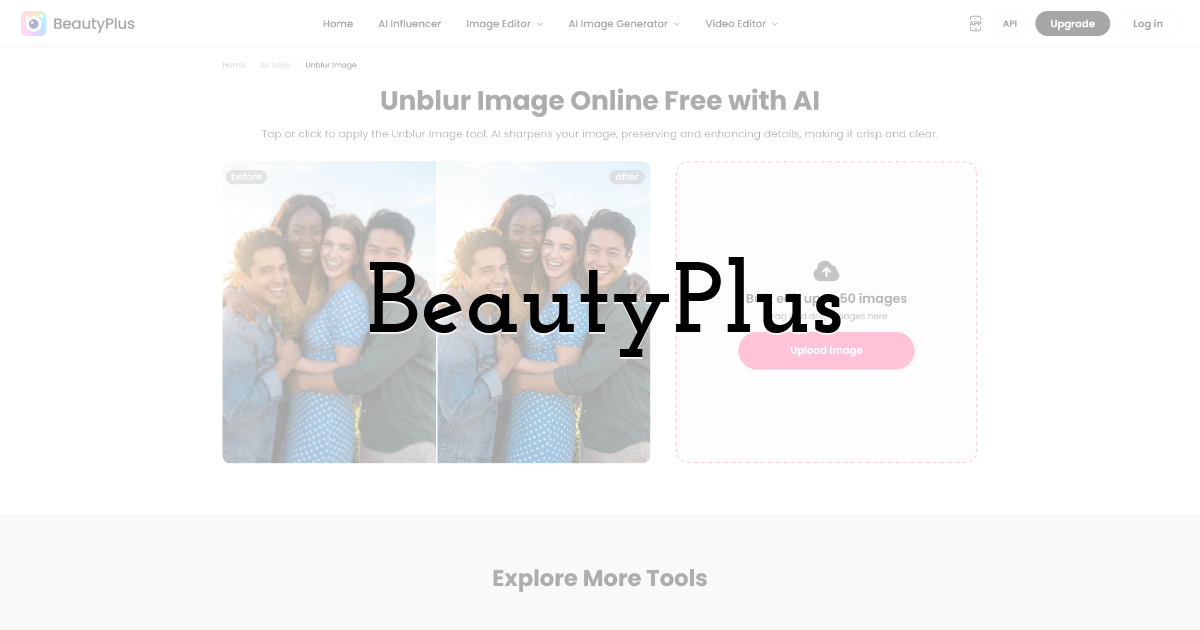
BeautyPlus handles the task with unusual clarity. Its dedicated page makes the use case immediately understandable, which matters in marketing teams where image cleanup is often a small but urgent task rather than a formal design process.
The workflow is simple enough to fit naturally into publishing cycles, whether someone is improving a social image, sharpening a screenshot for a product article, or cleaning up a visual before a campaign goes live. This matters because the person fixing the image is not always a designer. It may be a social media manager preparing a reactive post, a content marketer updating a case study, a growth lead testing ad creatives, or a founder reusing materials for outreach.
Core strengths
- • Direct and easy-to-understand workflow
- • Useful for social visuals, screenshots, and campaign materials
- • Easy for non-design users to adopt quickly
Pros
- • Very low friction for one-off image cleanup
- • Works well in fast-moving marketing environments
- • Practical for everyday visual correction rather than specialist retouching
Limitations
- • More focused than a broad creative suite
- • May feel lightweight for users who want deeper manual editing control
Pricing / free use: Pricing and free-use terms may change, so current details should be checked on the official site.
2. Picsart
Picsart remains a relevant option because many marketing teams already know it as a broader creative platform. Its image enhancement tools sit inside a larger editing environment that also supports graphics, stickers, and social content creation. That can be useful for teams already producing multiple kinds of assets in one place.
From a marketing standpoint, Picsart’s strength is flexibility. It is not built only for blur removal, so it can support teams who want to sharpen images and then continue into layout, remixing, or lightweight design. The tradeoff is that it may feel less direct when the only goal is fixing one blurry asset quickly.
Core strengths
- • Broader content creation and editing environment
- • Familiar to many social and creator-focused teams
- • Useful when blur removal is part of a bigger content workflow
Pros
- • Flexible for teams handling varied visual tasks
- • Helpful in social-first content operations
- • Convenient if the team already uses it for other creative work
Limitations
- • Less focused for quick one-task enhancement
- • Broader interface may feel heavier than necessary for simple fixes
Pricing / free use: Picsart generally offers a free version, with additional premium features available through paid plans.
3. Cutout.Pro
Cutout.Pro is useful for marketers who regularly deal with weak source materials. Its mix of sharpening, restoration, and upscaling can help when older campaign assets, compressed files, or lower-resolution images need more than a cosmetic fix. That is a familiar situation in content production, where the asset exists but no longer meets current quality expectations.
Its appeal is practical rather than stylistic. It feels more like a recovery tool than a creative playground, which makes it relevant for archive content, older graphics, and visual reuse scenarios.
Core strengths
- • Helpful combination of sharpening and upscaling
- • Useful for older or lower-quality source files
- • Better suited to recovery work than light cosmetic cleanup alone
Pros
- • Useful when blur and low resolution appear together
- • Supports reuse of existing marketing materials
- • Good utility value in content-heavy teams
Limitations
- • Less minimal than more task-specific tools
- • May be more than needed for simple social post fixes
Pricing / free use: Pricing and usage terms depend on the current plan structure and should be checked directly.
4. Pixelbin
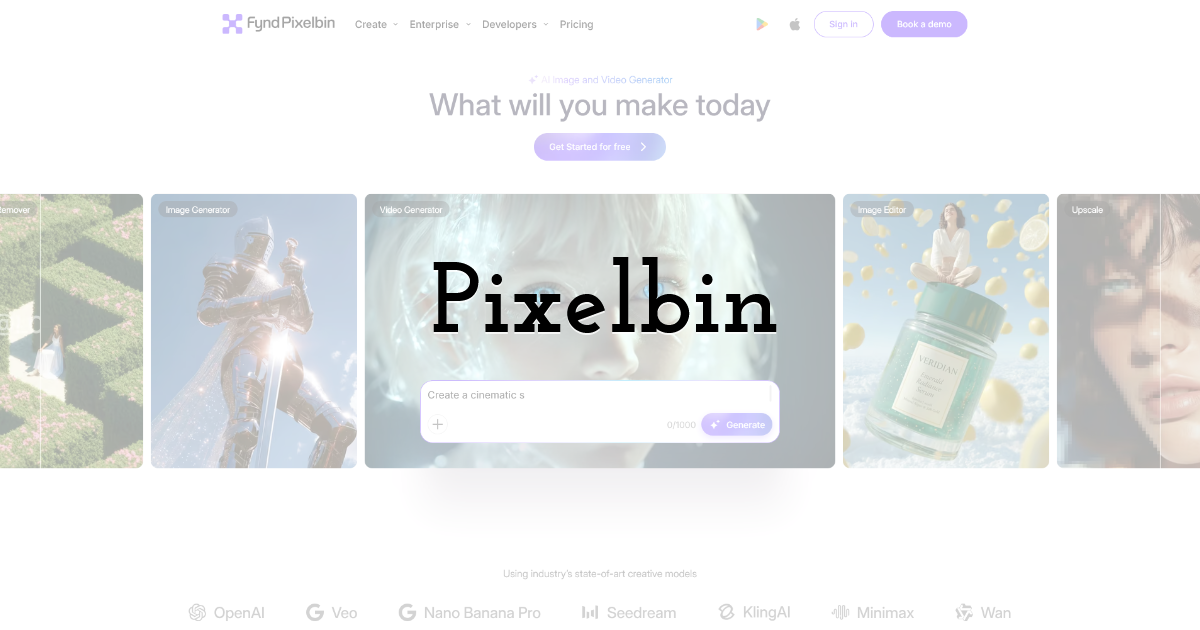
Pixelbin makes sense in marketing environments where image handling is part of a broader operational system. Teams managing ecommerce visuals, product media, and web assets at scale may find its image-processing logic useful. In those settings, blur removal is not an isolated correction but part of a larger image workflow.
For everyday social media use, it may feel more infrastructural than necessary. But for SaaS and digital teams thinking about image quality more systematically, it can be a practical option.
Core strengths
- • Useful for large-scale image operations
- • Relevant for web, ecommerce, and performance-oriented workflows
- • Fits broader image optimization systems
Pros
- • Practical for teams with structured asset workflows
- • Helpful for organizations managing large image volumes
- • Supports image consistency across channels
Limitations
- • Less lightweight for casual one-off edits
- • Strongest fit is in scaled operational environments
Pricing / free use: Pricing and plan availability should be reviewed on the official site.
5. PhotoGrid
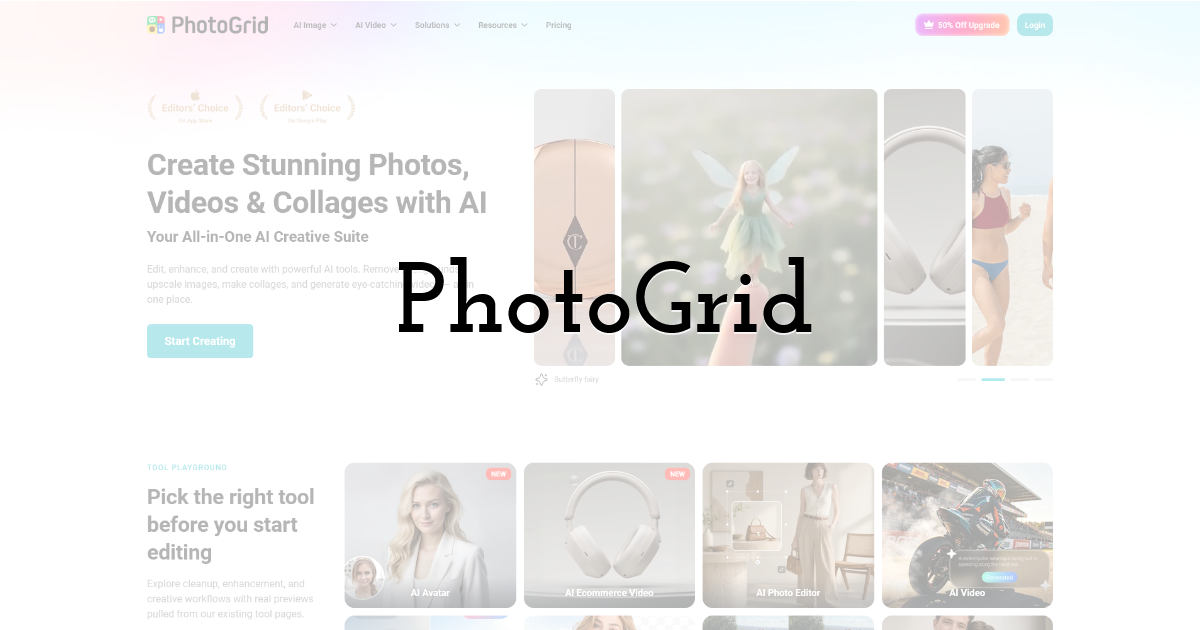
PhotoGrid feels especially relevant for social and content marketing teams because it is approachable and fast. In many marketing contexts, those qualities matter more than technical depth. Teams producing frequent posts often do not need a heavy editing environment; they need something that keeps up with community content, lightweight ad creatives, and platform-native publishing.
Its strengths are tied to accessibility, which makes it helpful for non-design users working on regular content output. It may not be the most technical option in this group, but ease has real value in day-to-day marketing work.
Core strengths
- • Easy to use for recurring content production
- • Good for lightweight visual enhancement
- • Low barrier for non-specialist users
Pros
- • Simple to adopt across marketing teams
- • Good fit for high-frequency publishing cycles
- • Supports fast, practical content work
Limitations
- • Less suitable for deeper image recovery
- • May not satisfy users looking for fine-grained control
Pricing / free use: Free and premium access may vary depending on the current version and feature restrictions.
6. Let’s Enhance
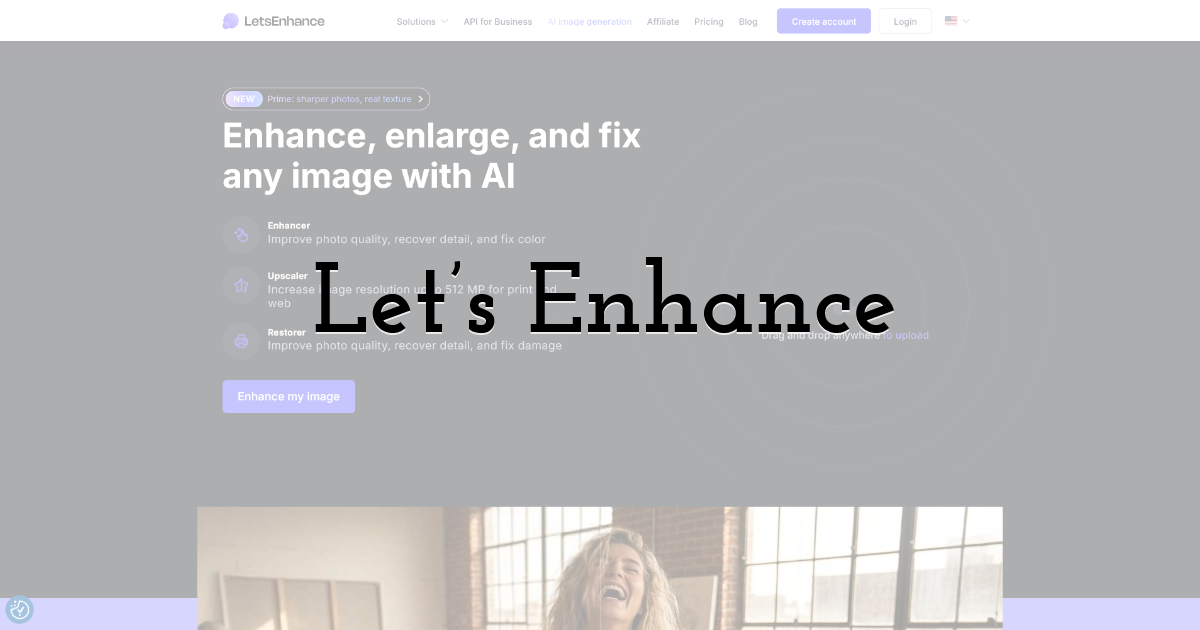
Let’s Enhance becomes more compelling when the image problem is more serious than a minor blur issue. For marketers handling older banners, hero visuals, or campaign graphics that need stronger quality recovery, it offers a more technical enhancement path. It feels less like a casual publishing tool and more like a production-oriented option.
That makes it useful in situations where image quality itself is strategically important. At the same time, it may feel heavier than necessary for everyday social posting.
Core strengths
- • Stronger fit for technical image recovery
- • Useful for larger or more visible campaign visuals
- • Better when image quality needs more deliberate improvement
Pros
- • Helpful for higher-stakes marketing assets
- • Useful when simple sharpening is not enough
- • Supports more quality-conscious production work
Limitations
- • Heavier than needed for routine social content corrections
- • Not the most lightweight option for quick one-off edits
Pricing / free use: Pricing and free-use limits may change, so the current details should be checked directly.
Where This Shows Up in Marketing Work
For marketing teams, the need to remove blur from photo online free usually appears in the middle of execution, not at the start of a planned design task. It often happens when a campaign is already moving, a social post is about to go live, or an older asset is being reused for a new channel.
A few recurring situations explain why this matters:
1. Assets get reused across too many formats. A visual made for one platform may later be resized for Instagram, LinkedIn, email, blog banners, or product pages. With each reuse, sharpness can drop.
2. Publishing timelines are often too fast for full redesign. Social teams, content marketers, and growth teams frequently need quick fixes. If a screenshot, meme, or campaign visual looks soft, there is often no time to send it back through a full design workflow.
3. Not every issue is big enough for a designer to handle. Many blurry images are not serious problems, but they are still visible enough to affect polish. In those cases, marketers need a tool they can use on their own.
4. Compressed files are part of normal collaboration. Images passed through chat apps, slide decks, screenshots, or shared folders often lose detail before they even reach the marketing team.
This becomes even more important in SaaS and product marketing, where screenshots and interface visuals help communicate trust and product quality. If those assets look unclear, the overall message can feel less convincing.
Final Thoughts:
For marketing teams, image cleanup is rarely a standalone creative activity. It usually happens in the middle of publishing, resizing, repurposing, and trying to keep visual standards intact under time pressure. That is what makes the ability to remove blur from photo online free so useful across social media, SaaS marketing, and content operations.
The six tools above all address that need, but they do so from different angles. Some fit quick content production better, some support broader creative work, and some are more useful for technical image recovery. In the end, what matters most is not which platform appears strongest in theory, but which one best matches the tempo and texture of real marketing work.
Until next time, Be creative! - Pix'sTory
Recommended posts
-

Mastering Visual Storytelling with AI-Driven Fashion Photos and Animated...
Read More › -

Best AI Music Video Generator in 2026: I Tested 5 Tools for a Full 6-Minu...
Read More › -

Vibe Coding for Businesses: How AI Is Making Everyone an App Builder
Read More › -

From Research to Ready-to-Present: How HIX AI Slides Simplify Presentatio...
Read More › -

AI Video Generators Ranked: 7 Best Platforms for 2026
Read More › -

How AI and Social Platforms Are Changing Human Interaction?
Read More ›
