How 3D Product Rendering Helps Brands Create More Visual Content From One Asset
Brands rarely need only one product image.
A single launch may require an ecommerce gallery, website banners, social posts, email graphics, digital advertisements, presentation slides, short videos, and multiple campaign variations. Producing every asset through separate photography can make even small changes expensive and slow.
A reusable 3D product asset creates a more flexible alternative. Designers can adjust camera angles, lighting, backgrounds, colors, materials, and animation without rebuilding the physical set each time. When those variations generate large numbers of high-resolution images or animation frames, services such as Fox Renderfarm can provide additional rendering capacity while the creative team continues working on layouts, campaign adaptations, and other assets.
The result is a production model where one verified 3D asset can support a much larger content library.
Why Marketing Teams Need More Visual Variations
Digital marketing rarely uses one universal image.
Every platform has different dimensions, viewing habits, and creative requirements.
A product may need to appear in:
- • square social posts;
- • vertical stories and short videos;
- • horizontal website banners;
- • marketplace listings;
- • email campaigns;
- • display advertisements;
- • presentation decks;
- • printed promotional materials.
Simply cropping the same photograph into every format often produces weak compositions.
A wide banner may need the product placed on one side to leave space for a headline. A vertical social creative may require more room above and below the object. A marketplace listing may need a clean, centered product view.
With a 3D scene, designers can change the camera and composition for each format rather than forcing one source image into every placement.
Traditional Reshoots Make Campaign Changes Slower
Physical photography remains valuable, especially when a campaign depends on people, real environments, or lifestyle storytelling.
It becomes less flexible when the product itself changes.
A new packaging color, revised label, seasonal edition, updated finish, or additional variant can require:
- • another physical sample;
- • another studio booking;
- • new photography;
- • new retouching;
- • another approval cycle.
These delays can become especially frustrating when the change is visually small.
A 3D product model allows the team to update the asset and produce another version without recreating the entire shoot.
One 3D Asset Can Support Many Types of Content
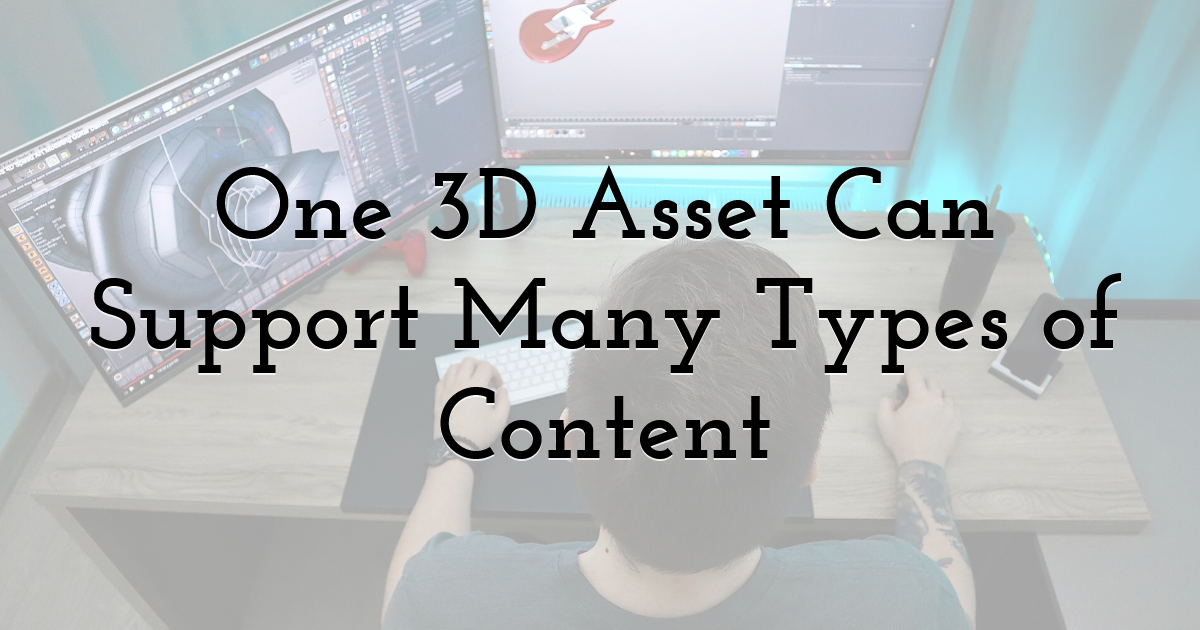
A properly prepared 3D model can become a reusable visual source.
The same base asset can be used to create:
- • clean studio renders;
- • close-up detail images;
- • transparent-background product views;
- • lifestyle environments;
- • exploded views;
- • sectional images;
- • different color options;
- • material variations;
- • seasonal campaign scenes;
- • dramatic launch visuals.
This is especially useful for reflective products, transparent materials, technical equipment, products with many finishes, or items that have not yet entered full production.
Product Accuracy Still Matters
The flexibility only works when the master asset is reliable.
The 3D model should reflect the approved product in areas such as:
- • dimensions;
- • packaging;
- • labels;
- • colors;
- • materials;
- • logos;
- • visible components.
If several teams or agencies use the same asset, maintaining one verified master model can also reduce visual inconsistencies across campaign materials.
The Same Asset Can Produce Motion Content
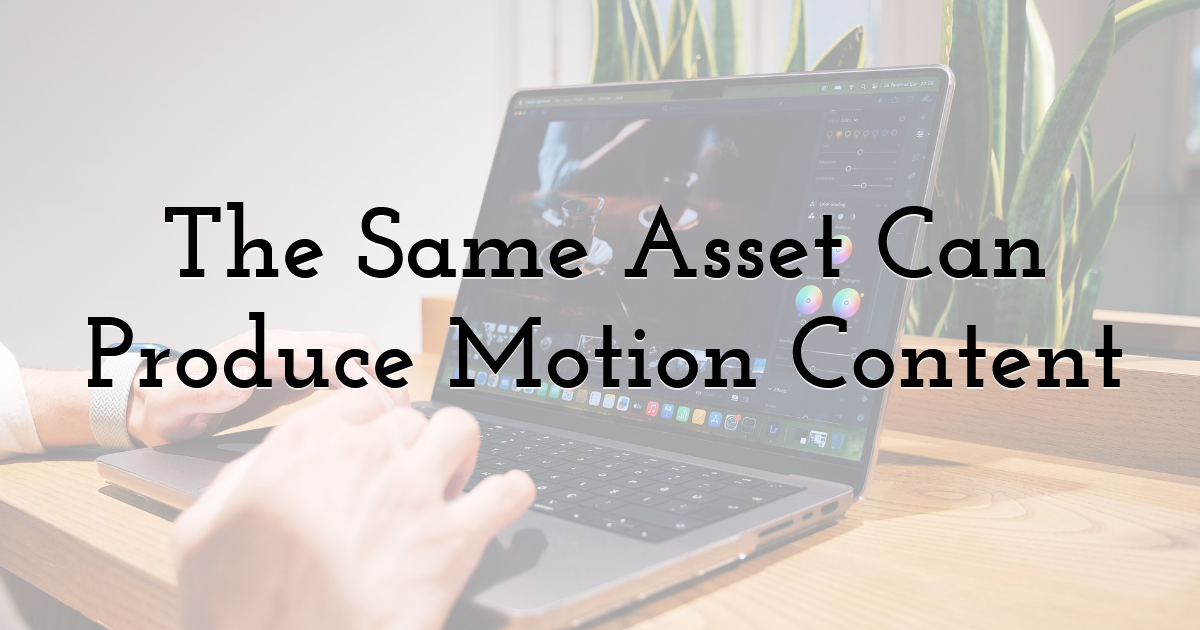
3D product rendering is not limited to still images.
Once the asset exists, the team can also create motion.
Examples include:
- • product rotations;
- • camera fly-arounds;
- • exploded animations;
- • component assembly;
- • opening and closing mechanisms;
- • material transitions;
- • lighting changes;
- • close-up detail sequences.
A short animation can become a social video, product-page asset, digital ad, GIF, or presentation clip.
Individual frames can also be reused as static campaign images.
This reuse improves the value of the original 3D production work because the same asset feeds both still and motion workflows.
More Creative Flexibility Also Creates More Rendering Work
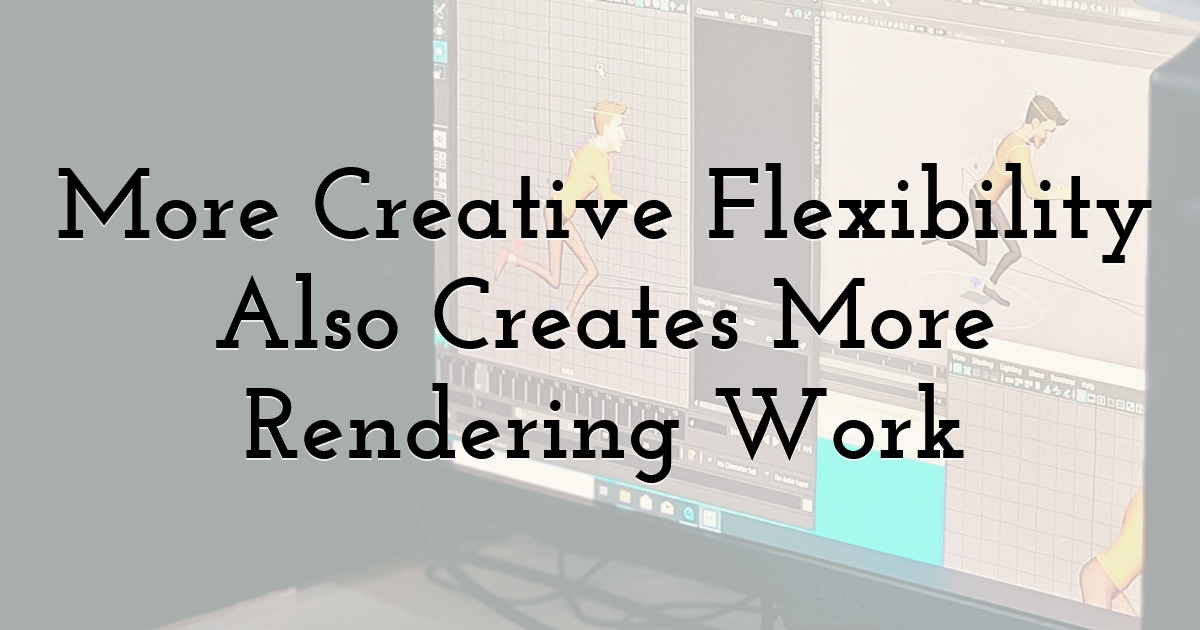
The ability to create more variations introduces a new production challenge: output volume.
One scene may need several angles, multiple product colors, different environments, several resolutions, and both static and animated versions.
Rendering demand can grow quickly.
For example, four product colors combined with five camera angles and three backgrounds already create dozens of individual images before aspect-ratio variations are added. Animation increases the workload further because each second of motion contains multiple frames that need to be rendered.
The original workflow already identifies this multiplication of variants as one of the main reasons rendering becomes a production bottleneck.
Local Rendering Can Interrupt Creative Production
Rendering is computationally intensive.
If the designer's workstation is processing final high-resolution frames, that same machine may be less available for:
- • model adjustments;
- • lighting changes;
- • layout work;
- • compositing;
- • other campaign tasks.
This is where external capacity becomes relevant.
Once a scene is approved, Fox Renderfarm can be used to process selected high-resolution images or animation frames separately, allowing local machines to remain available for interactive creative work.
The distinction is important.
External rendering is most useful after the asset has been checked. Sending an unfinished scene to additional machines does not solve incorrect materials, missing textures, bad lighting, or inaccurate packaging. The original file should be stable before the expensive batch-rendering stage begins.
Rendering Strategy Should Match the Type of Asset
Not every asset needs the same level of rendering power.
A simple product image on a plain background may render quickly.
A reflective product surrounded by complex lighting, glass, liquids, soft shadows, or detailed textures may require much more processing.
Animation adds another layer because the same calculations must be repeated across many frames.
Separate Creative Iteration From Final Output
A more efficient workflow is usually:
Low-resolution preview → Creative review → Final approval → High-resolution render
Low-resolution previews allow teams to check:
- • composition;
- • camera angle;
- • packaging;
- • colors;
- • reflections;
- • product position;
- • headline space.
Once those elements are approved, final rendering can begin.
This reduces the risk of spending hours rendering an image that will be rejected because the camera angle or product placement was wrong.
A Practical Workflow From 3D Model to Marketing Asset
A clear workflow prevents rendering capacity from being wasted on unnecessary variations.
Step 1: Create a Reliable Master Model
The base asset should match the real product.
Check:
- • shape;
- • scale;
- • colors;
- • materials;
- • labels;
- • logos;
- • packaging;
- • visible construction details.
If several variants share the same structure, organize the model so that colors, labels, and components can be changed without rebuilding the scene.
Step 2: Plan the Required Outputs
Before rendering begins, create an output list.
For each asset, define:
- • destination platform;
- • image or video size;
- • camera angle;
- • product variant;
- • background;
- • static or animated output;
- • transparency requirements;
- • delivery date.
This reduces unnecessary rendering and prevents the team from discovering too late that another angle or format is missing.
Step 3: Use Test Renders
Produce lower-resolution previews before final output.
Review:
- • materials;
- • reflections;
- • shadows;
- • product labels;
- • composition;
- • background contrast;
- • available space for graphic elements.
The product should also be tested with the planned marketing layout.
A render can look visually strong by itself while leaving no useful space for a logo, CTA, price, or campaign headline.
Step 4: Move Approved Output Into Final Rendering
Once the scene has passed review, the team can generate the final high-resolution images or animation sequences.
For small batches, local rendering may be sufficient.
When the campaign requires many stills, several variants, or a large number of animation frames, Fox Renderfarm can help distribute the rendering workload across additional capacity.
The benefit comes from parallel processing. Multiple frames or variations can be processed at the same time instead of waiting sequentially in a local queue.
Step 5: Adapt the Renders for Each Channel
A rendered image is usually the foundation of the marketing asset rather than the final creative.
Designers may still add:
- • headlines;
- • logos;
- • promotional copy;
- • calls to action;
- • brand colors;
- • graphic shapes;
- • platform-specific crops;
- • animation timing;
- • transitions.
One set of 3D renders can therefore support website banners, ecommerce images, social posts, advertising, presentations, and short-form video.
Test Before Starting a Large Render Batch
A large rendering job should rarely begin with hundreds of frames immediately.
Testing representative output first can prevent expensive mistakes.
Check the Most Demanding Frames
For still images, choose a scene containing the most complex:
- • reflections;
- • transparency;
- • lighting;
- • textures.
For animation, test frames from several points in the sequence.
A correct first frame does not guarantee that later frames will render correctly.
Moving objects, simulations, lighting transitions, or animated materials may introduce problems later in the sequence.
Software and Asset Compatibility Need Attention
When a scene moves away from the artist's local workstation, every dependency becomes important.
Teams should confirm:
- • 3D software version;
- • renderer version;
- • plugins;
- • textures;
- • linked assets;
- • fonts;
- • caches;
- • scripts;
- • output settings.
A missing texture can completely change a product surface. An unavailable font can affect packaging or interface graphics.
This is particularly important before sending a full batch to Fox Renderfarm or any external render infrastructure. A representative test job gives the team an opportunity to verify that the remote output matches the approved local scene.
High-Resolution Rendering Should Follow Campaign Priorities
The ability to generate many variations does not mean every possible combination should be rendered.
Marketing teams still need to decide what will actually be used.
Render What the Campaign Needs
Instead of automatically producing every possible combination of:
- • color;
- • angle;
- • background;
- • aspect ratio;
- • resolution;
The team should prioritize assets based on actual channels and campaign plans.
This keeps rendering focused on useful deliverables.
For example, a vertical product image may be necessary for social advertising while an additional landscape version is unnecessary if no campaign placement requires it.
Product Accuracy Must Be Checked Again After Rendering
Even a technically successful render can contain a product mistake.
Final output should be checked for:
- • colors;
- • logos;
- • labels;
- • dimensions;
- • components;
- • materials;
- • packaging;
- • readable small text.
Small details deserve particular attention because a label or logo that looks correct inside the working 3D scene may become blurred, distorted, or unreadable in the final output.
A realistic image still creates a business problem if it represents a product configuration that customers cannot actually buy.
Choose Output Formats Based on the Next Production Stage
File format also affects how easily renders can be reused.
JPEG may be suitable for a completed photographic-style image.
PNG or another format supporting transparency can provide more flexibility when the product needs to be placed into several layouts.
Animations may be rendered as image sequences before they are assembled into a final video.
This approach can make it easier to replace individual frames, maintain image quality, and recover from isolated rendering problems.
Render Capacity Becomes More Important as the Asset Library Grows
The biggest advantage of 3D product production is reuse.
The same master asset can continue generating new content long after the first campaign.
A brand may return later for:
- • another product color;
- • a new camera angle;
- • seasonal creative;
- • another marketplace format;
- • a short animation;
- • a new campaign background.
As the number of outputs grows, rendering becomes less of a one-time technical task and more of a recurring part of the content-production pipeline.
This is where a service such as Fox Renderfarm becomes more closely connected to the overall workflow. Instead of replacing the creative process, it can provide additional processing capacity at the stage where approved 3D scenes need to become large volumes of final visual content.
One 3D Asset Can Become a Long-Term Marketing Resource
A well-built 3D product model can serve far more than one launch image.
It can support ecommerce galleries, advertisements, social campaigns, animations, presentations, seasonal updates, and future product variations.
The most efficient workflow keeps the stages clear:
Create and verify the product asset → Plan the required variations → Review test renders → Process approved final output → Adapt the renders for each marketing channel
For smaller jobs, local machines may handle the final output comfortably. As image counts, resolutions, and animation workloads increase, additional capacity from Fox Renderfarm can help keep rendering from occupying the creative team's local hardware or slowing the wider campaign workflow.
That combination—reusable 3D assets, disciplined output planning, and scalable rendering capacity—allows brands to create a broader visual library without rebuilding the production process for every new campaign.
Until next time, Be creative! - Pix'sTory
Recommended posts
-

How to Build a Creator Marketing Strategy
Read More › -
6 Things You Need to Consider Before Outsourcing
Read More › -

Visual SEO Masterclass: How to Optimize Your Graphics for Google Lens and...
Read More › -
How to Keep Design and Development Teams Aligned as You Scale Your Digita...
Read More › -

Handy List of Elegant Chair Covers to Consider for Your Special Events
Read More › -

How Great Images Can be the Secret to Improving Your Website's Ranking
Read More ›
