Top 7 Remote Team Monitoring Software Compared in 2026
Remote employee monitoring tools differ mainly in how much activity data they collect and which plans include it. Some focus on time tracking and attendance, while others add screenshots, app and URL tracking, or security controls. Constant check-ins take time and can reduce trust, so many managers prefer software that shows work hours and progress.
The top remote team monitoring software in 2026 combines time tracking, activity data, attendance, and project visibility in one platform. Apploye, Time Doctor, Rize, and Clockify are among the leading options.
You will see how each tool handles monitoring, pricing, and project visibility. Read on to find the right fit for your team without turning oversight into micromanagement.
Quick Answer
If you want one remote employee monitoring platform that covers both employee activity and workforce management, then choose Apploye. It ranks top in this comparison because it combines monitoring, time tracking, attendance, project management, and operational tools without requiring a high upfront cost.
Apploye’s Starter plan is free forever for up to 10 users. It includes time tracking, screenshots, app and URL tracking, activity analytics, timesheets, projects, and attendance. This gives small remote teams a useful set of monitoring and management features without a paid subscription.
When you need more advanced capabilities, Apploye’s Elite plan starts at $4.50 per user/month with annual billing. It adds unlimited app and URL tracking, more screenshots, real-time active views, custom reports, integrations, client invoicing, and payroll.
The other tools serve more specific needs. Rize is better for personal productivity, while ActivTrak focuses on workforce analytics. Hubstaff, Time Doctor, and Clockify combine time tracking with employee monitoring. Teramind is the stronger choice for advanced monitoring, security, and risk management.
How to Choose the Best Remote Team Monitoring Software
The best remote employee monitoring tool depends on what your team actually needs. A small agency does not need the same level of monitoring as a large enterprise.
Consider these factors before choosing a platform:
1. Start With Your Team Size
Look for pricing that fits your current team, rather than paying for unused capacity. A free plan can be valuable for small teams testing employee monitoring for the first time.
For example, Apploye's Starter plan is free forever for up to 10 users.
2. Decide How Much Monitoring You Need
Some teams only need time tracking and activity reports. Others need screenshots, app and URL tracking, or deeper monitoring of user activity.
Choose the lowest monitoring level that gives managers the visibility they need.
3. Check Time and Attendance Features
Time tracking becomes more useful when it connects with attendance, timesheets, projects, and work schedules.
This reduces the need to combine several separate tools for basic workforce management.
4. Look Beyond Employee Monitoring
Monitoring is only one part of managing a remote team. Project tracking, task management, payroll, invoicing, reporting, and workforce analytics can also affect a platform's overall value.
Apploye combines these functions with employee monitoring, making it a broader workforce management option.
5. Consider Employee Privacy
Monitoring tools handle sensitive workplace data. Check what information the platform collects and whether managers can control monitoring settings.
Rize takes a different approach by avoiding screenshots and keystroke logging. The team's plans focus on time visibility rather than traditional employee surveillance.
6. Compare the Total Cost
Do not compare only the lowest advertised price. Check which features are included in each plan and whether important capabilities require a higher tier or add-on.
A cheaper entry plan is not always cheaper once you add the features your team actually needs.
For most remote teams, Apploye offers the strongest balance of monitoring, workforce management, and price. Its free 10-user plan also gives small teams a way to start without an upfront software cost.
Comparison Table
The following comparison table will help you to get the key strength of each tool at a glance.
| Tools | Starting Price | Key Strength |
|---|---|---|
| Apploye | Free for up to 10 users; Elite from $4.50/user/month (annual) | All-in-one monitoring, time tracking, projects, payroll, and invoicing |
| Rize | $9.99/month (individual, annual) | Personal productivity insights without screenshots |
| Hubstaff | $4.99/seat/month (annual) | Time tracking with workforce management |
| Time Doctor | $6.67/user/month (annual) | Detailed productivity monitoring |
| ActivTrak | Free for up to 3 people; paid from $10/worker/month | Workforce analytics |
| Clockify | Free plan; Pro $7.99/seat/month (annual) | Time tracking with added management features |
| Teramind | $14/user/month, 5-user minimum | Advanced monitoring and security |
Top 7 Remote Team Monitoring Software Compared in 2026
Here are the seven top remote employee monitoring tools that should serve your workforce monitoring needs in your company.
1. Apploye: Best Overall for Remote Team Monitoring
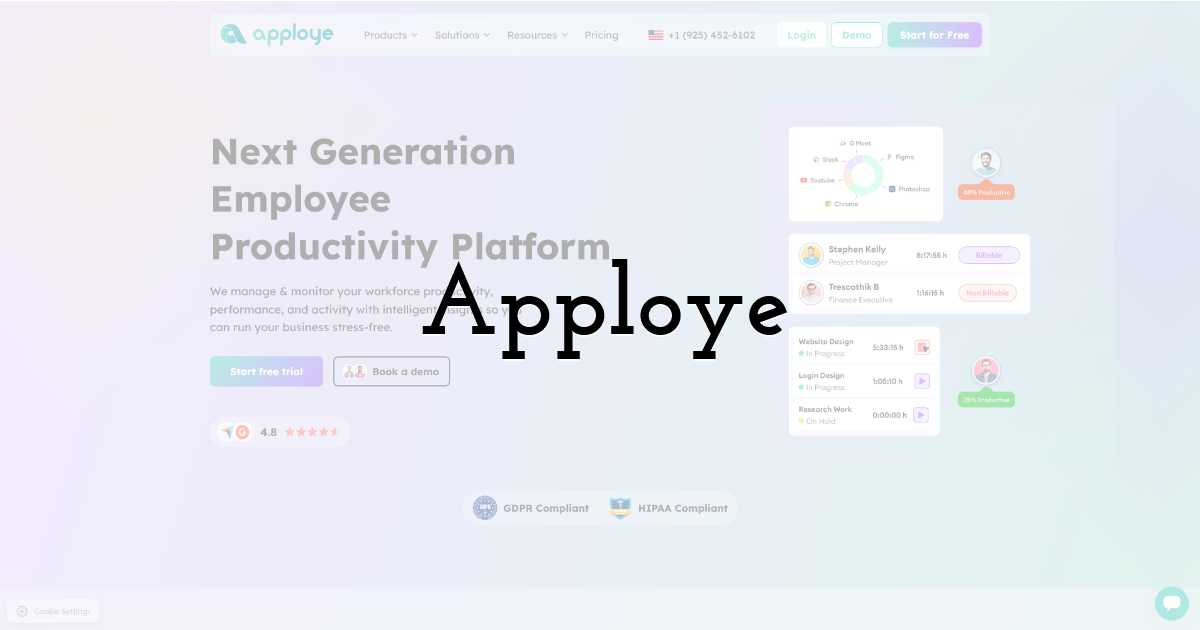
Apploye is one of the best remote employee monitoring tools if you want visibility and everyday workforce management in one platform. It combines time tracking, attendance, project management, timesheets, reporting, invoicing, and payroll.
You can track work hours automatically or enter them manually, depending on your workflow. Screenshot monitoring adds visual context to tracked time. App and URL tracking show which tools and websites your team uses during work hours.
Apploye also helps you keep projects and daily operations organized. From the same platform, you can assign tasks, review timesheets, monitor attendance, generate reports, manage payroll, and bill clients. This is especially useful for agencies, service businesses, and teams that work across multiple projects.
Apploye also works as time tracking software for consultants who bill clients by the hour. You can record time against each client and project, then turn those hours into invoices from the same platform.
Monitoring is configurable, so you can choose the level of visibility that fits your team's workflow. This keeps your focus on relevant work activity instead of making monitoring the center of the process.
Best Features
- • Employee time tracking
- • Screenshot monitoring
- • App and URL tracking
- • AI Activity analytics
- • Attendance and timesheets
- • Project and task tracking
- • Payroll management
- • Client invoicing
- • Custom reporting
Pros
- • Free forever for up to 10 users
- • Combines monitoring with time and project management
- • Includes screenshots, app, and URL tracking
- • Supports attendance and timesheets
- • Includes payroll and client invoicing
- • Offers real-time activity visibility on higher plans
- • Suitable for remote, hybrid, and distributed teams
Cons
- • Some advanced monitoring features require higher-tier plans
- • It is more focused on workforce management than security-heavy monitoring
Pricing
- • Starter: Free forever for up to 10 users
- • Elite: $4.50/user/month when billed annually
- • Power: $8/user/month when billed annually
- • Enterprise: Custom pricing
Best for: Apploye is the strongest overall choice when a remote team needs employee monitoring without using a separate platform for time tracking, projects, payroll, and client billing.
2. Rize: Best for Personal Productivity Insights
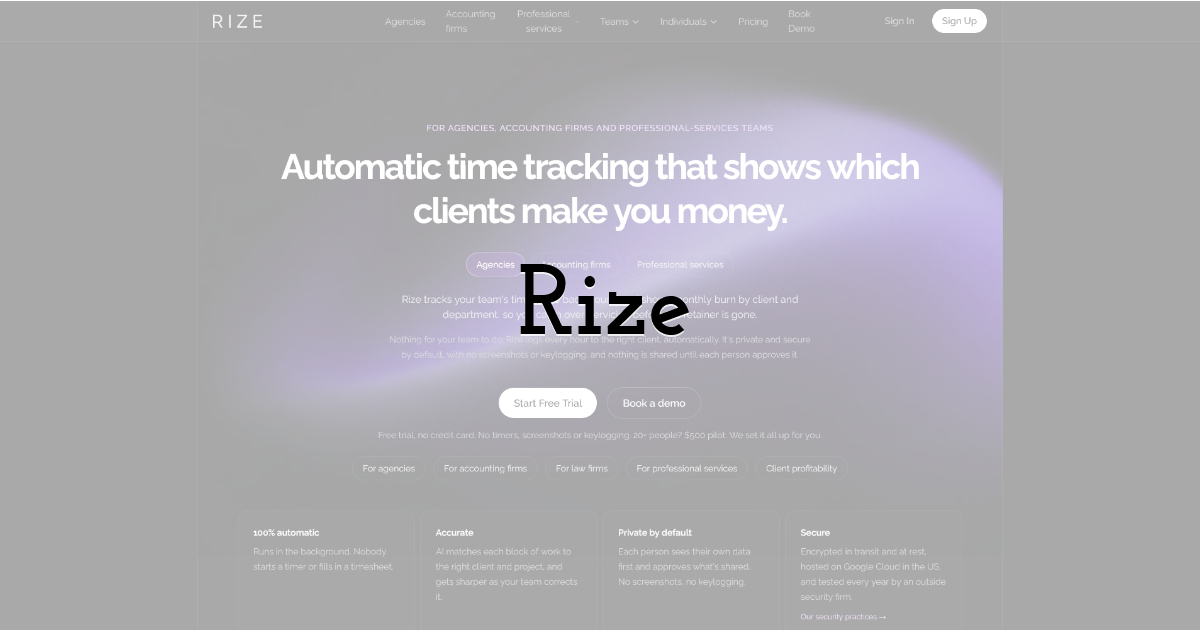
Rize is a good fit if you want automatic time tracking and productivity analysis instead of traditional monitoring tools. It tracks desktop activity on its own. It then uses AI to sort your apps and websites into categories.
You also get productivity and focus insights, reports, and AI chat. These tools help you and your team understand how working time is spent.
Rize does not record screens, log keystrokes, or track mouse movement. It captures metadata, such as app names, URLs, and window titles, to categorize work activity.
Individual plans start at $9.99 per month with annual billing. Team plans are available if your organization needs shared dashboards, admin controls, and team-level visibility.
Rize works best if you value productivity insights and time awareness more than features like screenshots.
3. Hubstaff: Best for Time and Workforce Management
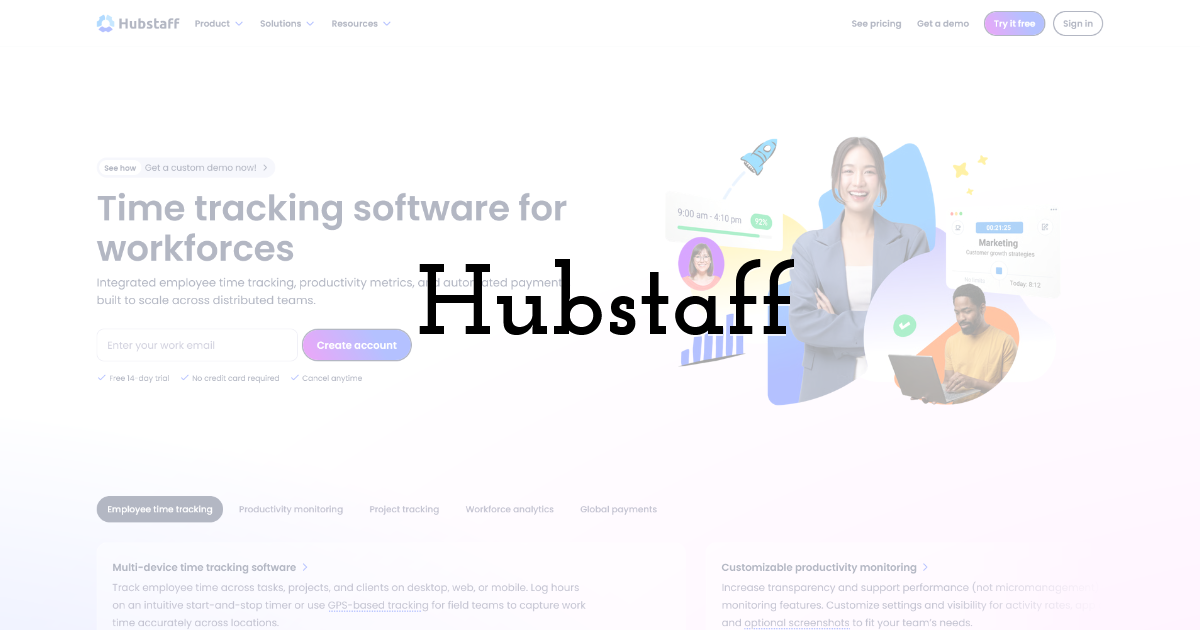
Hubstaff combines time tracking with employee activity monitoring, project management, scheduling, payments, and client invoicing.
Its Starter plan begins at $4.99/seat/month with annual billing and includes time tracking, timesheets, activity levels, limited screenshots, limited app and URL tracking, clients, and invoices.
Teams that need more in-depth monitoring can move to higher-tier plans. Hubstaff's Team plan includes unlimited screenshots and app and URL tracking, as well as payments, payroll, scheduling, and integrations.
The platform is particularly useful for distributed teams that connect employee time with projects, budgets, clients, and payments.
However, some advanced capabilities are offered in higher plans or add-ons, so teams need to compare the total cost of features rather than just the starting price.
4. Time Doctor: Best for Detailed Productivity Monitoring
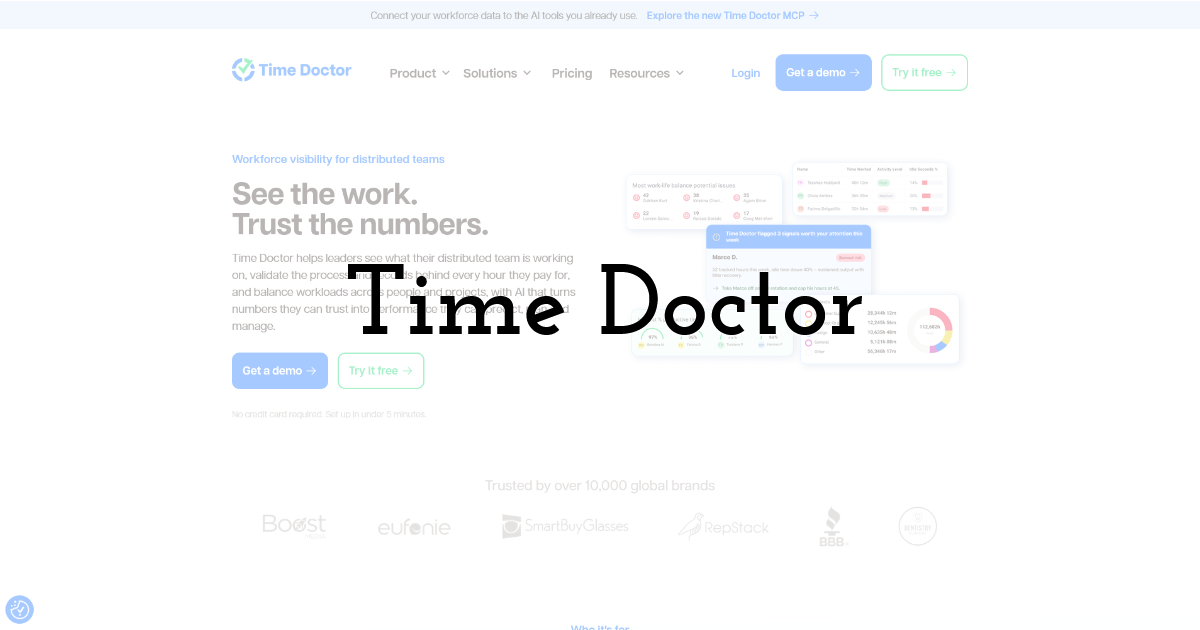
Time Doctor is a good fit if you want a broad set of monitoring and workforce management tools in one platform. It covers automatic time tracking, projects and tasks, screenshots, and online and offline tracking.
You also get app and website usage, attendance, schedules, payroll, productivity ratings, and reporting.
Pricing is billed annually. Basic starts at $6.67 per user each month, Standard costs $11.67, and Premium costs $16.70.
The Premium plan adds more advanced features, including:
- • Benchmarks AI
- • Unusual activity reporting
- • Video screen recording
- • Software cost insights
- • Executive reporting
- • SSO and API access
One useful point is that Time Doctor works around tracked work time. Depending on your setup, you can track task time, activity levels, screenshots, websites, and apps during those hours. This helps keep your monitoring focused on work time.
5. ActivTrak: Best for Workforce Analytics
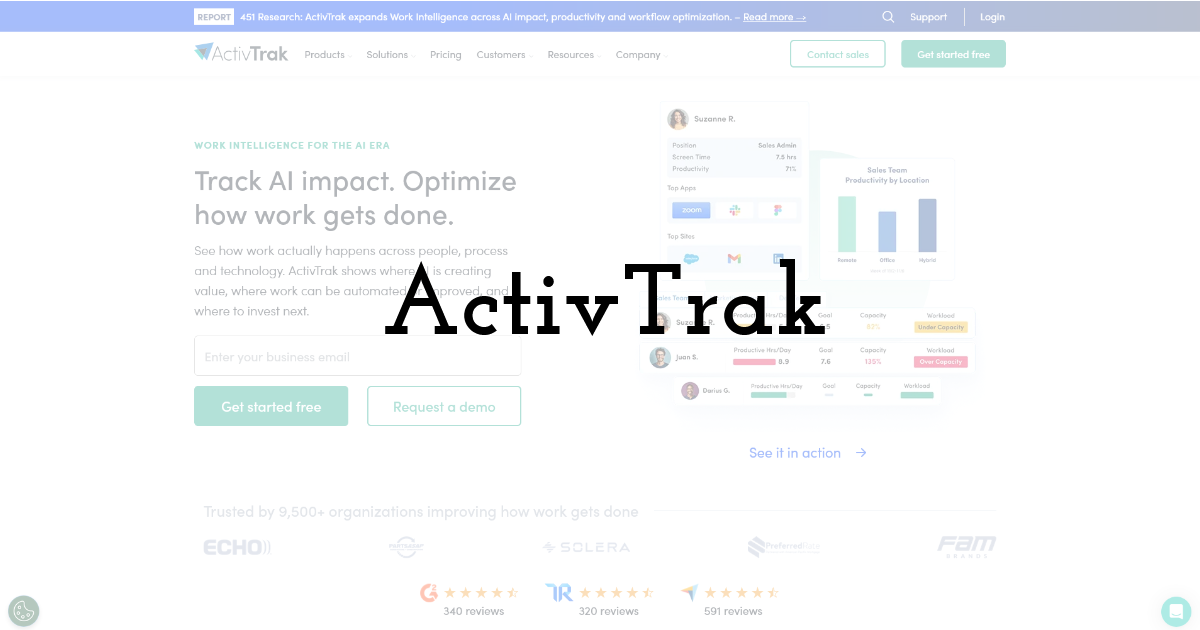
ActivTrak is more focused on workforce analytics and productivity optimization than traditional employee surveillance.
Its current plans are structured around different workforce needs. The free plan provides basic activity visibility for up to three people. Paid packages start at $10/worker/month for Work Activity Tracking, with higher tiers at $15/worker/month and $17/worker/month for workforce management and productivity optimization.
ActivTrak’s features include automatic time tracking, activity summaries, productivity trends, and real-time visibility. Its newer plan also incorporates AI capabilities into higher-level workforce management and productivity plans.
That positioning makes ActivTrak a better match for organizations interested in questions such as:
- • How are teams spending their time?
- • Where are productivity patterns changing?
- • Are workloads balanced?
- • Where can processes or staffing improve?
It is less focused on screenshots and proof-of-work monitoring and more focused on understanding workforce behavior at the team and organizational level.
6. Clockify: Best for Time Tracking With Added Management Features

Clockify is best known for time tracking. Its paid plans also add activity monitoring, scheduling, forecasting, expenses, profitability tracking, and workforce management.
The Pro plan costs $7.99 per seat each month with annual billing. It includes:
- • Activity monitoring
- • Scheduling and forecasting
- • Expenses
- • Labor cost and profit tracking
- • Budgets and alerts
- • GPS tracking
Clockify also has a free plan and several paid tiers. You get more features as you move up the pricing structure.
This makes it a good fit if you mainly need time tracking and project visibility. You can add broader management features later as your team grows.
One limit to keep in mind: some monitoring features sit behind paid plans. If you need employee monitoring, don't treat the free version as a full monitoring platform.
I changed the heading because "Best Affordable" didn't fit this tool. You can swap in "Best for Time Tracking and Project Visibility" if you want something shorter.
7. Teramind: Best for Advanced Monitoring and Security
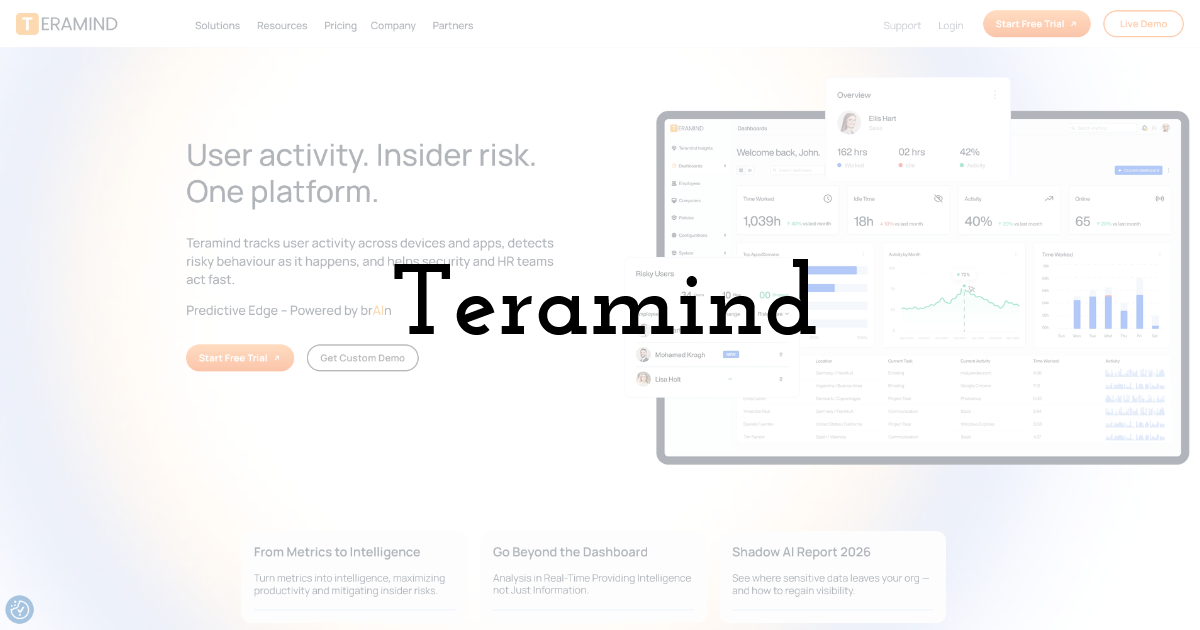
Teramind takes employee monitoring much further than basic time tracking. Its platform is designed for organizations that need detailed visibility into user activity, productivity, compliance, and security.
The Starter plan costs $14/user/month when billed monthly, with a minimum of 5 users. It includes real-time activity tracking, screen recording, app and website monitoring, and basic BI dashboards. The UAM plan adds deeper user activity monitoring, behavior rules, keystroke logging, productivity rules, and integrations.
Teramind also offers a DLP plan for organizations that need data-loss prevention capabilities, including sensitive-content detection, data redaction, and blocking controls.
That makes Teramind considerably more security-focused than tools designed primarily for time tracking and workforce management.
For a small remote team that simply wants to track hours, activity, screenshots, and projects, Teramind may offer more capability than necessary.
Frequently Asked Questions
1. What is the best remote team monitoring software in 2026?
Apploye is the best overall option for remote teams that need time tracking, screenshots, activity monitoring, projects, attendance, payroll, and invoicing on a single platform.
2. What is the best free remote team monitoring software?
Apploye offers a free plan for up to 10 users with time tracking, screenshots, limited app and URL tracking, activity analytics, timesheets, attendance, and project features.
3. Is remote team monitoring software legal?
It depends on local employment and privacy laws. Employers should provide appropriate notice, collect only necessary data, and use monitoring for legitimate business purposes.
4. What features should remote monitoring software have?
Look for time tracking, screenshots, app and URL tracking, activity analytics, attendance, reporting, project management, and privacy controls, tailored to your team's needs.
5. Is Rize an employee monitoring tool?
Rize is primarily a productivity and time-tracking platform. It does not use traditional screenshots or keystroke logging; instead, it focuses on time visibility and productivity insights.
6. How much does remote team monitoring software cost?
Pricing varies by platform and features. Apploye starts free for up to 10 users, while paid plans begin at $4.50/user/month with annual billing.
Final Thoughts:
The best remote team monitoring software gives you useful visibility without extra costs for features you don’t need. After comparing seven platforms, Apploye is the strongest choice for remote teams in 2026.
It combines time tracking, screenshots, app and URL monitoring, activity analytics, attendance, projects, payroll, and client invoicing in one platform. Its free plan for up to 10 users gives small teams an easy place to start. Paid plans add deeper monitoring and management.
The other tools fit narrower needs. Rize suits personal productivity, ActivTrak suits workforce analytics, and Teramind suits advanced monitoring and security. Hubstaff, Time Doctor, and Clockify suit specific time tracking needs. For one affordable platform covering monitoring, projects, and attendance, Apploye is the best fit.
Until next time, Be creative! - Pix'sTory
Recommended posts
-

8 Digital Marketing Tools That Survive an Honest Audit (2026)
Read More › -
Top 7 Remote Team Monitoring Software Compared in 2026
Read More › -
What Your Favorite Design Tools Can Teach You About Choosing the Right So...
Read More › -

Small Team, Big Risk: Why Every Creative Studio Needs Corporate First Aid...
Read More › -

5 Best Cloud Construction ERP Systems for Smarter Project Planning and Co...
Read More › -

Make Your Own Animations Start From an Image Template
Read More ›
